
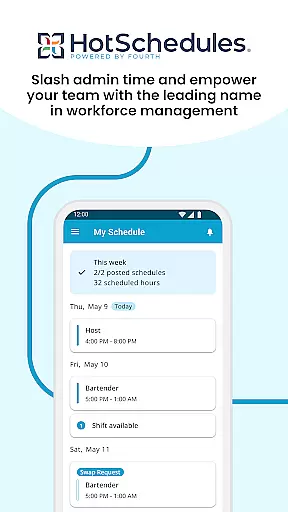
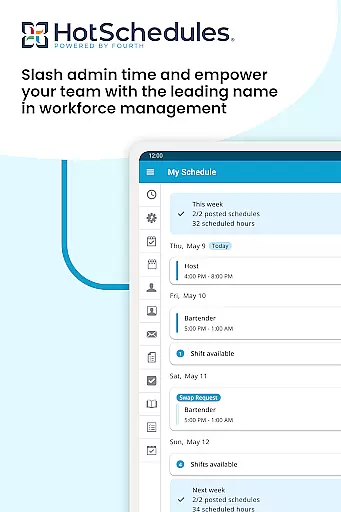
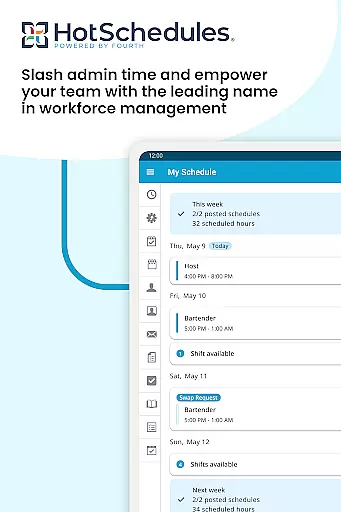
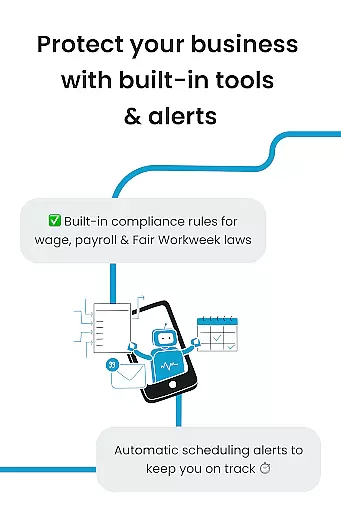
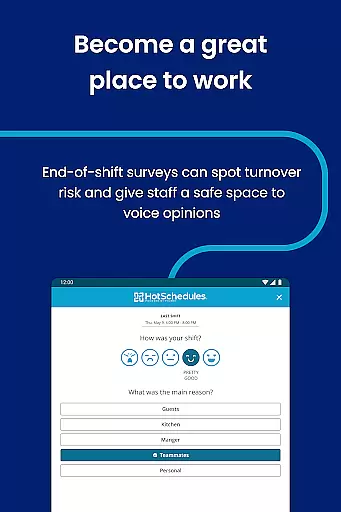
HotSchedules is a leading productivity app designed specifically for workforce management, focusing on employee scheduling and team communication. The app allows users to manage work schedules efficiently while maintaining a healthy work-life balance. With features like automatic shift pick-ups, time-off requests, and calendar sync, it ensures that both employees and managers stay updated with the latest schedule changes.
The app's one-click shift swapping and manager-approved notifications make it easy for teams to coordinate seamlessly. Managers can monitor business performance through sales and labor snapshots from anywhere, reducing time spent on scheduling by 75%. This functionality fosters a connected, productive team environment while minimizing back-office tasks.
HotSchedules is ideal for businesses in need of efficient scheduling tools, particularly in the restaurant and hospitality industries. By streamlining scheduling processes and enhancing team communication, it helps organizations maintain operational efficiency and employee satisfaction.
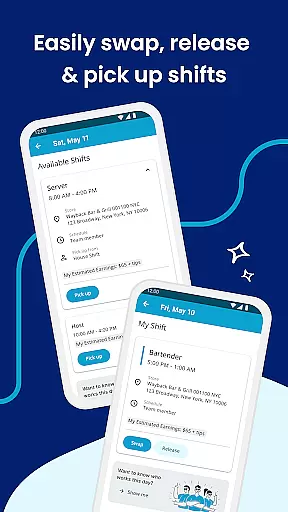
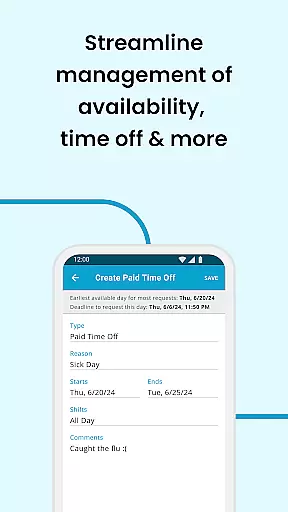
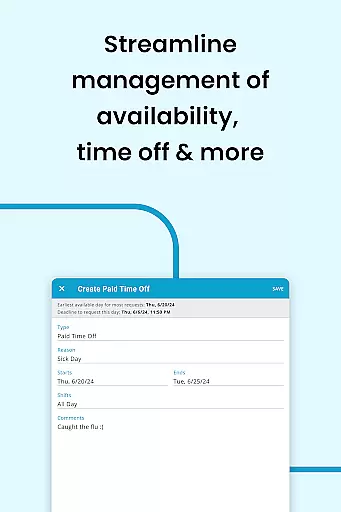
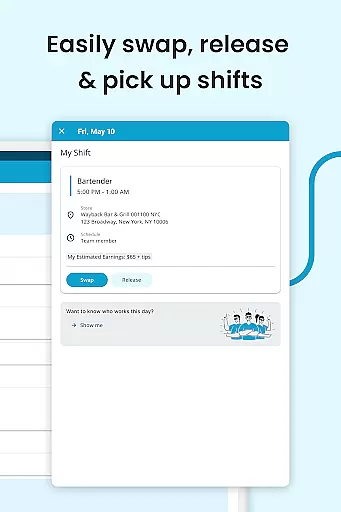
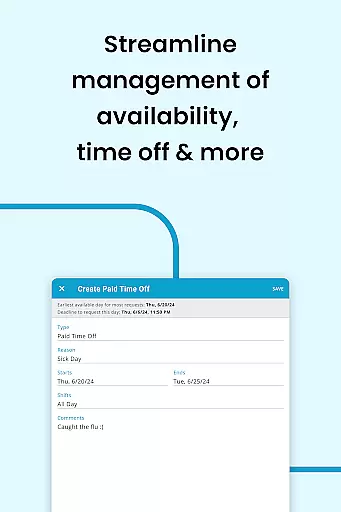
HotSchedules offers a robust set of features tailored for both employees and managers. For employees, the app provides one-click shift swapping, enabling them to easily manage their work-life balance. Automatic shift pick-ups allow workers to take on additional hours when needed, while time-off requests simplify planning personal time. Calendar integration ensures that any schedule changes are automatically synced across devices, keeping everyone informed.
For managers, HotSchedules delivers significant time savings—up to 75%—when creating staff schedules. One-click approvals for shift changes streamline administrative tasks, allowing managers to focus more on business performance. The app also includes sales and labor monitoring tools, accessible from anywhere, which help track key metrics without being tied to the office.
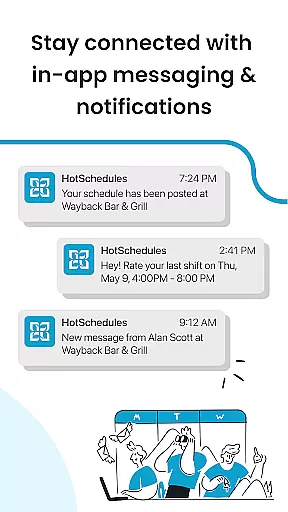
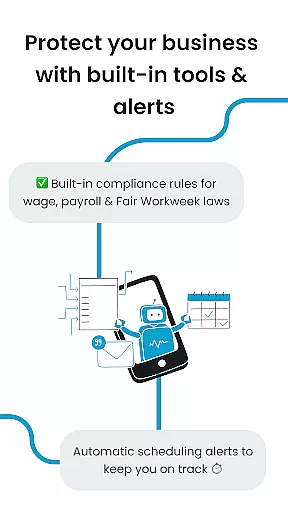
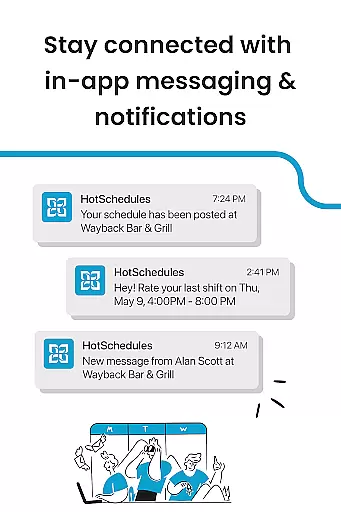
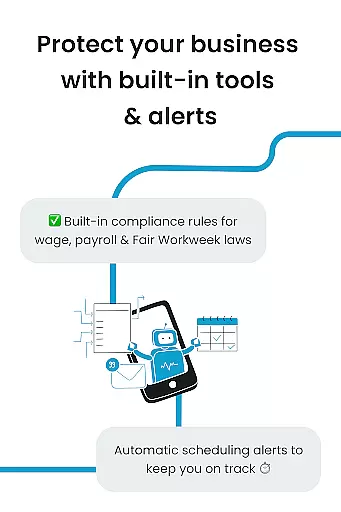
Additionally, the app supports team communication through broadcast and one-to-one messaging, fostering a collaborative work culture. These features collectively enhance productivity, ensure compliance, and improve overall team satisfaction.
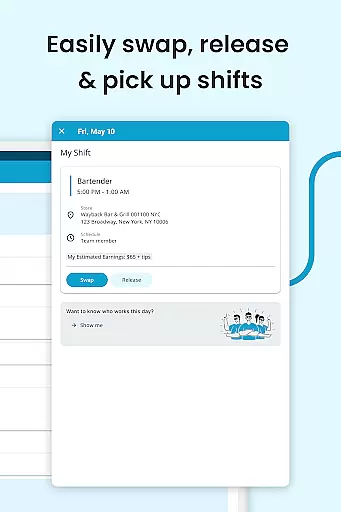
HotSchedules excels in core task management by offering a comprehensive suite of tools designed to streamline scheduling and team communication. The app allows for quick shift swaps, pickups, and releases with just one click, making it effortless for team members to manage their work-life balance.
For managers, the app provides significant time savingsu2014up to 75%u2014when building schedules, along with one-click approvals for shift changes. This ensures that managers can focus more on business performance rather than getting bogged down with administrative tasks.
The app also supports automatic shift pick-ups and time-off requests, ensuring that employees can easily align their work schedules with personal commitments. Calendar sync and notifications keep everyone updated with any manager-approved changes, enhancing overall productivity.
Cross-device synchronization is a standout feature of HotSchedules, ensuring reliable and consistent updates across all devices. Whether you're using a smartphone, tablet, or computer, the app keeps your schedule and roster automatically updated with any changes approved by your manager.
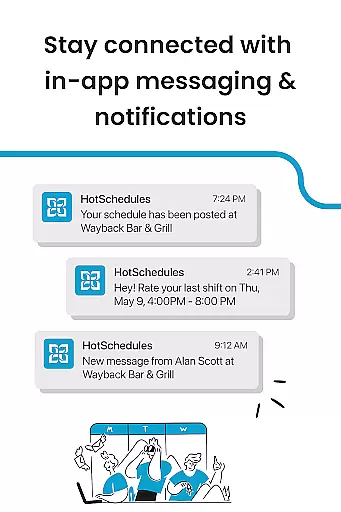
Team members benefit from real-time notifications and calendar sync, which means they are always in the loop regarding their shifts and any last-minute changes. This reliability fosters a seamless user experience, allowing employees to manage their schedules effectively without missing any important updates.
For managers, staying connected with their team is simplified through broadcast and one-to-one messaging features. These tools ensure that communication remains fluid and efficient, promoting a productive team culture. With HotSchedules, both managers and team members can trust that their data is consistently synchronized, no matter which device they use.
User-friendly interface
Efficient scheduling tools
Real-time updates
Comprehensive team communication
Performance monitoring
Requires employer account
Limited to specific industries
Dependent on manager approval
No offline functionality
Premium features may require extra cost

AI Video AI Image Private LLM AI Browser Llama Gemma Ollama Connect LLM Studio
 4.2
4.2
The long-awaited modern gallery app for your Nextcloud server
4.70
Secure, fast, open-source, Remote Desktop Client for Windows and Linux with SSH
4.60
Simple and reliable communication between inmates, friends and family
3.20
Activate Two Factor Authentication (2FA or Multi OTP), Password manager and more
4.10
Great calculator for Android named one of USA TODAY's "25 Essential Apps".
4.90
A simple Whisper AI keyboard for reliable speech transcription and rewording
4.60
Quickly and easily keep track of your work shifts
4.70
QuickEdit is a fast, stable and full featured text and code editor.
4.20
Functional QR scanner and barcode reader that requires little storage space.
4.60
Client for Nextcloud Deck
4.60
To do list widget with a notebook organizer, checklist, simple shopping list
4.60
PDF scanner & converter for files, photos, lottery, QR codes. One swipe away!
4.50
Translate text/voice/photos in 150+ languages. Offline & fast translator app.
4.50
A lightweight JSON & XML files creator, editor and viewer (Premium Version)
4.40
Professional calendar app for Google Calendar, MS Outlook & Exchange
4.20
Todo reminder
4.10
Font maker keyboard with your own handwriting
4.10
Experience and share your SolidWorks designs on your Android® phone and tablet.
2.50


User Reviews