


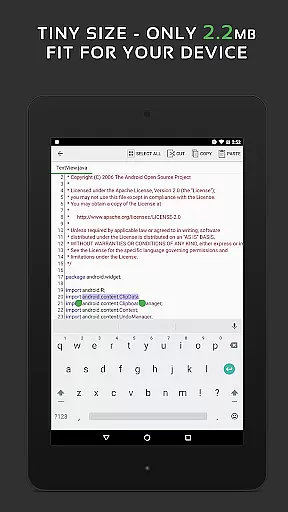
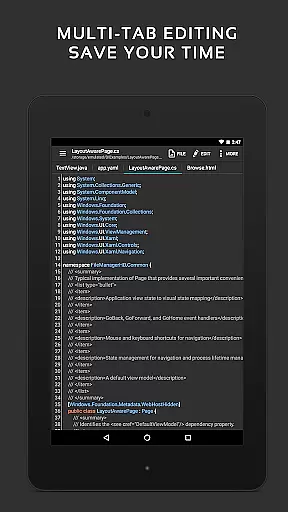
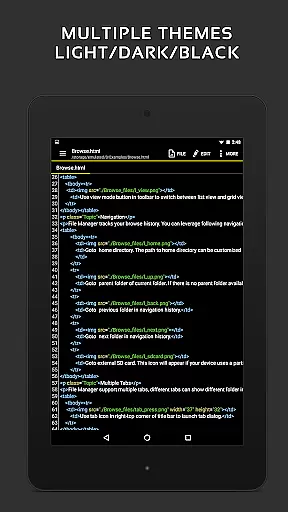
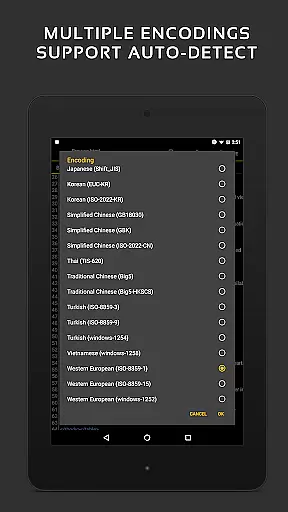
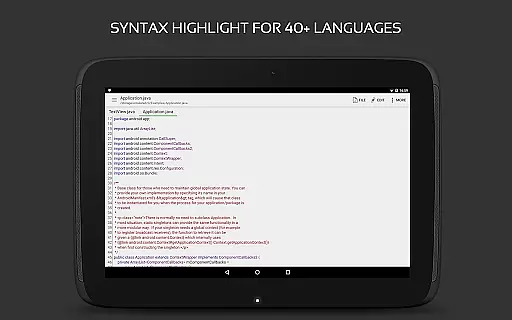
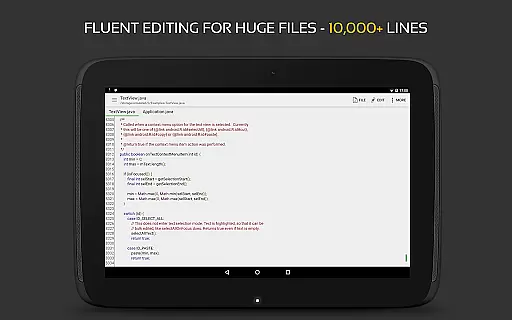
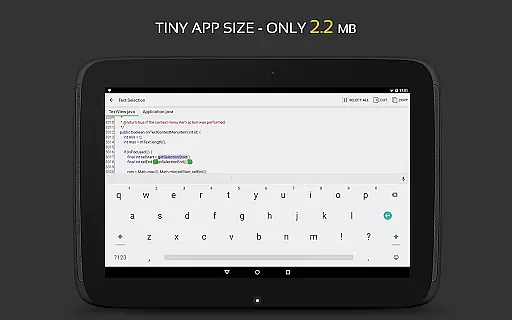
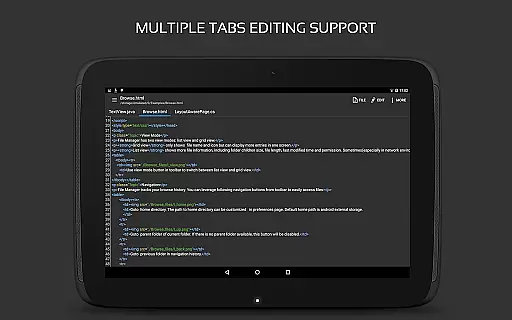
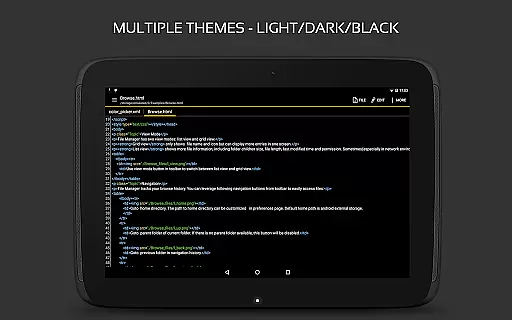
QuickEdit Text Editor Pro is a premium text editing solution designed for both casual users and programming professionals. This productivity app combines the functionality of a plain text editor with advanced code editing features, making it suitable for a wide range of tasks from note-taking to software development.
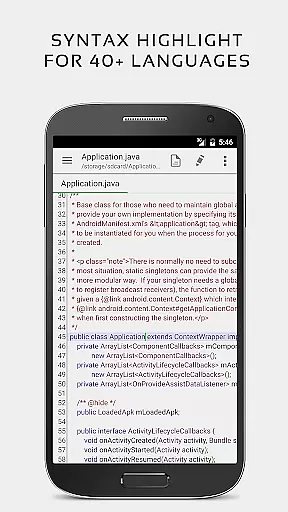
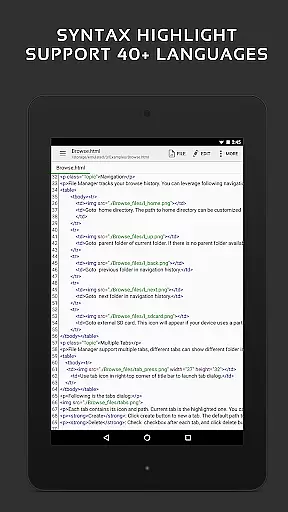
The application stands out with its support for 170+ programming languages, complete with syntax highlighting and online compilation capabilities for over 30 languages. Whether you're working on small scripts or large projects with 10,000+ lines of code, QuickEdit maintains excellent performance and responsiveness. The app also offers seamless integration with cloud services like Google Drive and Dropbox, making file management across devices effortless.
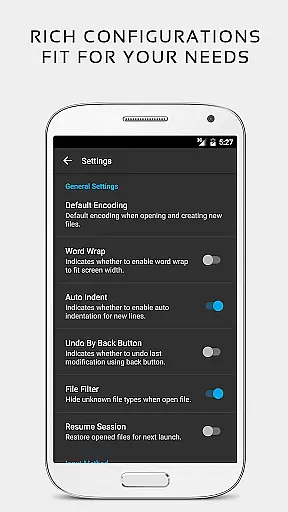
For power users, QuickEdit provides advanced features such as multi-tab navigation, line number toggling, unlimited undo/redo operations, and customizable indentation settings. Its optimization for both mobile phones and tablets ensures comfortable editing on any device, while the availability of light and dark themes caters to different working preferences and environments.
QuickEdit Text Editor Pro distinguishes itself through its comprehensive feature set tailored for both general and technical writing needs. The app's enhanced notepad functionality goes beyond basic text editing by incorporating advanced code editing capabilities. With syntax highlighting for 170+ languages and an integrated online compiler supporting over 30 programming languages, it serves as a versatile tool for developers.
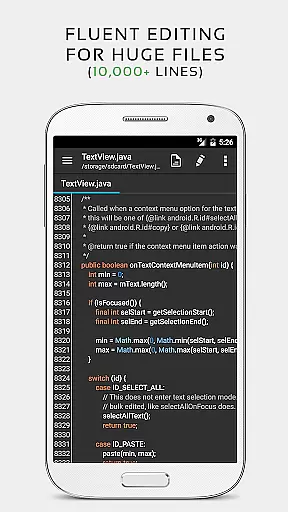
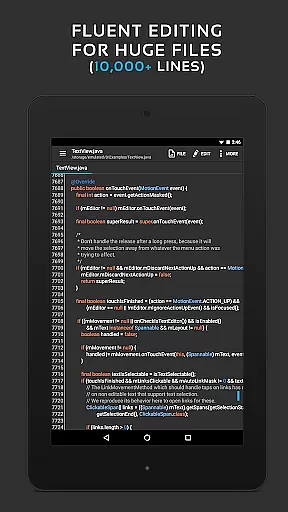
The editor demonstrates exceptional performance even with large files, maintaining smooth scrolling and quick response times. Users can efficiently manage multiple documents through tabbed navigation while utilizing helpful features like line numbering, unlimited undo/redo, and automatic indentation. The app supports physical keyboard shortcuts, enabling faster text manipulation and code editing.
Additional productivity-enhancing features include cloud service integration (Google Drive, Dropbox), root access for system file editing, and specialized tools for handling various file formats (INI, LOG, TXT). The inclusion of preview modes for HTML, CSS, AsciiDoc, and Markdown files makes it particularly valuable for web developers and technical writers who need to review their work on the go.
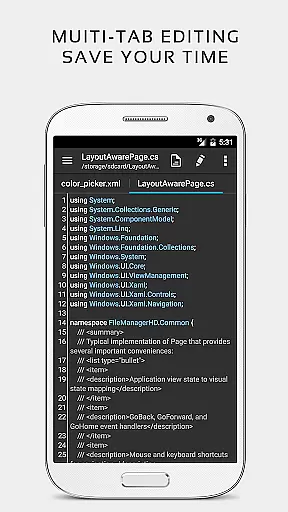
Task management is a critical aspect of productivity applications, and QuickEdit Text Editor Pro excels in this area. The app provides users with the ability to easily navigate between multiple open tabs, making it simple to manage various tasks or documents simultaneously.
QuickEdit incorporates features such as undo and redo changes without limit, which allows users to experiment with their work confidently, knowing they can always revert to a previous state. This unlimited history ensures that no productive moment is lost due to accidental changes.
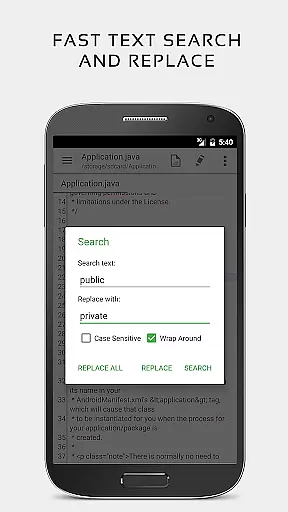
The application also supports direct targeting of any specified line number, quick search, and replace functions. These capabilities enhance the user's capacity to locate and modify content swiftly, thus streamlining workflow and increasing overall efficiency.
With its high performance even on large text files, QuickEdit ensures that speed and responsiveness are maintained. This means users can manage their tasks smoothly without experiencing lag, which is crucial for maintaining focus and productivity.
Cross-device synchronization is essential for users who work across multiple devices. QuickEdit Text Editor Pro offers reliable access to files from various cloud services like FTP, Google Drive, Dropbox, and OneDrive, ensuring that your work is available wherever you are.
This level of integration provides a seamless experience when transitioning from one device to another. Whether at home, in the office, or on the go, users can pick up right where they left off, with all their edits synced in real-time across platforms.
Moreover, QuickEdit's optimization for both phones and tablets means that regardless of the device, the app maintains consistent functionality and user experience. This consistency is key to dependable cross-device work, allowing users to remain productive without being tied to a single device.
By providing an ad-free version, QuickEdit ensures that there are no interruptions to your workflow, further enhancing the reliability of the synchronization process and allowing users to concentrate on their tasks without distraction.
Extensive language support
High-performance editing
Cloud integration
Advanced coding features
User-friendly interface
Paid version only
Steep learning curve
Complex for beginners
Limited free support
Requires technical knowledge

QuickBooks Workforce lets teams view pay info and track time in one place.
 4.70
4.70
The long-awaited modern gallery app for your Nextcloud server
4.70
Auto-shutoff Alarm with Sunrise, Sunset & Fixed Options.
3.50
Create study competitions, track your hours, and stay consistent with friends
4.5
Protect and view your important info on your phone and tablet with eWallet®
4.80
CalenGoo is a very flexible and feature-rich calendar app
4.40
A comprehensive suite of tools designed specifically for Lactation Consultants
4.1
A Pixel Art watchface inspired by other iconic 90s designs for Wear OS devices!
4.40
AT&T Internet customers can use this app to personalize their Wi-Fi network.
4.40
Native client for Forgejo and Gitea
5.00
The Pro Version of Android's tiniest Notepad app. Just 0.3MB but feature-packed!
4.60
App Lock with fingerprint, password: Lock apps & hide photos with lock screens
4.60
A simple Whisper AI keyboard for reliable speech transcription and rewording
4.60
Planet Free VPN - The best Fast Unlimited and Secure VPN Without Logs
4.50
Tally and goal counter for Wear OS & mobile
4.50
Smart PDF reader & editor to view, organize and manage PDF documents easily.
3.70
Remotely view listen control and record cameras.
3.70
ID.me Authenticator is a simple and free Two Factor Authentication solution
3.50
IP Camera Viewer - Android TV : RTSP Surveillance camera viewer for Android TV
4.2


User Reviews