
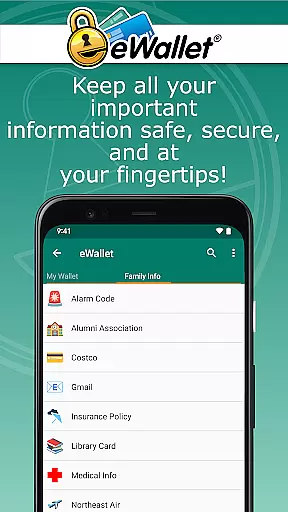
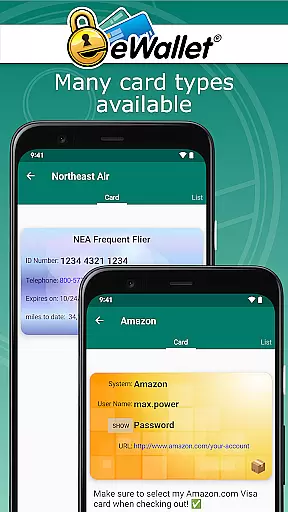
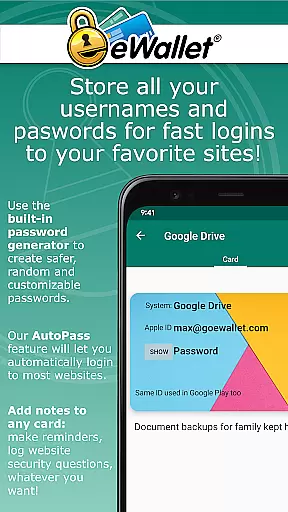
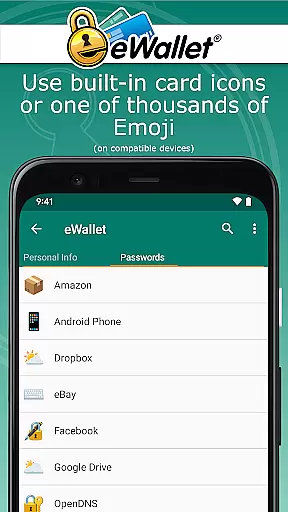
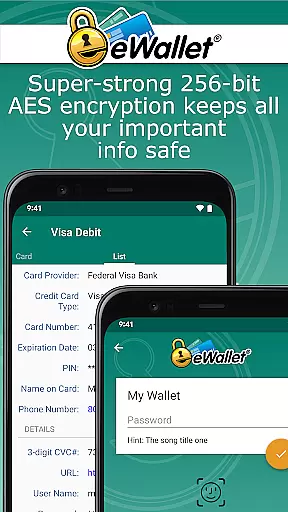
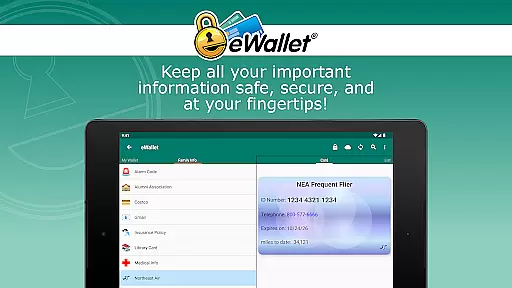
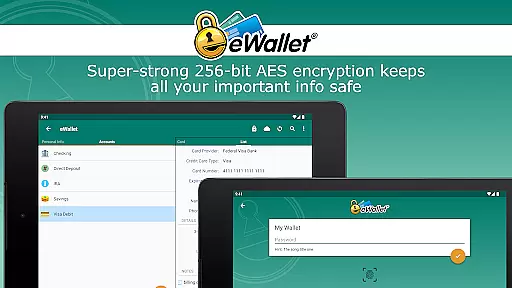
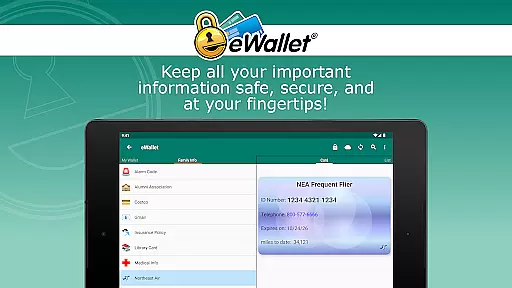
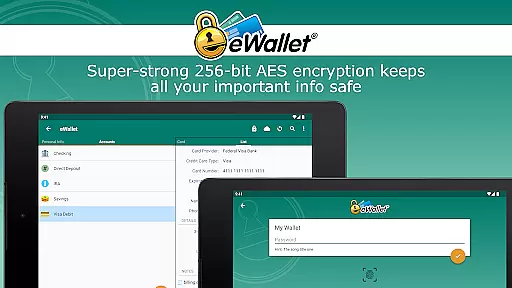
eWallet is a sophisticated password management app designed to keep your sensitive information secure while providing convenient access. This productivity tool uses military-grade 256-bit AES encryption to protect your passwords, credit card details, and personal data. Available for Android devices running OS 8 or higher, it ensures your digital life remains organized and safe.
The application stands out with its biometric authentication features, supporting fingerprint, facial recognition, and iris scanning based on device compatibility. Whether you need to store banking credentials or generate strong random passwords, eWallet provides a comprehensive solution for managing your digital security. Its seamless cloud synchronization across devices makes it an essential tool for professionals who require reliable data protection.
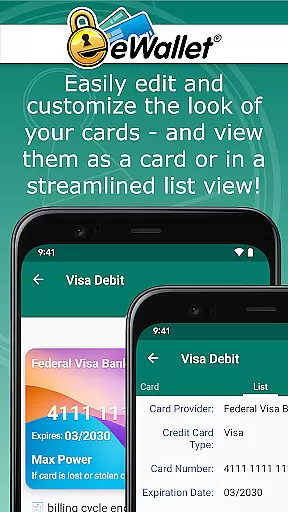
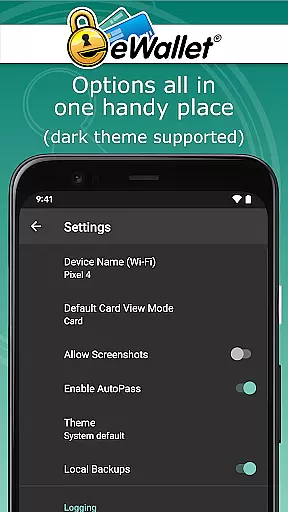
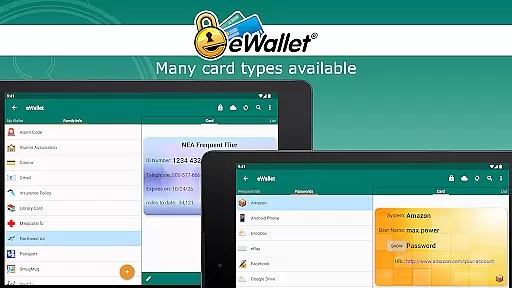
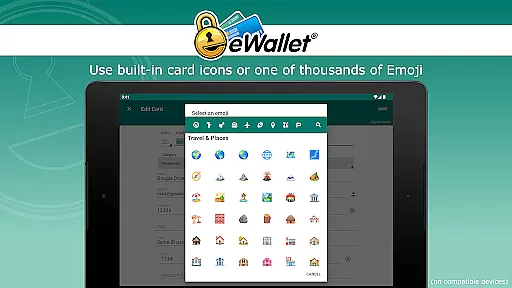
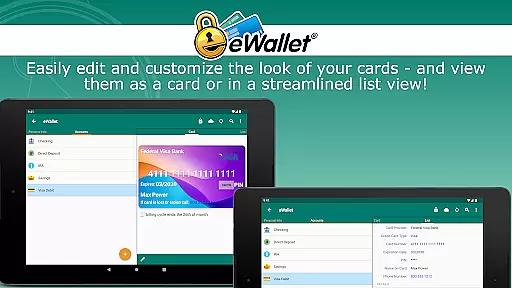
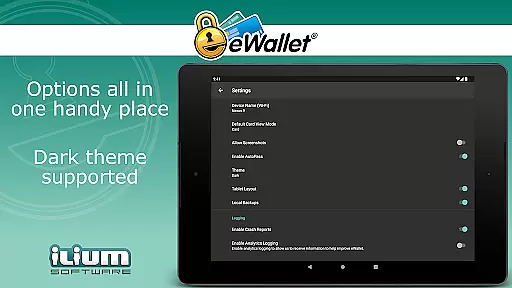
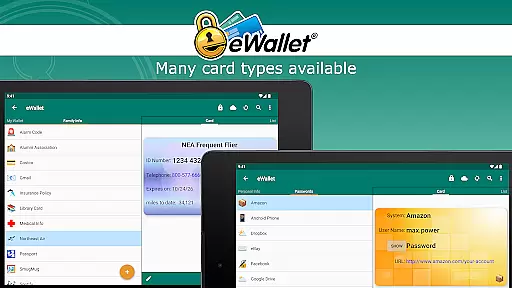
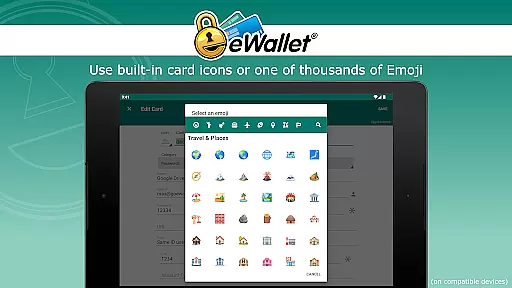
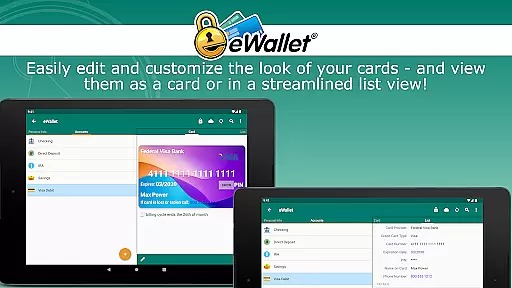
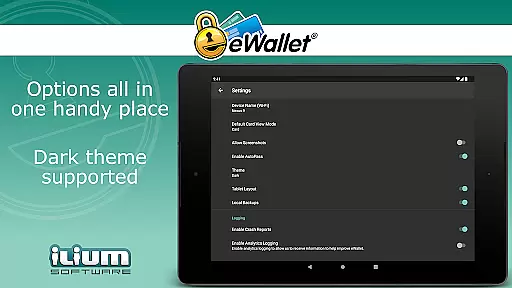
eWallet offers an impressive array of features that make it a top choice for secure password management. The app's biometric authentication capabilities allow users to access their encrypted wallets using fingerprint or facial recognition, providing both security and convenience. With support for Dark Theme and customizable card designs, users can personalize their experience while maintaining professional-grade protection.
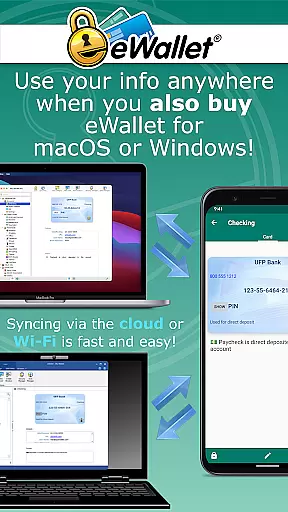
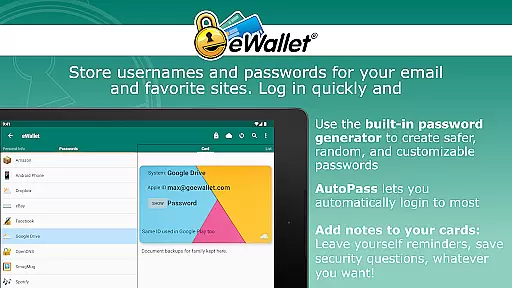
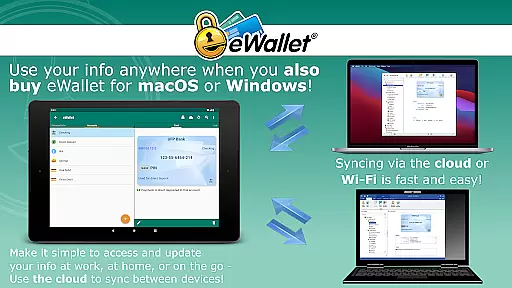
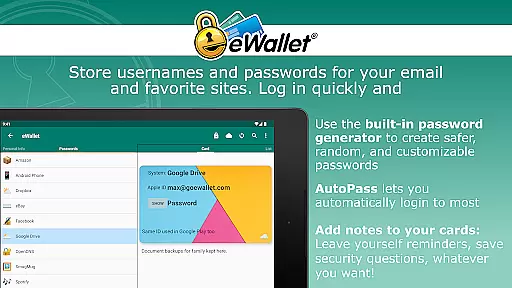
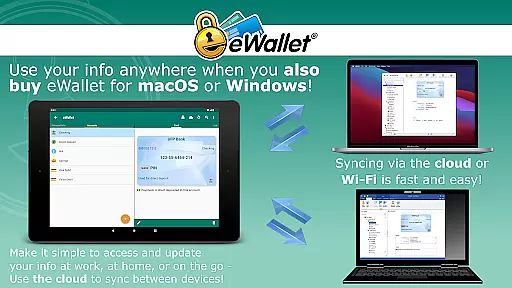
One of the key strengths of eWallet is its robust synchronization options. Users can seamlessly sync their data across multiple devices through cloud services like Dropbox, Google Drive, or Microsoft OneDrive. The app also supports local Wi-Fi synchronization with desktop versions for macOS and Windows. Additional features include an auto-locking mechanism, random password generator, and AutoPass functionality for automatic login through the built-in browser control.
In the realm of productivity, core task management is pivotal for organizing and executing tasks efficiently. eWallet excels in this area by providing users with a robust platform to manage their digital credentials and sensitive information seamlessly.
The app employs military-grade 256-bit AES encryption, ensuring that your passwords, credit cards, and personal details are stored securely. This level of security empowers users to carry their digital lives in their pockets without compromising safety.
eWallet further enhances task management through features like auto-locking and random password generation, which not only bolster security but also streamline the user's workflow by reducing the cognitive load of remembering complex passwords.
With the convenience of cloud synchronization across devices via Dropbox, Google Drive, or Microsoft OneDrive, users can maintain consistency and access their data from any location, making eWallet an indispensable tool for managing digital tasks effectively.
Cross-device synchronization is essential for maintaining productivity in today's multi-device world. eWallet addresses this need by offering reliable synchronization options that ensure your 'wallets' are consistently updated across all your devices.
Utilizing secure cloud services such as Dropbox, Google Drive, or Microsoft OneDrive, eWallet facilitates seamless data sync, allowing you to access your encrypted information on any compatible device with ease.
This synchronization extends to local Wi-Fi sync between Android devices and desktop computers when using the additional macOS or Windows version, thus providing a comprehensive solution for keeping your data current and accessible.
By prioritizing synchronization reliability, eWallet ensures that whether you're at home, in the office, or on the move, your critical information is always up-to-date and at your fingertips, enhancing both your peace of mind and productivity.
Strong encryption
Biometric login
Cloud sync
Customizable UI
Auto-lock feature
No iOS version
Paid desktop app
Complex setup
Limited free features
Device compatibility

A customizable calendar for your Wear OS watch
 4.20
4.20
Native client for Forgejo and Gitea
5.00
Direct Chat without saving contacts & Dual WA Account on Single Device
4.70
aCalendar+ makes your day, week and month
4.70
Font maker keyboard with your own handwriting
4.10
Multilingual translator for text, voice, and image translation!
4.90
Secure your apps with lock screens, use custom themes and different features.
4.40
Understand anything with a personalized AI research assistant
4.80
AT&T Internet customers can use this app to personalize their Wi-Fi network.
4.40
QuickBooks Workforce lets teams view pay info and track time in one place.
4.70
All document reader, all in one file viewer read PDF, DOCX, XLS, PPT, TXT files.
4.60
To do list widget with a notebook organizer, checklist, simple shopping list
4.60
Lightweight PDF, Word, Excel reader.
4.60
This small app MUST BE INSTALLED after purchase, else license won't work
4.40 4.20
4.20
Device's storage information in a simple and clear graphical form (infographics)
4.10
Todo reminder
4.10
Access your phone's notifications, calls, apps, photos & texts on your PC
3.90
Auto-shutoff Alarm with Sunrise, Sunset & Fixed Options.
3.50


User Reviews