
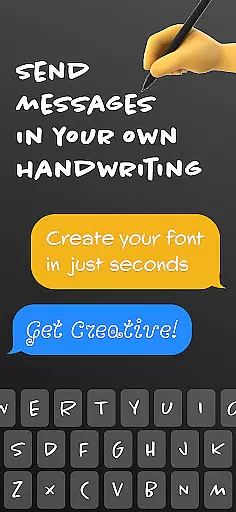
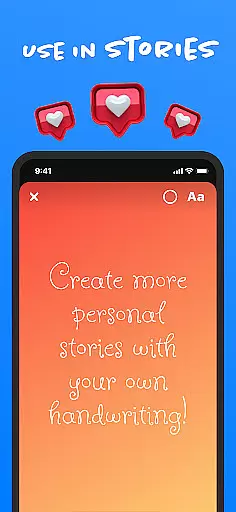
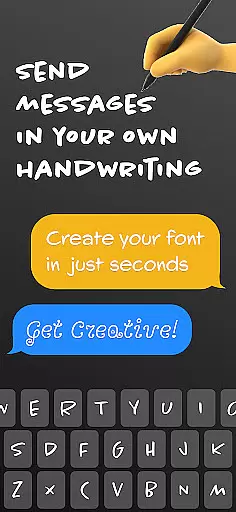
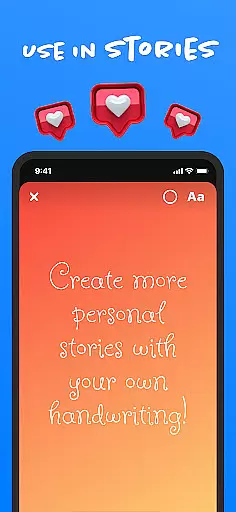
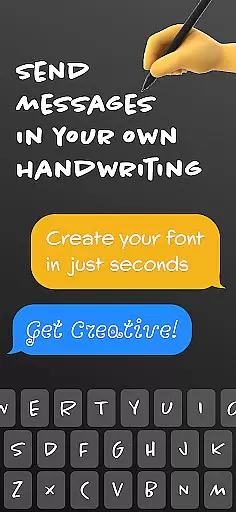
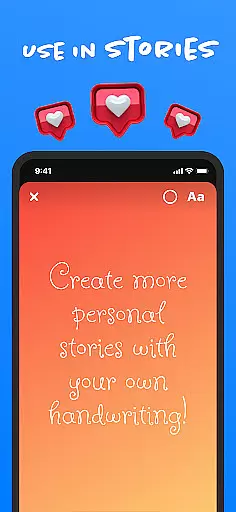
Fontmaker is a productivity app that allows users to create custom cursive and handwritten fonts for their messaging needs. With this app, you can design your own unique font styles using your personal handwriting, making your messages stand out on platforms like Messenger, Instagram, Snapchat, TikTok, and Facebook.
The app's core feature is its font creator tool, which lets you generate personalized fonts that reflect your individual style. Additionally, Fontmaker offers a font keyboard functionality, enabling you to use these custom fonts across various social media and messaging apps. This makes it an ideal tool for those looking to enhance their online presence with a personal touch.
Whether you're a social media enthusiast or someone who values personalization, Fontmaker provides a creative way to express yourself through text. By allowing you to craft your own fonts, the app ensures that your messages are not only unique but also memorable, adding a new dimension to your digital communication.
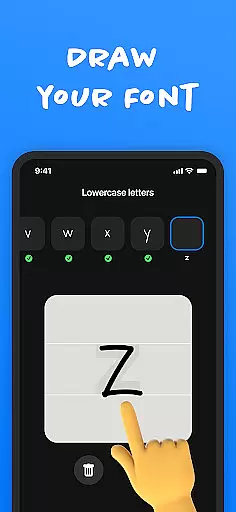
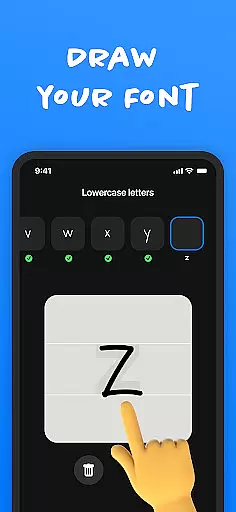
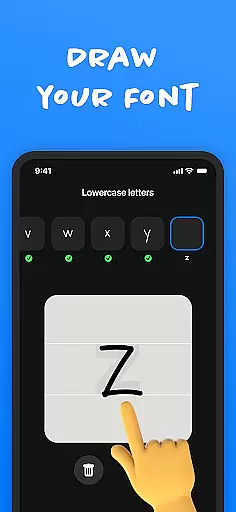
Fontmaker stands out with its innovative features tailored for creative expression. The app includes a robust font creator tool that enables users to design custom fonts based on their own handwriting. This feature is particularly useful for individuals who wish to maintain authenticity in their digital communications by using their personal handwriting style.
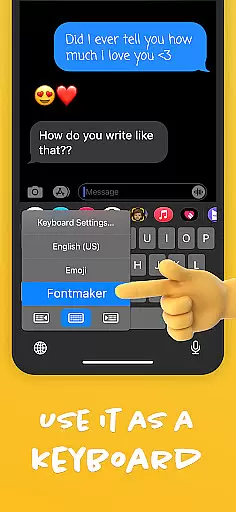
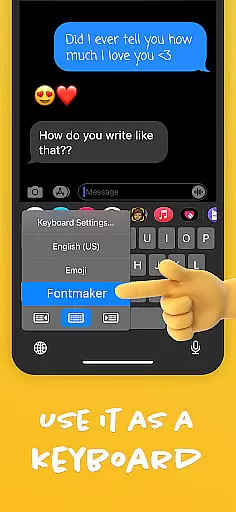
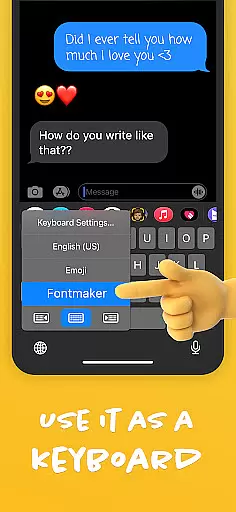
In addition to the font creator, Fontmaker offers a custom font keyboard. This keyboard integrates seamlessly with social media platforms and messaging apps, allowing users to apply their unique fonts effortlessly. The ability to switch between different custom fonts enhances the user experience, providing flexibility and variety in text customization.
Another notable feature is the app's focus on enhancing online presence. By creating and using personalized fonts, users can make their social media posts and messages more engaging. This emphasis on individuality and creativity sets Fontmaker apart from other productivity apps, making it a valuable tool for anyone looking to add a personal touch to their digital interactions.
Fontmaker revolutionizes the way users manage their text customization tasks by offering a seamless font creation system. This feature allows users to effortlessly generate unique cursive and handwritten fonts, streamlining the process of personalizing digital content across various platforms.
The app's intuitive design provides an efficient workflow for creating custom fonts. Users can easily navigate through the font creation process, from capturing their handwriting to applying it as a system-wide keyboard option. This ensures that managing your distinct text styles is straightforward and time-saving.
By integrating a personalized font keyboard, Fontmaker enables users to apply their custom fonts instantly within any application. This real-time implementation enhances productivity, allowing users to focus on expressing their individuality rather than the technical aspects of font management.
The benefit of this core task management system is evident in its ability to save time while maintaining creative control. Users can switch between different custom fonts they've created, making their social media posts and messages consistently unique without interrupting their workflow.
Fontmaker offers reliable cross-device synchronization that ensures users can access their custom fonts across multiple devices without any loss of quality or functionality. This feature guarantees that whether you're on your phone or tablet, your personalized font library remains consistent and up-to-date.
The app employs advanced cloud technology to maintain synchronization between devices. When users create new fonts or modify existing ones, these changes are automatically updated across all linked devices. This seamless integration means users won't have to worry about manually transferring their font collections.
This synchronization reliability extends to the app's keyboard functionality, allowing users to utilize their custom fonts in messaging apps regardless of which device they're using. The transition between devices is smooth, ensuring that your unique style is always present in your digital communications.
With Fontmaker's robust synchronization capabilities, users can be confident that their creative investments will follow them wherever they go. This reliability empowers users to maintain their distinctive online presence across different platforms and devices without interruption.
Customizable fonts
User-friendly interface
Seamless social media integration
Unique handwriting feature
Enhances personal branding
Limited free features
Requires manual input
Occasional bugs
Learning curve
Subscription costs

When you Focus, so will your Bean in this cozy focus timer
 4.30
4.30
The Pro Version of Android's tiniest Notepad app. Just 0.3MB but feature-packed!
4.60
Mind Map and brainstorm, note taking and idea collection
4.80
App Lock with fingerprint, password: Lock apps & hide photos with lock screens
4.60
Translate text/voice/photos in 150+ languages. Offline & fast translator app.
4.50
Experience and share your SolidWorks designs on your Android® phone and tablet.
2.50
Scientific calculator for Android - looks and operates like the real thing!
4.90
Secure your apps with lock screens, use custom themes and different features.
4.40
Intelligent AI Assistant
4.10
Native client for Forgejo and Gitea
5.00
Direct Chat without saving contacts & Dual WA Account on Single Device
4.70
A beautiful digital clock with autostart and many other functions
4.70
A simple Whisper AI keyboard for reliable speech transcription and rewording
4.60
Send files, sync SMS, notifications & clipboard across devices via local network
4.40
Professional calendar app for Google Calendar, MS Outlook & Exchange
4.20
The ultimate file manager for rooted devices. The original and still the best.
4.00
Access your phone's notifications, calls, apps, photos & texts on your PC
3.90
Find and delete junk files & block unwanted notifications & manage files
3.70
A simple, portable logger for POTA, SOTA, Field Day, and more
4.2


User Reviews