
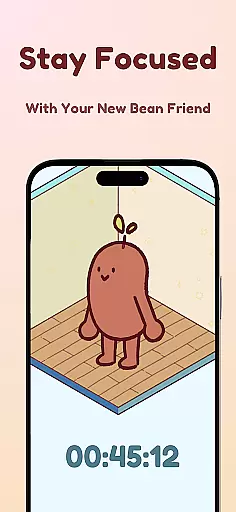
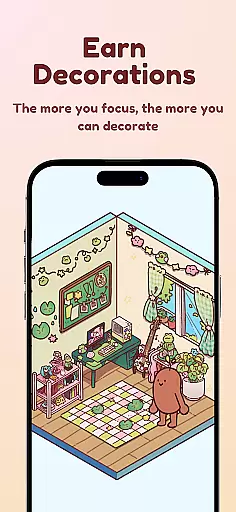
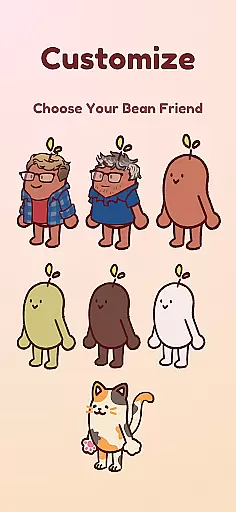
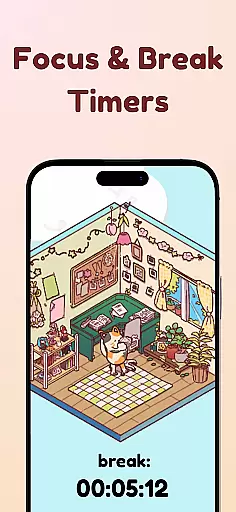
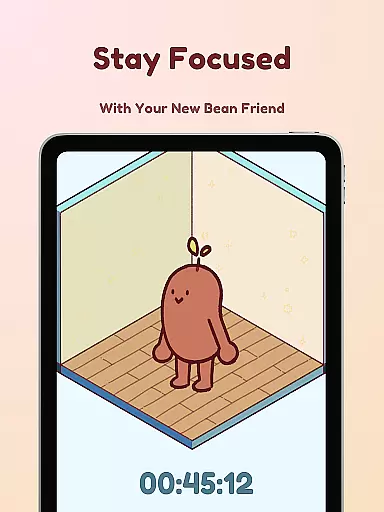
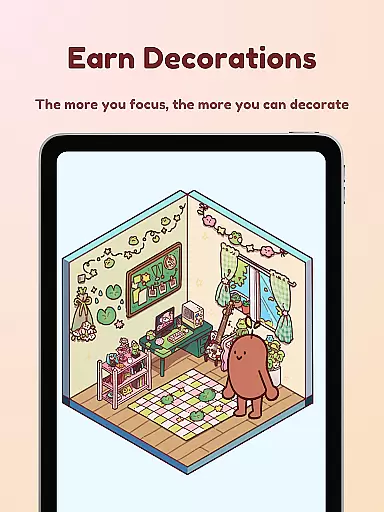
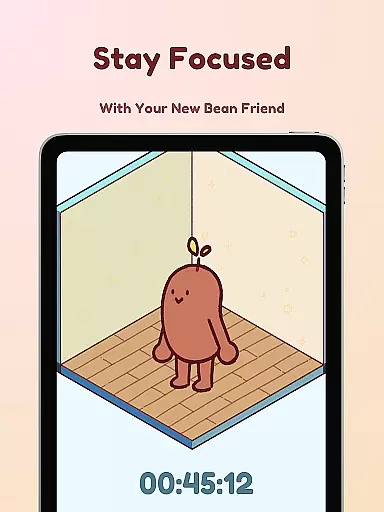
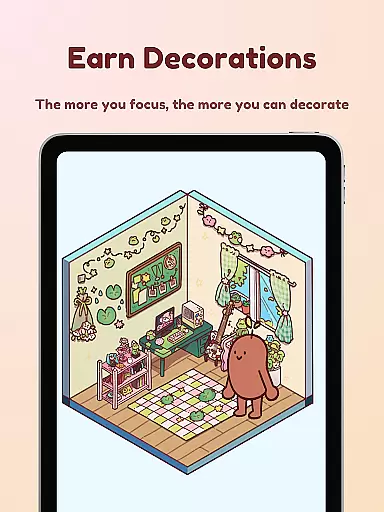
Focus Friend is a productivity app designed to help users maintain focus during work or study sessions through gamification. Developed by online educator Hank Green, this app features a unique approach where users are motivated to complete their tasks alongside a virtual Bean Friend. If the user stays focused, the Bean remains happy and rewards them with prizes for decorating its room. The app includes essential productivity tools such as live activity tracking, deep focus mode to lock distracting apps, break timers based on the Pomodoro technique, and hundreds of customization options for the Bean's environment.
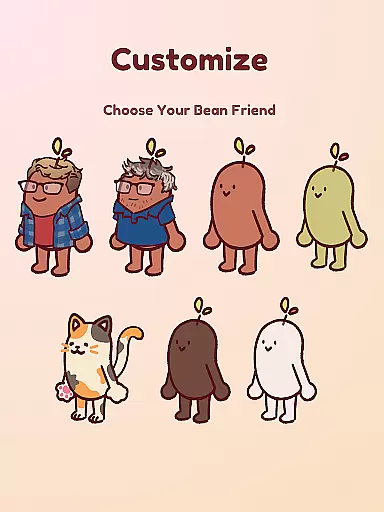
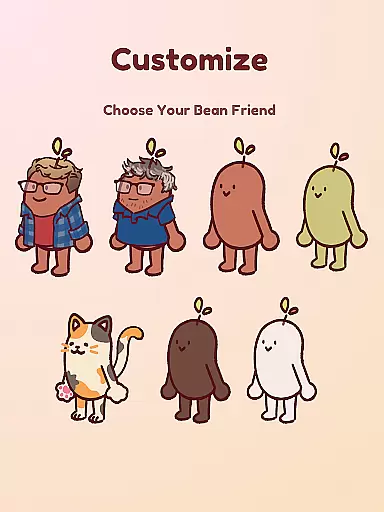
This app is particularly beneficial for students and individuals who find it challenging to concentrate for extended periods. By combining task management with engaging elements like Bean Skins (Coffee Bean, Edamame Bean, etc.), Focus Friend creates an enjoyable and effective way to build concentration habits. Its friendly interface and rewarding system make productivity feel less daunting and more fun, encouraging users to stay focused while also having a good time.
Focus Friend offers a variety of innovative features that enhance the user's productivity experience. One standout feature is the Live Activity function, which allows users to track their timer progress even when their phone is locked. This ensures continuity and keeps users informed about their session status without needing to unlock their device. Another key feature is the Deep Focus Mode, which helps eliminate distractions by locking access to apps that might interrupt the workflow. Users can customize which apps are restricted, tailoring the experience to their specific needs.
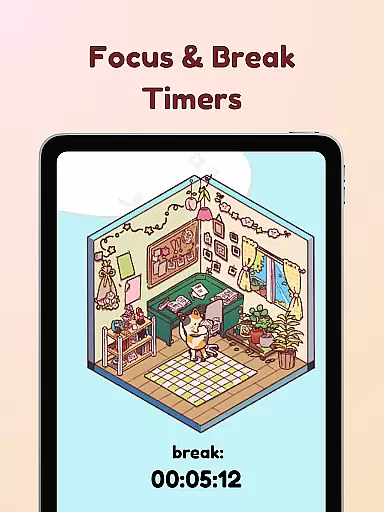
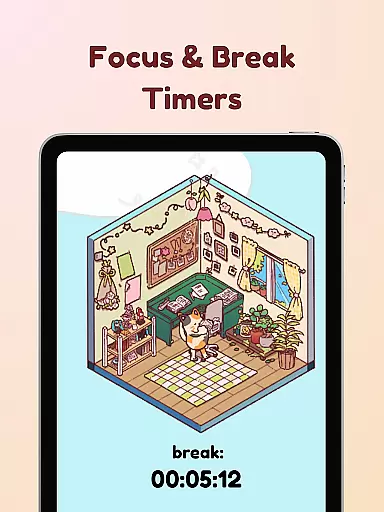
In addition to these core functionalities, Focus Friend incorporates the Pomodoro method through its Break Timers. After completing a focus session, users can take a break and use this time to decorate their Bean Friend's room with hundreds of available decorations. These include various themes and items, allowing for extensive personalization. Furthermore, the app provides multiple Bean Skins, enabling users to choose different characters like Coffee Bean, Edamame Bean, or even representations of Hank and John Green. This combination of practical tools and playful elements makes Focus Friend both functional and entertaining.
At the heart of Focus Friend lies its ability to help users manage tasks effectively through gamification. This productivity app, developed by Hank Green, turns focus sessions into a game where your virtual Bean Friend accompanies you on your journey to enhanced concentration.
The app provides features such as Live Activity, which allows users to track their timer progress even when the phone is locked, ensuring continuity and commitment to the task at hand. With Deep Focus Mode, it intelligently locks distracting apps, allowing for an uninterrupted workflow that is crucial for students and professionals alike.
By completing focus sessions, users are rewarded with prizes that can be used to decorate their Bean Friend's room, thus creating a fun and engaging environment that motivates users to stay on track with their work or studies. This reward system not only enhances productivity but also adds an element of enjoyment to the process of managing tasks.
Focus Friend ensures reliable cross-device synchronization, which means that whether you're using your phone, tablet, or any other compatible device, your focus sessions and progress are seamlessly synced. This feature is particularly beneficial for users who switch between devices throughout their day.
The app supports break timers aligned with the Pomodoro technique, enabling users to take scheduled breaks and use this time to decorate their Bean Friend's room. These breaks are essential for maintaining long-term productivity and help prevent burnout by encouraging regular intervals of rest.
With hundreds of decorations and various themes available, users can personalize their experience across all devices. The consistent state of the Bean Friend's room and earned rewards reflects the reliable synchronization that Focus Friend offers, making task management a delightful cross-platform experience.
User-friendly interface
Engaging gamification elements
Effective focus-enhancing tools
Customizable Bean Skins
Hundreds of decoration options
Limited advanced productivity features
Potential distractions from customization
Requires consistent usage for best results
No collaboration features
May not suit all productivity styles

Direct Chat without saving contacts & Dual WA Account on Single Device
 4.70
4.70
Absolutely the best CNC machinist speed and feed calculator around. fswizard.com
4.60
Remotely view listen control and record cameras.
3.70
The AI assistant that thinks with you - write, code, and solve complex tasks
4.60
Translate text/voice/photos in 150+ languages. Offline & fast translator app.
4.50
Best Tool for the professionals Electrician, Electrical contractors, etc.
4.90
This small app MUST BE INSTALLED after purchase, else license won't work
4.40
Seamlessly read, manage, and organize all your PDF files solution in one place
4.40
Put a lock on your cloud: Take the security of your data into your own hands
3.70
Scientific calculator for Android - looks and operates like the real thing!
4.90
Seamlessly integrate data and reports to build your presentation to impress
4.80
Understand anything with a personalized AI research assistant
4.80
All document reader, all in one file viewer read PDF, DOCX, XLS, PPT, TXT files.
4.60
Lightweight PDF, Word, Excel reader.
4.60
Planet Free VPN - The best Fast Unlimited and Secure VPN Without Logs
4.50
Smart PDF reader & editor to view, organize and manage PDF documents easily.
3.70
Make your handwriting beautiful, even more than pen on paper.
3.60
Experience and share your SolidWorks designs on your Android® phone and tablet.
2.50
Ads Free App! Editor, Hide File, Copy, Move, Delete and Rename.. all facility av
1.70


User Reviews