
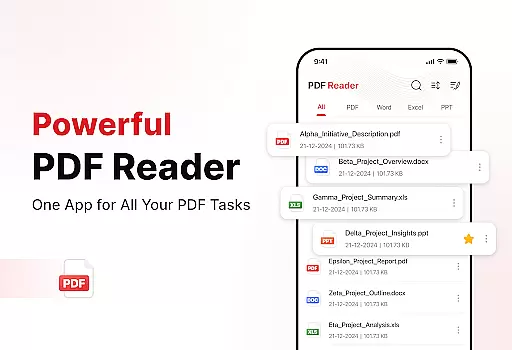
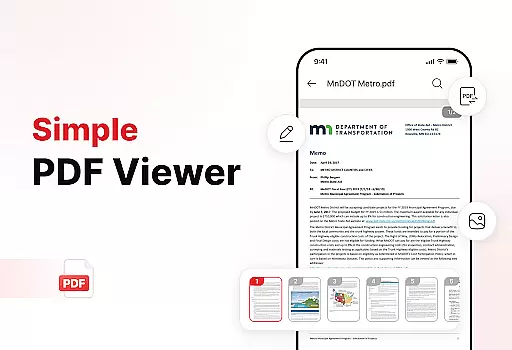
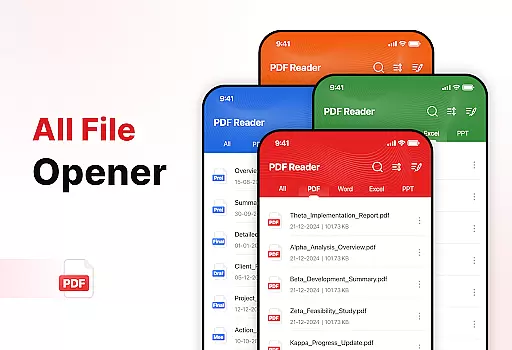
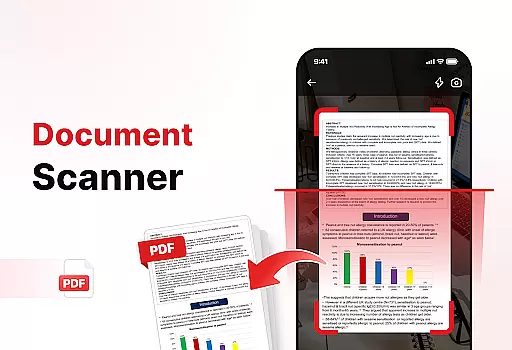
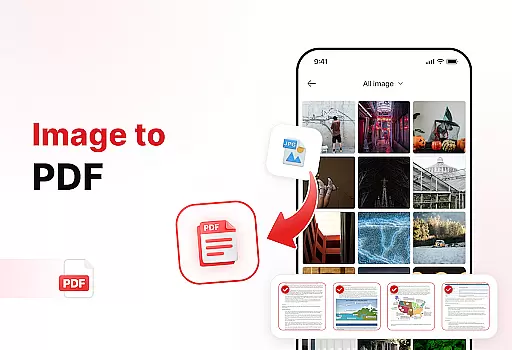
PDF Reader - Edit & View is a comprehensive document management solution designed to simplify how you handle, organize, and convert files. This productivity app allows users to seamlessly open, read, and manage PDFs of any size without lag, while also supporting multiple formats including XLS, DOCX, and PPT. The app's powerful document converter feature lets you scan physical documents and turn them into high-quality PDFs or transform images into professional PDF files with just a few taps.
Beyond basic reading capabilities, the app offers enhanced productivity tools that help users stay organized. You can sort files by name, date, or size, add signatures to PDFs, and quickly search for specific documents. Whether you're a student, professional, or anyone who frequently deals with documents, this app provides an efficient way to manage your digital paperwork. With its intuitive interface and robust features, PDF Reader - Edit & View ensures you save time while boosting overall productivity.
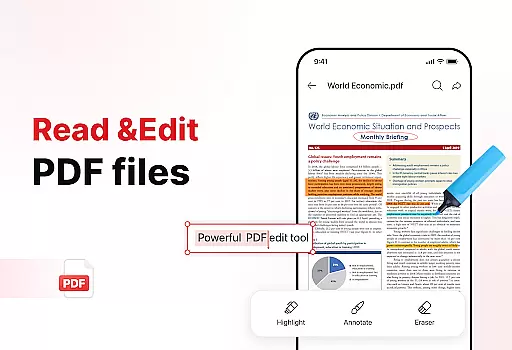
PDF Reader - Edit & View stands out with its versatile feature set tailored for document management. The app's primary strength lies in its ability to handle various file formats effortlessly. Users can open and read large PDFs without experiencing lag, navigate through documents smoothly, zoom in for details, and highlight important information. Additionally, support for multiple file types like XLS, DOCX, and PPT makes it a truly versatile tool for all document needs.
The app also includes powerful conversion tools such as Document Scan, which captures text and images from physical papers and converts them into high-quality PDFs. Another notable feature is the Image to PDF converter, allowing users to turn screenshots or graphics into professional PDFs within seconds. Enhanced productivity tools further enrich the user experience by offering advanced file sorting options, bookmarking capabilities, and effortless sharing functionalities. These features collectively ensure that users can efficiently manage their documents while maintaining a clutter-free storage system.
In the realm of productivity, managing tasks efficiently is paramount. PDF Reader - Edit & View excels in this area by offering a comprehensive suite of tools designed to streamline document handling.
At its core, the app allows users to open, read, and navigate through PDFs and other document formats with ease. The ability to zoom for details and highlight critical information ensures that users can interact with their documents in a meaningful way.
Beyond just viewing, the app provides powerful document conversion features. Users can scan physical documents and convert them into high-quality PDFs or transform images into professional PDF files. This versatility supports a wide range of workflows, making it an indispensable tool for students, professionals, and anyone who frequently deals with documents.
The true value lies in the app's ability to enhance productivity. With options to manage and organize files, sort them by various criteria, and quickly locate specific documents using the search function, users can maintain a clutter-free digital workspace. Sharing documents is also effortless, allowing for seamless collaboration with others.
For users who operate across multiple devices, reliable cross-device synchronization is crucial. PDF Reader - Edit & View addresses this need by ensuring that your documents are accessible and up-to-date, no matter where you are or which device you're using.
The app offers advanced file management capabilities, including the ability to add bookmarks for quick access to important sections of your documents. This feature is particularly useful when switching between devices, as it allows you to pick up right where you left off without having to search through the document again.
Another key aspect of the app's synchronization reliability is its support for multiple file formats. Whether you're working with XLS, DOCX, or PPT files, you can be confident that your documents will be accurately rendered and fully functional on any device.
Sharing and collaborating on documents is made simple with the app's effortless sharing feature. You can instantly send PDFs and other files to colleagues, friends, or family, knowing that they will receive the most current version. Additionally, the ability to sign PDFs directly within the app adds another layer of convenience, ensuring that important documents can be finalized and shared promptly.
User-friendly interface
Multi-format support
Powerful conversion tools
Advanced file sorting
Effortless sharing options
Limited free features
Occasional bugs
Ads in free version
Subscription cost
Large file slowdown

Experience real multitasking on your Android!
 4.00
4.00
Direct Chat without saving contacts & Dual WA Account on Single Device
4.70
Android Wallet Password Manager
4.80
Send files, sync SMS, notifications & clipboard across devices via local network
4.40
Make your handwriting beautiful, even more than pen on paper.
3.60
Code on-the-go with VScode for Android. Edit,debug and collaborate from mobile!!
3.10
Quickly and easily keep track of your work shifts
4.70
Secure your apps with lock screens, use custom themes and different features.
4.40
QuickEdit is a fast, stable and full featured text and code editor.
4.20
QuickBooks Workforce lets teams view pay info and track time in one place.
4.70
Absolutely the best CNC machinist speed and feed calculator around. fswizard.com
4.60
Lightweight PDF, Word, Excel reader.
4.60
Experience Reading - Night Mode for Documents
4.40
All in One PDF Reader: Manage, Read and Edit your Documents
4.20
Make apps & sites with natural language prompts
4.10
Wake up & get tasks done! Add alarms & reminders on the Clock Launcher.
4.00
The ultimate file manager for rooted devices. The original and still the best.
4.00
Mega cloud explorer plugin for Solid Explorer
3.80
IP Camera Viewer - Android TV : RTSP Surveillance camera viewer for Android TV
4.2


User Reviews