

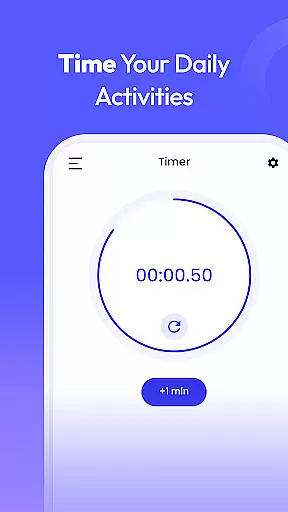
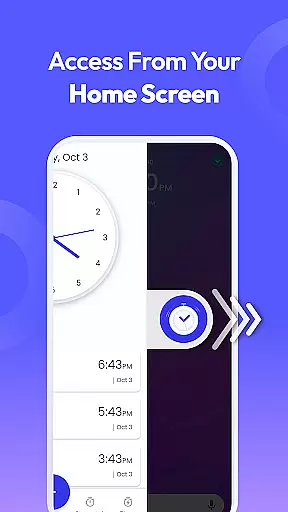
Clock Launcher is a productivity-focused application that combines an alarm clock with essential time management tools. The app provides instant access to alarms, timers, reminders, and world clocks through a simple swipe from the home screen. Its launcher functionality transforms your device's interface, offering one-touch access to crucial features like setting alarms or checking international times.
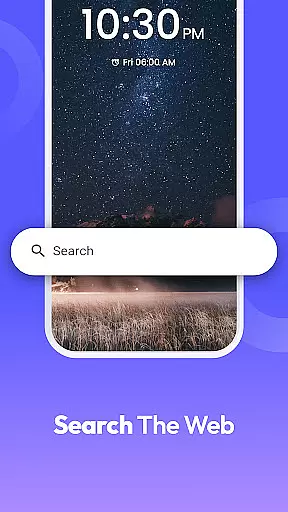
What sets Clock Launcher apart is its integration of widgets and shortcuts directly on the home screen. Users can view the time, weather, and other important information without opening the app. Additionally, it offers customization options such as clock-themed wallpapers and multi-touchpoint search capabilities for apps and web searches powered by Yahoo. These features make it ideal for users who need quick access to time-related functions while staying organized throughout the day.
This app is particularly useful for frequent travelers, professionals managing international meetings, and individuals seeking to optimize their daily routines. With its intuitive design and practical tools, Clock Launcher ensures users stay punctual, efficient, and prepared in both personal and professional settings.
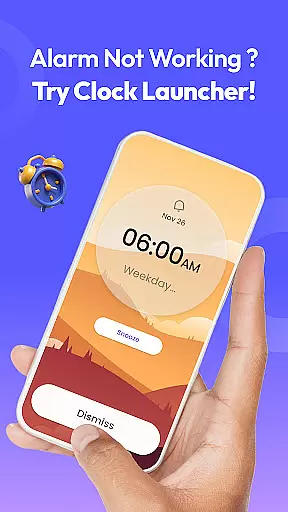
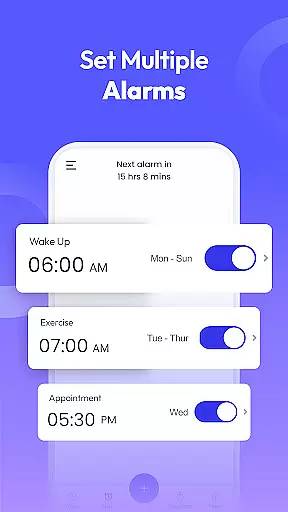
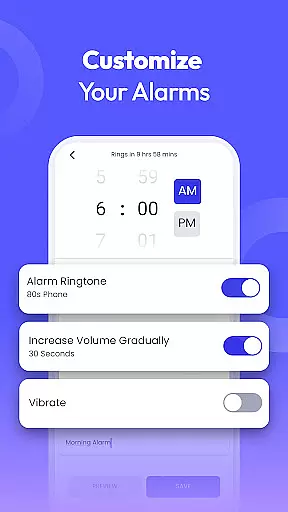
Clock Launcher stands out due to its comprehensive suite of time management tools. The app includes a customizable alarm clock that allows users to set daily or weekly alarms, choose tones, and adjust snooze durations. This feature is especially beneficial for heavy sleepers or those needing reminders for tasks like taking breaks or completing chores. Furthermore, the ability to repeat alarms on specific days helps maintain consistency in daily schedules.
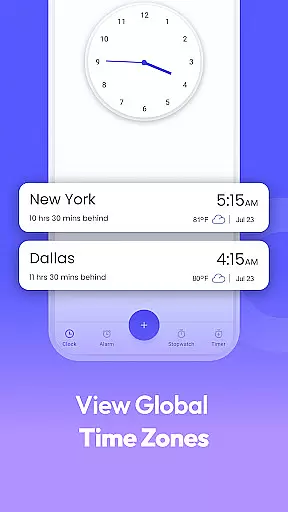
In addition to the alarm functionality, Clock Launcher offers a world clock feature for tracking time across different cities, making it invaluable for travelers and professionals involved in global communications. The app also includes timers and stopwatches, which are perfect for cooking, workouts, or monitoring tasks with precision. Reminders ensure users never miss appointments or deadlines, whether related to travel, work, or personal events.
The launcher aspect enhances accessibility by integrating these tools into the home screen experience. With widgets displaying real-time data such as weather updates and shortcuts to frequently used functions, Clock Launcher minimizes navigation steps and maximizes efficiency. These thoughtful design elements cater to users looking for seamless interaction with their productivity tools.
At the heart of Clock Launcher lies its robust core task management system, designed to streamline your daily routine. This feature allows users to effortlessly set alarms, reminders, and timers, ensuring that they stay on schedule and organized throughout their day.
The app's intuitive interface makes it simple to manage time-sensitive tasks. Whether you need to wake up at a specific time, remember an important meeting, or cook a meal without losing track of time, Clock Launcher has got you covered. Its seamless integration into the home screen provides instant access to these essential tools with just a swipe.
Users benefit from the personalized options available within the task management suite. Customize alarms with different tones, snooze durations, and repetition settings tailored to fit individual lifestyles. The ability to set international times and track differences across cities further enhances productivity for travelers and professionals with global commitments.
Clock Launcher excels in cross-device synchronization reliability, ensuring that all your time management data remains consistent across various devices. This means whether you're using your phone, tablet, or any other compatible device, your alarms, timers, and reminders will be accurately synced and up-to-date.
The synchronization process is seamless and automatic, eliminating the need for manual updates. As you make changes on one device, such as setting a new alarm or adjusting an existing timer, those modifications are instantly reflected on all linked devices. This ensures continuity and reliability no matter which device you choose to use at any given moment.
This feature significantly enhances user convenience by providing peace of mind that their scheduling information is always current and accessible. Whether transitioning from home to work or traveling internationally, users can trust Clock Launcher to keep them punctual and prepared, enhancing overall productivity through dependable cross-device support.
User-friendly interface
Comprehensive time tools
Customizable home screen
Efficient multitasking
Global time tracking
Home screen layout changes
Limited widget options
No advanced analytics
Basic theme selection
Dependent on Yahoo search

QuickBooks Workforce lets teams view pay info and track time in one place.
 4.70
4.70
Auto-shutoff Alarm with Sunrise, Sunset & Fixed Options.
3.50
Direct Chat without saving contacts & Dual WA Account on Single Device
4.70
A simple, portable logger for POTA, SOTA, Field Day, and more
4.0
Font maker keyboard with your own handwriting
4.10
Activate Two Factor Authentication (2FA or Multi OTP), Password manager and more
4.10
Functional QR scanner and barcode reader that requires little storage space.
4.60
Calendar 2023 widget for Android. Appointment scheduler, planner, and reminder
4.60
Quickly and easily keep track of your work shifts
4.70
Understand anything with a personalized AI research assistant
4.80
Secure, fast, open-source, VNC and SSH Remote Desktop for Windows, Linux and Mac
4.70
Scan paperwork into PDF/JPG, generate your own e-signature and send fax or email
4.70
Secure, fast, open-source, Remote Desktop Client for Windows and Linux with SSH
4.60
Planet Free VPN - The best Fast Unlimited and Secure VPN Without Logs
4.50
Enjoy classic gameplay with customizable features and retro-style graphics.
4.30
Easily read and manage all your PDF files
4.10
Cloud storage, automatic phone backup, and more.
4.10
Unlock AutoNotification
4.00
Code on-the-go with VScode for Android. Edit,debug and collaborate from mobile!!
3.10


User Reviews