
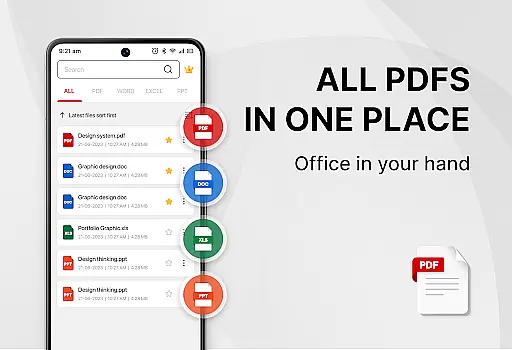
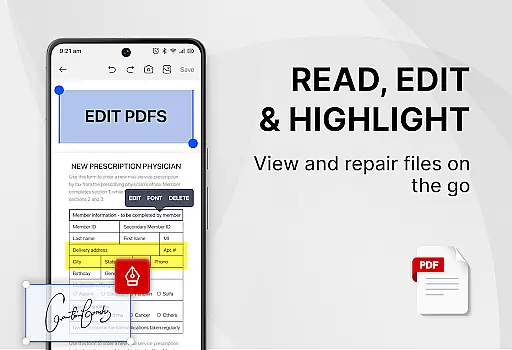
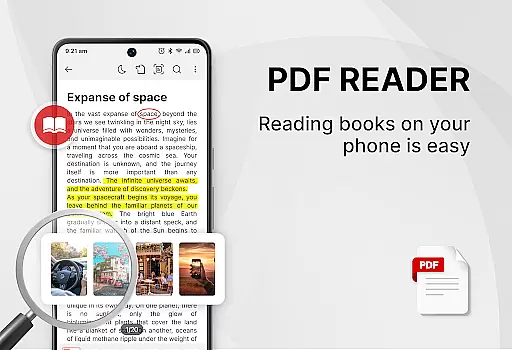
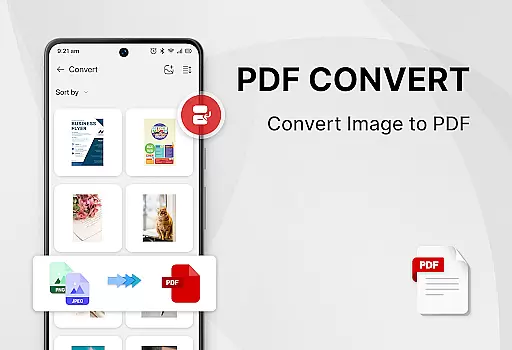
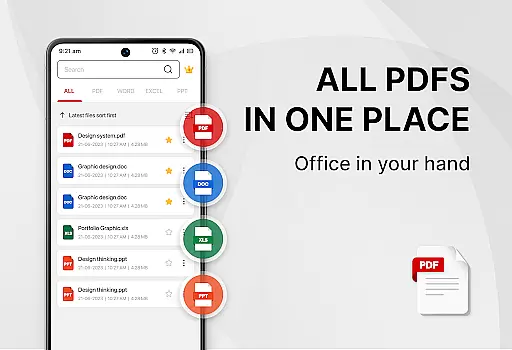
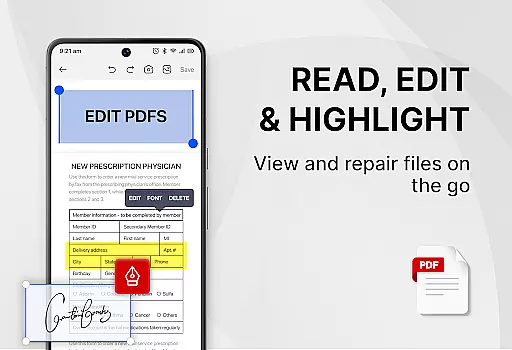
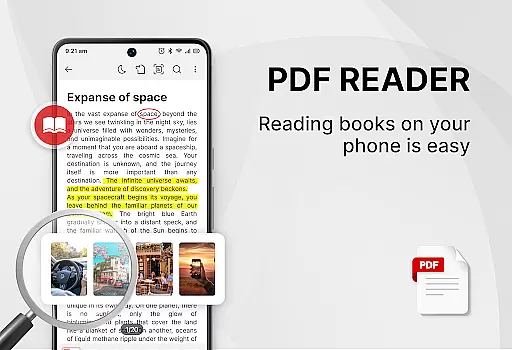
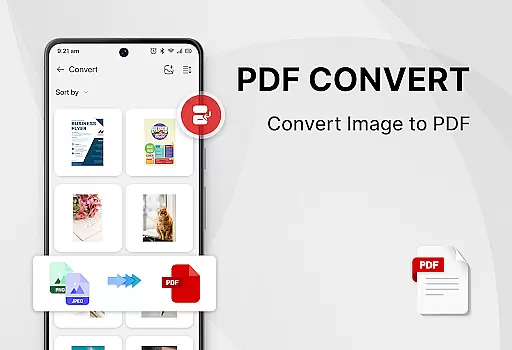
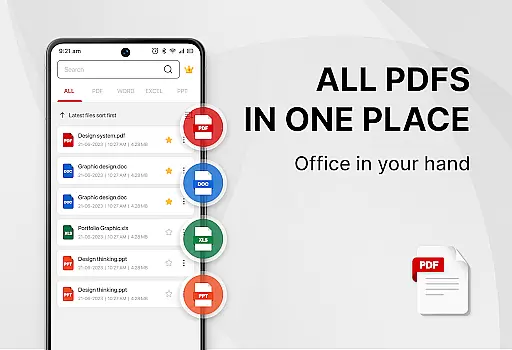
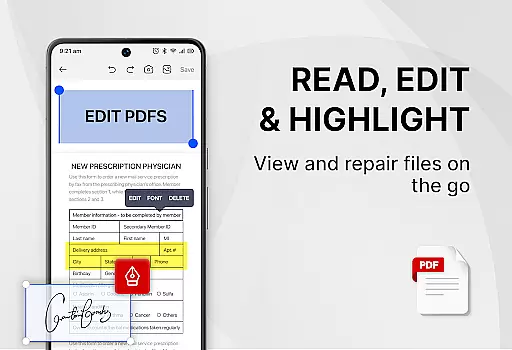
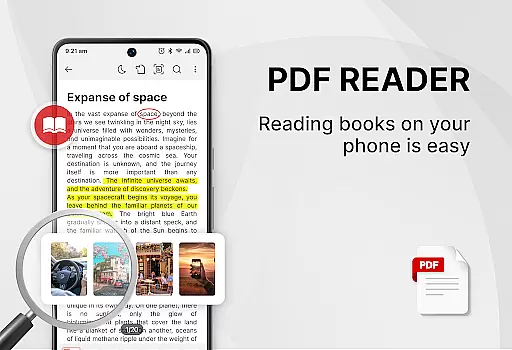
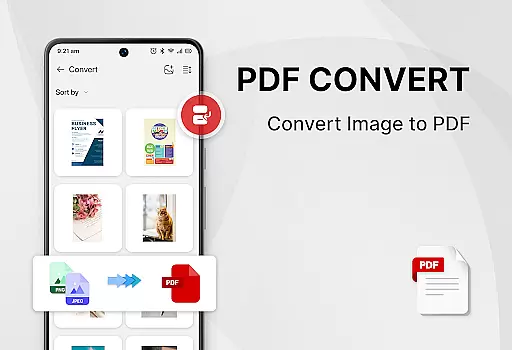
PDF Reader - Smart PDF Viewer is a comprehensive productivity app designed for Android users who need an all-in-one solution for managing and reading various document formats. This free app allows you to effortlessly handle PDF files, including reading, sharing, and organizing them.
Beyond basic PDF functionalities, the app supports advanced features such as adding e-signatures, converting PDFs to images, merging and splitting PDFs, and even scanning paper documents to create PDFs. With its user-friendly interface, it caters to both personal and professional needs, enhancing work or study efficiency.
Whether you're a student needing an efficient way to manage lecture notes or a professional requiring robust tools for document management, this app provides a seamless experience across different document types, making it an essential tool for anyone looking to streamline their digital workflow.
The PDF Reader - Smart PDF Viewer stands out with its extensive range of features tailored to enhance document management. It supports multiple document formats including PDF, Word, Excel, and PPT, allowing users to search and manage files easily.
One of the key highlights is its powerful PDF tools. Users can add e-signatures, convert images or scanned documents to PDF, merge and split PDF files, and set passwords for document protection. The app also offers convenient functionalities like switching between light and dark modes and viewing recently opened files in a simple list format.
These features collectively ensure that users have a versatile tool at their disposal, capable of handling various document-related tasks efficiently and securely, thus improving overall productivity.
Effective task management is essential for productivity applications, serving as the backbone for organizing and executing tasks efficiently. PDF Reader - Smart PDF Viewer integrates core task management features that allow users to handle their documents with precision.
This app provides an all-in-one solution for managing PDFs and other document formats, enabling users to read, edit, and organize files effortlessly. With functionalities such as smart search, recent file listings, and easy sharing options, it ensures that users can quickly access and distribute their documents.
Users benefit from enhanced control over their workflow, thanks to features like merging and splitting PDFs, adding e-signatures, and setting passwords for document protection. These capabilities contribute to a seamless experience that supports both personal and professional document management needs.
The true value of this application lies in its comprehensive approach to task management within a document-centric environment, empowering users to maintain an organized digital workspace while improving overall efficiency.
Cross-device synchronization is a pivotal feature for users who operate across multiple devices, ensuring that their data remains consistent and up-to-date regardless of the access point. PDF Reader - Smart PDF Viewer excels in providing reliable synchronization that enhances user engagement.
By securing the MANAGE_EXTERNAL_STORAGE permission, the app guarantees that all your documents are accurately located, accessed, and edited on any device. This means you can start working on one device and continue on another without missing a beat, streamlining your document handling process.
The synchronization feature extends beyond mere file access; it encompasses maintaining document states, such as recent edits or annotations, ensuring that every change is reflected across devices. This reliability fosters a cohesive ecosystem where productivity is not hindered by device switching.
Ultimately, the robust cross-device synchronization offered by PDF Reader - Smart PDF Viewer represents a significant advancement in maintaining workflow continuity, making it an indispensable tool for those seeking efficient document management solutions.
User-friendly interface
Free to use
Comprehensive PDF tools
Supports multiple formats
Efficient file management
Requires storage permission
Limited offline support
Ads may appear
Occasional bugs
Advanced features locked

Secure, fast, open-source, VNC and SSH Remote Desktop for Windows, Linux and Mac
 4.70
4.70
AI Video AI Image Private LLM AI Browser Llama Gemma Ollama Connect LLM Studio
4.1
Native client for Forgejo and Gitea
5.00
Send files, sync SMS, notifications & clipboard across devices via local network
4.40
The upgraded version of Name Wheel with AI and the power to add your own wheels.
4.0
Create and edit presentations with Google Slides, part of Google Workspace.
4.00
Access your phone's notifications, calls, apps, photos & texts on your PC
3.90
Understand anything with a personalized AI research assistant
4.80
Put a lock on your cloud: Take the security of your data into your own hands
3.70
Android Wallet Password Manager
4.80
We're working to become the best machining app on the market! www.cncdirt.com
4.80
A beautiful digital clock with autostart and many other functions
4.70
Absolutely the best CNC machinist speed and feed calculator around. fswizard.com
4.60
All in One PDF Reader: Manage, Read and Edit your Documents
4.20
Secure, open-source, SPICE and SSH Remote Desktop for QEMU KVM virtual machines
4.00
The ultimate file manager for rooted devices. The original and still the best.
4.00
Auto-shutoff Alarm with Sunrise, Sunset & Fixed Options.
3.50
ID.me Authenticator is a simple and free Two Factor Authentication solution
3.50
Easiest event planning, volunteer signups & parent teacher conference scheduling
2.20


User Reviews