
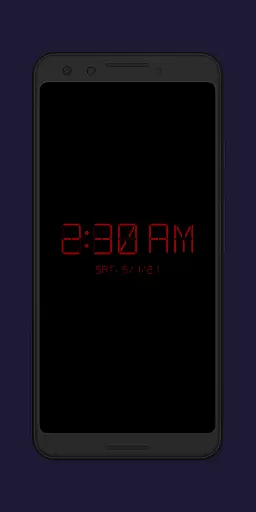
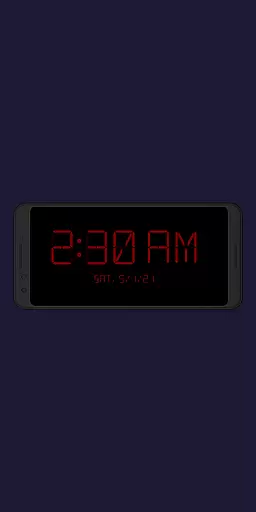
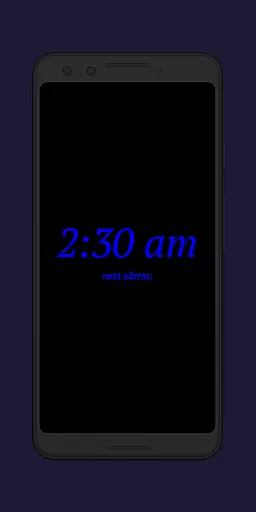
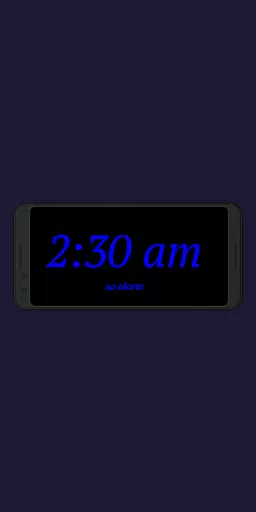
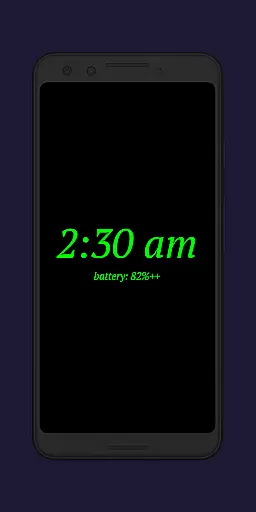
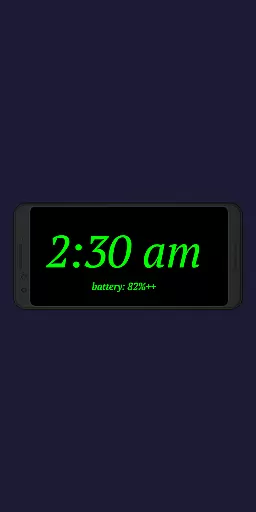
Night Clock + is a versatile digital clock app designed to serve as both a bedside night clock and a daylight mode display. The app transforms your device into a beautiful digital clock for both day and night use, offering convenience when you need to check the time after leaving your bed. With its supporter version, users gain access to all features without limitations, making it an ideal choice for those seeking a reliable and feature-rich clock app.
The app includes practical functionalities such as a built-in flashlight for nighttime convenience and customizable settings that allow automatic activation when connecting a power cord or at a preset time. Whether you want to repurpose an old device or enhance your current one, Night Clock + provides a comprehensive solution with adjustable font types, colors, brightness levels, and display sizes.
Night Clock + stands out with its extensive customization options and practical features tailored for productivity and convenience. Users can choose from four different font types and adjust font colors to their preference, ensuring optimal visibility during nighttime. The app allows free control over brightness levels and display sizes of the clock elements, providing a personalized experience.
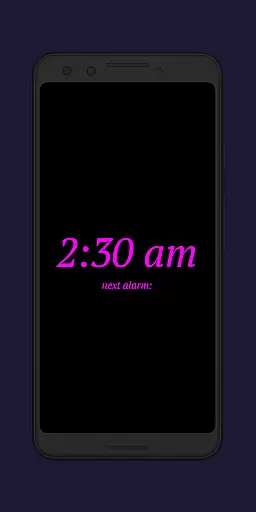
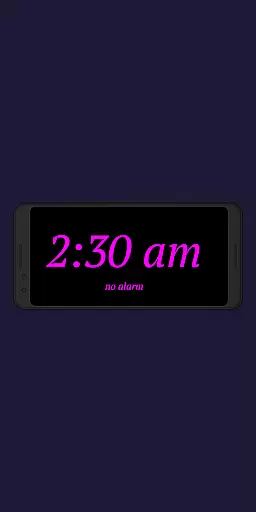
One of the key highlights is the automatic night clock functionality, which can be triggered by connecting a power cord or set to activate at specific times. Additionally, the daylight mode offers automatic brightness adjustments throughout the day. Other notable features include displaying the next alarm time from the Android system, integrated screensaver functionality where the clock moves slowly across the screen, and tracking total night clock display time in the app settings.
In the realm of productivity applications, core task management is pivotal for organizing and prioritizing daily activities. Night Clock + integrates this essential feature by offering users the ability to set and view their next alarm directly on the night clock display. This seamless incorporation into the user's routine ensures that important time-sensitive tasks are visually prominent.
The application takes task management a step further by providing automatic night clock start options. Users can configure the clock to activate upon connecting a power cord or at a preset time, aligning perfectly with their personal schedules. These automation features reduce the cognitive load on users, allowing them to focus on more critical thinking tasks.
Moreover, the app's flexibility in managing how and when the night clock operates exemplifies its sophisticated approach to task management. Whether it's through the daylight mode that adjusts brightness automatically or the integrated screensaver functionality, Night Clock + ensures that users maintain awareness of time without disrupting their workflow or sleep patterns.
Cross-device synchronization is an indispensable feature for users who operate multiple devices and require reliable performance across all platforms. While Night Clock + primarily functions as a dedicated bedside clock, its design accommodates synchronization aspects that ensure consistency and reliability between devices.
Although direct cross-device syncing isn't its main feature, Night Clock + supports this concept through its compatibility with Android systems. The app displays the next alarm time set in the Android system, effectively mirroring the useru2019s primary device settings onto the night clock interface. This creates a harmonized environment where users can trust that their alarms and alerts are uniform across devices.
Furthermore, the application's permission structure reinforces its reliability. By requesting necessary permissions such as 'Show / draw above other apps' for automatic night clock start, it guarantees uninterrupted service. This attention to detail in maintaining operational continuity underscores Night Clock +'s commitment to delivering dependable cross-device experiences.
User-friendly interface
Highly customizable settings
Automatic night mode activation
Built-in flashlight functionality
Comprehensive feature set
Requires multiple permissions
May drain battery faster
Limited appeal for non-nighttime use
Paid version necessary for full features
Complexity may overwhelm new users

Ads Free App! Editor, Hide File, Copy, Move, Delete and Rename.. all facility av
 1.70
1.70
Send files, sync SMS, notifications & clipboard across devices via local network
4.40
The upgraded version of Name Wheel with AI and the power to add your own wheels.
4.1
Protect and view your important info on your phone and tablet with eWallet®
4.80
Customizable calendar widget for seamless event sync, planning & scheduling.
4.00
Font maker keyboard with your own handwriting
4.10
Access, manage and transfer files on Android, PC, Mac, NAS and cloud storages.
4.30
Best Tool for the professionals Electrician, Electrical contractors, etc.
4.90
Okta MFA
4.70
Mind Map and brainstorm, note taking and idea collection
4.80
Simple notepad & memo. Take notes, to-do list, shopping list with reminders.
4.80
A simple Whisper AI keyboard for reliable speech transcription and rewording
4.60
To do list widget with a notebook organizer, checklist, simple shopping list
4.60
Pwnagotchi companion app
4.20
Make apps & sites with natural language prompts
4.10
Ultimate Virtual AI Character for immersive Roleplay Chat. Perfect Companion
3.90
Make your handwriting beautiful, even more than pen on paper.
3.60
ID.me Authenticator is a simple and free Two Factor Authentication solution
3.50
Simple and reliable communication between inmates, friends and family
3.20


User Reviews