
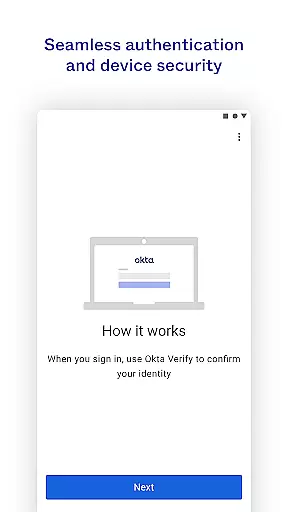
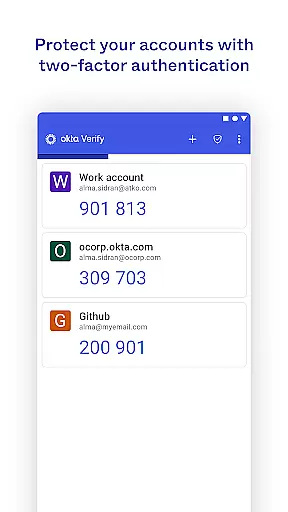
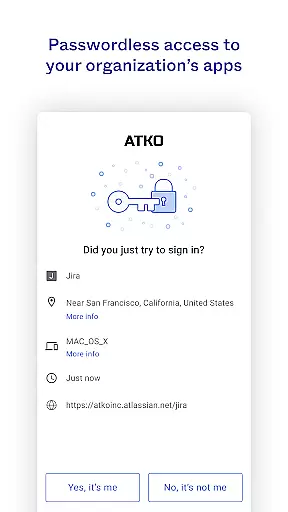
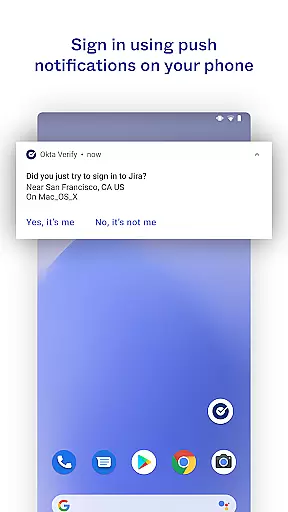
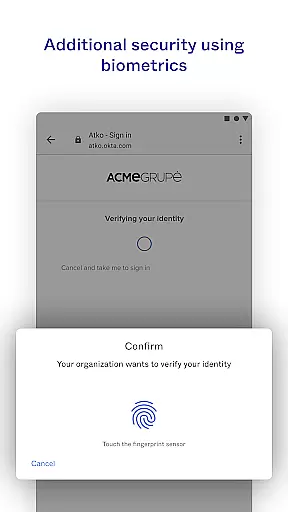
Okta Verify is a productivity-focused application designed to provide secure access to your apps through two-step verification. This app ensures that only you can access your accounts by offering multiple verification methods. Users can choose from push notifications, temporary 6-digit codes, or biometric authentication if enabled by their organization. The app also requires camera permission for QR code scanning during device enrollment.
This app is particularly useful for organizations looking to enhance security measures while maintaining ease of access. By integrating various verification methods, Okta Verify provides a seamless yet secure way to manage app access, making it an essential tool for safeguarding sensitive information.
Okta Verify offers several key features that make it stand out in the realm of productivity and security apps. Firstly, it supports multiple verification methods including push notifications, which are sent directly to your device, temporary 6-digit codes that change frequently, and biometric options like fingerprint or facial recognition if enabled by your organization.
Another notable feature is the QR code scanning capability, which simplifies the device enrollment process. Additionally, the app's lightweight design ensures it runs smoothly without consuming excessive resources. These features collectively enhance both security and user convenience, making Okta Verify a robust solution for secure app access.
Okta Verify excels in core task management by streamlining the process of two-step verification. This ensures that only you can access your app accounts, providing an additional layer of security.
The app offers multiple verification methods including push notifications, temporary 6-digit codes, and biometrics if enabled by your organization. These options allow users to choose the most convenient method for their needs while maintaining high-security standards.
By integrating these features, Okta Verify simplifies the authentication process without compromising on safety. Users can quickly and securely verify their identity, making it easier to manage access to various applications.
Cross-device synchronization is a critical feature of Okta Verify, ensuring reliable access to your apps from any device. When enrolling your device, the app requests camera permission to scan a QR code, facilitating seamless integration across devices.
This synchronization process guarantees that all your devices are updated with the latest verification data. Whether using push notifications, temporary codes, or biometrics, the experience remains consistent and dependable across different platforms.
With this reliable synchronization, users can switch between devices without worrying about authentication issues. This enhances productivity by allowing uninterrupted access to necessary applications, regardless of the device being used.
Enhanced Security
User-Friendly Interface
Multiple Verification Methods
Lightweight Design
QR Code Scanning
Requires Organization Enablement
Camera Permission Needed
Limited Customization
Potential Connectivity Issues
Dependent on Device Compatibility

The long-awaited modern gallery app for your Nextcloud server
 4.70
4.70
Professional calendar app for Google Calendar, MS Outlook & Exchange
4.20
Direct Chat without saving contacts & Dual WA Account on Single Device
4.70
Make your handwriting beautiful, even more than pen on paper.
3.60
The AI assistant that thinks with you - write, code, and solve complex tasks
4.60
Create and edit presentations with Google Slides, part of Google Workspace.
4.00
Tally and goal counter for Wear OS & mobile
4.50
* block pre-roll ads, pop-up and forced redirect ads * Samsung certification app
4.00
The ultimate file manager for rooted devices. The original and still the best.
4.00
Understand anything with a personalized AI research assistant
4.80
Scan paperwork into PDF/JPG, generate your own e-signature and send fax or email
4.70
The Pro Version of Android's tiniest Notepad app. Just 0.3MB but feature-packed!
4.60
Stay on top of your to-dos with Google Tasks, part of Google Workspace.
4.60
Secure your apps with lock screens, use custom themes and different features.
4.40
Activate Two Factor Authentication (2FA or Multi OTP), Password manager and more
4.10
Unlock AutoNotification
4.00
Customizable calendar widget for seamless event sync, planning & scheduling.
4.00
Ultimate Virtual AI Character for immersive Roleplay Chat. Perfect Companion
3.90
Mega cloud explorer plugin for Solid Explorer
3.80


User Reviews