
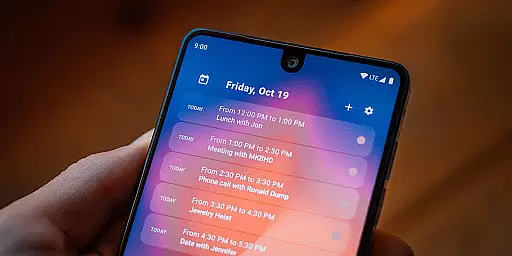
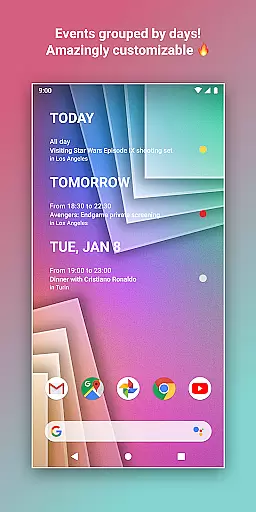
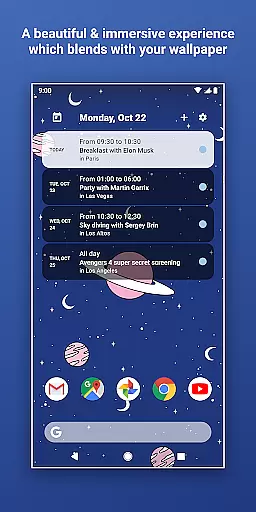
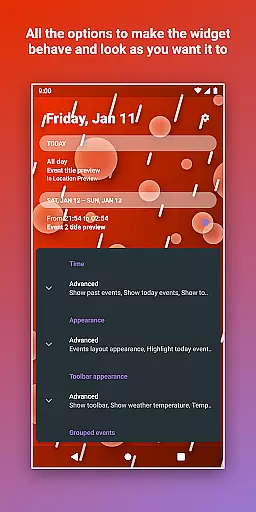
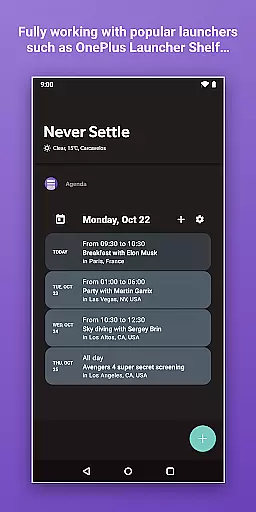
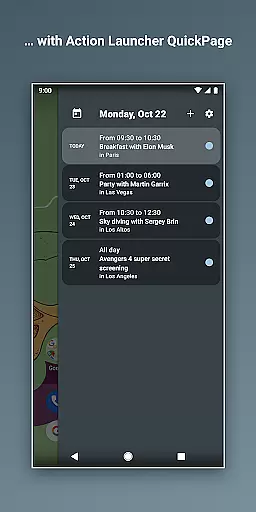
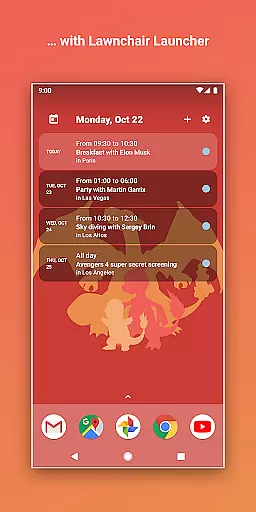
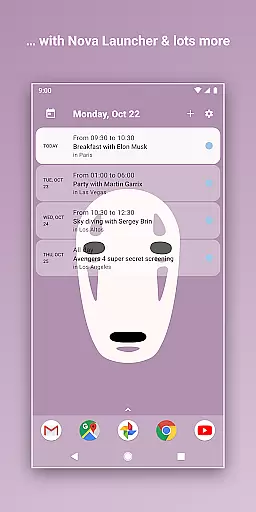
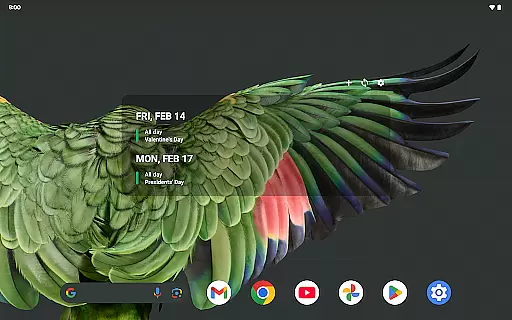
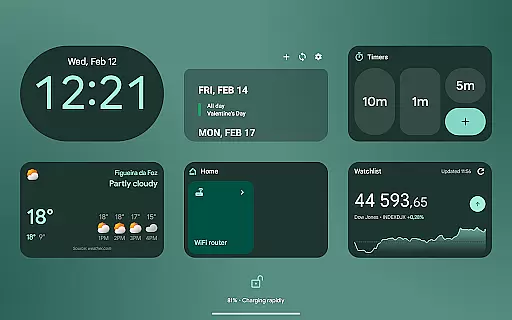
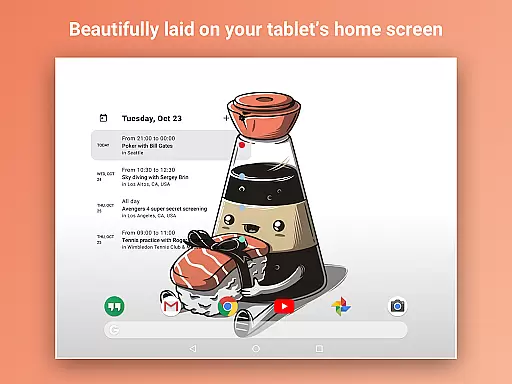
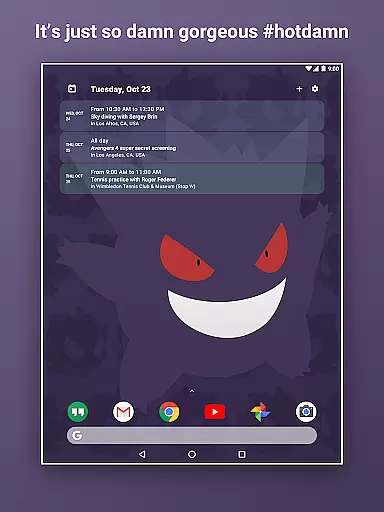
Home Agenda is a powerful productivity tool designed to streamline your daily planning and organization. This customizable calendar widget, agenda, and planner for Android offers seamless integration with popular calendar services like Google Calendar and Outlook. With instant synchronization capabilities, users can effortlessly manage their events and appointments directly from their home screen.
The app stands out with its highly customizable interface, allowing users to personalize widget sizes and themes to match their preferences. Whether you need a quick overview of your day or want to add/edit events on the go, Home Agenda provides an intuitive solution that enhances productivity without compromising aesthetics. Its optimized performance ensures minimal battery impact, making it an ideal companion for busy professionals and students alike.
What sets Home Agenda apart is its commitment to user privacy. Unlike many other calendar apps, this tool operates 100% locally, ensuring that your data remains private and secure. The clean, modern interface transforms your home screen into a dynamic planning hub, offering real-time notifications and hassle-free integration with your favorite calendars. This combination of functionality, customization, and privacy protection makes Home Agenda an essential tool for anyone seeking to optimize their time management.
Home Agenda distinguishes itself through a comprehensive set of features designed to enhance productivity and personalization. The app's most notable characteristic is its unparalleled customization options. Users can create unique themes, adjust widget sizes, and tailor the appearance to perfectly match their personal style and workflow requirements.
The application's core functionality revolves around its instant synchronization capabilities with major calendar services including Google Calendar and Outlook. This ensures that all events, appointments, and schedule changes are immediately reflected across devices. The easy planning feature allows users to view, add, and edit events with just a few taps, while maintaining a clear overview of their daily commitments. Additionally, the app's optimized performance architecture guarantees minimal battery consumption, even with frequent use throughout the day.
Security and privacy form another crucial aspect of Home Agenda's feature set. The application operates entirely locally, eliminating any data tracking or advertising mechanisms. This approach, combined with its modern interface and real-time notification system, creates a comprehensive productivity solution that respects user privacy while delivering essential planning tools. The result is a sophisticated planning tool that adapts to various professional and personal scheduling needs without compromising data security.
Task management is at the heart of productivity applications, enabling users to organize their daily activities effectively. Home Agenda excels in this area by offering a customizable calendar widget that syncs with multiple platforms like Google Calendar and Outlook.
The app allows users to instantly view, add, and edit events, ensuring they stay on top of their schedules. This instant synchronization ensures that any changes made are reflected across all devices, providing real-time updates and notifications.
With its user-friendly interface, Home Agenda transforms your home screen into a dynamic planning hub. The ability to customize themes and widget sizes adds another layer of personalization, making it easier for users to focus on their tasks without distractions.
By optimizing performance for daily use and maintaining low battery impact, Home Agenda ensures that users can rely on it throughout their busy days. This reliability helps users maintain productivity and manage their time efficiently.
Cross-device synchronization is crucial for users who rely on multiple devices to manage their schedules. Home Agenda addresses this need by providing reliable and seamless synchronization across different platforms.
The app connects effortlessly with Google Calendar, Outlook, and other popular calendar services. This integration ensures that all your events and appointments are up-to-date, no matter which device you're using.
Home Agenda's optimized performance guarantees that data is synced quickly and accurately. Users can trust that their information remains consistent and accessible, whether they're at home, in the office, or on the go.
Moreover, Home Agenda respects user privacy by ensuring all data remains local and is never tracked or shared. This commitment to privacy gives users peace of mind, knowing their personal information is secure while enjoying the convenience of cross-device synchronization.
User-friendly interface
Highly customizable widgets
Instant calendar sync
Local data processing
Minimal battery usage
Limited reminder support
No public API access
Premium features locked
Complex initial setup
Occasional sync delays

The long-awaited modern gallery app for your Nextcloud server
 4.70
4.70
Take control of your clipboard with Clipper!
3.90
Wake up & get tasks done! Add alarms & reminders on the Clock Launcher.
4.00
Easily read and manage all your PDF files
4.10
The upgraded version of Name Wheel with AI and the power to add your own wheels.
4.3
Create and edit presentations with Google Slides, part of Google Workspace.
4.00
* block pre-roll ads, pop-up and forced redirect ads * Samsung certification app
4.00
A simple Whisper AI keyboard for reliable speech transcription and rewording
4.60
Okta MFA
4.70
8 custom complications. Custom Time Fonts. Beautiful color schemes. A++ Design.
5.00
We're working to become the best machining app on the market! www.cncdirt.com
4.80
Functional QR scanner and barcode reader that requires little storage space.
4.60
Translate text/voice/photos in 150+ languages. Offline & fast translator app.
4.50
Subscribe to Webcal & .ics calendars and keep them up-to-date!
4.50
This small app MUST BE INSTALLED after purchase, else license won't work
4.40
Todo reminder
4.10
⏰ Finally a timer app which can run multiple timers simultaneously on your watch
3.90
Make your handwriting beautiful, even more than pen on paper.
3.60
Auto-shutoff Alarm with Sunrise, Sunset & Fixed Options.
3.50


User Reviews