
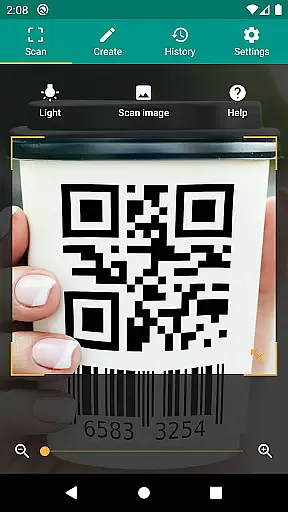
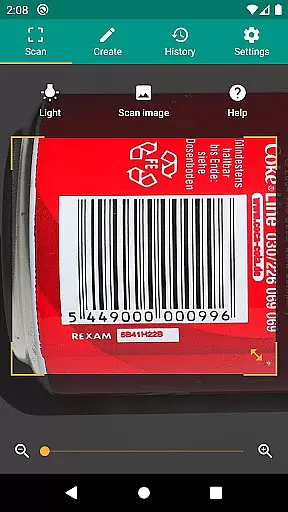

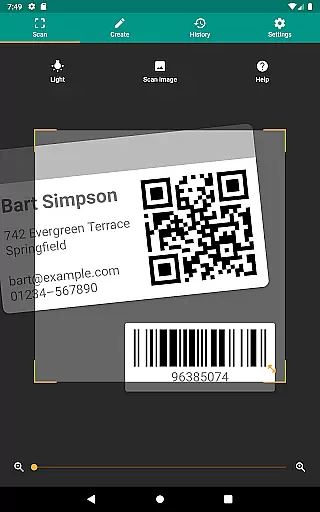
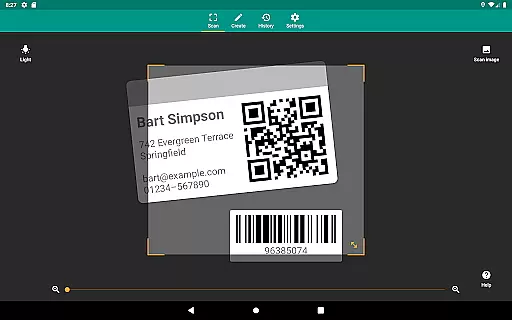
QR & Barcode Scanner is a versatile productivity tool designed to streamline your daily tasks through advanced scanning technology. This application allows users to effortlessly scan QR codes and barcodes, extracting valuable information from various formats including UPC, EAN, and Code 39. Whether you're managing inventory or simply looking up product details, this app provides relevant actions such as opening URLs, adding calendar events, and connecting to WiFi hotspots.
Beyond basic scanning, the app incorporates essential features like a built-in flashlight for low-light environments and pinch-to-zoom functionality for distant codes. Security-conscious users will appreciate the integration of Google Safe Browsing technology, ensuring safe navigation while accessing links. With its CSV export capability, QR & Barcode Scanner also serves as an excellent solution for small business owners who need to manage product inventories or implement quality assurance processes.
The true value of QR & Barcode Scanner lies in its ability to simplify complex tasks while maintaining top-notch performance. From scanning images directly from your gallery to generating custom QR codes for sharing data, this app proves indispensable for both personal and professional use cases. Its minimal permission requirements ensure user privacy, making it a reliable choice for anyone seeking an efficient barcode management solution.
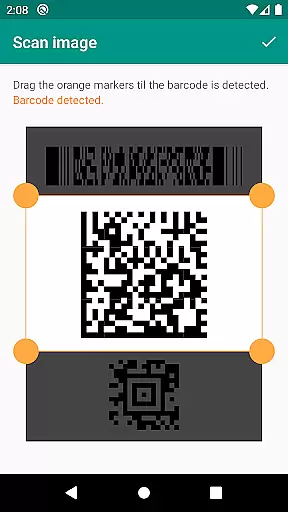
QR & Barcode Scanner stands out with its comprehensive feature set tailored for productivity enthusiasts. The app supports all common barcode formats, including QR, Data Matrix, Aztec, and traditional linear barcodes like UPC and EAN. This extensive format compatibility ensures that users can scan virtually any code they encounter, whether it's for price comparison, product information, or inventory management.
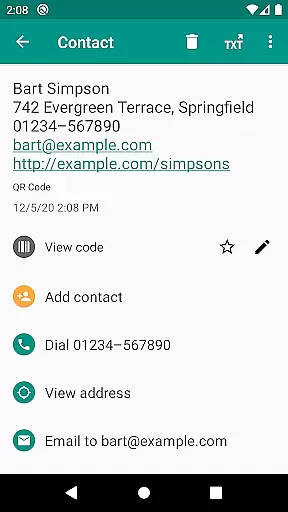
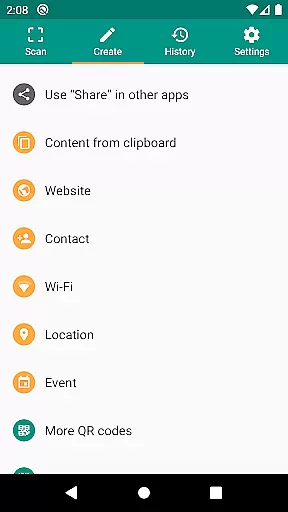
One of the most notable features is the app's intelligent action system. When scanning specific code types, the application automatically suggests relevant actions - from opening website links in Chrome Custom Tabs to adding contact information directly to your address book. The built-in QR code generator adds another layer of functionality, allowing users to share arbitrary data between devices by displaying it as a scannable code.
Advanced functionality includes customizable search options where users can add their favorite shopping websites for targeted product searches. The CSV export feature enables detailed record-keeping, while annotation capabilities help organize scanned data effectively. These enterprise-grade features, combined with essential tools like flashlight control and zoom functionality, make QR & Barcode Scanner an indispensable tool for both individual users and small business owners seeking to optimize their workflow.
QR & Barcode Scanner excels in core task management by offering a comprehensive suite of tools for scanning and generating codes. This app supports all common barcode formats, including QR, Data Matrix, Aztec, UPC, EAN, Code 39, and many more, ensuring that users can manage a wide variety of tasks with ease.
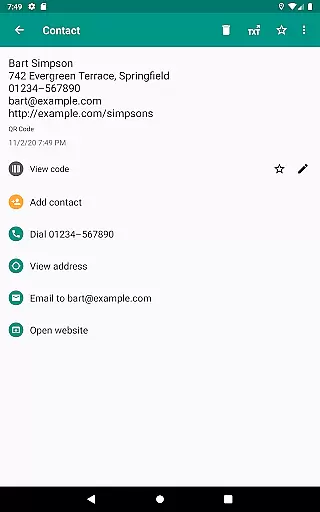
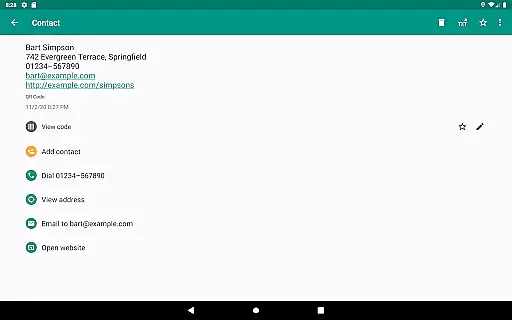
The application goes beyond simple scanning by providing relevant actions based on the scanned content. Users can open URLs, connect to WiFi hotspots, add calendar events, read VCards, and find product and price information. These features allow users to perform multiple productivity tasks without switching between different apps.
Security and performance are prioritized, protecting users from malicious links through Google Safe Browsing technology integrated into Chrome Custom Tabs. This ensures not only faster loading times but also a safer environment for managing tasks involving web links or other online resources.
Cross-device synchronization is where QR & Barcode Scanner truly shines, allowing users to share arbitrary data such as website links using the built-in QR code generator. By displaying these codes on your screen, you can effortlessly scan them with another device, making data transfer quick and reliable.
In addition to sharing capabilities, the app offers extensive customization options for searches, enabling users to get specific information by integrating their favorite websites into barcode searches. This feature enhances cross-device functionality by ensuring consistent access to personalized resources regardless of the device being used.
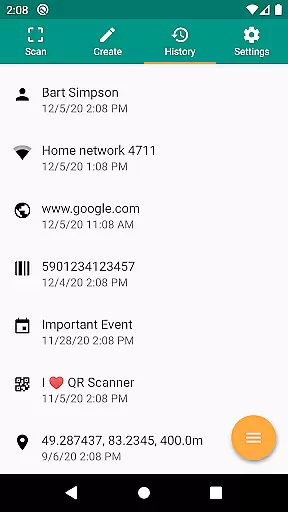
Furthermore, the app provides CSV export and annotation features, which allow users to manage unlimited history and export it as a CSV file. This data can then be imported into Excel or saved to any cloud storage service like Google Drive. Such robust synchronization capabilities ensure that users can maintain and access their productivity data seamlessly across multiple devices.
Comprehensive format support
Robust security features
Minimal permission requirements
Intelligent action suggestions
Customizable search options
Limited design customization
No batch scanning option
Occasional slow processing
Basic analytics only
Interface could be more intuitive

Mega cloud explorer plugin for Solid Explorer
 3.80
3.80
Automates browsing any website and notifies you of important changes or events
4.30
Absolutely the best CNC machinist speed and feed calculator around. fswizard.com
4.60
⏰ Finally a timer app which can run multiple timers simultaneously on your watch
3.90
Easiest event planning, volunteer signups & parent teacher conference scheduling
2.20
Find and delete junk files & block unwanted notifications & manage files
3.70
Multilingual translator for text, voice, and image translation!
4.90
Subscribe to Webcal & .ics calendars and keep them up-to-date!
4.50
A comprehensive suite of tools designed specifically for Lactation Consultants
4.1
Great calculator for Android named one of USA TODAY's "25 Essential Apps".
4.90
Best Tool for the professionals Electrician, Electrical contractors, etc.
4.90
Calendar 2023 widget for Android. Appointment scheduler, planner, and reminder
4.60
A lightweight JSON & XML files creator, editor and viewer (Premium Version)
4.40
When you Focus, so will your Bean in this cozy focus timer
4.30 4.20
4.20
Pwnagotchi companion app
4.20
All in One PDF Reader: Manage, Read and Edit your Documents
4.20
Make apps & sites with natural language prompts
4.10
The upgraded version of Name Wheel with AI and the power to add your own wheels.
4.5


User Reviews