
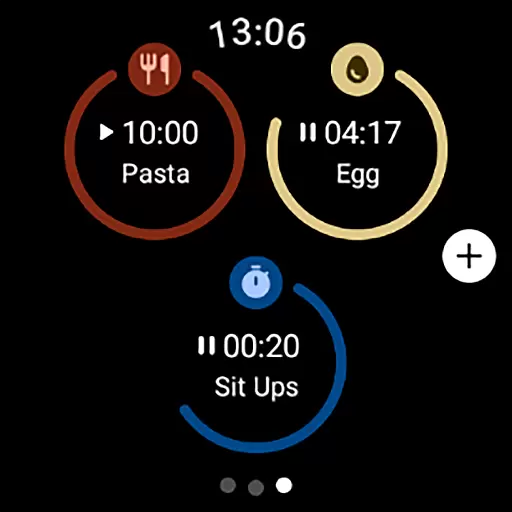
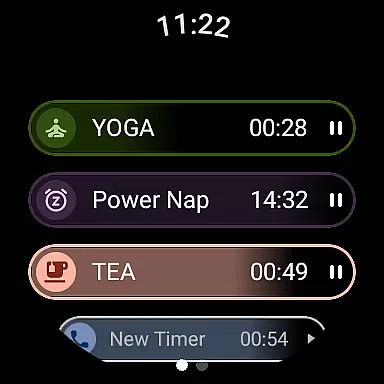
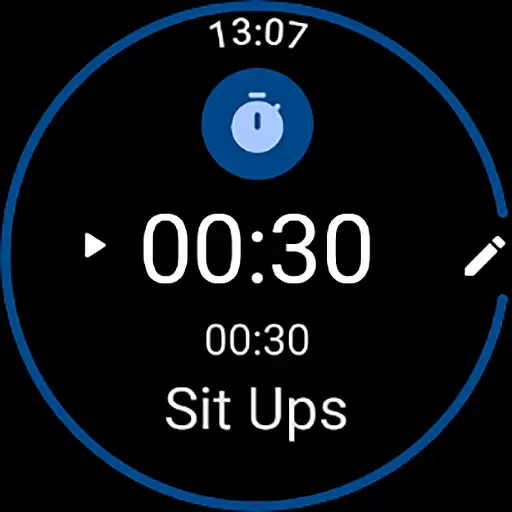
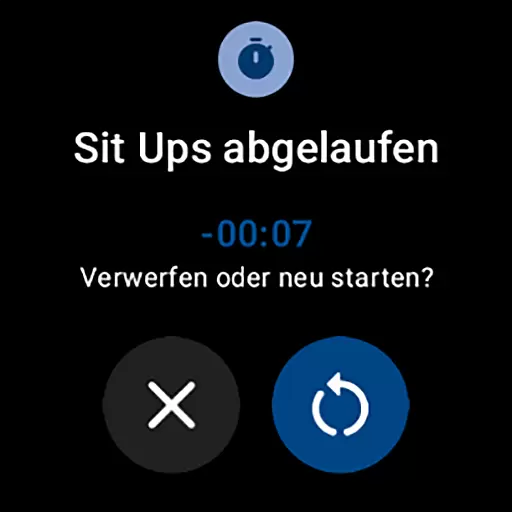
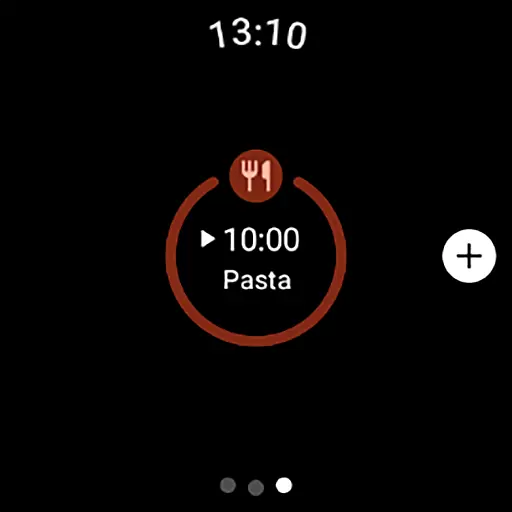
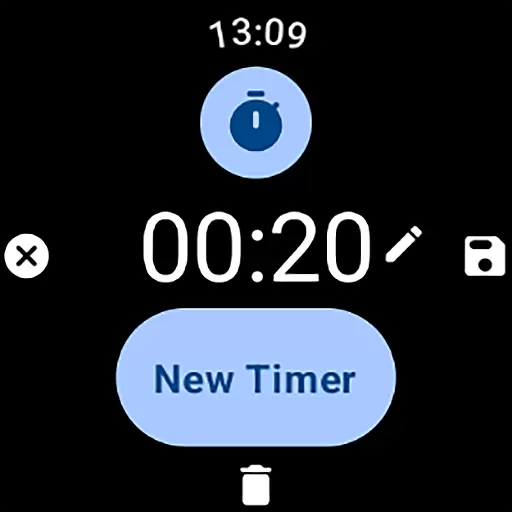
MultiTimerPro is a powerful productivity tool designed for Wear OS, enabling users to manage multiple timers simultaneously. This feature-rich app revolutionizes time management on smartwatches by allowing concurrent timers for various tasks like cooking, workouts, or work sprints.
The app's intuitive interface ensures effortless timer creation and management, while customization options let users personalize each timer with unique names, durations, icons, and colors. With the newly added Tile feature, users can quickly access favorite timers, making multitasking more efficient than ever.
Whether you're a busy professional, an avid cook, or a fitness enthusiast, MultiTimerPro helps optimize your daily routines by providing precise and flexible timekeeping solutions right on your wrist.
MultiTimerPro stands out with its ability to run multiple timers concurrently, a feature missing in most stock timer apps. The app's multi-timer functionality allows users to track different activities simultaneously without losing focus on any task.
The intuitive interface makes timer management seamless, while advanced customization options enable users to tailor each timer to their specific needs. Users can set unique names, durations, visual indicators through icons and colors, and even add sound notifications to ensure they never miss important time alerts.
With the newly implemented Tile feature, accessing frequently used timers has become even more convenient. This combination of powerful features makes MultiTimerPro an indispensable tool for anyone seeking to enhance their productivity through better time management.
Effective task management is essential for productivity, and MultiTimerPro excels in this area by offering users the ability to handle multiple tasks simultaneously. This Wear OS app allows you to set and manage numerous timers at once, which is perfect for coordinating different activities throughout your day.
The app's multi-timer functionality ensures that whether you are cooking, exercising, or working, you can keep track of each activity without losing focus on any. The intuitive interface makes it simple to create, edit, and oversee various timers, streamlining your daily routines.
With customizable options for naming, setting durations, and even choosing icons and colors for each timer, MultiTimerPro adapts to your specific needs. These features not only enhance organization but also make managing your schedule a more engaging and personalized experience.
Cross-device synchronization is crucial for users who rely on seamless transitions between devices. MultiTimerPro addresses this need by ensuring reliable synchronization across your Wear OS smartwatch and other devices, allowing you to access your timers wherever you are.
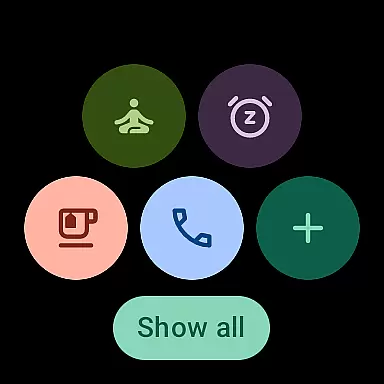
By integrating with the newly added Tile feature, the app provides direct access to your favorite timers. This means you can effortlessly view and control your timers from different interfaces, enhancing accessibility and convenience.
In addition to visual cues, sound notifications ensure you never miss an alert. This comprehensive approach to synchronization guarantees that all your devices work in harmony, providing a dependable and efficient time management solution that empowers you to stay on top of your schedule.
Multiple timers
Intuitive controls
Customizable options
Sound notifications
Quick access Tile
Premium pricing
Wear OS only
Complex interface
Limited widgets
No iOS support

 4.20
4.20
Experience Reading - Night Mode for Documents
4.40
Wake up & get tasks done! Add alarms & reminders on the Clock Launcher.
4.00
Android Wallet Password Manager
4.80
We're working to become the best machining app on the market! www.cncdirt.com
4.80
Secure, fast, open-source, Remote Desktop Client for Windows and Linux with SSH
4.60
Make apps & sites with natural language prompts
4.10
Stay on top of your to-dos with Google Tasks, part of Google Workspace.
4.60
A Pixel Art watchface inspired by other iconic 90s designs for Wear OS devices!
4.40
8 custom complications. Custom Time Fonts. Beautiful color schemes. A++ Design.
5.00
Mind Map and brainstorm, note taking and idea collection
4.80
A beautiful digital clock with autostart and many other functions
4.70
Scan paperwork into PDF/JPG, generate your own e-signature and send fax or email
4.70
Absolutely the best CNC machinist speed and feed calculator around. fswizard.com
4.60
CalenGoo is a very flexible and feature-rich calendar app
4.40
When you Focus, so will your Bean in this cozy focus timer
4.30
Activate Two Factor Authentication (2FA or Multi OTP), Password manager and more
4.10
Mega cloud explorer plugin for Solid Explorer
3.80
A simple, portable logger for POTA, SOTA, Field Day, and more
4.3


User Reviews