
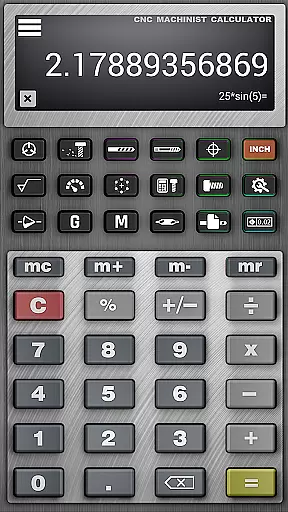
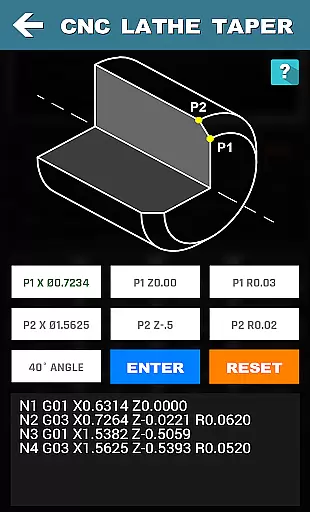
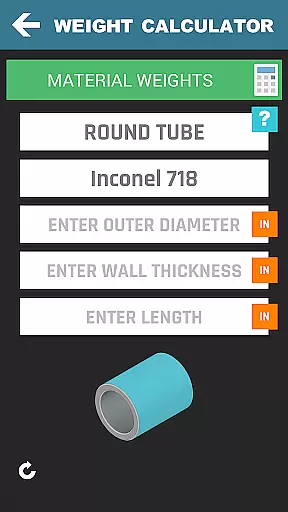


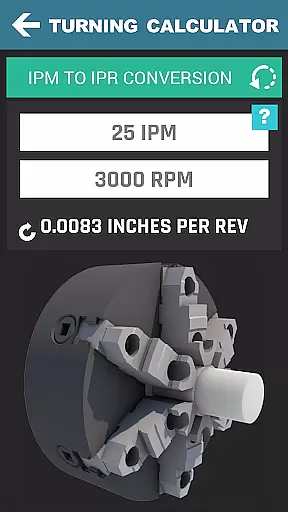
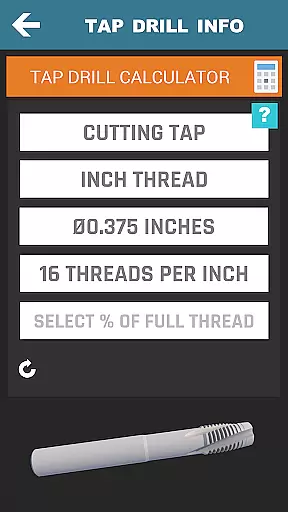

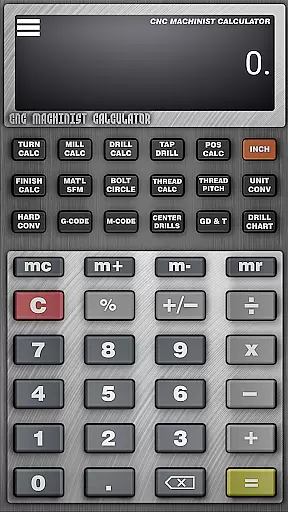

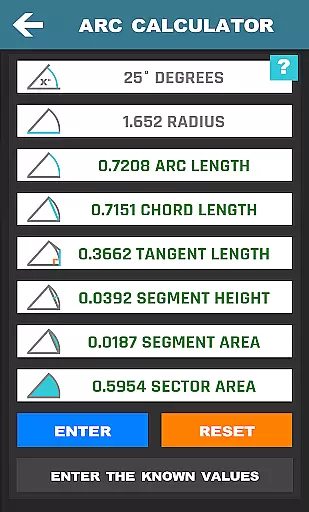
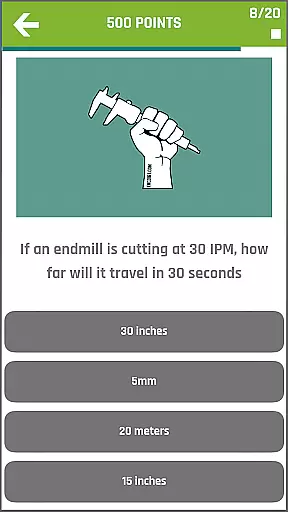
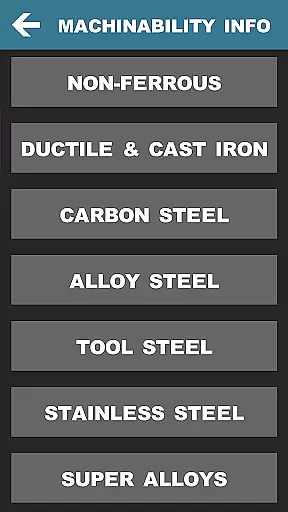
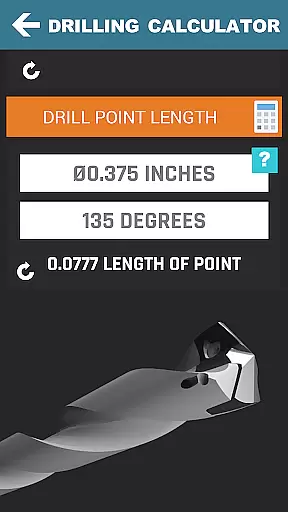
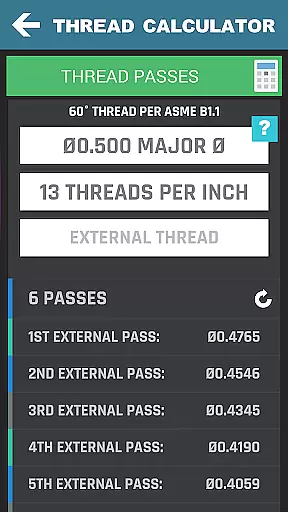
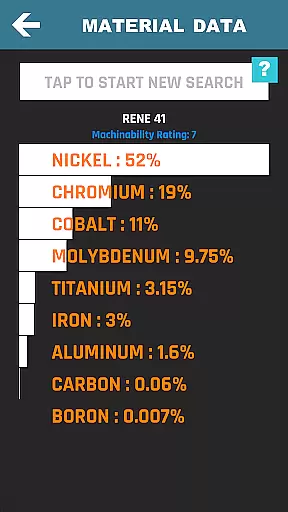
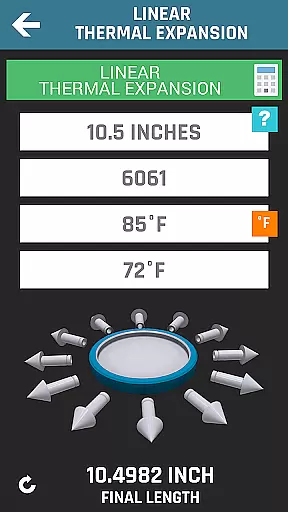
CNC Machinist Calculator Pro is a comprehensive productivity tool designed specifically for professionals in the manufacturing industry. This includes manufacturing engineers, machinists, CNC operators, and tool & die makers, as well as hobbyists who require quick calculations on the go. The app provides an extensive range of calculators tailored to turning, milling, drilling, and other machining operations.
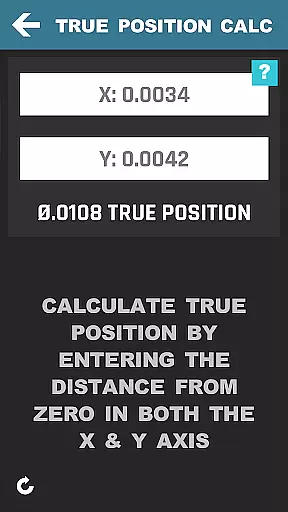
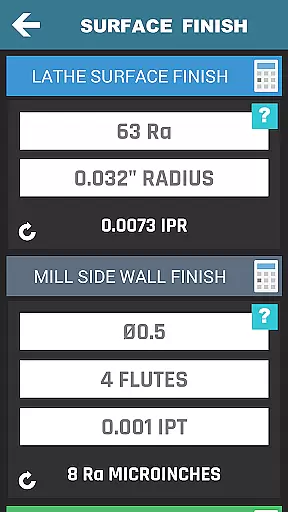
One of the key features of this app is its ability to perform cutting speed calculations by material, cycle time estimations, and various conversions that are essential for efficient machine operation. It also offers advanced functionalities such as thread milling calculations, true position calculators, and surface finish assessments, making it indispensable for quoting new work or executing precise machining tasks.
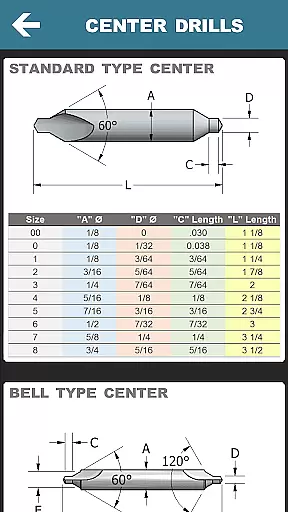
The application's value lies in its capacity to streamline complex computations into user-friendly tools, thus enhancing productivity and accuracy in the workshop. Whether you're calculating feed rates, determining drill point lengths, or converting hardness values, CNC Machinist Calculator Pro equips users with the necessary data to optimize their machining processes effectively.
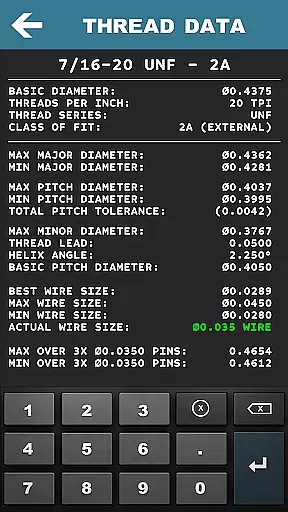
CNC Machinist Calculator Pro stands out due to its rich feature set that caters to a wide array of machining needs. With over 36 distinct calculation tools, the app covers everything from basic turning and milling calculations to more specialized functions like gun drilling, thread over wire info, and even a scientific calculator. Each feature is meticulously crafted to ensure precision and ease of use.
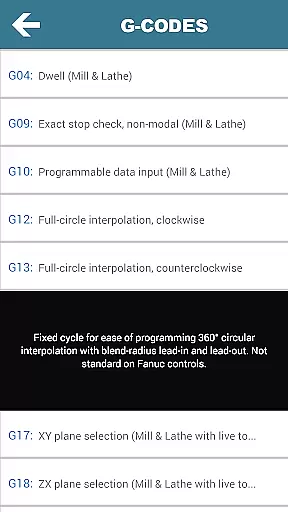
For instance, the app includes detailed machining calculators for lathe and mill operators, which allow for cutting speed and feed calculations based on specific materials. Additionally, unique offerings such as the Blue Print Geometric Tolerance Descriptors and G-code/M-code references provide further utility for CNC programming. These capabilities not only save time but also improve the quality of work by reducing human error in critical calculations.
Moreover, the inclusion of a machinist forum, material property search, and a tool wear section with images adds a community-driven and educational aspect to the app. Users can engage with peers, access valuable resources, and continuously improve their machining knowledge and skills. Such features make CNC Machinist Calculator Pro an innovative and indispensable tool in the modern machinist's arsenal.
CNC Machinist Calculator Pro excels in core task management by offering a comprehensive suite of calculators tailored for manufacturing professionals. The app includes turning, milling, drilling, and gun drilling calculators, each designed to streamline specific machining operations.
For lathe operators, the turning calculator provides essential computations such as cutting speed, grooving, rough turn cycle time, and more. Mill operators benefit from features like radial chip thinning calculation and metal removal rate estimation, ensuring efficient planning and execution of milling tasks.
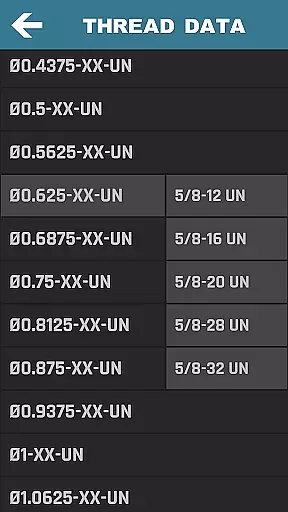
The application's strength lies in its ability to handle diverse calculations across different machining processes. With dedicated sections for thread data, surface finish, and geometric tolerances, users can manage complex projects with precision and ease.
This productivity tool proves invaluable for CNC programmers and machine operators who need to make quick, accurate calculations on the fly. By consolidating numerous specialized calculators into one platform, it significantly enhances workflow efficiency and accuracy in various manufacturing scenarios.
While CNC Machinist Calculator Pro doesn't emphasize traditional cross-device synchronization, it offers reliable access to crucial machining data across different work environments. The application ensures that all calculations and reference materials are consistently available, providing machinists with dependable resources regardless of their location or device used.
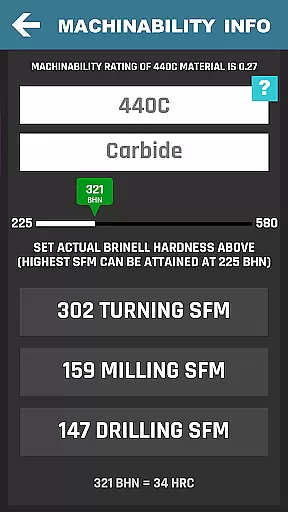
The app maintains over 170 material properties and machining formulas, including SFM calculations for drilling, milling, and turning. This extensive database remains consistently accessible, eliminating concerns about data discrepancies when switching between devices or accessing information at different workstations.
Professional machinists benefit from the application's comprehensive collection of drill and tap charts, hardness conversions, and G/M code references. These resources are carefully maintained to ensure accuracy and consistency, effectively serving as a reliable synchronization point for essential machining information.
Although not a conventional synchronization feature, this consistent availability of critical data across various devices helps maintain uniformity in machining operations and decision-making processes throughout different stages of production.
Extensive calculator options
User-friendly interface
Advanced machining features
Community engagement tools
Regular updates and improvements
Premium price point
Steep learning curve
Occasional bugs reported
Limited offline functionality
Heavy on system resources

Client for Nextcloud Deck
 4.60
4.60
Device's storage information in a simple and clear graphical form (infographics)
4.10
Remotely view listen control and record cameras.
3.70
aCalendar+ makes your day, week and month
4.70
Make apps & sites with natural language prompts
4.10
Activate Two Factor Authentication (2FA or Multi OTP), Password manager and more
4.10
Calendar 2023 widget for Android. Appointment scheduler, planner, and reminder
4.60
A Pixel Art watchface inspired by other iconic 90s designs for Wear OS devices!
4.40
Set up, print, and get support—in one place
4.20
8 custom complications. Custom Time Fonts. Beautiful color schemes. A++ Design.
5.00
Scan paperwork into PDF/JPG, generate your own e-signature and send fax or email
4.70
Experience Reading - Night Mode for Documents
4.40
A lightweight JSON & XML files creator, editor and viewer (Premium Version)
4.40
Docker, Kubernetes management over Portainer Mobile
4.40
Secure your apps with lock screens, use custom themes and different features.
4.40
Pwnagotchi companion app
4.20
Todo reminder
4.10
Unlock AutoNotification
4.00
Customizable calendar widget for seamless event sync, planning & scheduling.
4.00


User Reviews