
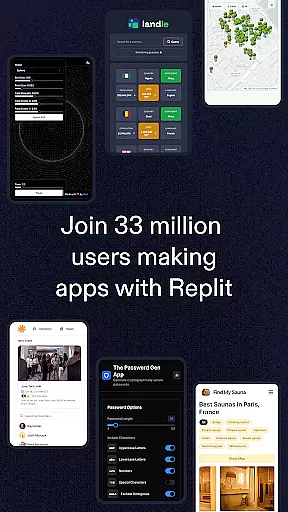
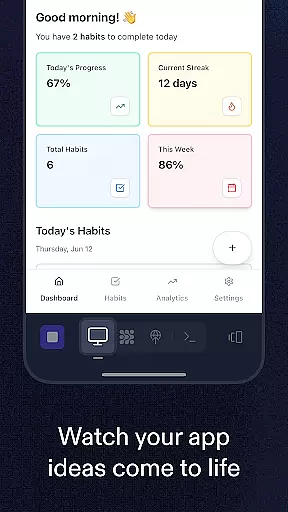
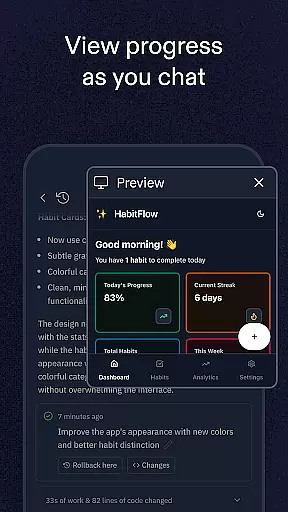
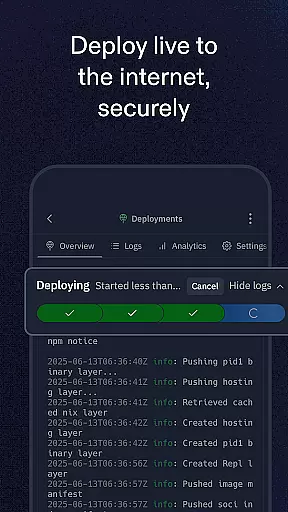
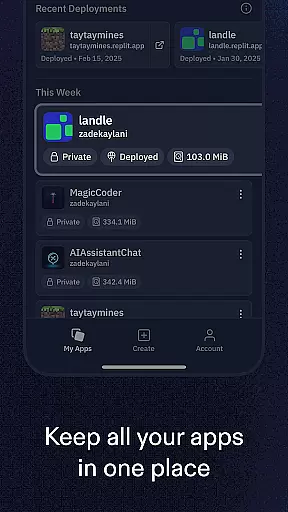
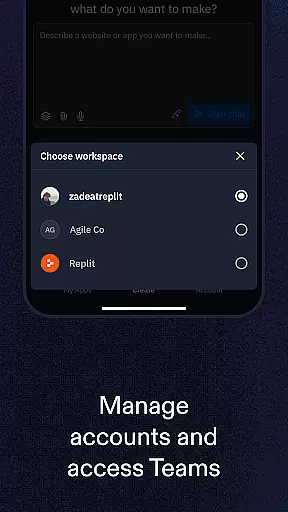
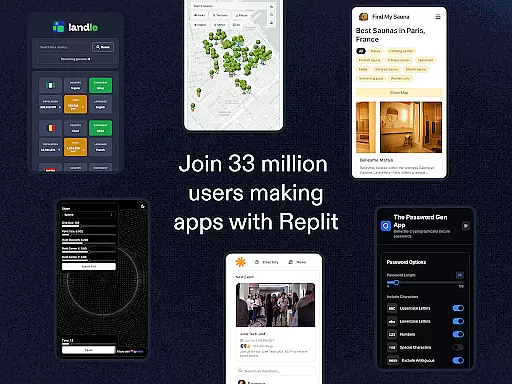
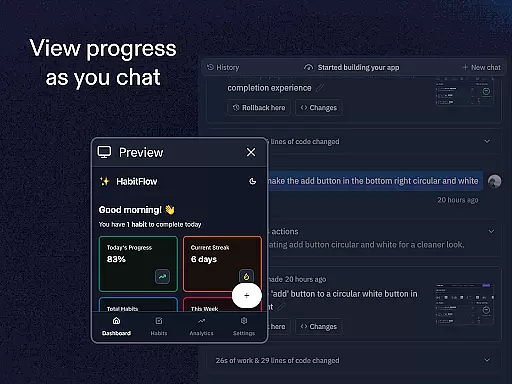
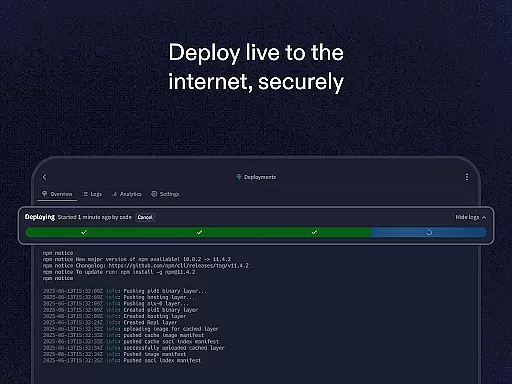
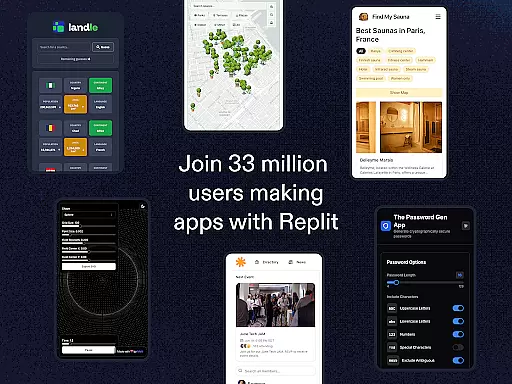
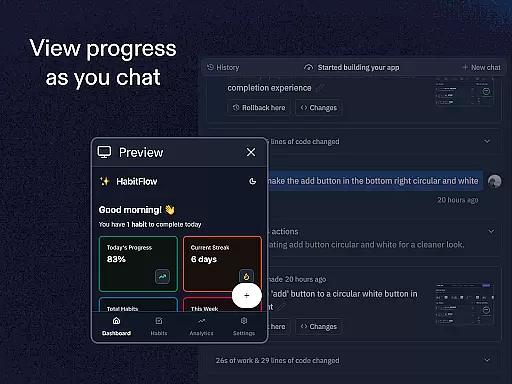
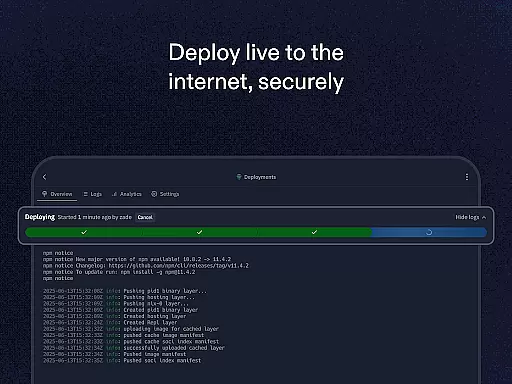
Replit is a powerful productivity app that revolutionizes the way users create and deploy projects directly from their mobile devices. This innovative platform allows anyone to build real applications, websites, and games with remarkable ease.
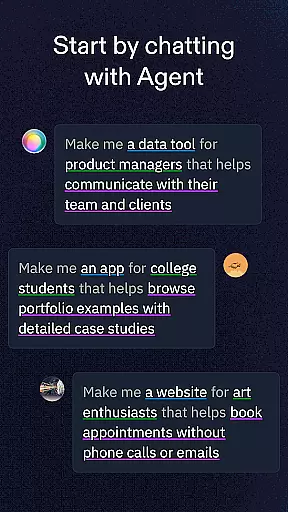
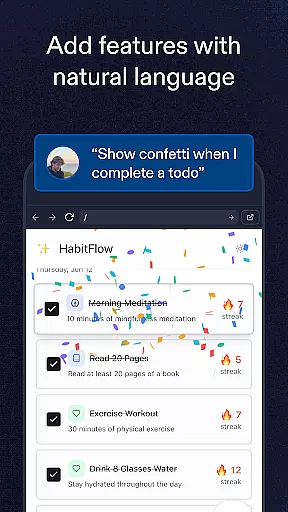
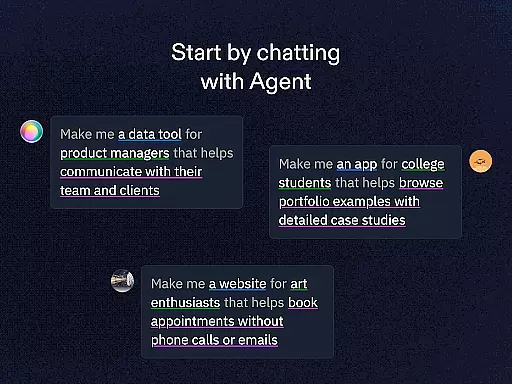
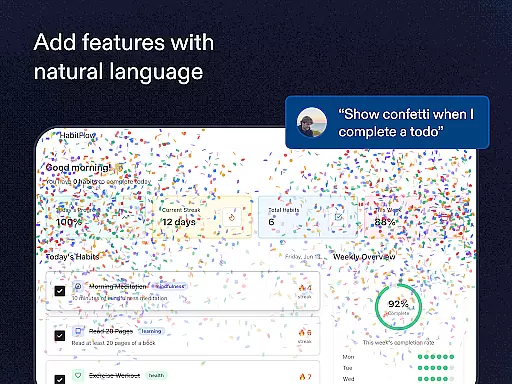
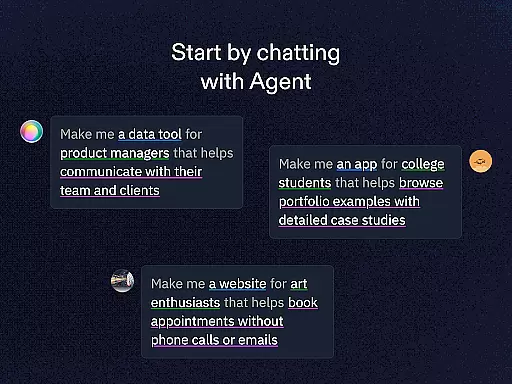
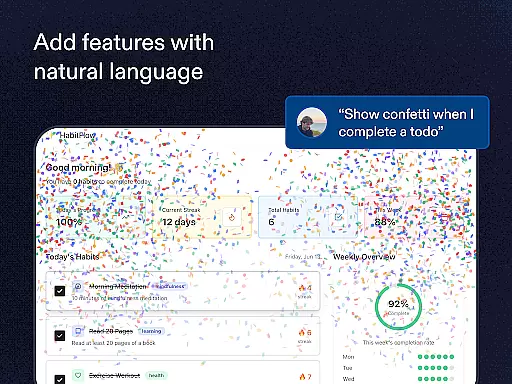
The app's standout feature is its AI-powered Replit Agent, which enables users to generate apps and websites simply by describing their ideas in natural language. It eliminates the need for extensive coding knowledge, making development accessible to beginners while offering advanced tools for seasoned developers. With support for multiple programming languages and frameworks, instant zero-setup hosting, and collaborative multiplayer functionality, Replit is an ideal solution for both learning and professional project development.
Whether you're creating your first app or working on complex projects, Replit provides the tools to bring your ideas to life quickly and efficiently. Its seamless integration of custom domains, authentication systems, and databases makes it an all-in-one development environment that empowers users to ship meaningful projects entirely from their phones.
Replit distinguishes itself through its comprehensive set of features designed to streamline the development process. The application's most notable capability is its Replit Agent, which uses natural language processing to automatically generate code based on user descriptions. This groundbreaking feature effectively acts as an on-demand team of software engineers, ready to build projects through simple chat interactions.
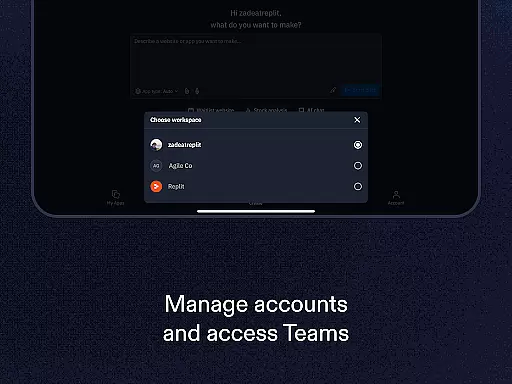
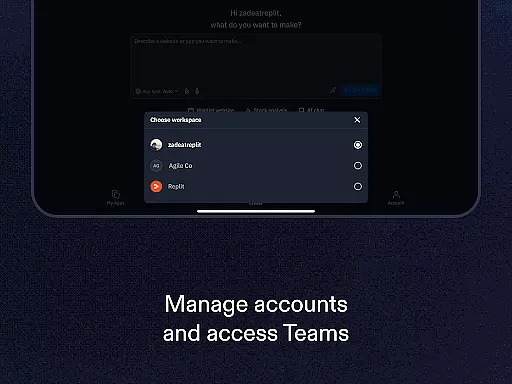
The platform supports real-time collaboration, allowing multiple users to work simultaneously on the same project. This multiplayer functionality, combined with instant deployment capabilities and zero-setup hosting, creates an efficient development environment. Users can choose from over 33 million existing projects to clone and remix, or start fresh using various templates and frameworks. The inclusion of advanced tools like replAuth for user authentication and ReplDB for database management demonstrates Replit's commitment to providing a complete development ecosystem.
What sets Replit apart is its versatility - it caters to both beginners with easy-to-use templates and experts with sophisticated development needs. The ability to instantly publish projects with custom URLs, coupled with support for custom domain configuration, makes sharing and showcasing work incredibly straightforward. These features collectively establish Replit as a comprehensive mobile development platform that bridges the gap between idea conception and project deployment.
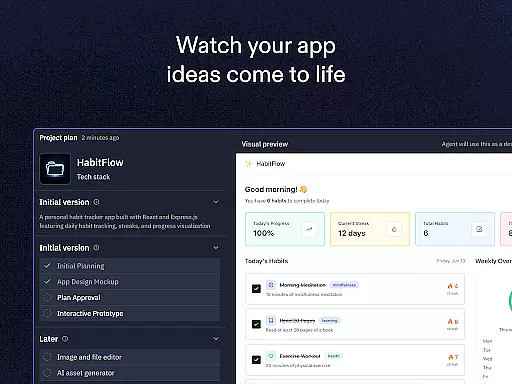
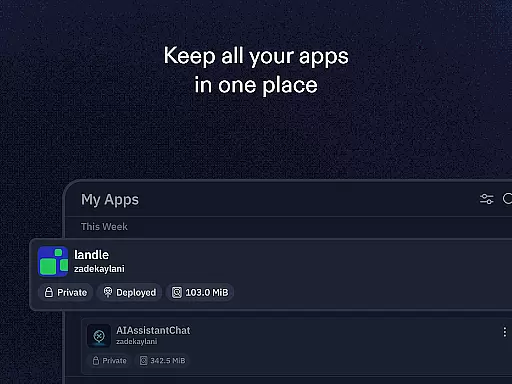
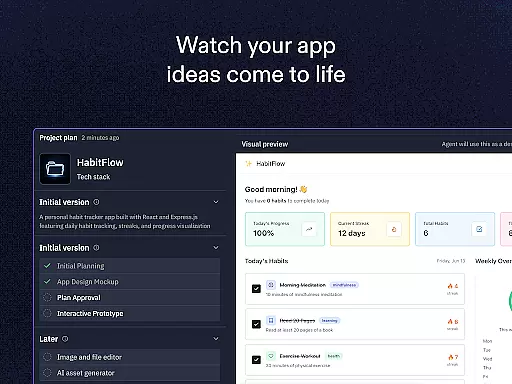
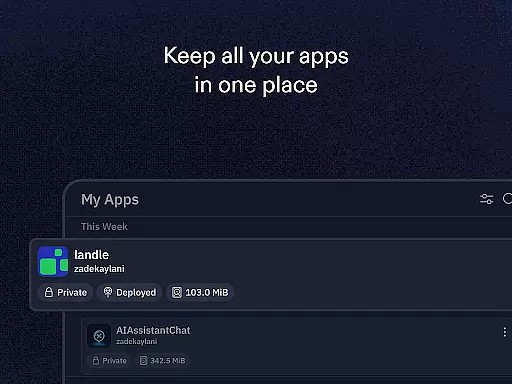
Task management is a cornerstone of productivity applications, and Replit excels in this area by offering users the ability to create, manage, and deploy projects seamlessly. This functionality is crucial for both individual developers and teams who need to keep track of their work efficiently.
Replit provides an intuitive interface where users can build websites and apps using natural language prompts through Replit Agent, instantly host projects with zero setup deployment, and collaborate with others in real-time. These features ensure that tasks are not only created but also executed and shared without unnecessary complications.
The benefit to users is immense; they can focus on coding and project development rather than getting bogged down by complex project management. With options like custom domains, replAuth for user login configuration, and ReplDB for database setup, Replit streamlines the entire workflow.
This comprehensive approach to task management empowers users to ship real projects, apps, games, and more directly from their phones, making it an invaluable tool for anyone looking to enhance their productivity.
Cross-device synchronization is vital for users who operate across multiple devices and need their data to be consistently updated and accessible. Replit addresses this need by ensuring that all projects are synced in real-time, allowing users to pick up where they left off, regardless of the device they are using.
The application supports instant hosting and zero setup deployment, which means that any changes made to a project are immediately live. Users can collaborate with others in real-time, clone and remix projects from millions of creators, and access advanced features whether they're on a mobile phone or another device.
For users, this reliability translates into a seamless experience where they can switch between devices without losing progress or facing inconsistencies. The ability to use any language and framework further enhances this flexibility, catering to both beginners and experts.
By prioritizing cross-device synchronization, Replit ensures that its users can work efficiently and effectively, no matter where they are or what device they choose to use, thus significantly boosting their overall productivity.
User-friendly interface
Powerful AI assistance
Real-time collaboration
Instant project deployment
Versatile language support
Limited offline functionality
Subscription-based pricing
Resource-intensive operation
Learning curve for beginners
Occasional performance issues

When you Focus, so will your Bean in this cozy focus timer
 4.30
4.30
Total remote control for your Android device, PC and cloud services (IFTTT)!
4.20
IP Camera Viewer - Android TV : RTSP Surveillance camera viewer for Android TV
4.0
Create and edit presentations with Google Slides, part of Google Workspace.
4.00
A comprehensive suite of tools designed specifically for Lactation Consultants
4.1
A simple Whisper AI keyboard for reliable speech transcription and rewording
4.60
A Pixel Art watchface inspired by other iconic 90s designs for Wear OS devices!
4.40
Lightweight PDF, Word, Excel reader.
4.60
Simple notepad & memo. Take notes, to-do list, shopping list with reminders.
4.80
QuickBooks Workforce lets teams view pay info and track time in one place.
4.70
The long-awaited modern gallery app for your Nextcloud server
4.70
The Pro Version of Android's tiniest Notepad app. Just 0.3MB but feature-packed!
4.60
Planet Free VPN - The best Fast Unlimited and Secure VPN Without Logs
4.50
PDF scanner & converter for files, photos, lottery, QR codes. One swipe away!
4.50
Enjoy classic gameplay with customizable features and retro-style graphics.
4.30
Cloud storage, automatic phone backup, and more.
4.10
The ultimate file manager for rooted devices. The original and still the best.
4.00
Ultimate Virtual AI Character for immersive Roleplay Chat. Perfect Companion
3.90
The upgraded version of Name Wheel with AI and the power to add your own wheels.
4.3


User Reviews