
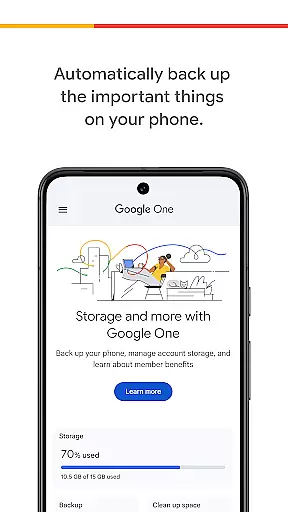
Google One is a productivity app designed to help users manage their digital storage and protect important data. The app provides automatic backup for photos, contacts, and messages using the 15 GB of free storage that comes with every Google account. This ensures that users can easily restore their data when switching to a new Android device.
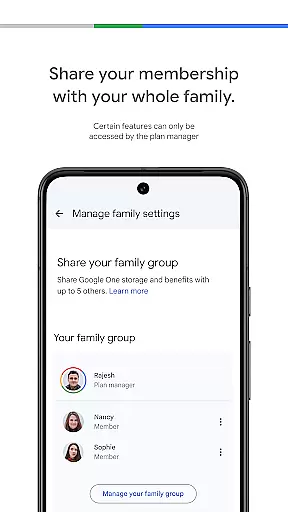
In addition to basic storage management, Google One offers premium membership plans that provide expanded cloud storage options. Users can choose a plan that suits their needs, making it an ideal solution for those who need extra space for their growing collection of digital files, projects, and memories.
Google One stands out with its seamless integration across Google Drive, Gmail, and Google Photos, allowing users to manage all their storage needs from one place. The app's automatic backup feature ensures that critical data like photos, contacts, and messages are safely stored in the cloud, providing peace of mind in case of device loss or damage.
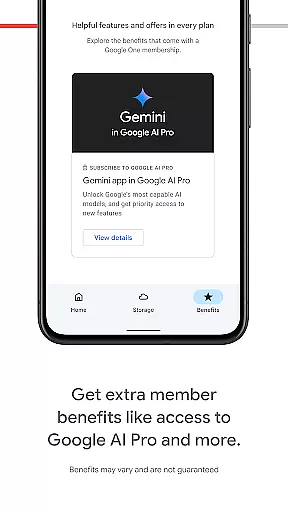
Premium members enjoy additional benefits such as expanded storage plans, personalized help from Google experts, and exclusive access to member perks. These features make Google One not just a storage solution but also a comprehensive tool for enhancing productivity and safeguarding digital assets.
Google One excels in core task management by offering users seamless control over their digital assets. The app provides automatic backup solutions for essential data such as photos, contacts, and messages, ensuring that users never lose important information.
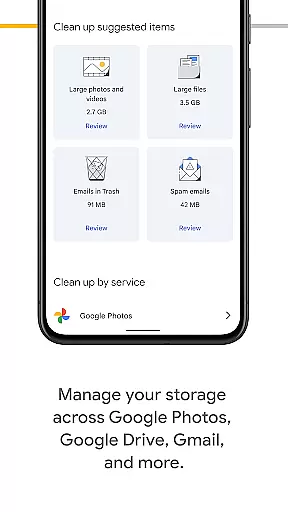
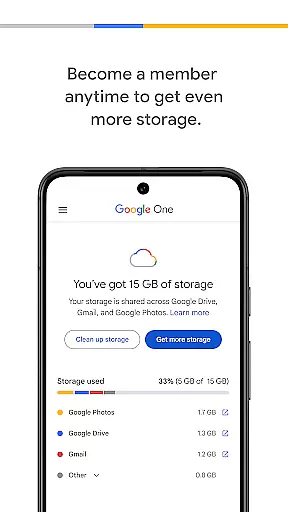
With the ability to manage storage across Google Drive, Gmail, and Google Photos, users can efficiently allocate their 15 GB of free storage that comes with every Google account. This centralized management system simplifies the process of monitoring and adjusting storage needs.
For those requiring more capacity, Google One offers flexible membership plans. These plans allow users to select the storage size that best suits their requirements, providing a scalable solution for personal or professional use.
Cross-device synchronization is a standout feature of Google One, enabling reliable and consistent access to your files across multiple devices. Whether you're switching phones or using a tablet, all your data remains up-to-date and accessible.
The app ensures that backups are performed automatically, so when you upgrade or replace your device, restoring your data is straightforward and hassle-free. This reliability extends to managing your content on Google Drive, Gmail, and Google Photos.
By upgrading to a Google One membership, users benefit from enhanced synchronization features. This includes increased storage options and improved performance, guaranteeing that your digital life remains uninterrupted regardless of the device you use.
Automatic backup
Seamless Google integration
Flexible storage plans
Google expert support
Exclusive member benefits
Limited free storage
Android-focused
Paid premium features
No offline functionality
Dependent on Google services

Mega cloud explorer plugin for Solid Explorer
 3.80
3.80
Planet Free VPN - The best Fast Unlimited and Secure VPN Without Logs
4.50
Mind Map and brainstorm, note taking and idea collection
4.80
Protect and view your important info on your phone and tablet with eWallet®
4.80
⏰ Finally a timer app which can run multiple timers simultaneously on your watch
3.90
Create and edit presentations with Google Slides, part of Google Workspace.
4.00
Great calculator for Android named one of USA TODAY's "25 Essential Apps".
4.90
Share files & memories safely. Keep your photos and videos secure.
4.40
Ultimate Virtual AI Character for immersive Roleplay Chat. Perfect Companion
3.90
Multilingual translator for text, voice, and image translation!
4.90
Secure, fast, open-source, VNC and SSH Remote Desktop for Windows, Linux and Mac
4.70
Direct Chat without saving contacts & Dual WA Account on Single Device
4.70
Subscribe to Webcal & .ics calendars and keep them up-to-date!
4.50
Tally and goal counter for Wear OS & mobile
4.50
A lightweight JSON & XML files creator, editor and viewer (Premium Version)
4.40
Total remote control for your Android device, PC and cloud services (IFTTT)!
4.20
Todo reminder
4.10
Easiest event planning, volunteer signups & parent teacher conference scheduling
2.20
A simple, portable logger for POTA, SOTA, Field Day, and more
4.3


User Reviews