
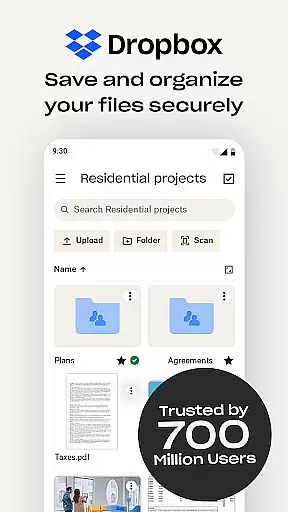
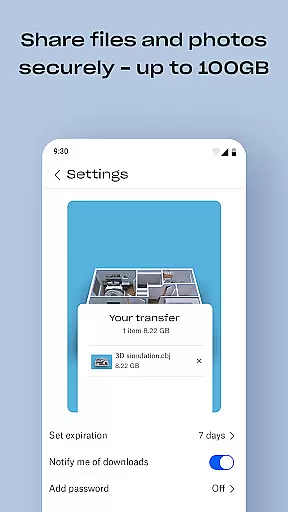
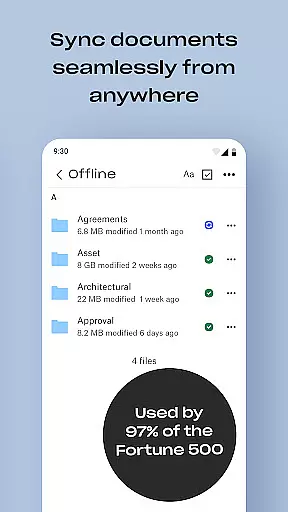
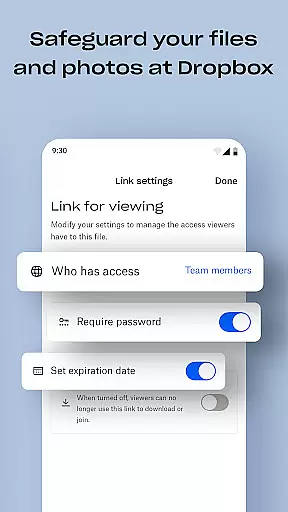
Dropbox is a leading cloud storage solution that allows users to securely backup, access, and manage their essential files from any location. Trusted by over 700 million registered users globally, it offers reliable and private file management for individuals and teams alike. The app ensures seamless synchronization across devices, making it easy to retrieve files even when offline.
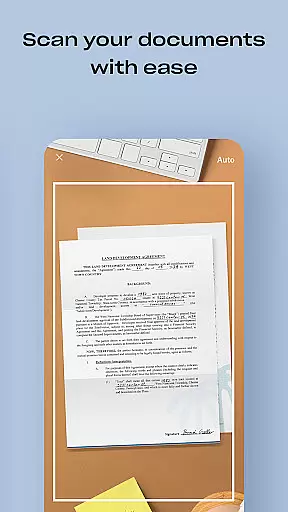
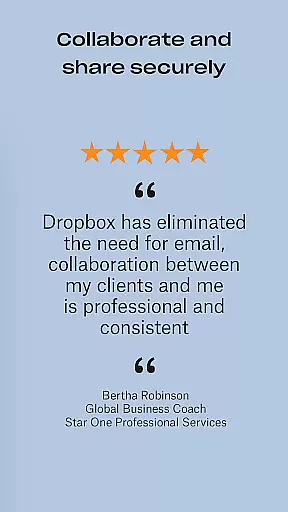
With features like automatic photo uploads, document scanning, and file sharing via links, Dropbox enhances productivity for both personal and professional use. Its advanced security measures, including version history and file recovery, provide peace of mind for managing sensitive data. Dropbox also supports collaboration through shared folders and team accounts, making it an ideal choice for businesses and families.
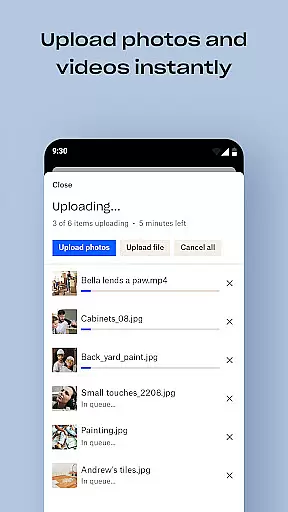
Dropbox stands out with its comprehensive feature set tailored for productivity. One of its core strengths is the automatic upload of photos and documents to cloud storage, enabling effortless organization and sharing. Users can preview over 175 file types without additional software, ensuring smooth accessibility regardless of device or location.
The app's ability to sync folders on PCs or Macs provides a reliable backup solution. With options like Dropbox Passwords, Vault, and Rewind available in the Plus plan, users gain enhanced control over their data. These tools allow secure password management, protection of sensitive files, and the ability to roll back changes. Dropbox’s focus on security and ease of use makes it a top choice for managing digital content efficiently.
Dropbox excels in core task management by providing users with a seamless experience to organize, store, and access files across all devices. The application supports automatic uploads from your camera roll, ensuring that important photos and documents are always backed up and available for sharing.
With the ability to preview over 175 file types without special software, Dropbox ensures that users can effortlessly manage their digital content. This feature is crucial for individuals and teams who need quick access to various documents, enhancing productivity and collaboration.
Moreover, Dropbox's version history and file recovery options allow users to retrieve older versions of their work or restore deleted files. This functionality not only secures data against accidental loss but also supports efficient project management by maintaining an accessible archive of document iterations.
Cross-device synchronization is a cornerstone of Dropbox's service, offering reliable and consistent access to files regardless of the device being used. Whether you're on a PC, Mac, or mobile device, Dropbox ensures that your files are synchronized and available offline, which is essential for uninterrupted workflow.
The platform's computer backup feature automatically syncs folders from your desktop to the cloud, safeguarding your data and making it accessible from anywhere. This level of integration provides peace of mind, knowing that your critical files are protected and retrievable even when switching between devices.
Furthermore, Dropbox extends its synchronization capabilities to include advanced features like Dropbox Vault and Passwords, securing sensitive documents and syncing passwords across devices. These tools enhance the overall user experience by combining convenience with top-tier security measures, ensuring that your data remains private and protected.
User-friendly interface
Strong security protocols
Offline file access
Wide device compatibility
Excellent file recovery
Paid features are costly
Limited free storage
Occasional sync issues
No built-in editor
Basic mobile functionality

Client for Nextcloud Deck
 4.60
4.60
A customizable calendar for your Wear OS watch
4.20
Planet Free VPN - The best Fast Unlimited and Secure VPN Without Logs
4.50
Smart PDF reader & editor to view, organize and manage PDF documents easily.
3.70
All in One PDF Reader: Manage, Read and Edit your Documents
4.20
The ultimate file manager for rooted devices. The original and still the best.
4.00
Scan paperwork into PDF/JPG, generate your own e-signature and send fax or email
4.70
AI Chatbot and AI writing assistant powered by ChatGPT.
4.60
Set up, print, and get support—in one place
4.20
8 custom complications. Custom Time Fonts. Beautiful color schemes. A++ Design.
5.00
Great calculator for Android named one of USA TODAY's "25 Essential Apps".
4.90
Seamlessly integrate data and reports to build your presentation to impress
4.80
We're working to become the best machining app on the market! www.cncdirt.com
4.80
App lock - lock apps with fingerprint, password, pin or pattern, protect privacy
4.70
Functional QR scanner and barcode reader that requires little storage space.
4.60
PDF scanner & converter for files, photos, lottery, QR codes. One swipe away!
4.50
Easily read and manage all your PDF files
4.10
Customizable calendar widget for seamless event sync, planning & scheduling.
4.00
AI Video AI Image Private LLM AI Browser Llama Gemma Ollama Connect LLM Studio
4.2


User Reviews