
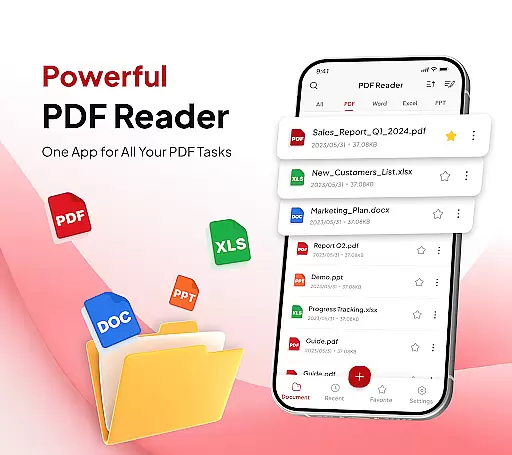
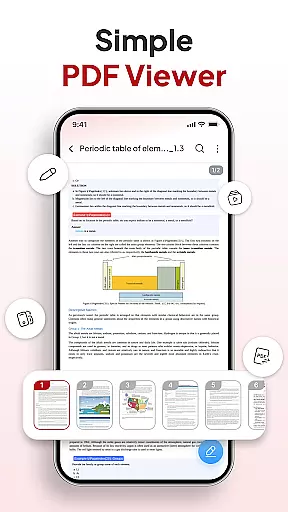
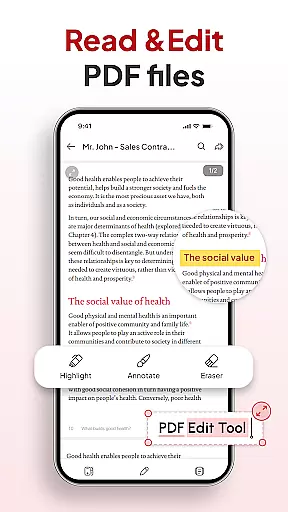
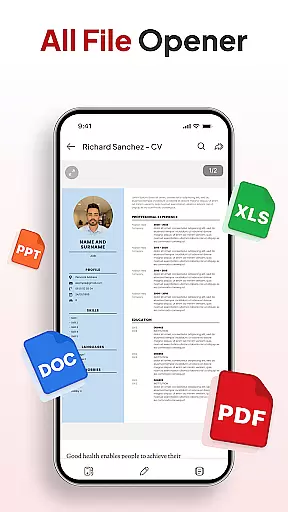
PDF Reader - Document Editor is a comprehensive productivity tool designed to simplify how you manage digital documents. This app allows users to read, edit, organize, and convert PDF files with ease, making it an essential utility for students, professionals, and anyone handling PDFs regularly. With its intuitive interface, the app supports smooth reading of large PDFs, enables text highlighting, and provides zoom functionality for detailed viewing.
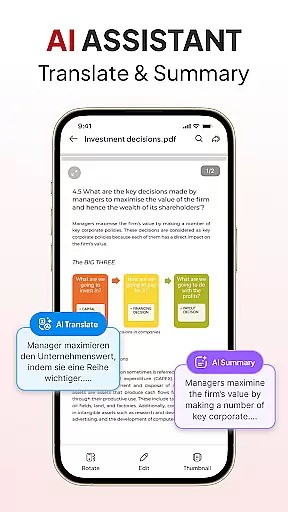
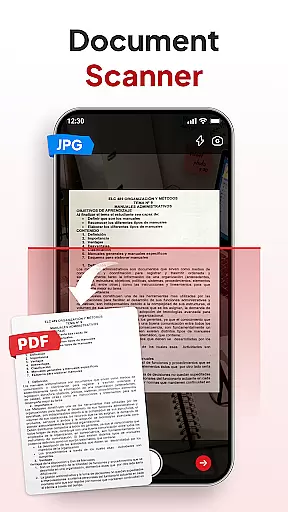
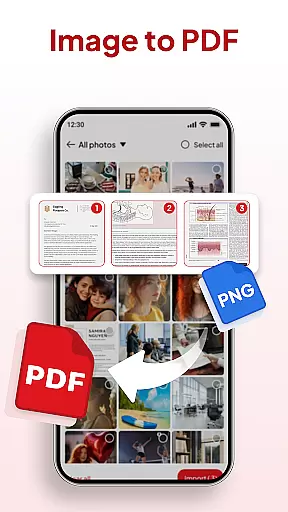
Beyond basic PDF handling, the app includes smart conversion features such as document scanning and image-to-PDF conversion. Users can also organize files into folders, search by various criteria, add signatures, and share documents instantly. The built-in AI assistant offers advanced capabilities like document summarization and translation. Whether for academic, professional, or personal use, this app streamlines document management while enhancing productivity.
PDF Reader - Document Editor stands out with its robust feature set tailored for efficient document handling. The app's reading capabilities allow seamless navigation through PDFs of any size, with support for multiple file formats including XLS, DOCX, and PPT. Its smart zoom function ensures users can focus on important details while maintaining smooth scrolling performance.
The app's conversion tools are particularly noteworthy. The integrated document scanner transforms physical documents into clear PDFs, while the image-to-PDF feature creates professional-quality documents from photos or screenshots. Additional productivity features include a file organizer with folder management, advanced search functionality, and signature tools. The AI assistant adds another layer of value by providing automatic document summarization and translation services, making complex document processing more accessible than ever.
Task management is at the heart of productivity applications, and PDF Reader - Document Editor excels in this area. This functionality allows users to handle their documents with precision and efficiency.
The app offers a comprehensive suite of tools for managing PDFs, including reading, editing, organizing, and converting them into other formats. With features like File Organizer, users can declutter their storage using folders and favorites, ensuring that every document is easy to find and well-organized.
PDF Reader also includes Sort & Search capabilities, which enable users to quickly locate any document by name, date, or size. This saves time and enhances workflow, allowing users to focus on more important tasks rather than searching for files.
Ultimately, the core task management features of PDF Reader - Document Editor provide an all-in-one solution for anyone looking to streamline their document handling process, making it an invaluable tool for students, professionals, and everyday users alike.
Cross-device synchronization is essential for users who need access to their documents across multiple devices. PDF Reader - Document Editor ensures that your files are always up-to-date, no matter where you are or what device you're using.
This app provides reliable synchronization that updates your documents in real-time, so you never have to worry about working with outdated files. Whether you're switching from your phone to your tablet or sharing documents with colleagues, the transition is seamless and efficient.
Moreover, the Instant Sharing feature allows you to send PDFs via your favorite apps with just one tap, further enhancing the synchronization experience. This means collaboration and file sharing become effortless, adapting to the fast-paced demands of modern work environments.
In summary, the cross-device synchronization reliability of PDF Reader - Document Editor ensures that users can access their documents anytime, anywhere, with confidence in the consistency and accuracy of their data across all platforms.
User-friendly interface
Multi-format support
Powerful AI tools
Instant sharing options
Advanced search capability
Premium features locked
Occasional lag
Limited free usage
Ads in free version
Large file slowdown

A Revolutionary All-in-One Artificial Intelligence Tools
 3.80
3.80
Ads Free App! Editor, Hide File, Copy, Move, Delete and Rename.. all facility av
1.70
Wake up & get tasks done! Add alarms & reminders on the Clock Launcher.
4.00
8 custom complications. Custom Time Fonts. Beautiful color schemes. A++ Design.
5.00
Secure, fast, open-source, Remote Desktop Client for Windows and Linux with SSH
4.60
aCalendar+ makes your day, week and month
4.70
All in One PDF Reader: Manage, Read and Edit your Documents
4.20
Enjoy classic gameplay with customizable features and retro-style graphics.
4.30
Access, manage and transfer files on Android, PC, Mac, NAS and cloud storages.
4.30
Native client for Forgejo and Gitea
5.00
Simple notepad & memo. Take notes, to-do list, shopping list with reminders.
4.80
App Lock with fingerprint, password: Lock apps & hide photos with lock screens
4.60
Translate text/voice/photos in 150+ languages. Offline & fast translator app.
4.50
Intelligent AI Assistant
4.10
Customizable calendar widget for seamless event sync, planning & scheduling.
4.00
Take control of your clipboard with Clipper!
3.90
All in one sketching tool. Technical and General drawing. Online Maps support.
3.70
Auto-shutoff Alarm with Sunrise, Sunset & Fixed Options.
3.50
A simple, portable logger for POTA, SOTA, Field Day, and more
4.0


User Reviews