
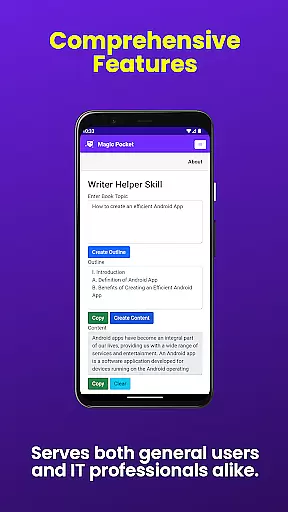
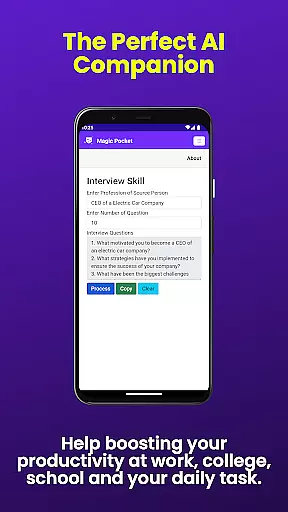
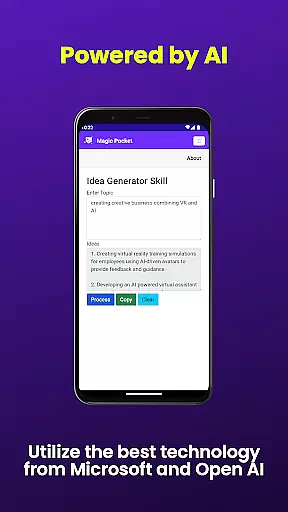
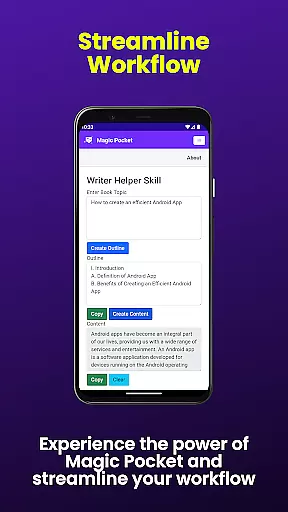
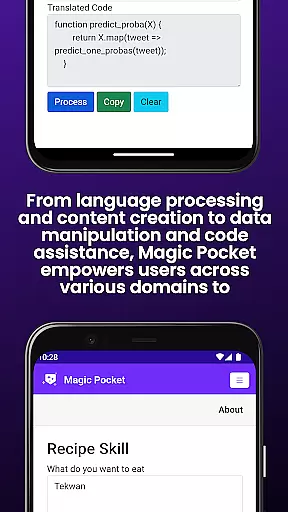
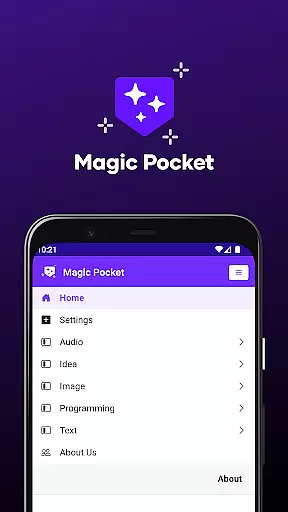
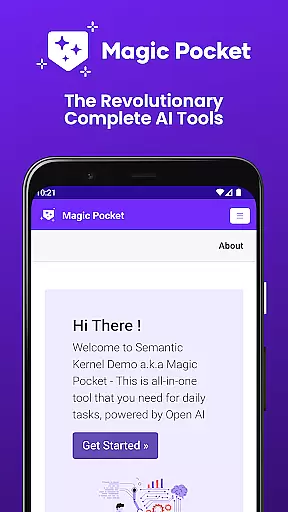
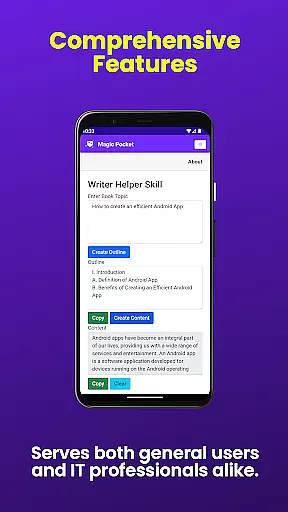
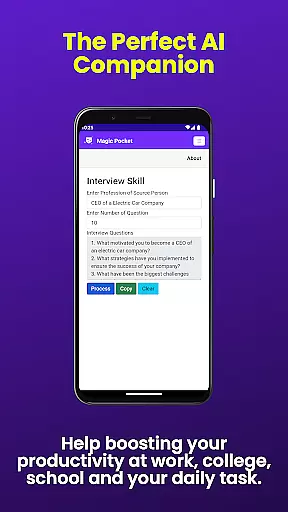
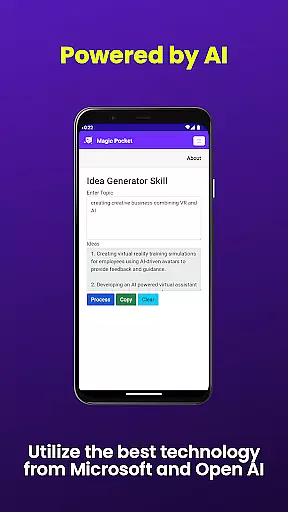
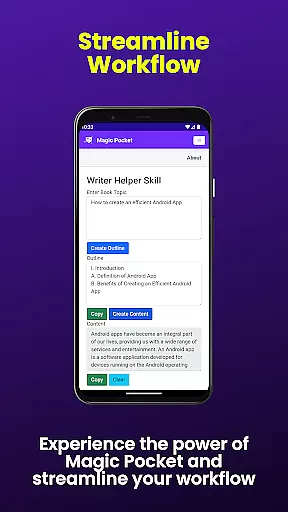
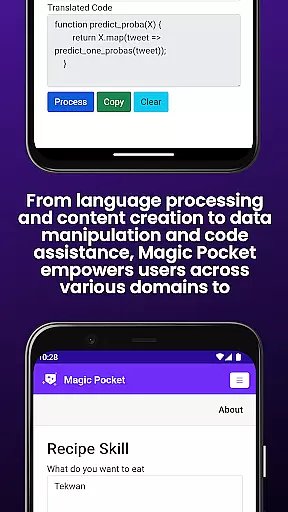
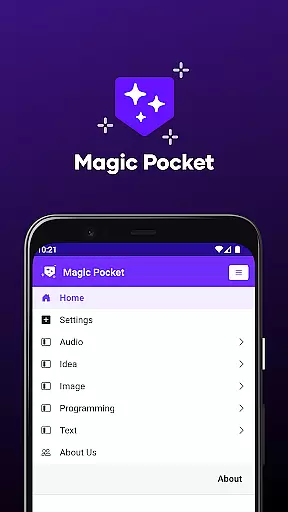
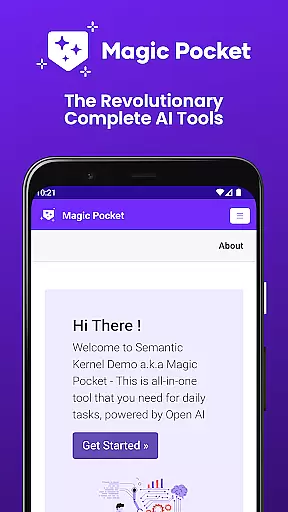
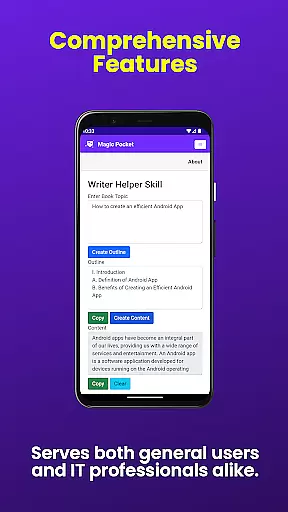
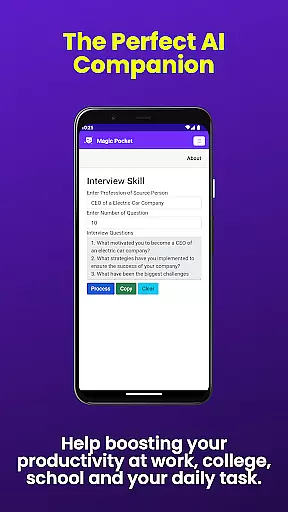
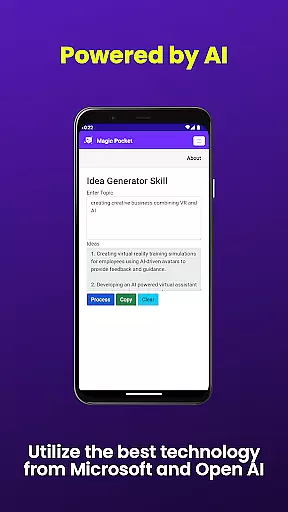
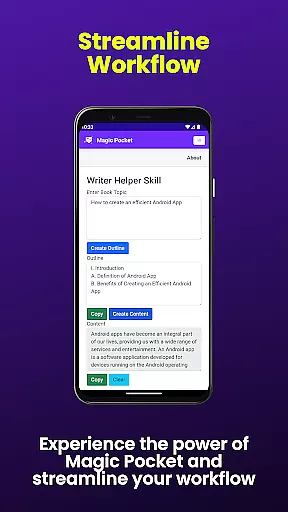
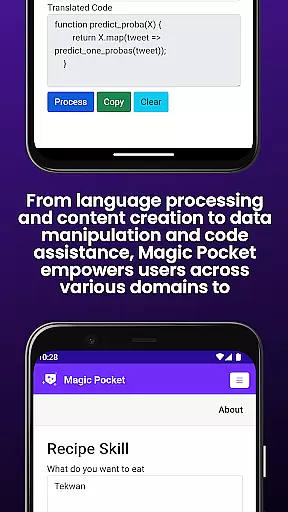
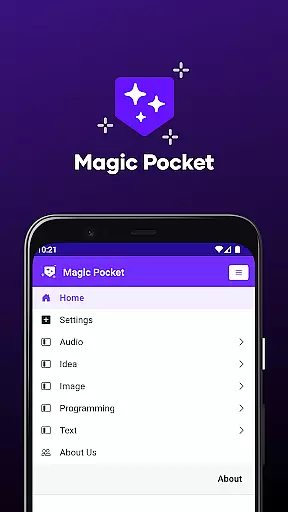
Magic Pocket is a productivity powerhouse that now boasts an impressive suite of 100 features. This versatile app caters to both Android and Windows users, providing tools for creative projects, media management, and text transformation. With the latest update, Magic Pocket introduces 20 new cutting-edge features that enhance its capabilities even further.
Among its core offerings, Magic Pocket enables seamless video conversations, effortless data extraction from images, voice-activated animations, and smooth speech-to-speech translation. It also includes powerful image and video editing tools, realistic handwriting generation, and innovative content converters. These functionalities make it an indispensable tool for professionals and creatives alike who seek to maximize their productivity while unleashing their creative potential.
Whether you're looking to generate high-quality videos, create stunning headshots, or transform images into emojis and 2D animations, Magic Pocket has got you covered. Its comprehensive feature set empowers users to accomplish a wide range of tasks efficiently and effectively, making it a must-have application for anyone in need of a robust productivity solution.
Magic Pocket stands out with its extensive array of features designed to boost productivity and creativity. The app now includes Talk with Video for seamless video conversations and Extract Image Data for pulling information from images effortlessly. Animate Image With Voice brings static images to life through voice commands, while Html to Markdown simplifies content formatting.
Speech to Speech translation ensures smooth communication across languages, and Headshot Image allows users to create professional-looking portraits instantly. Luma Video Generator produces high-quality videos using advanced models, whereas Image to Emoji transforms pictures into expressive icons. Sana Image Generator leverages Nvidia's technology to produce detailed visuals, and Recraft Image Generator offers unparalleled image creation capabilities.
Additional features like Image Inversion (Resolution), Add Video Caption, Trellis 3D Asset conversion, Video Foreground Extractor, Vector Image Generator, Change Video Background, Photon Image Generator, Handwriting Generator, and Image to 2D Animation provide users with comprehensive tools for various multimedia tasks. Each feature is crafted to deliver exceptional value by streamlining workflows and enhancing creative output.
In the realm of productivity, core task management is pivotal for organizing and prioritizing work efficiently. Magic Pocket - AI Tools excels in this area by offering a suite of features that streamline task handling.
With capabilities such as Talk with Video and Speech to Speech, communication tasks are simplified, allowing users to focus on the content rather than the medium. These tools facilitate seamless interaction, making remote work and collaboration more personal and effective.
Magic Pocket further enhances productivity by integrating media management tasks within its platform. From Extract Image Data to Change Video Background, it consolidates various functions that support complex project requirements without the need for multiple applications.
Users benefit from having a centralized system where they can manage everything from simple to-do lists to intricate design projects. This consolidation not only saves time but also reduces the cognitive load associated with juggling different software solutions.
Cross-device synchronization is essential for maintaining workflow continuity across different platforms. Magic Pocket - AI Tools addresses this need by ensuring reliable data syncing between Android and Windows devices.
The application supports real-time updates, which means any changes made on one device are immediately reflected on all others. Whether you're editing an image or generating a video, your progress is saved and synchronized, safeguarding against data loss and inconsistencies.
Moreover, Magic Pocket's cloud-based architecture underpins its robust synchronization capabilities. By leveraging secure cloud storage, it guarantees that user data is preserved and accessible wherever there is an internet connection.
This level of integration empowers users to transition smoothly between their desktop and mobile environments, enhancing flexibility and responsiveness in both personal and professional contexts.
User-friendly interface
Wide range of features
Cross-platform compatibility
Innovative AI tools
Regular updates
Steep learning curve
High system requirements
Limited offline functionality
Occasional bugs
Premium pricing

Create study competitions, track your hours, and stay consistent with friends
 4.1
4.1
Direct Chat without saving contacts & Dual WA Account on Single Device
4.70
8 custom complications. Custom Time Fonts. Beautiful color schemes. A++ Design.
5.00
A simple, portable logger for POTA, SOTA, Field Day, and more
4.5
App lock - lock apps with fingerprint, password, pin or pattern, protect privacy
4.70
Make apps & sites with natural language prompts
4.10
All document reader, all in one file viewer read PDF, DOCX, XLS, PPT, TXT files.
4.60
To do list widget with a notebook organizer, checklist, simple shopping list
4.60
Access your phone's notifications, calls, apps, photos & texts on your PC
3.90
Protect and view your important info on your phone and tablet with eWallet®
4.80
The Pro Version of Android's tiniest Notepad app. Just 0.3MB but feature-packed!
4.60
Absolutely the best CNC machinist speed and feed calculator around. fswizard.com
4.60
All in One PDF Reader: Manage, Read and Edit your Documents
4.20
Activate Two Factor Authentication (2FA or Multi OTP), Password manager and more
4.10
The ultimate file manager for rooted devices. The original and still the best.
4.00
⏰ Finally a timer app which can run multiple timers simultaneously on your watch
3.90
ID.me Authenticator is a simple and free Two Factor Authentication solution
3.50
IP Camera Viewer - Android TV : RTSP Surveillance camera viewer for Android TV
4.0
A comprehensive suite of tools designed specifically for Lactation Consultants
4.3


User Reviews