
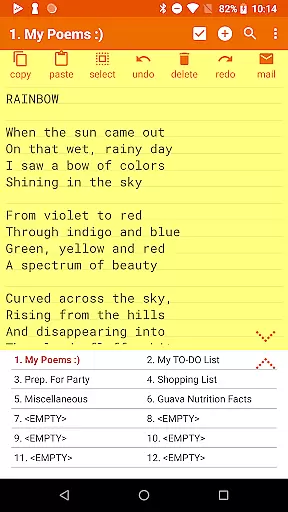

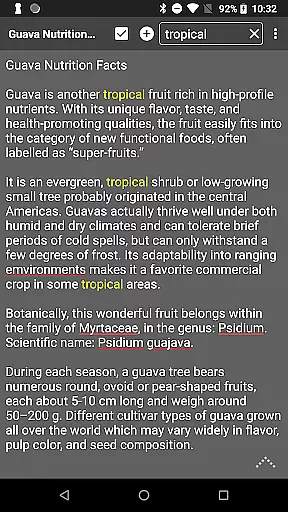


Notepad Pro represents the pinnacle of minimalist productivity tools, offering a robust notepad experience without compromising on device resources. This app is designed for users who appreciate efficiency and simplicity in note-taking. With its compact size of just 0.3 MB, it ensures that your device remains uncluttered while providing essential features.
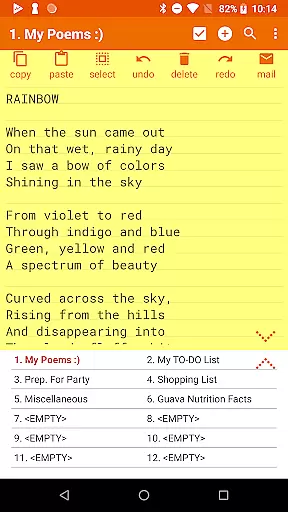
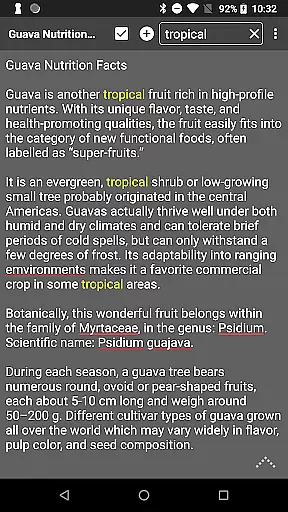
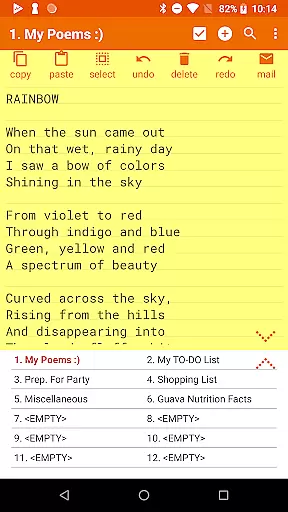
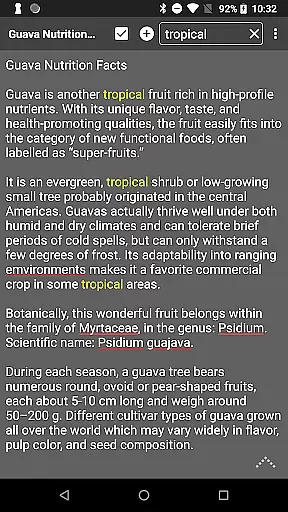
The application supports versatile functionalities such as unlimited notepad slots, in-line checklist capabilities, and search functionalities within and across notes. Its dedication to user convenience extends to desktop widget support and customizable display options, making it an indispensable tool for organizing thoughts and tasks efficiently.
Whether you're a student needing to manage lecture notes or a professional organizing meeting points, Notepad Pro caters to various scenarios with ease. The app's safeguard features ensure your data remains secure and accessible, allowing peace of mind while handling sensitive information.
Notepad Pro stands out with its comprehensive feature set tailored for productivity enthusiasts. One of its key highlights is the unlimited notepad slots, enabling users to create as many notes as needed without any restrictions. The in-line checklist capability allows for efficient task management directly within your notes.
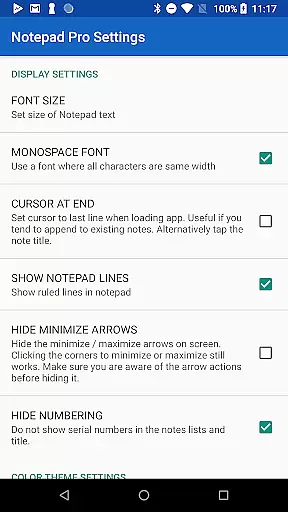
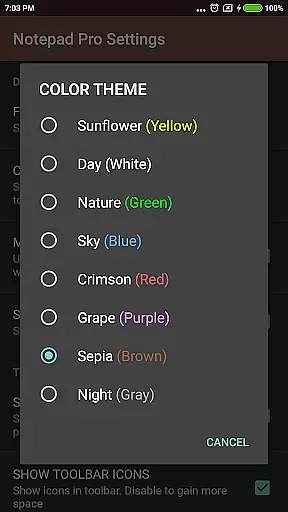
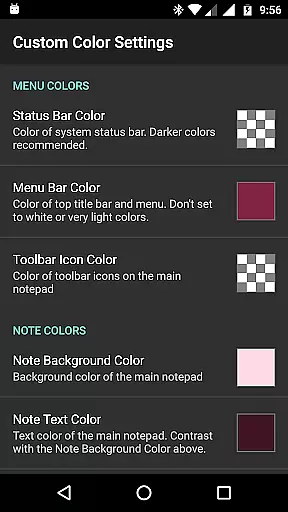
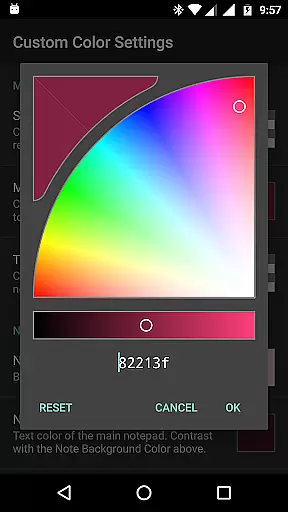
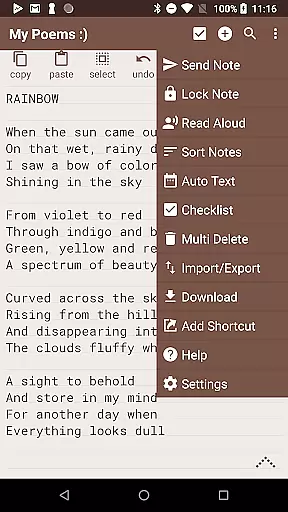
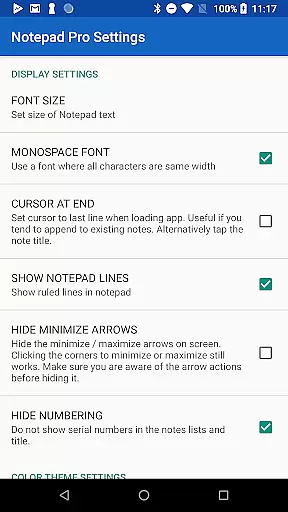
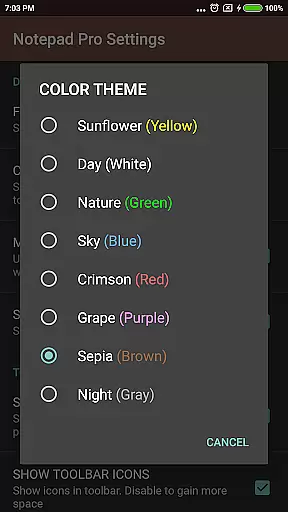
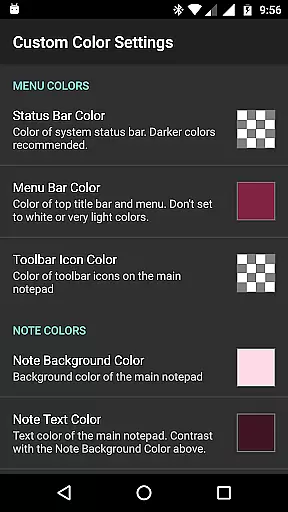
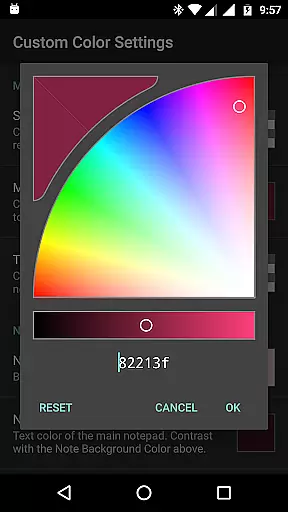
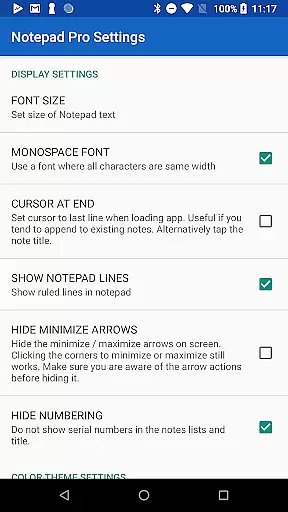
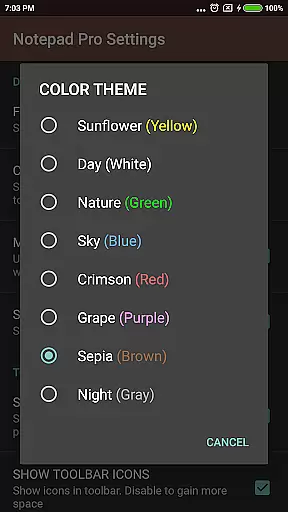
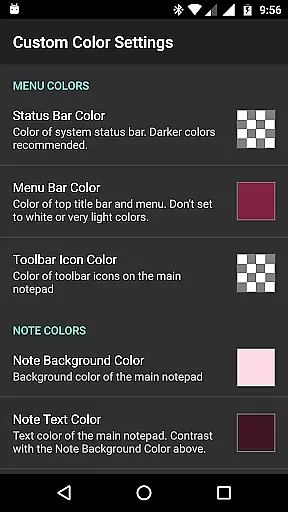
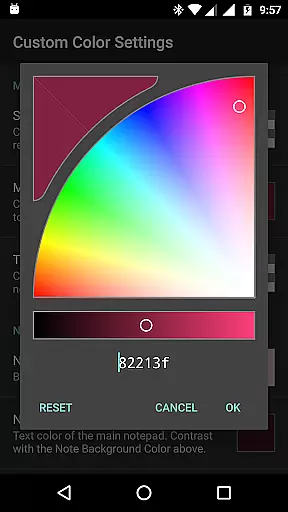
In terms of display customization, users can rearrange notes, categorize or bookmark them, and choose from custom themes to suit their preferences. The always-visible note title and full-screen view options enhance readability and focus. Additionally, the app provides extensive safeguard features like selective import/export of notes, read-only options, and backup frequency settings.
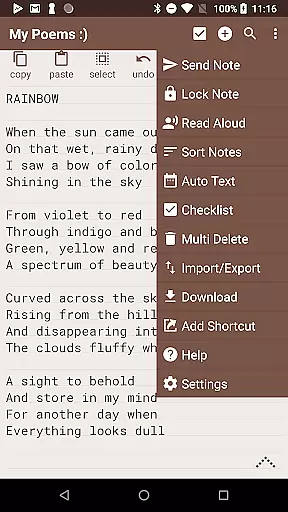
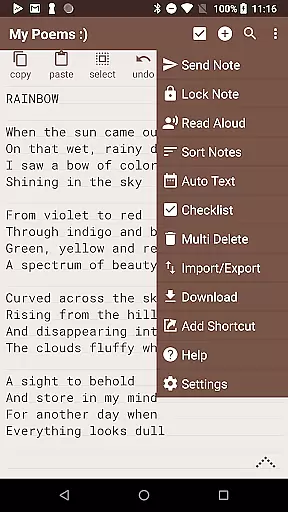
Accessibility is another strong suit of Notepad Pro. It includes functionalities like reading notes aloud, creating desktop shortcuts, and offering more configuration options for personalized usage. Sharing capabilities are equally impressive, allowing users to open text from external apps, attach notes as files in emails, and specify preferred email applications for seamless communication.
Notepad Pro excels in core task management by offering users a versatile Auto Save Notepad with unlimited notepad slots, ensuring that no idea or task is ever lost. This feature allows users to maintain an extensive list of notes without worrying about storage limitations.
In addition to unlimited slots, the app provides in-line checklist capability and search functionality within and across notes. These features enable users to organize their tasks efficiently and locate specific information quickly, enhancing productivity and streamlining workflow.
The app's tiny size of just 0.3 MB and lack of unwanted permissions make it a lightweight yet powerful tool for managing daily tasks. Users can enjoy a seamless experience without compromising device performance or personal privacy.
While Notepad Pro focuses on device-local features, its ability to download notes and backups locally adds a layer of cross-device synchronization reliability. Users can access their downloaded notes on different devices, ensuring they have critical information at hand, regardless of the device being used.
The app also supports selective import/export of notes, allowing users to transfer specific content between devices easily. This feature ensures that important notes are always synchronized across devices without unnecessary data clutter.
Furthermore, the read-only option and specified backup frequency provide users with peace of mind regarding data integrity. By making notes read-only and scheduling regular backups, users can be confident that their information remains consistent and secure across all devices.
Lightweight design
Unlimited note slots
Customizable themes
Efficient task management
Secure backup options
Paid version only
No cloud sync
Limited design flexibility
Basic sharing options
No collaboration features

Secure, fast, open-source, VNC and SSH Remote Desktop for Windows, Linux and Mac
 4.70
4.70
QuickBooks Workforce lets teams view pay info and track time in one place.
4.70
When you Focus, so will your Bean in this cozy focus timer
4.30
Planet Free VPN - The best Fast Unlimited and Secure VPN Without Logs
4.50
Automates browsing any website and notifies you of important changes or events
4.30
Easiest event planning, volunteer signups & parent teacher conference scheduling
2.20
A simple Whisper AI keyboard for reliable speech transcription and rewording
4.60
Scientific calculator for Android - looks and operates like the real thing!
4.90
Set up, print, and get support—in one place
4.20
Great calculator for Android named one of USA TODAY's "25 Essential Apps".
4.90
Understand anything with a personalized AI research assistant
4.80
Docker, Kubernetes management over Portainer Mobile
4.40
CalenGoo is a very flexible and feature-rich calendar app
4.40
Pwnagotchi companion app
4.20
All in One PDF Reader: Manage, Read and Edit your Documents
4.20
Make apps & sites with natural language prompts
4.10
Wake up & get tasks done! Add alarms & reminders on the Clock Launcher.
4.00
* block pre-roll ads, pop-up and forced redirect ads * Samsung certification app
4.00
Take control of your clipboard with Clipper!
3.90


User Reviews