
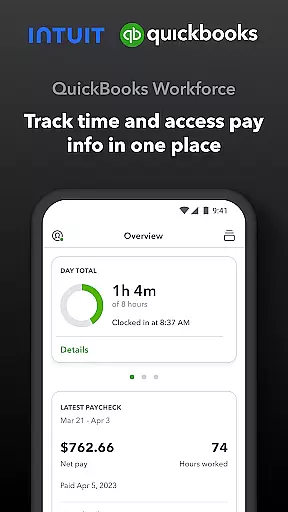
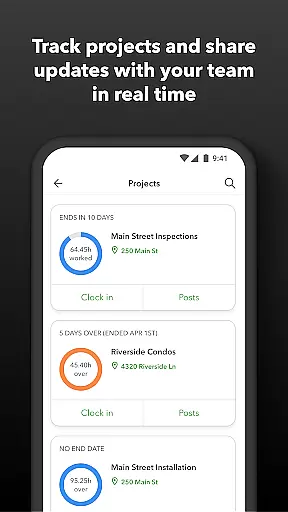
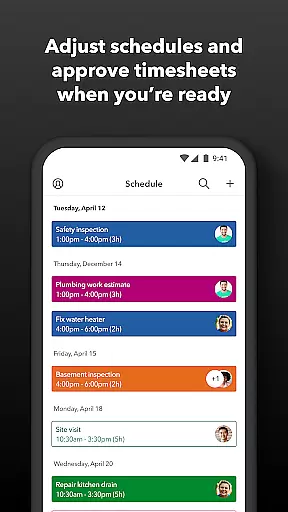
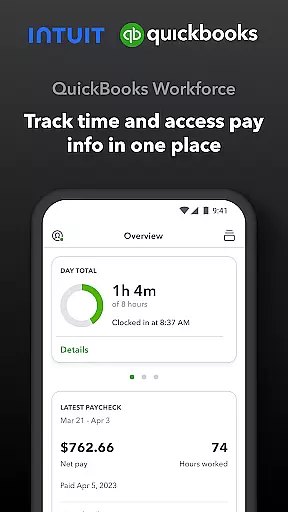
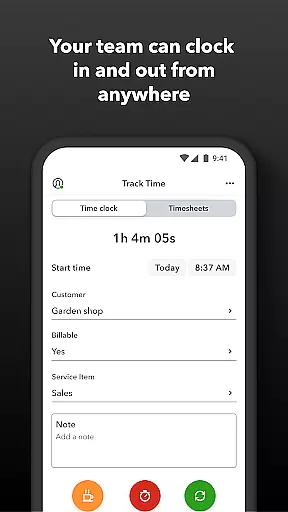
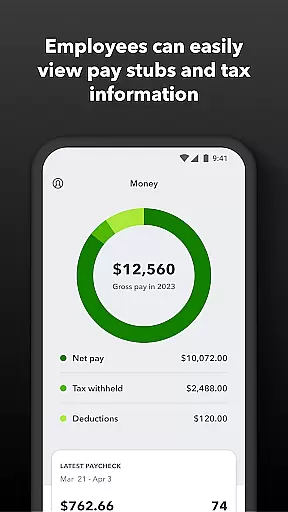
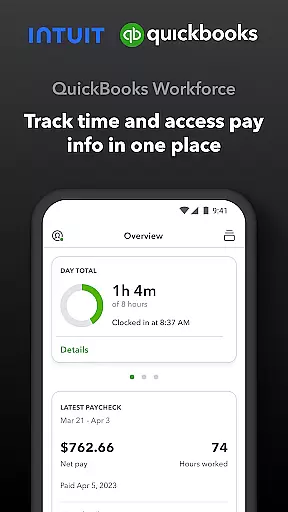
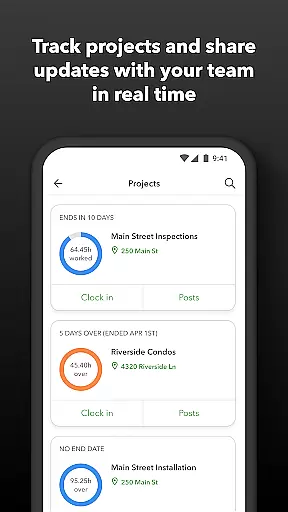
QuickBooks Workforce is a comprehensive productivity app designed to streamline payroll and time tracking for businesses using QuickBooks Payroll and QuickBooks Time. The app serves as a centralized platform where teams can conveniently access pay information and track work hours. With its robust feature set, it caters to both employees seeking easy access to their pay stubs and employers needing efficient workforce management tools.
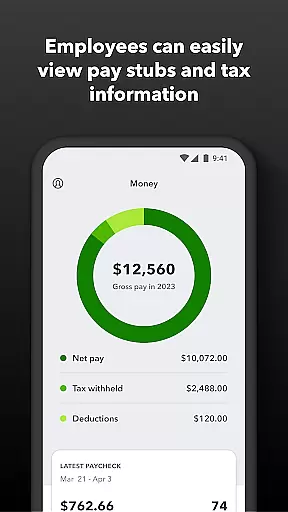
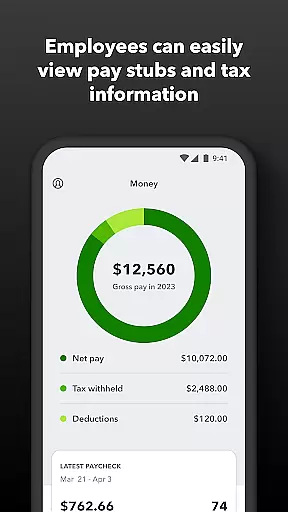
The app's core functionality includes enabling employees to view important pay documents like W-2s anytime and anywhere, while also providing advanced time tracking capabilities even without internet connectivity. Employers benefit from real-time monitoring features, schedule management, and detailed reporting options that help optimize team productivity and project oversight. This makes QuickBooks Workforce an invaluable tool for businesses looking to enhance operational efficiency and maintain accurate records.
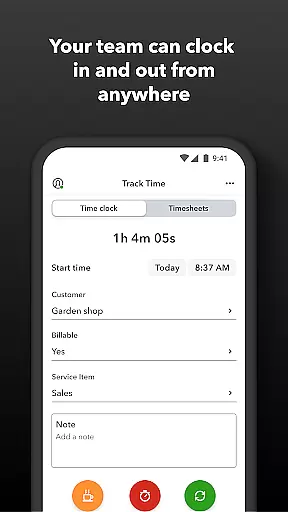
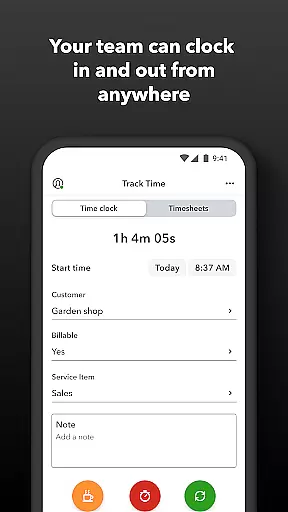
QuickBooks Workforce offers an extensive range of features tailored to improve workplace productivity and accuracy in payroll processing. One of its standout capabilities is the GPS location-based time tracking, which ensures precise recording of employee work hours. Additionally, the app allows users to edit timesheets, manage job schedules, and submit requests for paid time off seamlessly.
For employers and administrators, the app provides advanced functionalities such as geofencing, which reminds employees to clock in or out when entering or leaving a job site. Real-time alerts for unscheduled clock-ins or potential overtime situations further enhance workforce management. Moreover, the app supports integration with various payroll and accounting software, ensuring smooth data flow and reducing manual entry errors. These features collectively contribute to significant time and cost savings for businesses.
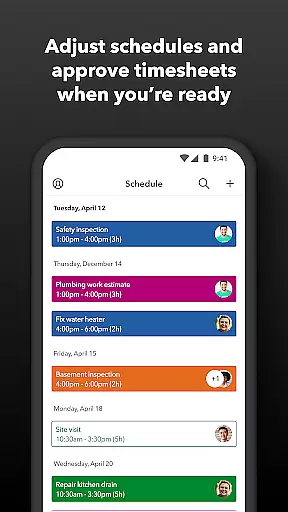
Task management is a cornerstone of productivity applications, and QuickBooks Workforce excels in this area by offering comprehensive tools for both employees and employers. The app allows team members to clock in and out, edit timesheets, and manage job schedules, ensuring that time tracking is accurate and efficient.
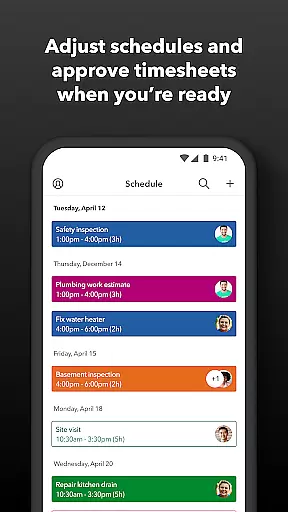
For employers and administrators, the app provides advanced features such as the ability to approve, edit, or delete timesheets, schedule by job or shift, and create or modify schedules. These capabilities ensure that workforce management is streamlined and that all team members are aligned with the company's objectives.
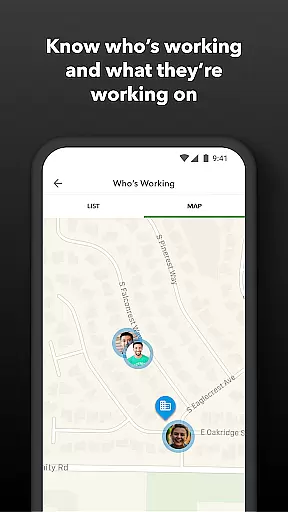
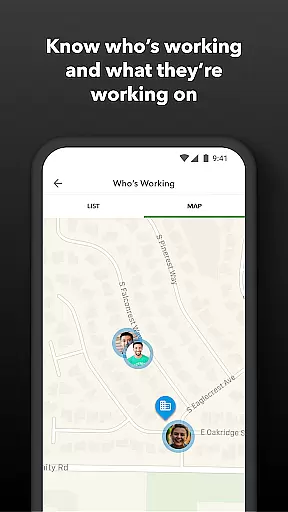
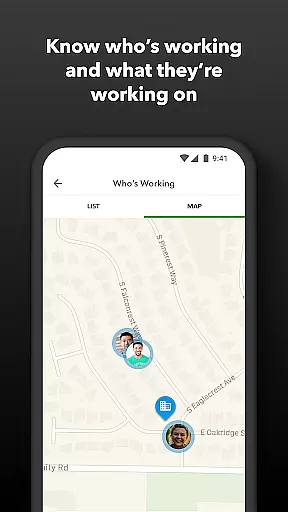
The real-time visibility into who is working and where adds another layer of efficiency, allowing managers to make informed decisions quickly. Additionally, features like geofencing and alerts for unscheduled clock-ins or potential overtime help maintain operational discipline and control costs.
By integrating these robust task management features, QuickBooks Workforce not only enhances productivity but also reduces payroll costs and eliminates manual data entry, making it an invaluable tool for businesses looking to optimize their operations.
Cross-device synchronization is vital for ensuring that all team members have access to the most up-to-date information regardless of the device they use. QuickBooks Workforce achieves this by seamlessly integrating data across various platforms, including QuickBooks Online and QuickBooks for PC.
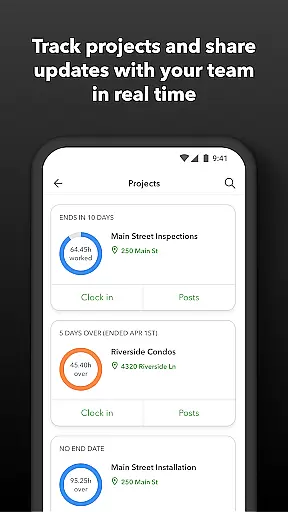
This synchronization ensures that whether employees are accessing pay stubs, W-2s, or other pay information, they can do so anytime, anywhere, without worrying about data discrepancies. For employers, this means real-time reports and updates on team productivity, project status, and budget adjustments are always available at their fingertips.
The appu2019s ability to integrate with other payroll, accounting, and invoicing software further enhances its synchronization capabilities. This interoperability ensures that businesses can maintain a consistent and reliable flow of information across different systems, reducing the risk of errors and inefficiencies.
Ultimately, QuickBooks Workforceu2019s reliable cross-device synchronization empowers businesses to operate more smoothly and efficiently, providing peace of mind that all data is current and accurate, thus facilitating better decision-making and resource management.
User-friendly interface
Real-time tracking
Comprehensive reporting
Seamless integrations
Offline functionality
Premium features locked
Subscription required
Limited free version
Occasional bugs
Steep learning curve

When you Focus, so will your Bean in this cozy focus timer
 4.30
4.30
Total remote control for your Android device, PC and cloud services (IFTTT)!
4.20
Mega cloud explorer plugin for Solid Explorer
3.80
Easily read and manage all your PDF files
4.10
The upgraded version of Name Wheel with AI and the power to add your own wheels.
4.2
All document reader, all in one file viewer read PDF, DOCX, XLS, PPT, TXT files.
4.60
Daily processing of PDF documents.
4.40
QuickEdit is a fast, stable and full featured text and code editor.
4.20
Note taking, handwriting, record audio, PDF annotation, planner & journal
4.20
Android Wallet Password Manager
4.80
Use powerful, industry-leading AI tools to generate visual charts from any data
4.80
Direct Chat without saving contacts & Dual WA Account on Single Device
4.70
A beautiful digital clock with autostart and many other functions
4.70
Absolutely the best CNC machinist speed and feed calculator around. fswizard.com
4.60
Planet Free VPN - The best Fast Unlimited and Secure VPN Without Logs
4.50
Fill, sign & send docs, forms, agreements & contracts via electronic signature.
4.50
A Revolutionary All-in-One Artificial Intelligence Tools
3.80
Ads Free App! Editor, Hide File, Copy, Move, Delete and Rename.. all facility av
1.70
AI Video AI Image Private LLM AI Browser Llama Gemma Ollama Connect LLM Studio
4.4


User Reviews