
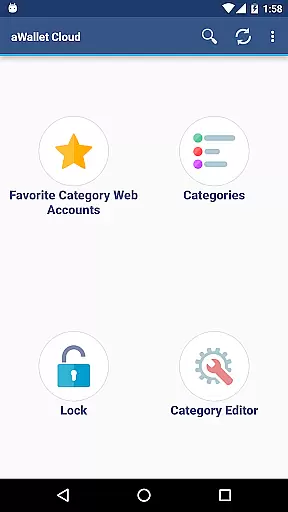
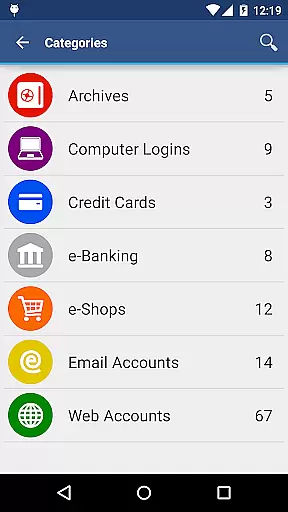
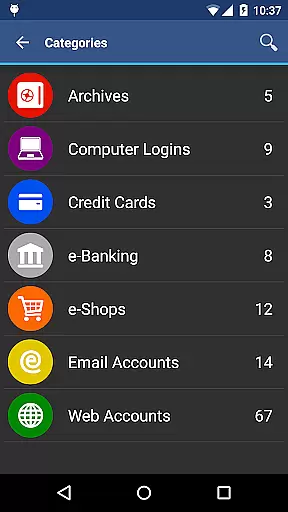
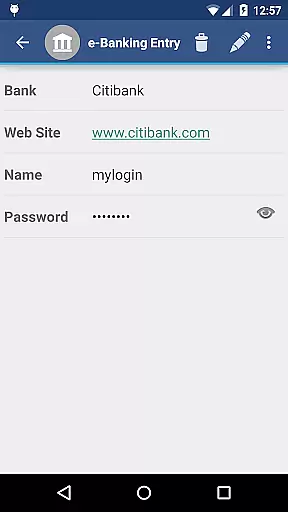
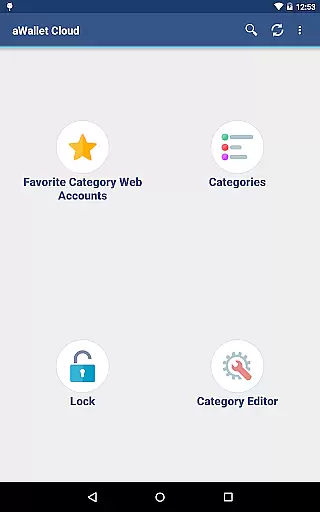
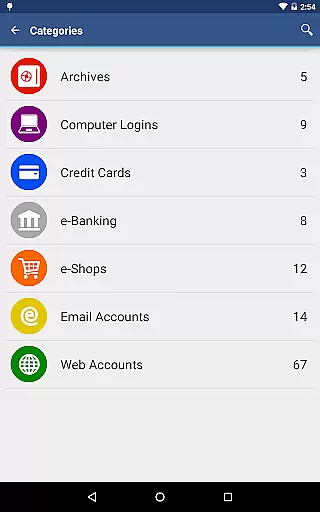
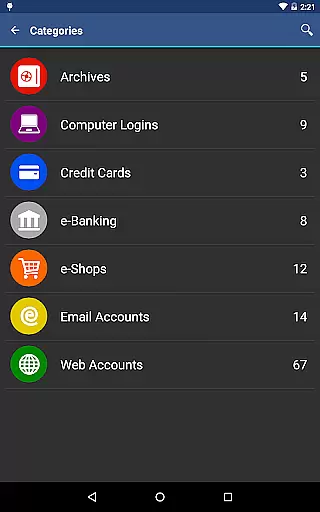
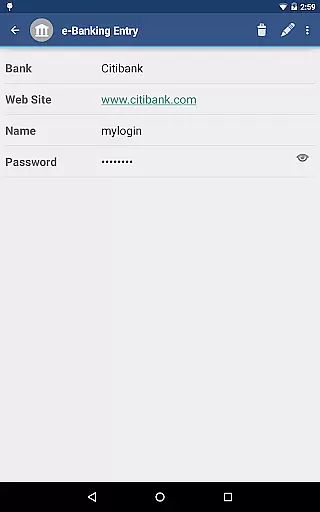
aWallet Cloud Password Manager is a robust productivity application designed to securely store and manage sensitive information such as passwords, credit card details, e-banking credentials, and web accounts. The app ensures top-notch security by encrypting all stored data using advanced algorithms like AES or Blowfish with key sizes up to 256 bits.
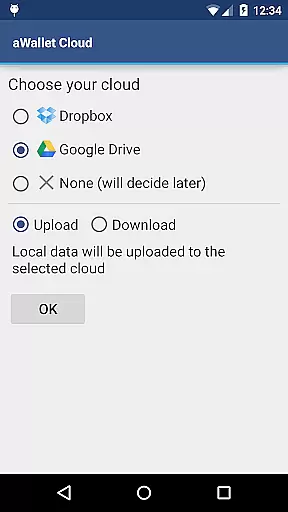
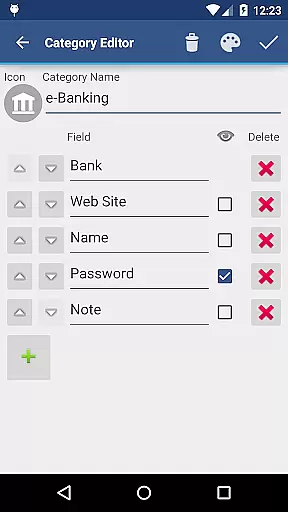
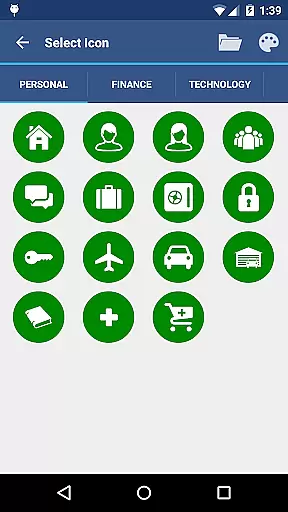
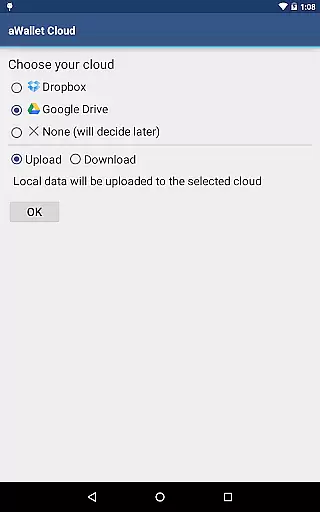
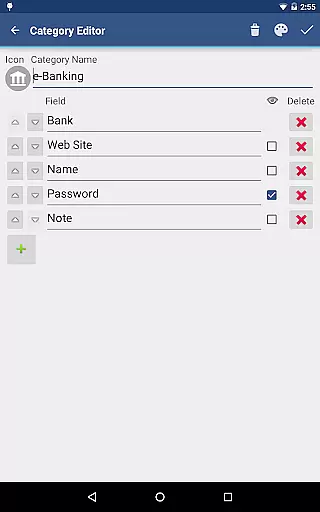
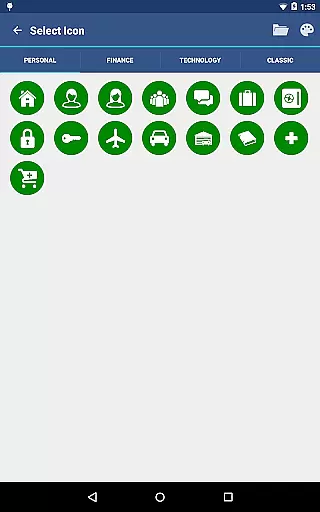
One of the standout features is its ability to synchronize encrypted data with your personal cloud storage accounts such as Dropbox or Google Drive, ensuring that your information is accessible yet secure across multiple devices. Additionally, users can take advantage of the built-in editor to customize data categories and icons, making data management both flexible and intuitive.
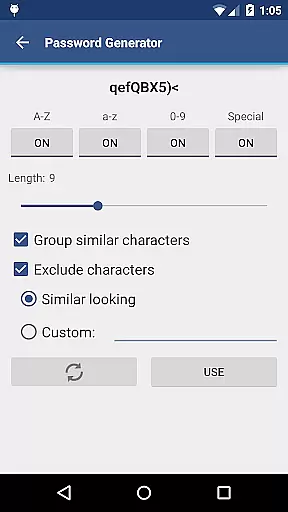
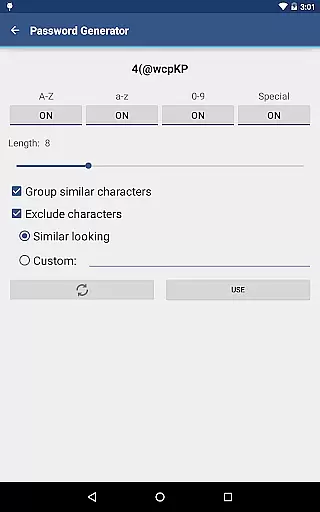
The app also includes practical functionalities such as auto-lock, password generation, and backup/restore options for USB devices. These features collectively enhance user convenience while maintaining stringent security protocols, making it an ideal choice for individuals seeking a reliable digital vault for their confidential data.
aWallet Cloud Password Manager offers a comprehensive suite of features tailored to meet the needs of security-conscious users. One of its primary capabilities is the synchronization of encrypted data with cloud services like Dropbox and Google Drive, allowing seamless access to critical information from any device.
Security is at the forefront of this app's design. It employs powerful encryption algorithms including AES and Blowfish, with support for key sizes of 256, 192, or 128 bits. This ensures that all stored data, including entry names and category definitions, remains protected against unauthorized access. Furthermore, the app incorporates additional security measures such as random salt generation and repetitive hashing, which significantly bolster defense against brute force and dictionary attacks.
Usability is not compromised for security; the app provides convenient features such as fingerprint and facial recognition unlock options, a password generator, and CSV import/export functionality. These tools empower users to efficiently manage their credentials while enjoying peace of mind knowing their data is safeguarded.
aWallet Cloud Password Manager excels in core task management by offering a comprehensive suite of features designed to securely handle sensitive information. This includes storing passwords, credit card details, and e-banking credentials with utmost security.
The application allows synchronization of encrypted data with personal cloud accounts such as Dropbox or Google Drive, ensuring that users have access to their information wherever they are. Additionally, the built-in editor for custom data categories enhances the ability to organize and manage different types of entries effectively.
With functionalities like search within fields, auto-lock, and support for backup and restore operations to an Android USB device, users can efficiently manage their digital lives. These features collectively contribute to a robust system for managing essential data without compromising on security or convenience.
Cross-device synchronization is a critical feature of aWallet Cloud Password Manager, allowing users to maintain consistency and reliability across multiple devices. By leveraging trusted cloud services like Dropbox and Google Drive, the app ensures that all your vital information is synchronized safely and efficiently.
This synchronization process is not just about convenience but also about maintaining top-notch security standards. All data is encrypted using powerful algorithms such as AES or Blowfish with key sizes up to 256 bits, ensuring that your information remains protected during transfer and storage on the cloud.
Moreover, the app's capability to try all combinations of algorithm and key size with the master password when decrypting adds an extra layer of protection against brute force attacks. Such measures guarantee that users enjoy seamless, secure, and reliable access to their data regardless of the device they use, enhancing both productivity and peace of mind.
Advanced encryption
Cloud sync
Customizable categories
Auto-lock feature
No advertisements
Complex setup
Limited free features
Requires cloud account
No iOS version
Occasional sync issues

QuickBooks Workforce lets teams view pay info and track time in one place.
 4.70
4.70
When you Focus, so will your Bean in this cozy focus timer
4.30
Ads Free App! Editor, Hide File, Copy, Move, Delete and Rename.. all facility av
1.70
Wake up & get tasks done! Add alarms & reminders on the Clock Launcher.
4.00
Protect and view your important info on your phone and tablet with eWallet®
4.80
Make apps & sites with natural language prompts
4.10
PDF scanner & converter for files, photos, lottery, QR codes. One swipe away!
4.50
Enjoy classic gameplay with customizable features and retro-style graphics.
4.30
A simple Whisper AI keyboard for reliable speech transcription and rewording
4.60
The long-awaited modern gallery app for your Nextcloud server
4.70
Client for Nextcloud Deck
4.60
Absolutely the best CNC machinist speed and feed calculator around. fswizard.com
4.60
Lightweight PDF, Word, Excel reader.
4.60
A lightweight JSON & XML files creator, editor and viewer (Premium Version)
4.40
Share files & memories safely. Keep your photos and videos secure.
4.40
Intelligent AI Assistant
4.10
Create and edit presentations with Google Slides, part of Google Workspace.
4.00
Secure, open-source, SPICE and SSH Remote Desktop for QEMU KVM virtual machines
4.00
Remotely view listen control and record cameras.
3.70


User Reviews