
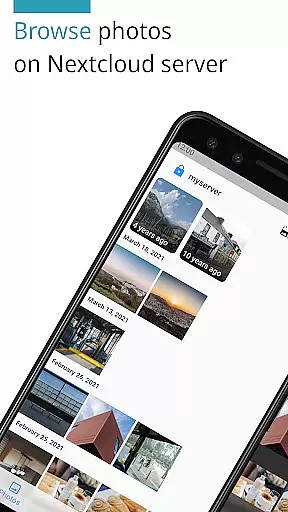
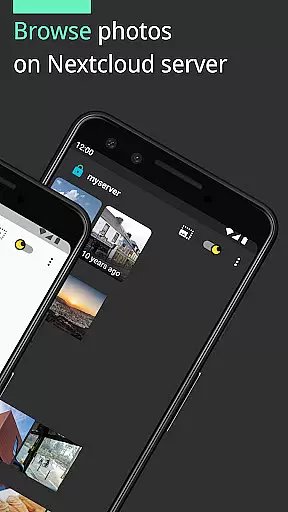
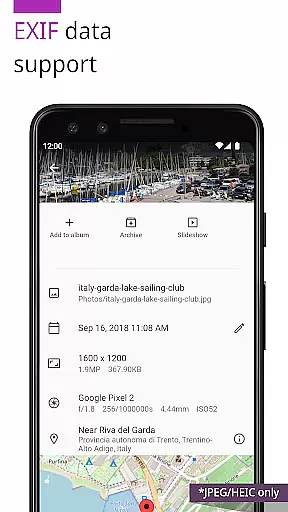
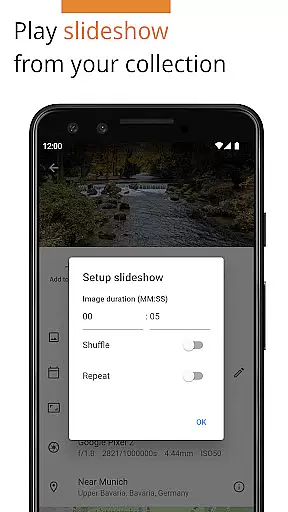
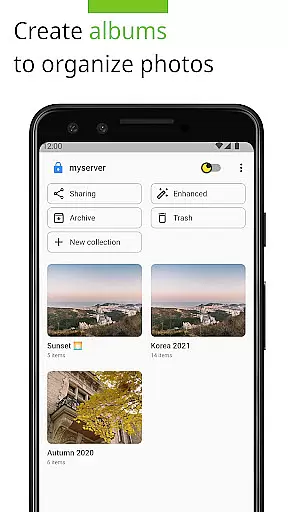
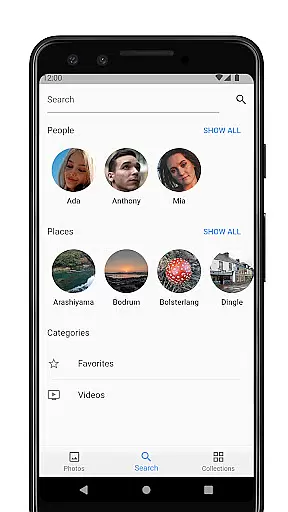

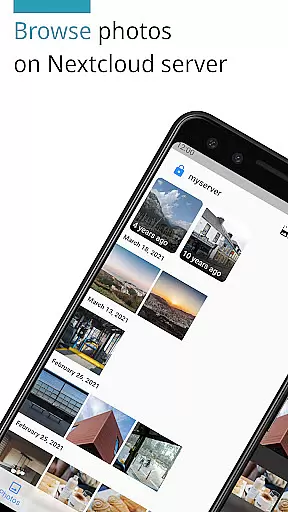
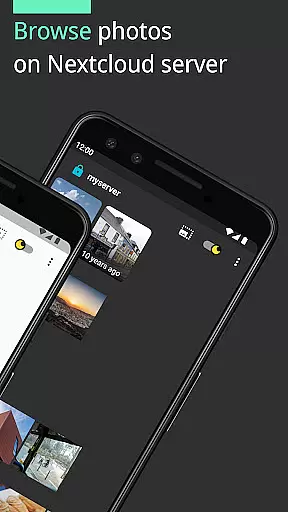
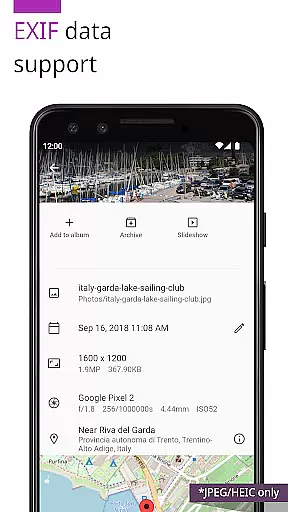
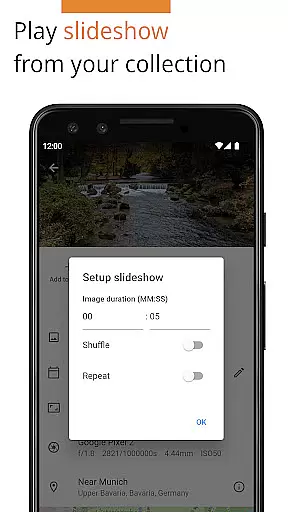
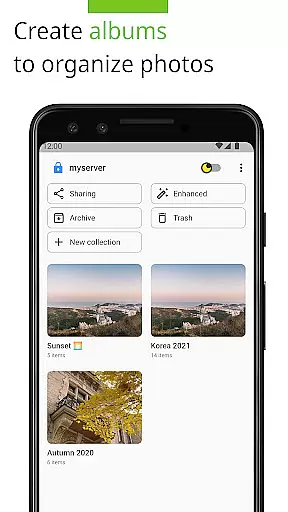
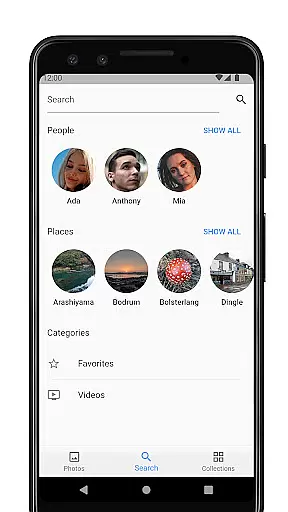
Photos for Nextcloud is a powerful productivity app designed to enhance photo management within the Nextcloud ecosystem. This application supports an extensive range of formats including JPEG, PNG, WebP, HEIC, GIF, JPEG XL, MP4, and WebM, ensuring compatibility across various devices. The app offers advanced functionalities such as client-side EXIF extraction, flexible album creation, and reverse geocoding, which collectively streamline photo organization and retrieval.
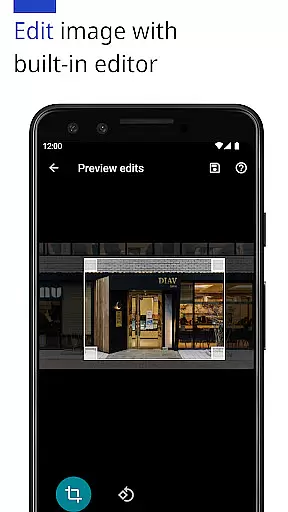
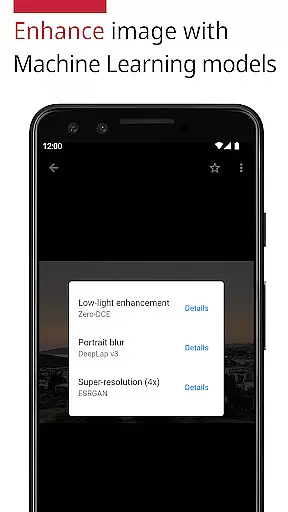
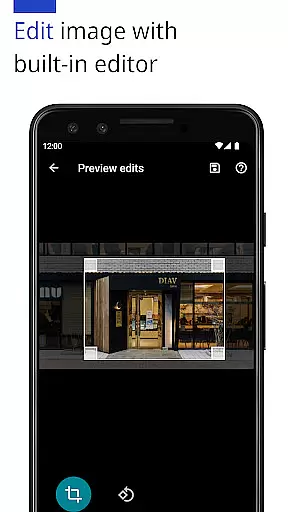
One of the standout features is the ability to enhance photos using machine learning models and edit them with a built-in editor. Additionally, users can sign in to multiple servers and create shared albums with others on the same server, albeit this feature is still experimental. Being open-source, it provides transparency and flexibility for users who prefer a self-hosted solution. Whether you are an individual or part of a team, Photos for Nextcloud significantly boosts productivity by offering robust tools for efficient photo management.
Photos for Nextcloud boasts a rich set of features tailored to improve photo handling and productivity. One of its core strengths is the support for a wide array of photo and video formats, including JPEG, PNG, WebP, HEIC, GIF, JPEG XL, MP4, and WebM. This ensures that users can manage nearly all types of media files without compatibility issues. The inclusion of client-side EXIF extraction allows users to access metadata even for formats not natively supported by the server, enhancing data retrieval capabilities.
The app also leverages machine learning models to enhance photo quality and includes a built-in editor for making quick adjustments. Users benefit from more flexible album options and reverse geocoding, which simplifies location-based searches. Furthermore, the ability to sign in to multiple servers and create shared albums fosters collaboration among users. As an open-source application, it invites community contributions and scrutiny, reinforcing its reliability and adaptability. These comprehensive features make Photos for Nextcloud an indispensable tool for anyone seeking efficient and versatile photo management solutions.
Task management is a cornerstone of productivity applications, and Photos for Nextcloud excels in this area by offering users the ability to efficiently organize their digital assets. The app supports a variety of formats including JPEG, PNG, WebP, HEIC, GIF, JPEG XL, MP4, and WebM, ensuring that all your photos and videos can be managed within a single platform.
The application provides more flexible albums and reverse geocoding features, which allow users to categorize and locate their images with ease. These capabilities are essential for anyone looking to maintain an organized library of media files, as they facilitate quick access and retrieval.
Furthermore, Photos for Nextcloud includes machine learning enhancements and a built-in editor, empowering users to not only manage but also improve their photos directly within the app. This comprehensive approach to task management ensures that users can complete all necessary actions without leaving the application, thus streamlining their workflow.
Cross-device synchronization is vital for maintaining consistency across multiple platforms, and Photos for Nextcloud offers robust solutions in this domain. By enabling sign-in to multiple servers, the app allows users to synchronize their data seamlessly between different environments, ensuring that their photos and albums are always up-to-date regardless of the device being used.
In addition to supporting various Nextcloud apps such as Face Recognition, Photos for Nextcloud enhances the synchronization experience through its open-source nature. This transparency fosters trust and reliability, as users can verify the integrity of the synchronization process themselves or with the help of the community.
Finally, the app's commitment to openness extends to its translations, which have been contributed by a global network of volunteers. This international support underscores the app's dedication to providing a reliable and inclusive cross-device experience, making it an ideal choice for users who require consistent access to their digital content worldwide.
User-friendly interface
Extensive format support
Advanced photo editing
Open-source flexibility
Multi-server login
Limited server sharing
Experimental features
No offline mode
Device codec variance
Premium version cost

When you Focus, so will your Bean in this cozy focus timer
 4.30
4.30
8 custom complications. Custom Time Fonts. Beautiful color schemes. A++ Design.
5.00
Send files, sync SMS, notifications & clipboard across devices via local network
4.40
Automates browsing any website and notifies you of important changes or events
4.30
Mind Map and brainstorm, note taking and idea collection
4.80
We're working to become the best machining app on the market! www.cncdirt.com
4.80
App Lock with fingerprint, password: Lock apps & hide photos with lock screens
4.60
Tally and goal counter for Wear OS & mobile
4.50
Use powerful, industry-leading AI tools to generate visual charts from any data
4.80
Android Wallet Password Manager
4.80
Protect and view your important info on your phone and tablet with eWallet®
4.80
Stay on top of your to-dos with Google Tasks, part of Google Workspace.
4.60
Subscribe to Webcal & .ics calendars and keep them up-to-date!
4.50
Experience Reading - Night Mode for Documents
4.40
Share files & memories safely. Keep your photos and videos secure.
4.40
The ultimate file manager for rooted devices. The original and still the best.
4.00
Remotely view listen control and record cameras.
3.70
Find and delete junk files & block unwanted notifications & manage files
3.70
The upgraded version of Name Wheel with AI and the power to add your own wheels.
4.0


User Reviews