
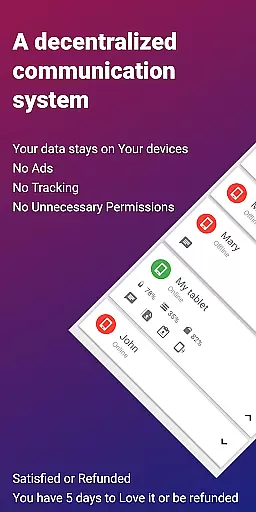
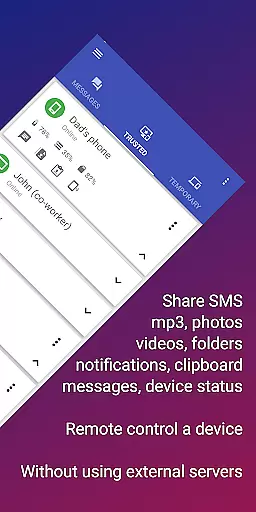



EasyJoin is a productivity-focused application designed to seamlessly connect your devices and transfer files instantly without relying on cloud services, advertisements, or tracking mechanisms. The app enables users to send files, sync clipboards, manage SMS, read notifications, and control devices using only their local network.
With support for multiple platforms including Android, Windows, macOS, iPhone, iPad, and Linux, EasyJoin ensures that all data remains private and encrypted on your devices. Its peer-to-peer encrypted sharing guarantees that no information leaves your local network, making it ideal for secure file transfers and private messaging between linked devices.
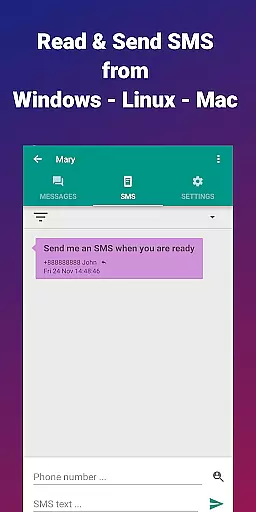
This application is perfect for individuals who need to read and send SMS from their computers, share files between phones and PCs, copy-paste text across devices, or engage in offline file transfers without internet dependency. EasyJoin offers a one-time payment model with no subscriptions, ensuring users enjoy all features without recurring fees.
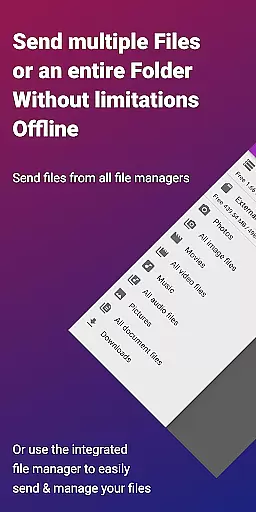
EasyJoin boasts an array of powerful features tailored to enhance productivity while maintaining privacy. One standout feature is its fast file transfer capability, which allows users to send photos, videos, documents, and folders instantly between devices without requiring an internet connection, cloud storage, or external servers.
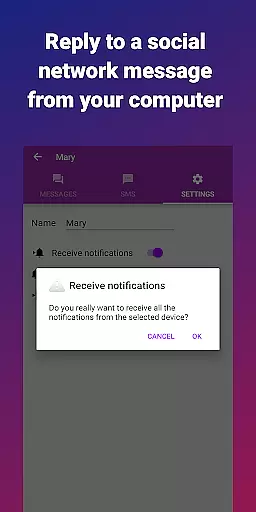
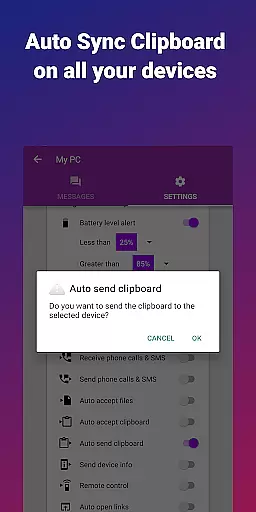
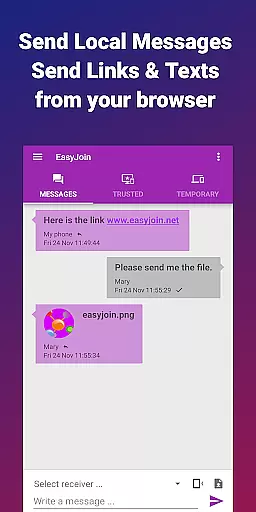
The clipboard sync functionality lets users copy content on one device and paste it on another, working seamlessly across various operating systems such as Android, Windows, macOS, iPhone, iPad, and Linux. Additionally, the app provides remote notifications and SMS management, enabling users to read and respond to phone messages directly from their computers.
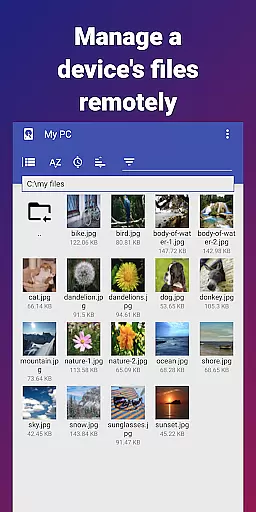
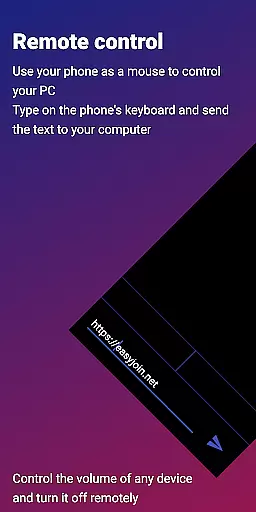
Remote control features allow users to utilize their phones as keyboards or mice for PCs, or even control their phones from their computers. With end-to-end encryption on all connections, EasyJoin ensures that all shared data remains secure and accessible only by authorized devices within the local network.
Efficient task management is essential for productivity applications, and EasyJoin excels in this area by offering a suite of features that streamline device connectivity and file sharing.
The app enables users to send files, sync clipboards, manage SMS, read notifications, and even control devices directly over the local network. This comprehensive functionality ensures that all critical tasks are handled swiftly and securely without relying on cloud services.
EasyJoin's interface is designed for simplicity, allowing users to perform complex operations like remote notifications and clipboard sync with minimal effort. The intuitive design reduces the learning curve, making it accessible for users of all technical backgrounds.
By focusing on core task management, EasyJoin delivers a robust solution that enhances workflow efficiency while maintaining privacy and security across all connected devices.
Cross-device synchronization is a cornerstone of modern productivity tools, and EasyJoin provides reliable performance by ensuring all data transfers occur within the user's local network.
This approach eliminates dependency on external servers or internet connectivity, offering instant file transfers, clipboard syncing, and notification management between devices such as phones, tablets, and PCs. The synchronization process is further enhanced by end-to-end encryption, safeguarding sensitive information from unauthorized access.
Users benefit from consistent and accurate updates across their devices, whether they're copying text on one device and pasting it on another or reading phone notifications on their computer. This seamless integration fosters a cohesive digital environment where tasks can be managed effortlessly.
With its commitment to privacy-first principles, EasyJoin ensures that cross-device synchronization remains dependable, secure, and free from intrusive ads or tracking mechanisms.
Fast file transfer
Clipboard sync
P2P encryption
Cross-platform
No subscriptions
Limited to LAN
One-time cost
Complex setup
Fewer integrations
Requires Wi-Fi

Secure, fast, open-source, Remote Desktop Client for Windows and Linux with SSH
 4.60
4.60
CalenGoo is a very flexible and feature-rich calendar app
4.40
Stay on top of your to-dos with Google Tasks, part of Google Workspace.
4.60
Cloud storage, automatic phone backup, and more.
4.10
Calendar 2023 widget for Android. Appointment scheduler, planner, and reminder
4.60
Experience and share your SolidWorks designs on your Android® phone and tablet.
2.50
Intelligent AI Assistant
4.10
AT&T Internet customers can use this app to personalize their Wi-Fi network.
4.40
Daily processing of PDF documents.
4.40
Simple notepad & memo. Take notes, to-do list, shopping list with reminders.
4.80
QuickBooks Workforce lets teams view pay info and track time in one place.
4.70
To do list widget with a notebook organizer, checklist, simple shopping list
4.60
Translate text/voice/photos in 150+ languages. Offline & fast translator app.
4.50
Secure your apps with lock screens, use custom themes and different features.
4.40
Automates browsing any website and notifies you of important changes or events
4.30
Todo reminder
4.10
Mega cloud explorer plugin for Solid Explorer
3.80
Find and delete junk files & block unwanted notifications & manage files
3.70
Make your handwriting beautiful, even more than pen on paper.
3.60


User Reviews