
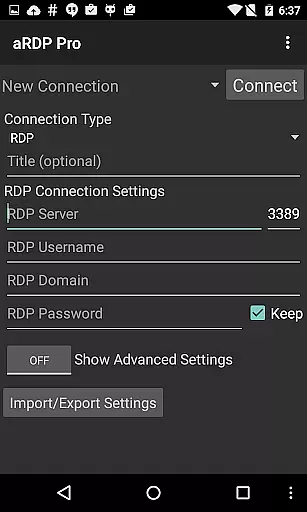
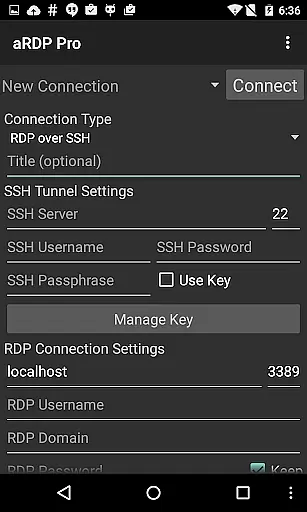
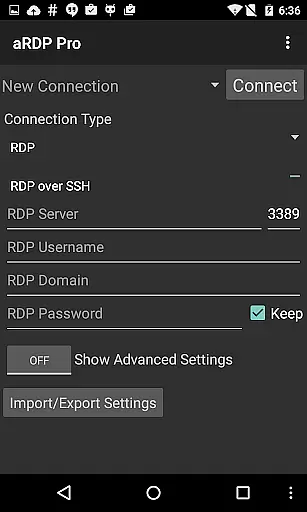
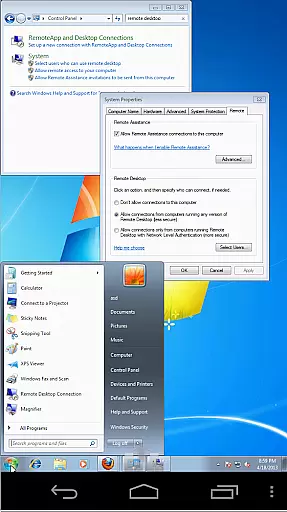
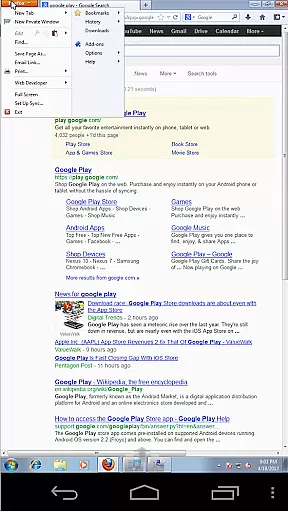
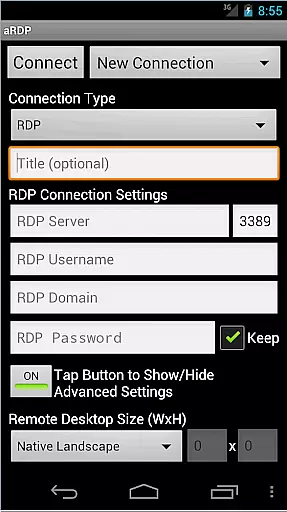
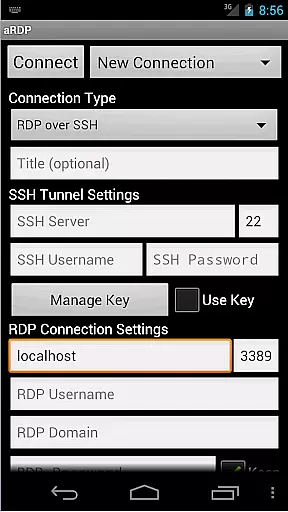
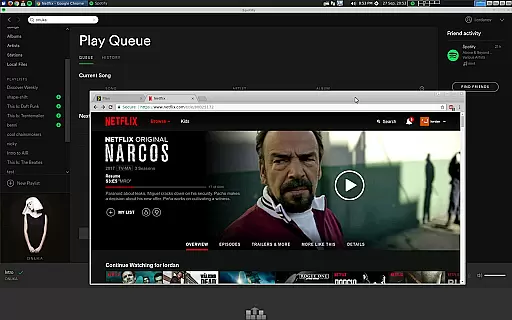
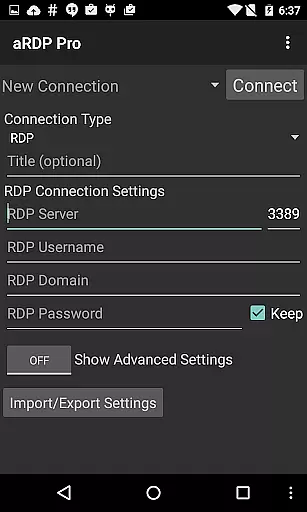
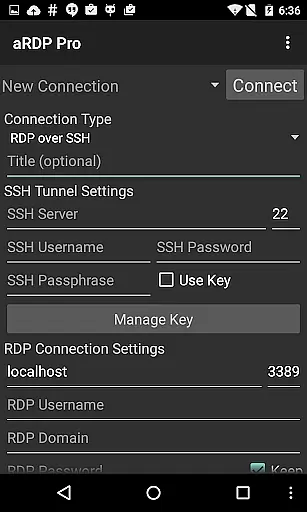
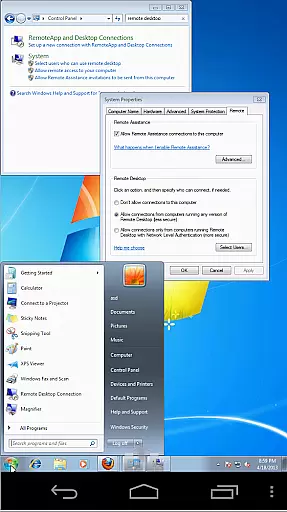
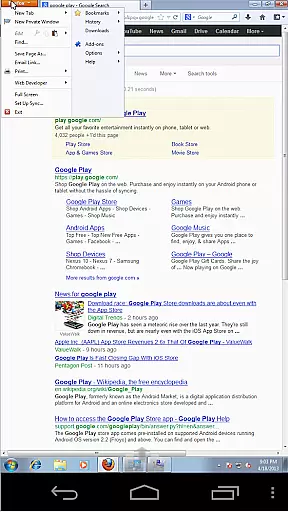
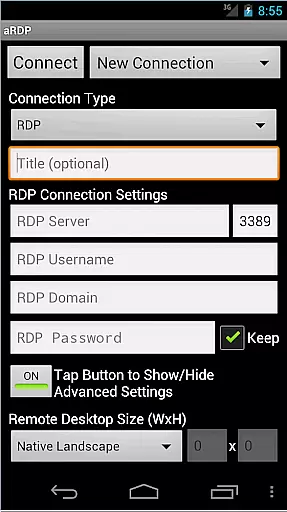
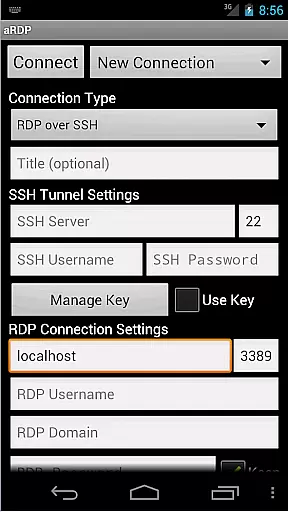
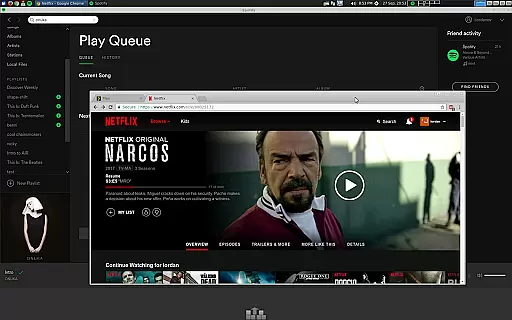
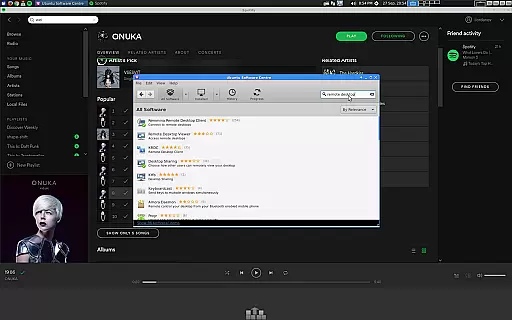
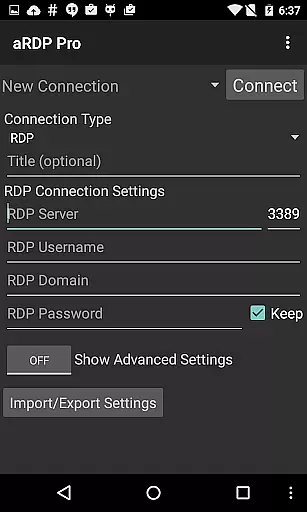
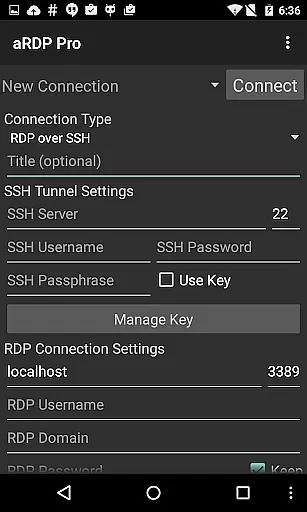
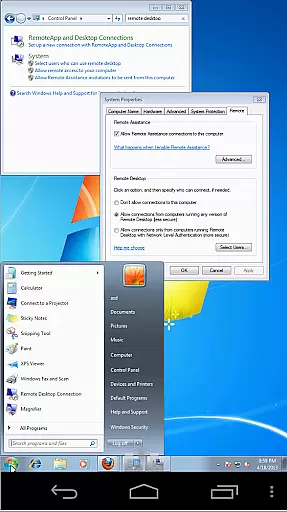
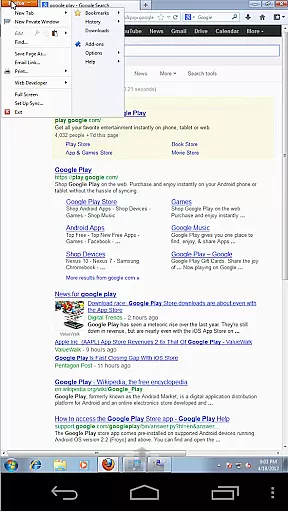
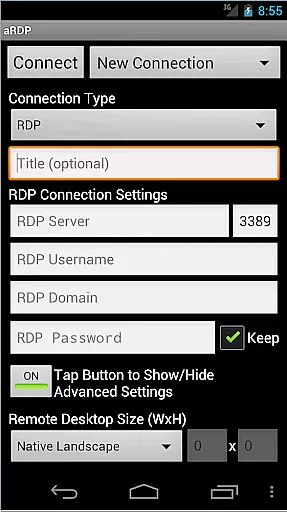
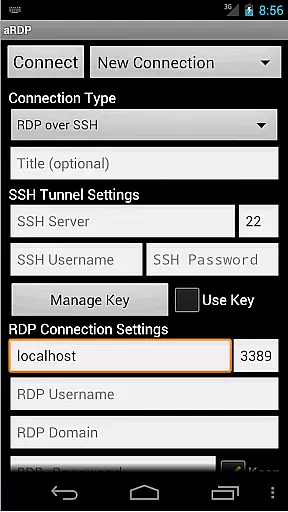
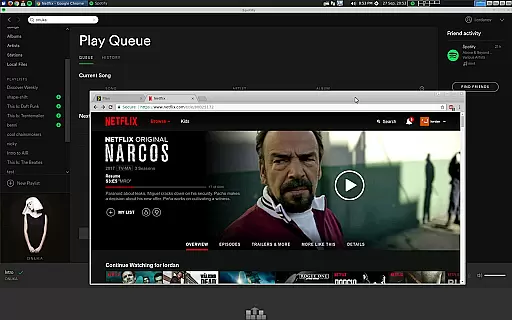
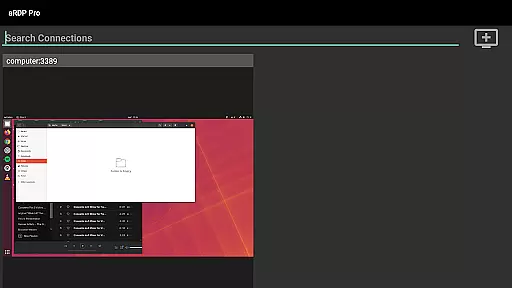
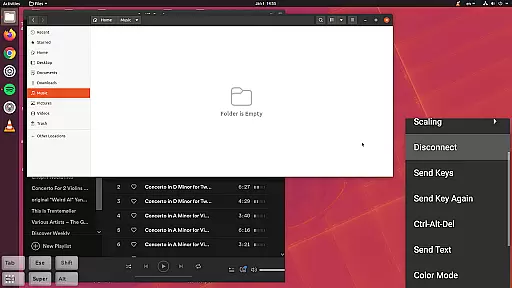
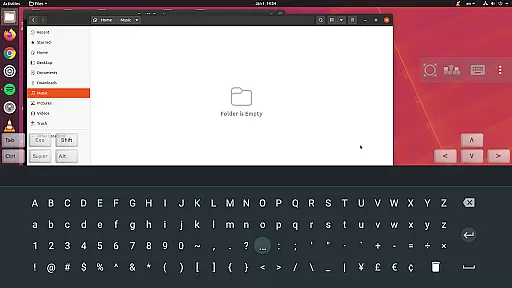
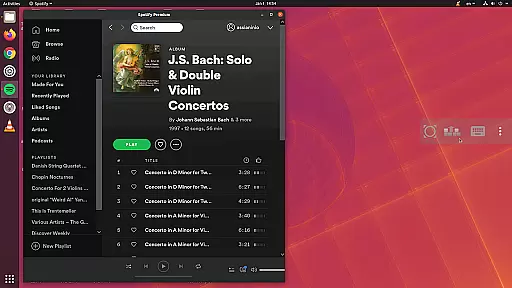
aRDP Pro is a premier open-source Remote Desktop Protocol (RDP) client, offering secure and versatile remote desktop control. It leverages the robust FreeRDP library to connect users to Windows and Linux systems, except for Windows 10 Home, which requires a VNC server. The app supports advanced features like SSH tunneling, sound redirection, and multi-touch controls, making it ideal for both personal and professional environments.
With its comprehensive feature set, including RDP Gateway Support, SDcard redirection, and multi-language support, aRDP Pro ensures seamless connectivity and productivity. Whether accessing a work computer from home or managing servers, this app provides the tools necessary for efficient remote management.
aRDP Pro stands out with its rich feature set tailored for productivity. The app offers multi-touch controls for intuitive navigation, allowing users to perform various mouse actions through simple touch gestures. Advanced functionalities such as SSH tunneling and MFA/2FA SSH authentication enhance security, ensuring safe connections even behind firewalls.
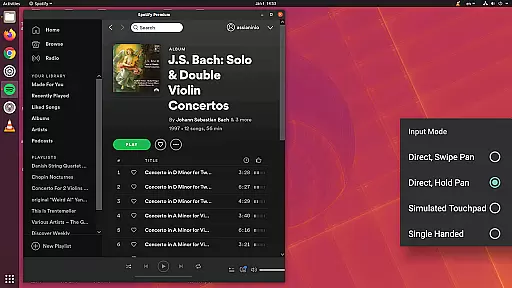
Additionally, aRDP Pro supports dynamic resolution changes, multi-language options, and full mouse support on Android 4.0+. Users can enjoy flexible session management with automatic connection saving, zoomable scaling modes, and multiple input methods. These capabilities make remote desktop interactions smooth and efficient, catering to diverse user needs.
In the realm of remote desktop applications, aRDP Pro excels in core task management by offering users comprehensive control over their remote sessions. This is achieved through an array of features that cater to both basic and advanced user needs.
Firstly, aRDP Pro supports multi-touch gestures for efficient navigation, allowing users to perform left, right, and middle clicks with varying finger taps. Scrolling and zooming are intuitively handled with two-finger drags and pinch gestures respectively, ensuring seamless interaction with the remote desktop environment.
Additionally, the application provides dynamic resolution changes and full rotation support, empowering users to reconfigure their desktop settings on-the-fly. These capabilities are crucial for maintaining productivity, as they enable uninterrupted workflow adjustments based on the task at hand.
Finally, aRDP Pro enhances task management with SSH tunneling and RDP Gateway Support, which not only secure connections but also facilitate access to machines behind firewalls. This ensures that users can reliably connect to their desired systems, regardless of network restrictions, thereby maximizing their ability to manage tasks remotely.
Cross-device synchronization is a pivotal aspect of aRDP Pro, ensuring that users can maintain consistent and reliable access to their remote desktops across different devices. This reliability stems from several key functionalities integrated into the app.
One significant feature is automatic connection session saving, which allows users to pick up where they left off without the need to reconfigure settings each time they switch devices. This continuity is vital for users who operate in multi-device environments, providing them with a seamless transition between smartphones, tablets, or other Android-powered gadgets.
Furthermore, aRDP Pro offers UI optimizations tailored for various screen sizes, including specific support for Samsung multi-window and Samsung DEX. Such adaptability guarantees that whether you're using a smartphone or a larger tablet display, your experience remains fluid and intuitive, preserving your workflow's integrity.
Lastly, the inclusion of clipboard integration for copy/pasting between your local device and the remote system underscores the appu2019s commitment to synchronization reliability. By facilitating effortless data transfer, aRDP Pro ensures that information flows smoothly across devices, enhancing overall productivity and user satisfaction.
Secure SSH connections
Multi-touch controls
Dynamic resolution changes
Comprehensive feature set
Multi-language support
No Windows 10 Home support
Possible issues with Cyrillic usernames
Accounts without passwords may not work
Complex setup for beginners
Limited iOS functionality

When you Focus, so will your Bean in this cozy focus timer
 4.30
4.30
Wake up & get tasks done! Add alarms & reminders on the Clock Launcher.
4.00
A lightweight JSON & XML files creator, editor and viewer (Premium Version)
4.40
Device's storage information in a simple and clear graphical form (infographics)
4.10
Make your handwriting beautiful, even more than pen on paper.
3.60
ID.me Authenticator is a simple and free Two Factor Authentication solution
3.50
The AI assistant that thinks with you - write, code, and solve complex tasks
4.60
Simple notepad & memo. Take notes, to-do list, shopping list with reminders.
4.80
Put a lock on your cloud: Take the security of your data into your own hands
3.70
Use powerful, industry-leading AI tools to generate visual charts from any data
4.80
Mind Map and brainstorm, note taking and idea collection
4.80
Understand anything with a personalized AI research assistant
4.80
QuickBooks Workforce lets teams view pay info and track time in one place.
4.70
App lock - lock apps with fingerprint, password, pin or pattern, protect privacy
4.70
Functional QR scanner and barcode reader that requires little storage space.
4.60
All document reader, all in one file viewer read PDF, DOCX, XLS, PPT, TXT files.
4.60
Todo reminder
4.10
Make apps & sites with natural language prompts
4.10
Customizable calendar widget for seamless event sync, planning & scheduling.
4.00


User Reviews