
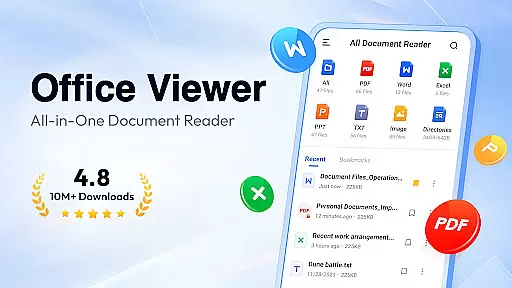
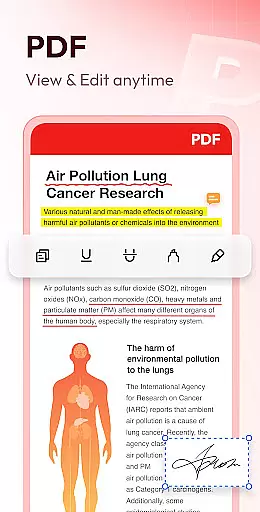
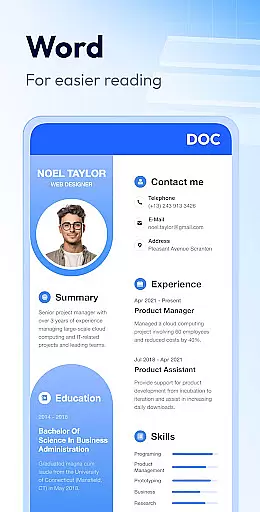
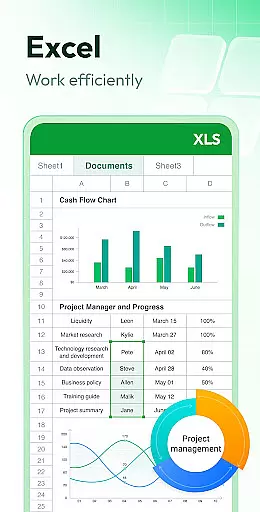
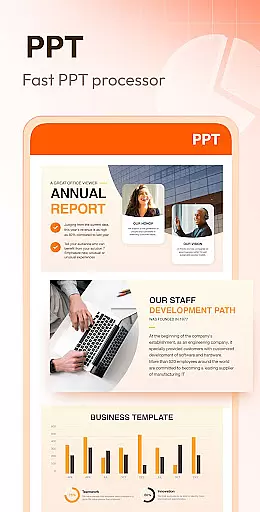
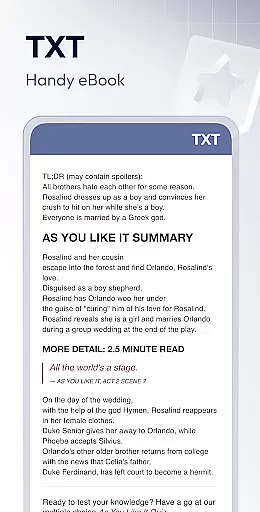
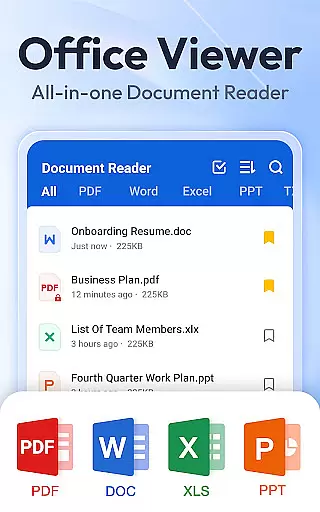
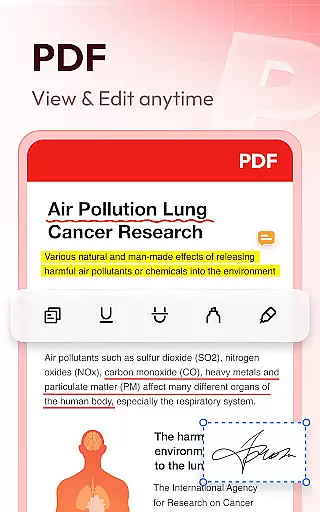
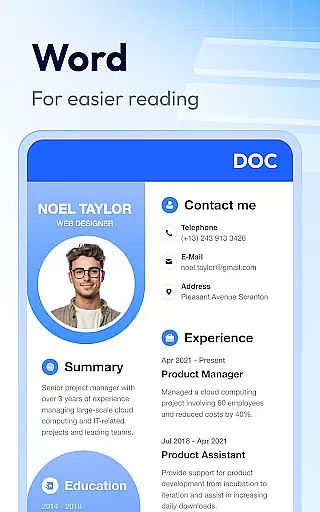
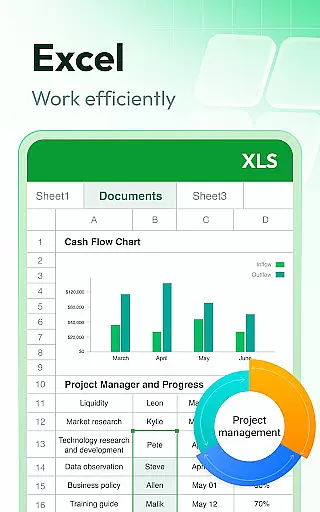
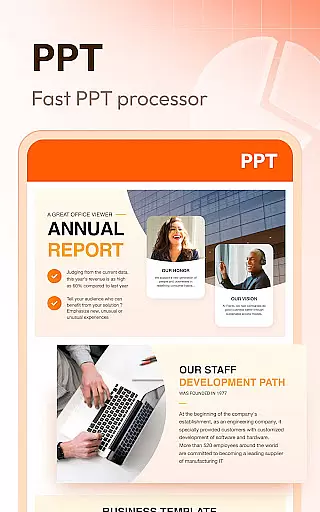
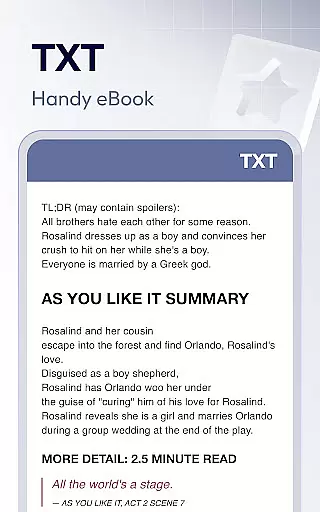
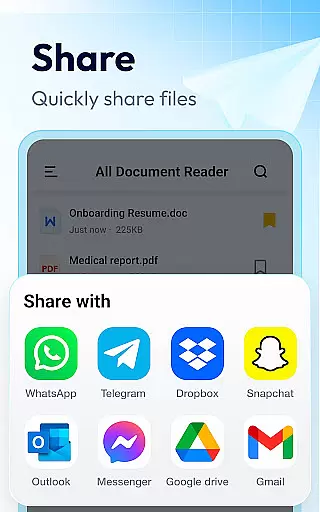
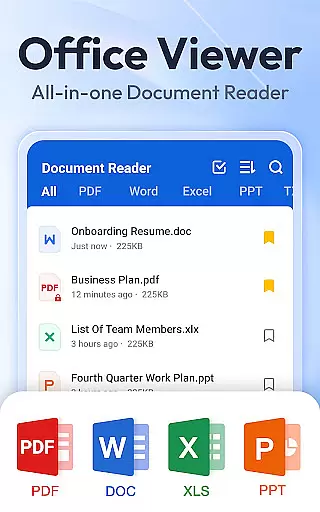
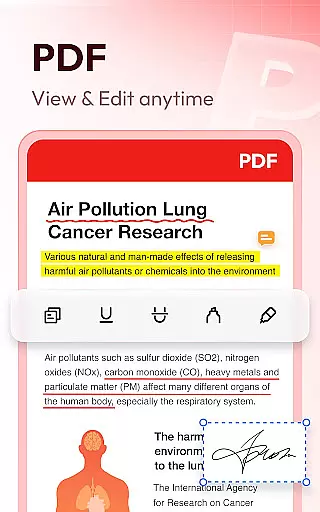
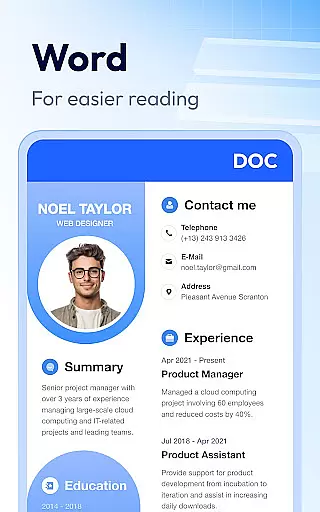
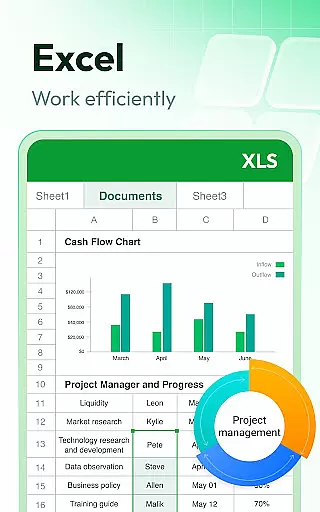
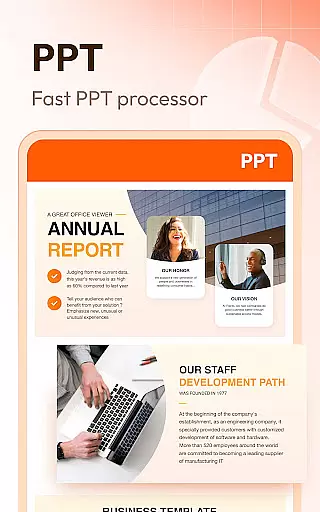
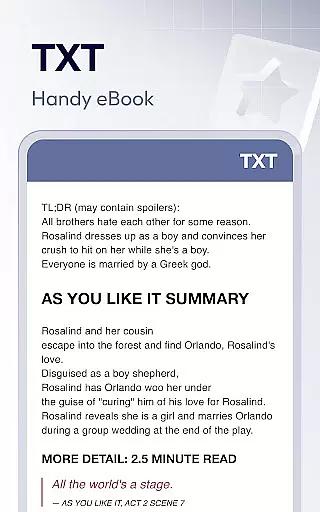
Document Reader & PDF Editor is a versatile productivity tool designed for seamless document management across multiple formats. This all-in-one solution supports PDF, Word, Excel, PPT, TXT, PNG, JPG, and more, making it an essential app for both personal and professional use. The intuitive interface allows users to organize files in well-structured folders with quick search functionality.
One of the standout features is its offline capability, enabling users to access documents anytime without internet connection. Whether you need to zoom in on PDF pages, sort Word documents by various parameters, or view Excel sheets with ease, this app provides a smooth experience. Its lightweight design ensures fast performance while maintaining high-quality rendering of documents.
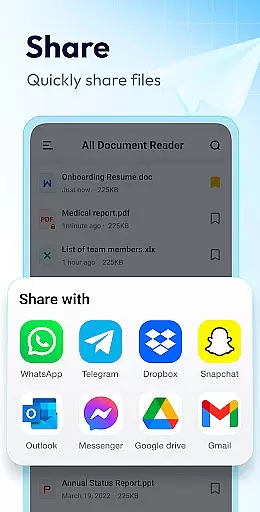
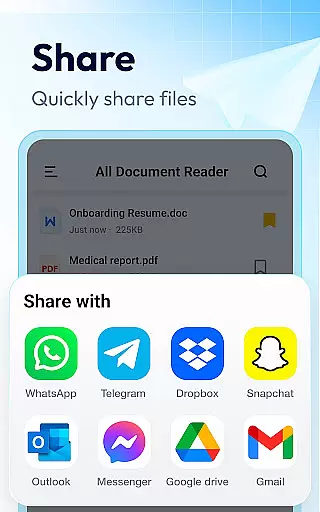
The app's value extends beyond basic viewing - it includes practical tools like bookmarking, printing, and sharing options. With additional features like image-to-PDF conversion and night mode on the roadmap, Document Reader continues to evolve as a comprehensive document management solution.
Document Reader distinguishes itself through its comprehensive feature set tailored for productivity enthusiasts. The app's multi-format support spans across all major document types, including advanced PDF manipulation capabilities such as page navigation, zoom control, and format switching between landscape and portrait modes.
Advanced file management features include multiple sorting options (by path, size, name, or modification date), quick search functionality, and bookmarking system for efficient document retrieval. The app maintains exceptional performance standards with its lightweight architecture that doesn't compromise on quality, ensuring HD rendering even for complex documents.
Security-conscious users will appreciate the offline functionality, allowing private document viewing without internet exposure. The upcoming features promise even greater versatility, including enhanced editing capabilities and support for compressed file formats like RAR and ZIP, making this app a future-proof investment for document management needs.
Task management is essential for productivity applications, and Document Reader & PDF Editor excels in this area by offering a comprehensive suite of tools to manage various document formats efficiently.
The app supports an extensive range of file types including PDF, DOC, DOCX, XLS, XLXS, PPT, TXT, PNG, JPG, and RTF, allowing users to handle all their documents in one place. With features like quick search, sorting by file path, size, name, or last edit date, it simplifies the organization and retrieval of files.
Document Reader also provides specialized functionalities for different document types. For instance, users can zoom in and out while reading PDFs, jump to specific pages, switch between landscape and portrait modes, and print or share documents effortlessly.
By integrating advanced features such as bookmarking for quick access, offline reading capabilities, and planned enhancements like image to PDF conversion and night mode, Document Reader ensures that users can manage their tasks effectively without needing multiple apps.
Cross-device synchronization is crucial for users who need consistent access to their documents across multiple devices. Document Reader & PDF Editor addresses this need by ensuring reliable and seamless synchronization.
While the current version focuses on standalone functionality, its design emphasizes compatibility and ease of use, which lays a solid foundation for future cross-device features. The app's support for various document formats means that users can open and manage files consistently, regardless of where they are stored.
Although explicit cloud integration details aren't provided, the appu2019s robust local file managementu2014including options for organizing, searching, and sortingu2014ensures that when synchronization features are implemented, they will integrate smoothly with existing workflows.
Future updates promise even more enhancements, such as editing capabilities and support for additional formats like RAR, ZIP, MOBI, and HTML. These developments will further strengthen the app's position as a reliable tool for managing documents across different platforms.
User-friendly interface
Multi-format support
Offline functionality
Lightweight performance
Comprehensive features
Limited editing tools
No cloud integration
Premium features locked
Interface not modern
Occasional bugs

A Revolutionary All-in-One Artificial Intelligence Tools
 3.80
3.80
The long-awaited modern gallery app for your Nextcloud server
4.70
The Pro Version of Android's tiniest Notepad app. Just 0.3MB but feature-packed!
4.60
We're working to become the best machining app on the market! www.cncdirt.com
4.80
Cloud storage, automatic phone backup, and more.
4.10
Functional QR scanner and barcode reader that requires little storage space.
4.60
Translate text/voice/photos in 150+ languages. Offline & fast translator app.
4.50
Code on-the-go with VScode for Android. Edit,debug and collaborate from mobile!!
3.10
Access your phone's notifications, calls, apps, photos & texts on your PC
3.90
Quickly and easily keep track of your work shifts
4.70
App Lock with fingerprint, password: Lock apps & hide photos with lock screens
4.60
Secure, fast, open-source, Remote Desktop Client for Windows and Linux with SSH
4.60
Send files, sync SMS, notifications & clipboard across devices via local network
4.40
Docker, Kubernetes management over Portainer Mobile
4.40
When you Focus, so will your Bean in this cozy focus timer
4.30
Unlock AutoNotification
4.00
Make your handwriting beautiful, even more than pen on paper.
3.60
Ads Free App! Editor, Hide File, Copy, Move, Delete and Rename.. all facility av
1.70
A comprehensive suite of tools designed specifically for Lactation Consultants
4.3


User Reviews