
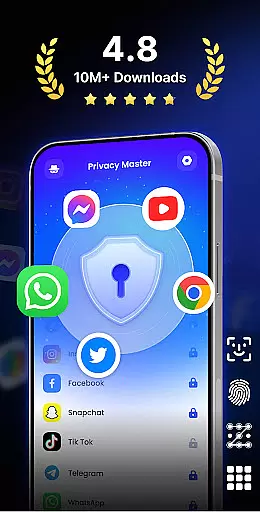
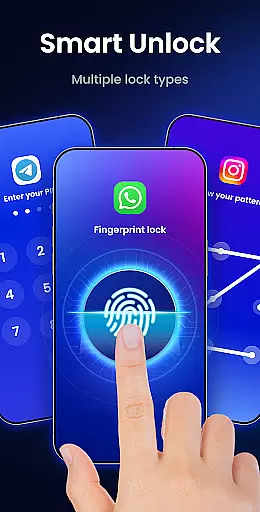
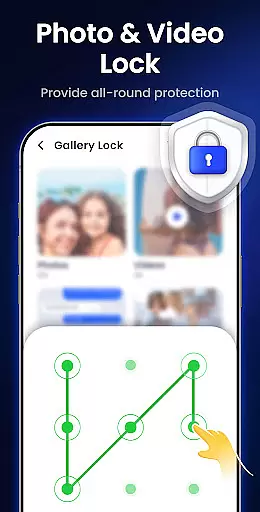
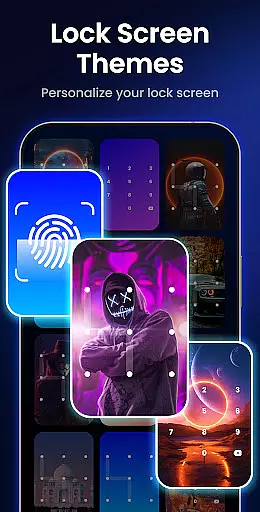
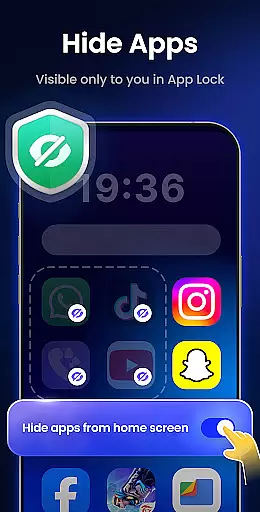
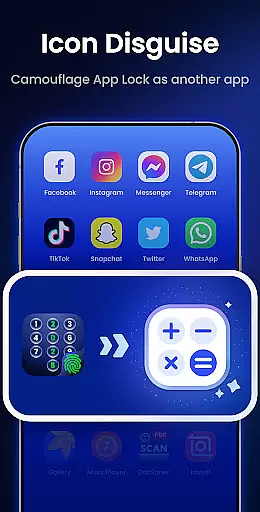
App Lock - Fingerprint Lock is a powerful productivity tool designed to secure your digital world. This app allows users to lock apps, hide photos, videos, and chats using password, pattern, or fingerprint authentication. With over 50 million users trusting it for privacy protection, it offers essential features like intruder selfies, icon disguise, and custom lock themes.
The application is suitable for individuals who prioritize data security and personal privacy on their mobile devices. Whether you want to protect sensitive conversations in messaging apps or secure financial information in payment platforms, App Lock provides comprehensive protection. Its intuitive interface and customizable options make it an invaluable tool for safeguarding your digital life.
App Lock - Fingerprint Lock stands out with its diverse feature set tailored for privacy-conscious users. The app enables locking of all major applications including WhatsApp, Messenger, Facebook, Google Play, PayPal, and system settings. This ensures that private chats and critical data remain inaccessible to unauthorized users.
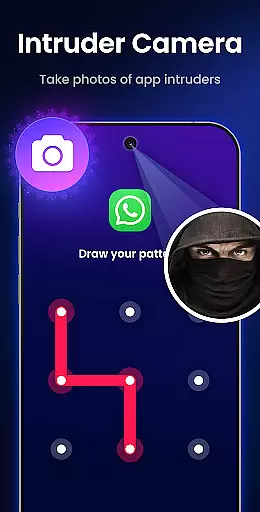
One of the innovative features is the Intruder Camera, which captures photos of anyone attempting to unlock the app with incorrect credentials. Additionally, the Hide Notifications function prevents sensitive alerts from appearing on the lock screen. Users can also remove junk files to free up space and utilize the Auto Re-Lock feature to set custom lock timers. These functionalities collectively enhance both security and convenience.
App Lock - Fingerprint Lock offers a robust solution for managing access to your most critical apps and data. This feature is essential for anyone looking to maintain strict control over their digital environment.
The app allows users to lock a wide range of applications, from social media platforms like WhatsApp and Facebook to financial services such as PayPal. By securing these apps with password, pattern, or fingerprint authentication, users can ensure that sensitive information remains private.
With additional functionalities like auto re-lock and the ability to lock newly installed apps, App Lock provides comprehensive task management capabilities. These features help streamline security processes while offering flexibility in how users protect their digital assets.
Ultimately, this level of task management empowers users to customize their security protocols according to their specific needs, ensuring both convenience and peace of mind.
Cross-device synchronization is a vital component of modern productivity tools, allowing users to maintain consistency across multiple devices. While App Lock - Fingerprint Lock primarily focuses on device-specific security, it incorporates several features that support reliable synchronization.
The app includes cloud backup functionality (coming soon) that will enable users to store their settings and preferences securely. This ensures that even when switching between devices, users can quickly restore their preferred security configurations without hassle.
In addition to cloud backups, App Lock's uninstall protection feature prevents accidental removal of the app, preserving synchronized settings and maintaining continuity in the user's security setup. Random keyboard patterns further enhance reliability by preventing keylogging attacks during authentication.
By integrating these features, App Lock delivers a reliable cross-device experience, giving users confidence that their security measures remain intact regardless of the device they are using.
Powerful privacy protection
User-friendly interface
Customizable lock themes
Intruder detection system
Multiple authentication methods
Requires many permissions
May slow down older devices
Premium features need subscription
Occasional bugs reported
Interface can feel cluttered

When you Focus, so will your Bean in this cozy focus timer
 4.30
4.30
Auto-shutoff Alarm with Sunrise, Sunset & Fixed Options.
3.50
Total remote control for your Android device, PC and cloud services (IFTTT)!
4.20
Direct Chat without saving contacts & Dual WA Account on Single Device
4.70
aCalendar+ makes your day, week and month
4.70
Easiest event planning, volunteer signups & parent teacher conference scheduling
2.20
* block pre-roll ads, pop-up and forced redirect ads * Samsung certification app
4.00
Ultimate Virtual AI Character for immersive Roleplay Chat. Perfect Companion
3.90
Understand anything with a personalized AI research assistant
4.80
Scientific calculator for Android - looks and operates like the real thing!
4.90
The long-awaited modern gallery app for your Nextcloud server
4.70
Functional QR scanner and barcode reader that requires little storage space.
4.60
Translate text/voice/photos in 150+ languages. Offline & fast translator app.
4.50
Enjoy classic gameplay with customizable features and retro-style graphics.
4.30
Professional calendar app for Google Calendar, MS Outlook & Exchange
4.20
⏰ Finally a timer app which can run multiple timers simultaneously on your watch
3.90
Access your phone's notifications, calls, apps, photos & texts on your PC
3.90
Simple and reliable communication between inmates, friends and family
3.20
The upgraded version of Name Wheel with AI and the power to add your own wheels.
4.5


User Reviews