
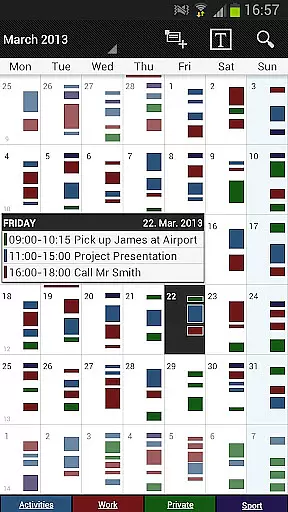
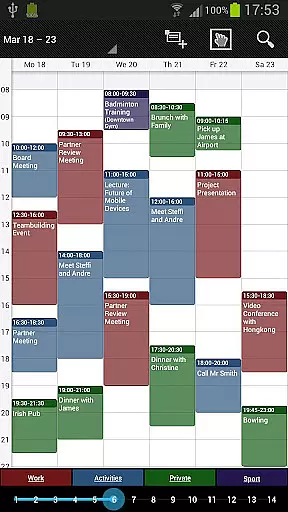
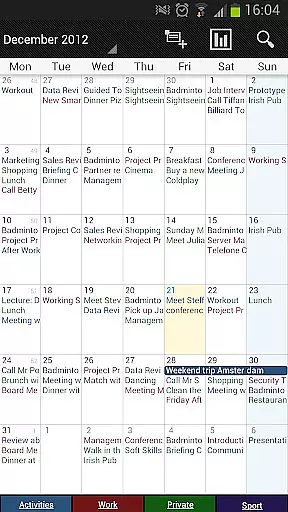
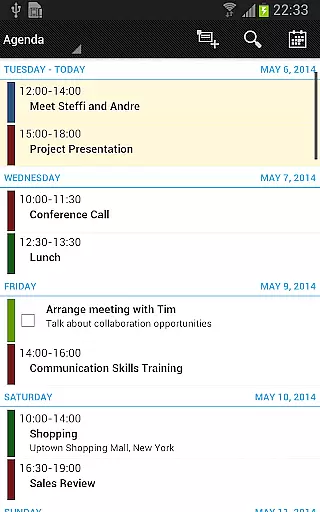
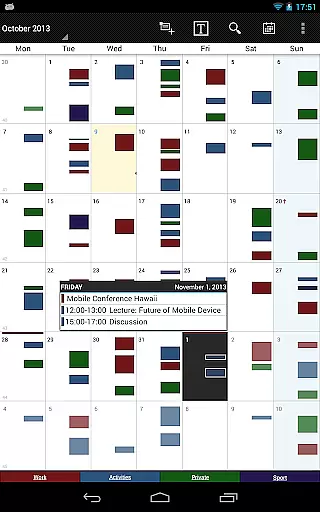
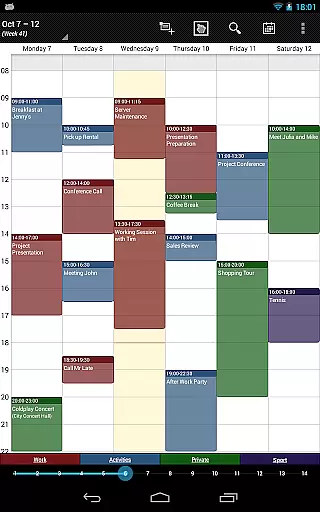
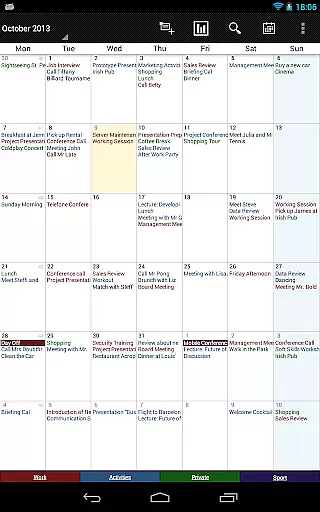
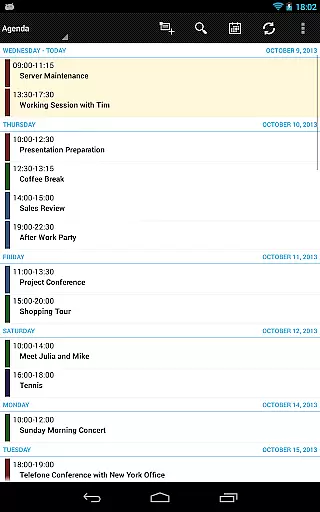
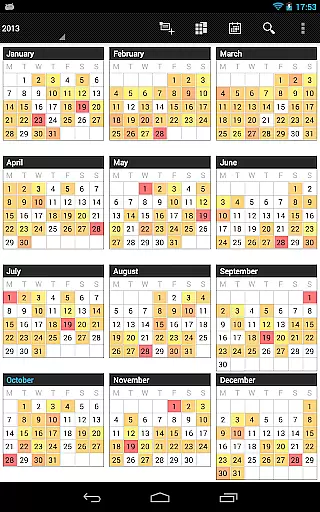
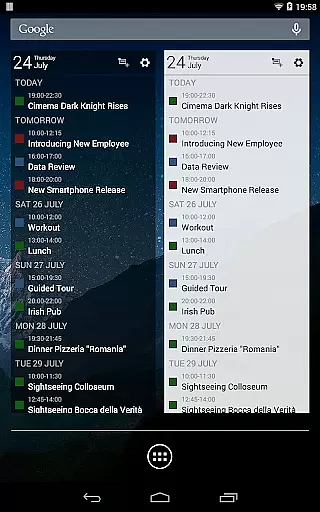
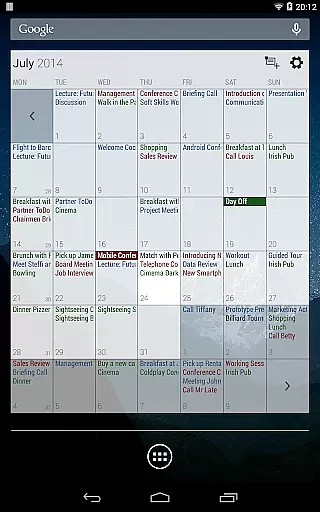
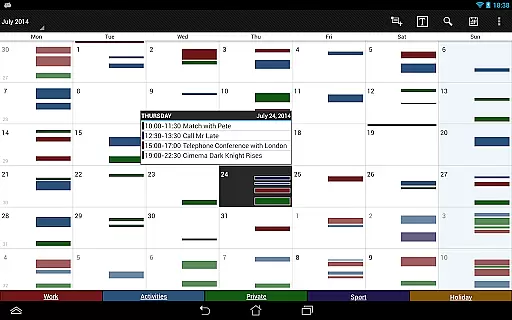
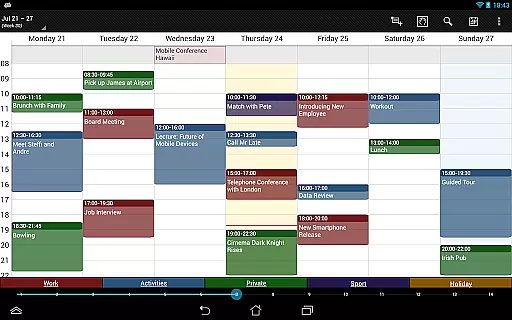
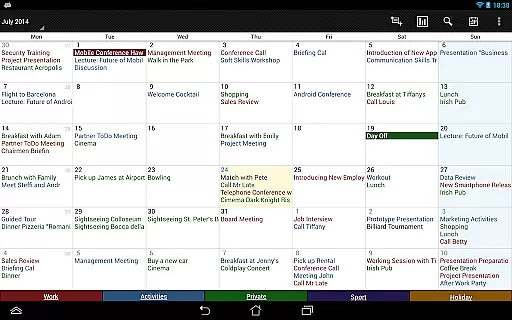

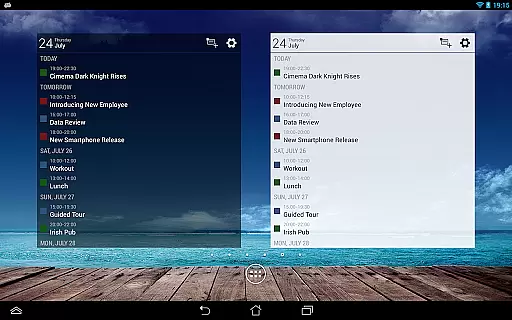
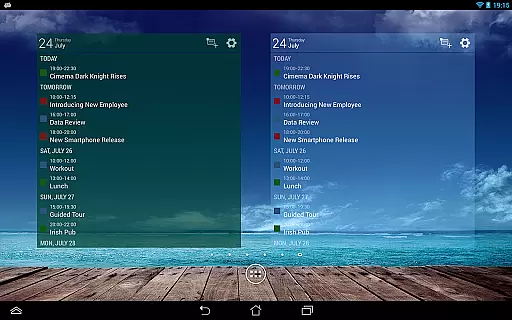
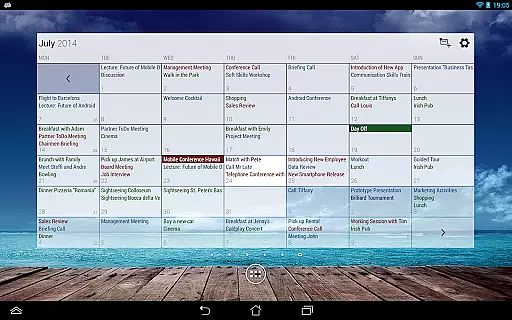
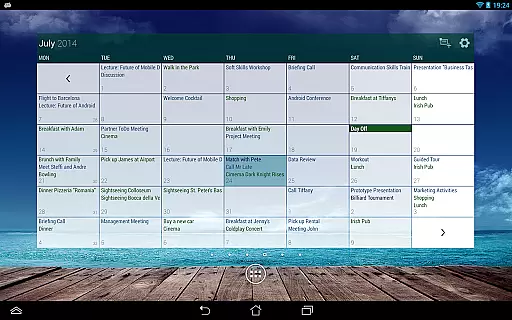
Business Calendar Pro is a comprehensive productivity tool designed for professionals who need an efficient way to manage their schedules. The app offers an intuitive interface with smooth scroll and zoom capabilities, providing users with quick access to day views, favorite calendars, and detailed multi-day overviews.
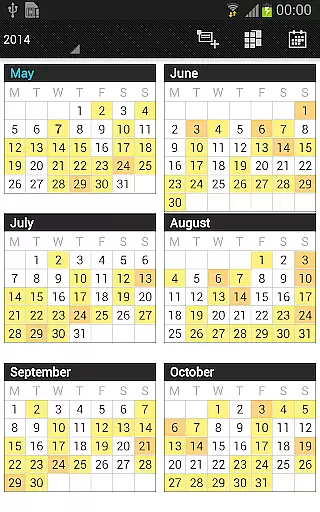
What sets this calendar app apart is its extensive customization options. Users can adapt all views and widgets to their preferences, set individual reminders with specific sounds and repetitions, and adjust font sizes. With features like color-coded year view, professional widgets, and advanced synchronization with Google Calendar and Microsoft Outlook, it ensures seamless organization of personal and professional events.
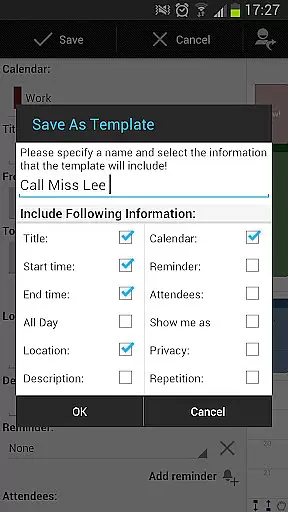
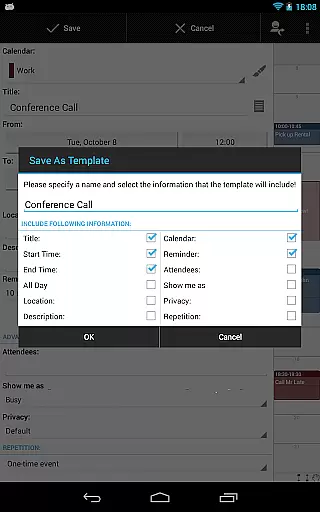
Ideal for power users, the pro version includes additional tools such as contact management, customizable event templates, drag-and-drop functionality, and integrated task management. These features make it an indispensable companion for anyone looking to streamline their scheduling process while maintaining complete control over their time management.
Business Calendar Pro stands out with its powerful feature set tailored for productivity enthusiasts. The Quick Day View provides an instant overview of daily events, while the Favorite Bar allows direct access to frequently used calendars. Its smooth scrolling and zooming capabilities make navigating through different views both intuitive and visually appealing.
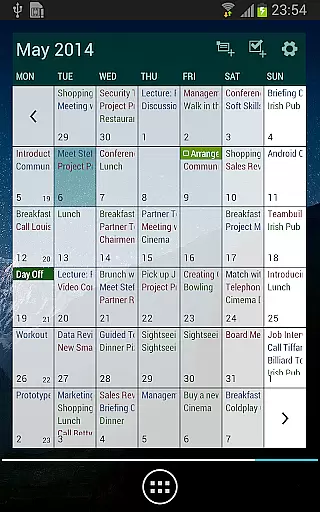
The app excels in customization, allowing users to tailor every aspect to their needs. From adjusting font sizes across all views and widgets to setting up individual reminders with custom vibrations and sounds, it offers unparalleled flexibility. The multi-day view supports 1-14 days of display with easy switching between timeline bars and event titles, ensuring optimal usability.
Additional pro features include advanced task management that syncs with Google Tasks and Toodledo, comprehensive notification settings, and theming options with light and dark modes. The ability to import/export calendars in .ics format, along with drag-and-drop functionality for moving or copying events, makes this app a robust solution for managing complex schedules efficiently.
Business Calendar Pro excels in core task management by offering a comprehensive suite of tools designed to streamline your scheduling and event management. The app provides multiple views including month, week, day, agenda, and event views, ensuring that users can manage their tasks with precision and ease.
One standout feature is the Quick Day View, which offers a rapid overview of all events scheduled for the day. This functionality is complemented by smooth scroll and zoom capabilities, allowing for intuitive interaction. Additionally, the app supports advanced customization options, enabling users to adapt all views and widgets to their specific preferences.
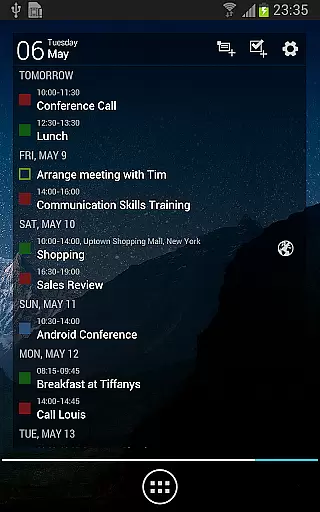
The app also includes professional widgets for different views, enhancing accessibility and convenience. With features like individual reminders, adjustable font sizes, and extensive recurrence options, Business Calendar Pro ensures that users can tailor their task management experience down to the last detail.
Cross-device synchronization is a critical feature for any productivity app, and Business Calendar Pro delivers reliable performance in this area. By syncing events with Google Calendar, Microsoft Outlook, Exchange, and other services via Android calendar synchronization, the app ensures that your schedule is always up-to-date across all your devices.
In addition to basic synchronization, Business Calendar Pro offers advanced functionalities such as notifications and comprehensive reminder systems. These features ensure that you never miss an important event or task, regardless of the device you are using.
Furthermore, the app supports importing and exporting calendars in .ics format, facilitating seamless data transfer between different platforms. With its robust synchronization capabilities and additional features like app theming and advanced widgets, Business Calendar Pro provides a dependable solution for managing your schedule across multiple devices.
User-friendly interface
Extensive customization
Advanced synchronization
Comprehensive task management
Professional widgets
Complex for beginners
Higher price point
Occasional sync issues
Limited free version
Heavy on resources

Native client for Forgejo and Gitea
 5.00
5.00
Direct Chat without saving contacts & Dual WA Account on Single Device
4.70
Easily read and manage all your PDF files
4.10
Send files, sync SMS, notifications & clipboard across devices via local network
4.40
The Pro Version of Android's tiniest Notepad app. Just 0.3MB but feature-packed!
4.60
Stay on top of your to-dos with Google Tasks, part of Google Workspace.
4.60
A comprehensive suite of tools designed specifically for Lactation Consultants
4.4
A simple Whisper AI keyboard for reliable speech transcription and rewording
4.60
Set up, print, and get support—in one place
4.20
Multilingual translator for text, voice, and image translation!
4.90
Best Tool for the professionals Electrician, Electrical contractors, etc.
4.90
Protect and view your important info on your phone and tablet with eWallet®
4.80
Client for Nextcloud Deck
4.60
Secure, fast, open-source, Remote Desktop Client for Windows and Linux with SSH
4.60
Translate text/voice/photos in 150+ languages. Offline & fast translator app.
4.50
Docker, Kubernetes management over Portainer Mobile
4.40
Secure, open-source, SPICE and SSH Remote Desktop for QEMU KVM virtual machines
4.00
* block pre-roll ads, pop-up and forced redirect ads * Samsung certification app
4.00
IP Camera Viewer - Android TV : RTSP Surveillance camera viewer for Android TV
4.5


User Reviews