
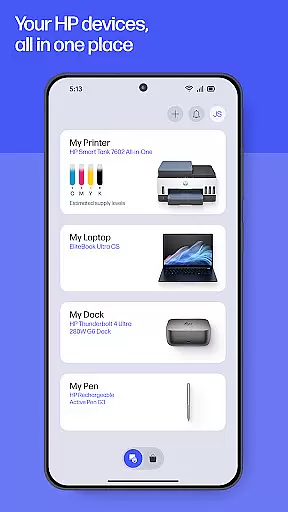
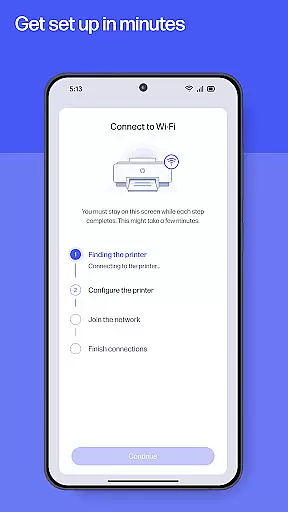
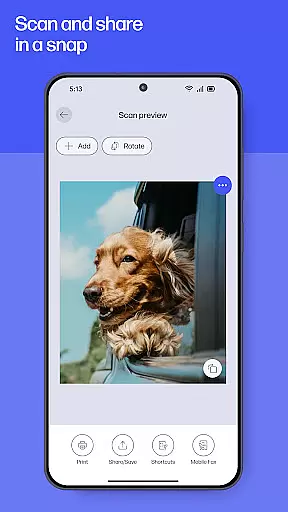
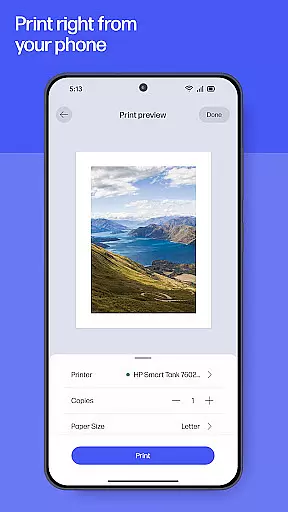
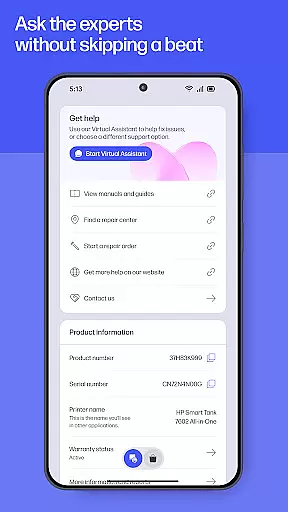
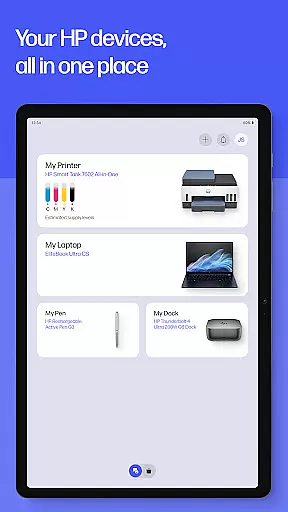
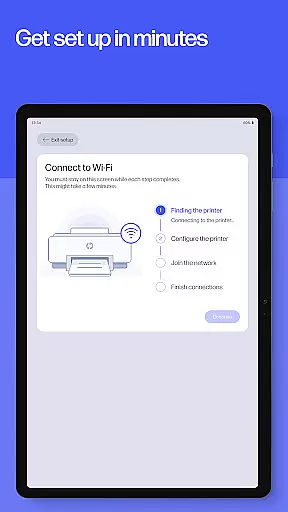
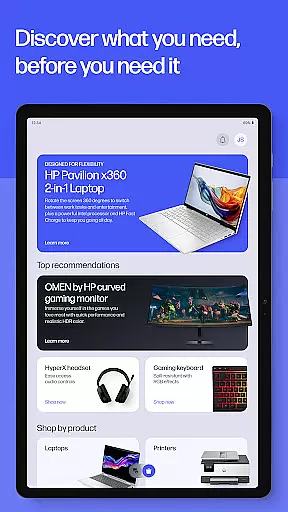
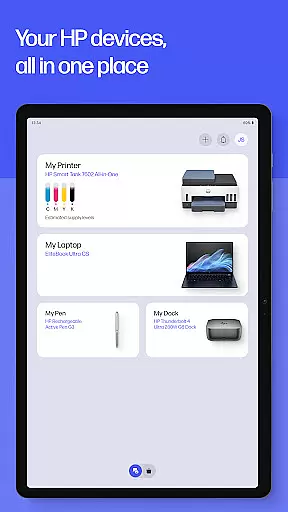
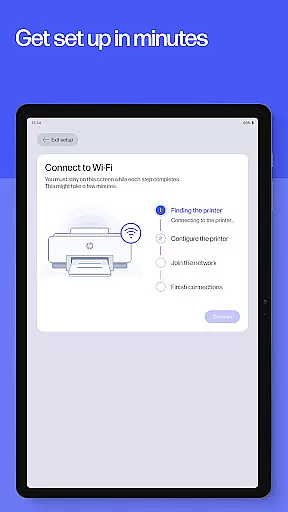
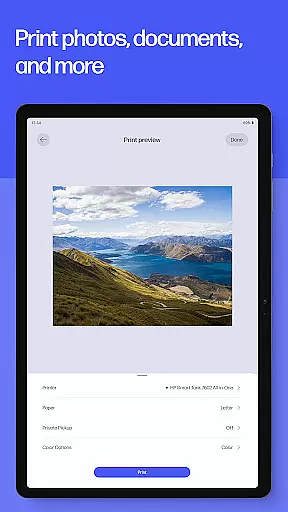
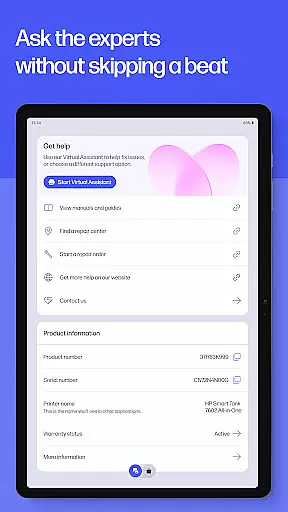
The HP app is your comprehensive productivity solution for managing HP devices. It offers a complete suite of tools to set up, personalize, and maintain your printers and computers. With guided setup processes, users can quickly configure new devices while monitoring essential metrics like ink levels. The app enables seamless printing and scanning from anywhere, whether at home or in the office, with features such as Printables, photo printing, and document scanning.
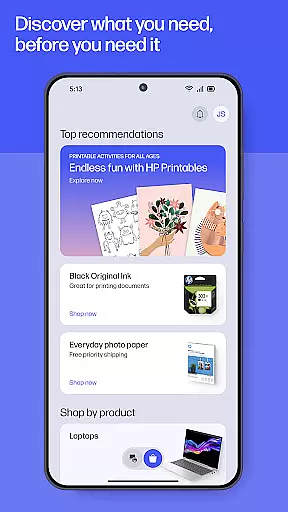
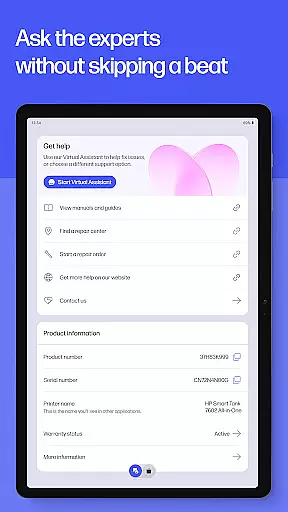
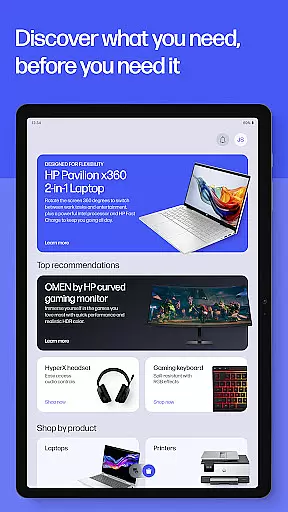
Additionally, the HP app provides instant support options including live chat and phone assistance, ensuring uninterrupted productivity. Users can also explore advanced functionalities like faxing, print shortcuts, and supply notifications. By integrating personalized recommendations and device management tools, the app ensures that users maximize their device's potential while staying informed about new features and updates.
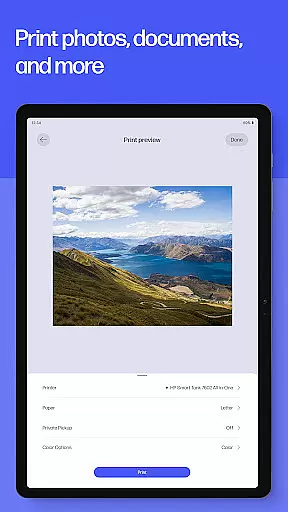
The HP app stands out with its diverse range of productivity-enhancing features. One of its core strengths is the guided setup functionality, which simplifies the process of configuring new HP devices by providing step-by-step instructions. This feature is complemented by real-time ink level tracking and maintenance alerts, helping users avoid unexpected interruptions. For printing needs, the app supports high-quality photo printing, customizable print shortcuts, and even HP Printables, offering templates for creative projects.
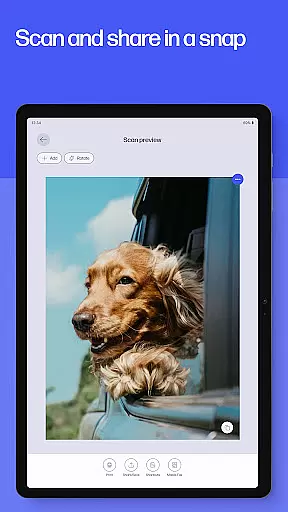
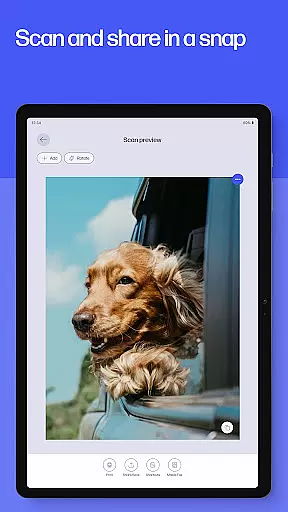
Scanning capabilities are equally robust, allowing users to digitize documents, adjust settings before printing, and store scans directly to email. The inclusion of fax functionality adds another layer of utility, particularly for professional environments. Furthermore, the app’s instant support system—including live chat and warranty tracking—ensures users can resolve issues quickly. These features collectively create a versatile tool that enhances both personal and professional workflows.
Task management is a cornerstone of productivity, and the HP app excels in this area by offering users comprehensive tools to manage their printing and scanning tasks efficiently.
The app provides features such as Print Shortcuts, which allow users to set up custom shortcuts for frequently used print jobs, streamlining the process and saving time. Additionally, it offers notifications for low ink or paper levels, ensuring uninterrupted productivity by enabling users to order supplies directly through the app.
Users benefit from the ability to handle tasks on their schedule, whether at home or in the office, with functionalities like scanning receipts and sending them to email, or printing documents from any location. This flexibility empowers users to be more organized and efficient in both personal and professional settings.
Cross-device synchronization is vital for maintaining workflow continuity, and the HP app ensures reliable performance across various devices.
With compatibility for Android mobile phones and tablets, the app allows users to seamlessly transition between devices while managing their HP printers and computers. This means you can start a task on your tablet and finish it on your phone without missing a beat.
Moreover, the app's requirement for internet access facilitates real-time updates and synchronization, ensuring that all connected devices reflect the latest status of print jobs, ink levels, and other essential functions. By turning on auto-updates, users guarantee they have access to the newest features and improvements, enhancing their cross-device experience.
User-friendly interface
Comprehensive device management
Instant support options
Versatile printing tools
Regular feature updates
Limited to HP devices
Some features English-only
Internet connection required
Premium features may cost extra
Country-specific limitations

A Revolutionary All-in-One Artificial Intelligence Tools
 3.80
3.80
All in one sketching tool. Technical and General drawing. Online Maps support.
3.70
Android Wallet Password Manager
4.80
The Pro Version of Android's tiniest Notepad app. Just 0.3MB but feature-packed!
4.60
Easiest event planning, volunteer signups & parent teacher conference scheduling
2.20
Subscribe to Webcal & .ics calendars and keep them up-to-date!
4.50
Quickly and easily keep track of your work shifts
4.70
Secure your apps with lock screens, use custom themes and different features.
4.40
AI Chatbot and AI writing assistant powered by ChatGPT.
4.60
Best Tool for the professionals Electrician, Electrical contractors, etc.
4.90
Understand anything with a personalized AI research assistant
4.80
Absolutely the best CNC machinist speed and feed calculator around. fswizard.com
4.60
CalenGoo is a very flexible and feature-rich calendar app
4.40
Docker, Kubernetes management over Portainer Mobile
4.40
When you Focus, so will your Bean in this cozy focus timer
4.30
Cloud storage, automatic phone backup, and more.
4.10
Create and edit presentations with Google Slides, part of Google Workspace.
4.00
Take control of your clipboard with Clipper!
3.90
Find and delete junk files & block unwanted notifications & manage files
3.70


User Reviews