
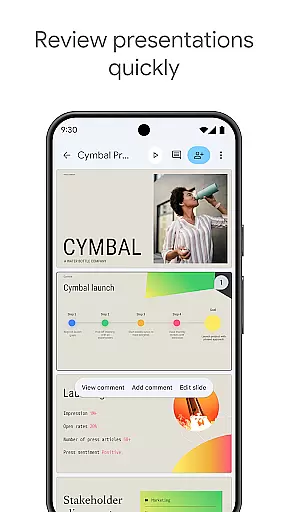
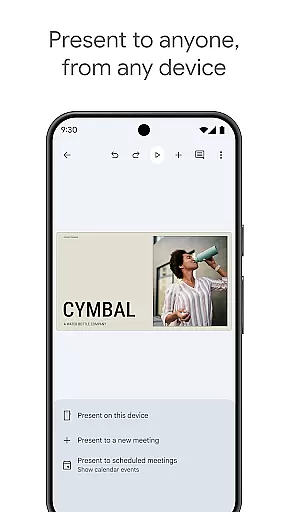
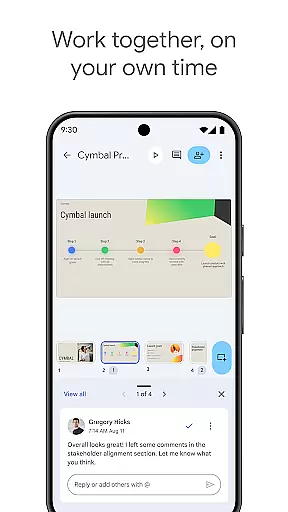
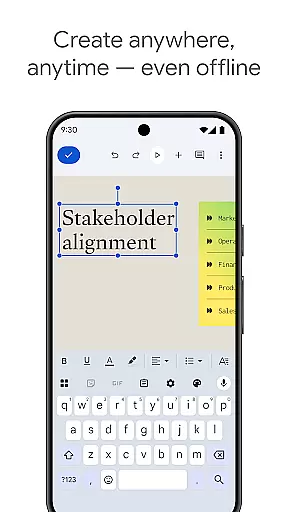
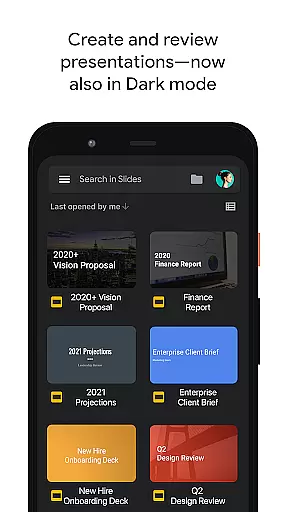
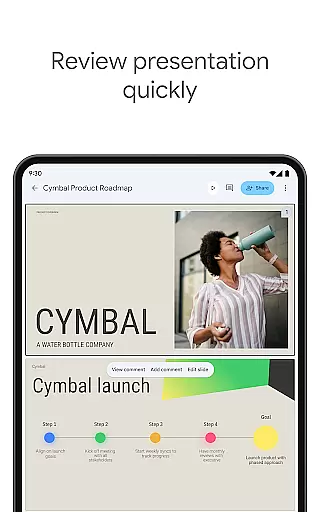
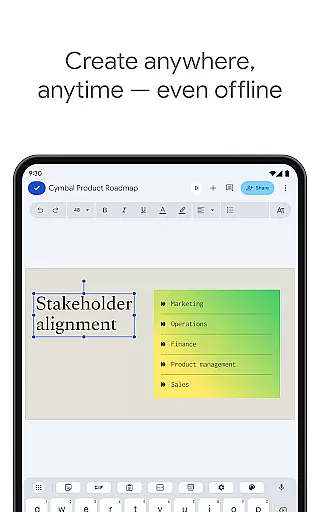
Google Slides is a powerful productivity application that allows users to create, edit, and collaborate on presentations directly from their Android devices. The app offers a comprehensive suite of features including real-time collaboration, offline working capabilities, and automatic saving functionality. Users can add and respond to comments, format text and shapes, and even present slides directly from their mobile device.
The application stands out with its smart suggestions feature that helps users create visually appealing slides instantly. It also integrates seamlessly with Google Workspace, allowing teams to chat, create, and collaborate efficiently. With the ability to open, edit, and save PowerPoint files, Google Slides ensures compatibility and flexibility for all your presentation needs.
Google Slides offers an impressive array of features designed to enhance productivity and collaboration. The app supports real-time editing, enabling multiple users to work on the same presentation simultaneously. This is particularly useful for team projects where members are located in different places.
One of the standout features is the ability to work offline, ensuring that users can continue to make progress on their presentations even without an internet connection. Additionally, the app provides smart suggestions to help users design beautiful slides quickly. Integration with video calls allows users to present slides during virtual meetings, while compatibility with PowerPoint files ensures seamless transitions between different platforms.
Google Slides excels in core task management by providing users with a comprehensive suite of tools to create, edit, and collaborate on presentations efficiently.
The app allows real-time collaboration, enabling multiple users to work on the same presentation simultaneously, which is crucial for team projects. This feature ensures that all team members can contribute their parts without any hassle, making project management seamless.
Additionally, Google Slides supports working offline, ensuring that users can continue their tasks even without an internet connection. This flexibility is vital for users who are often on the move or in areas with limited connectivity.
With automatic saving, users never have to worry about losing their work. Every change is saved instantly as they type, providing peace of mind and allowing users to focus more on the content rather than worrying about data loss.
Cross-device synchronization is a standout feature of Google Slides, ensuring that users have a reliable and consistent experience across all their devices.
Whether you're using a PC, Mac, tablet, or smartphone, Google Slides keeps your presentations synced in real-time. This means you can start editing a presentation on your computer and continue refining it on your mobile device without missing a beat.
This reliability extends to presenting as well. Users can present straight from their mobile devices, ensuring they are always prepared, whether in the office or on the go. The ability to practice presentations up until the last minute on any device adds a layer of convenience and professionalism.
Furthermore, Google Workspace subscribers enjoy enhanced features that bolster this synchronization, such as the ability to open, edit, and save PowerPoint files, ensuring compatibility and ease of use no matter where you are or what device you're using.
User-friendly interface
Real-time collaboration
Offline access
Automatic saving
Smart design suggestions
Limited advanced features
Fewer templates than competitors
Requires Google account
Occasional sync issues
Basic drawing tools

A customizable calendar for your Wear OS watch
 4.20
4.20
Experience real multitasking on your Android!
4.00
CalenGoo is a very flexible and feature-rich calendar app
4.40
Todo reminder
4.10
App lock - lock apps with fingerprint, password, pin or pattern, protect privacy
4.70
Make apps & sites with natural language prompts
4.10
A simple Whisper AI keyboard for reliable speech transcription and rewording
4.60
Access your phone's notifications, calls, apps, photos & texts on your PC
3.90
Intelligent AI Assistant
4.10
Direct Chat without saving contacts & Dual WA Account on Single Device
4.70
Functional QR scanner and barcode reader that requires little storage space.
4.60
To do list widget with a notebook organizer, checklist, simple shopping list
4.60
A Pixel Art watchface inspired by other iconic 90s designs for Wear OS devices!
4.40
Enjoy classic gameplay with customizable features and retro-style graphics.
4.30
Customizable calendar widget for seamless event sync, planning & scheduling.
4.00
* block pre-roll ads, pop-up and forced redirect ads * Samsung certification app
4.00
Take control of your clipboard with Clipper!
3.90
Make your handwriting beautiful, even more than pen on paper.
3.60
The upgraded version of Name Wheel with AI and the power to add your own wheels.
4.2


User Reviews