
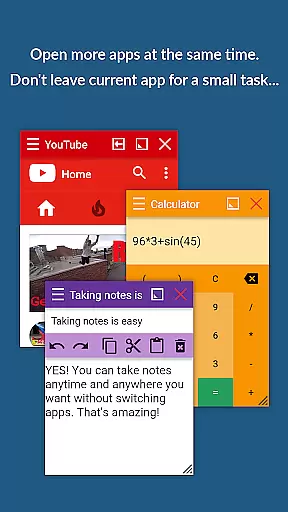
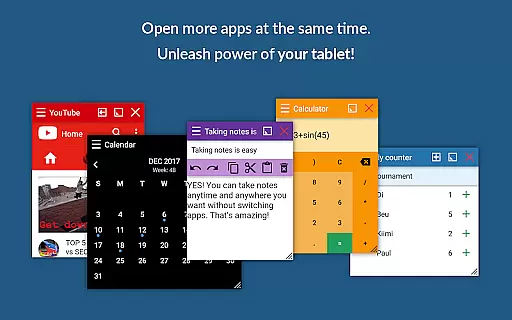
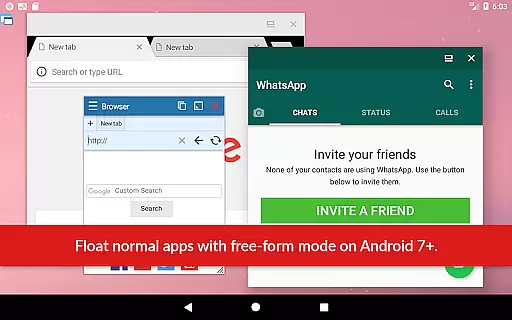
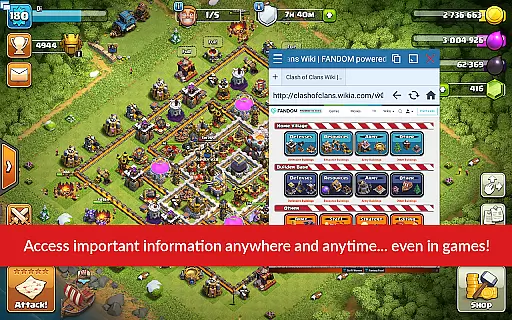
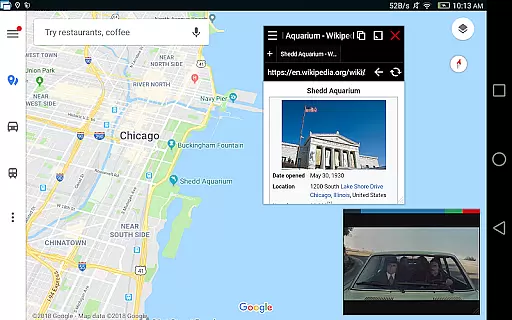
Floating Apps revolutionizes multitasking on Android devices by enabling users to run multiple apps simultaneously in floating windows. This Productivity app allows seamless integration of tasks without switching contexts, making it ideal for both personal and professional use.
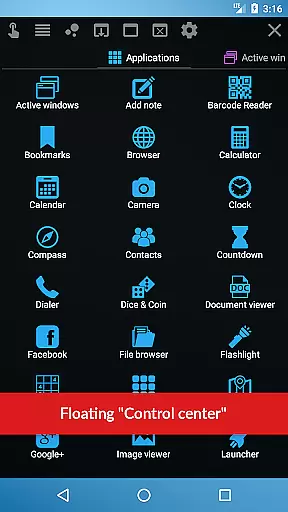
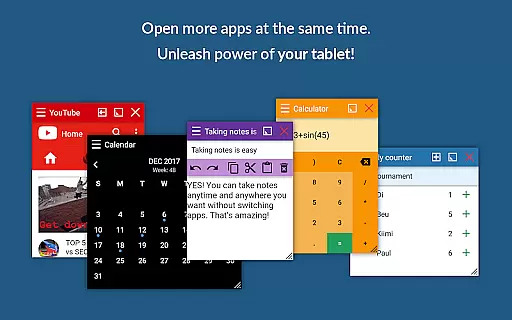
With over 41 built-in floating apps including a browser, document viewer, YouTube, calculator, and more, this app supports real-time multitasking. Users can watch videos, take notes, view documents, and even translate text without leaving their current application. The ability to create custom floating apps from widgets and URLs adds another layer of versatility.
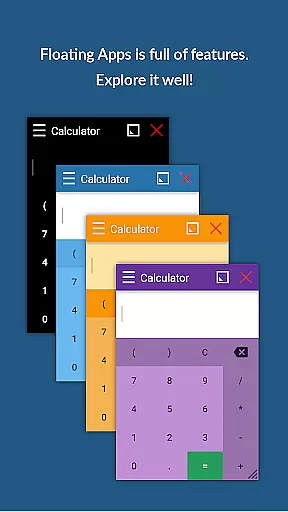
The app's advanced features like the Floating Menu, Quick Launch, and customizable window controls make multitasking intuitive and efficient. Its support for multiple languages ensures global accessibility, while its five-year development history reflects a commitment to quality and user-centric design.
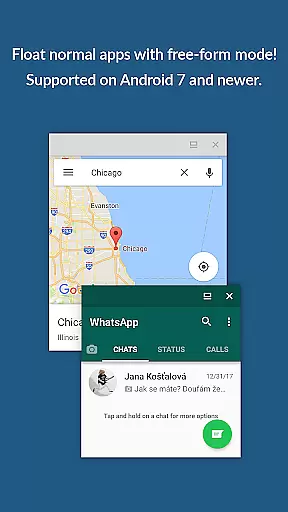
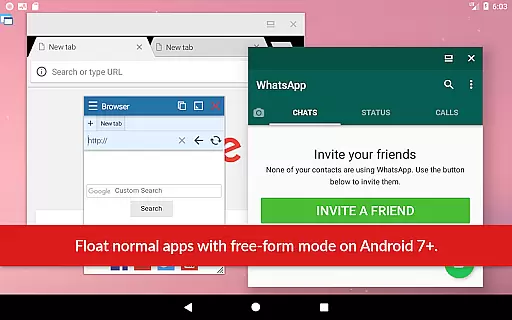
Floating Apps stands out with its extensive collection of over 41 ready-to-use floating mini-apps, covering essential functions such as browsing, media playback, document viewing, and social media interaction. These apps operate in floating windows that are movable, resizable, and minimizable, offering unparalleled flexibility.
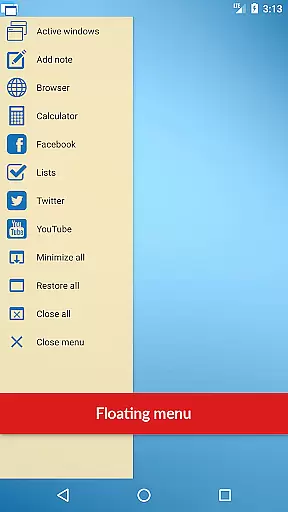
A key feature is the ability to convert home screen widgets and URLs into personalized floating apps, allowing users to tailor the app ecosystem to their specific needs. The powerful Floating Menu provides one-tap access to all floating apps, normal apps, and recent apps through a customizable interface.
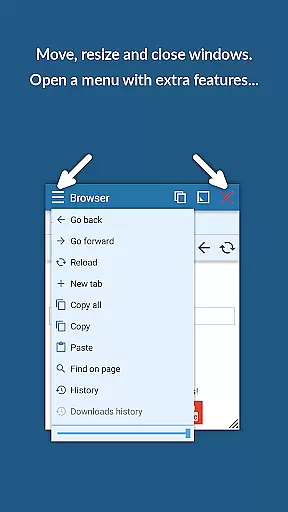
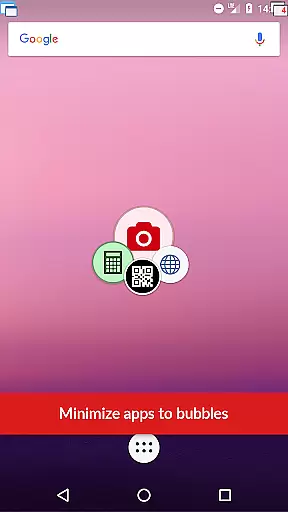
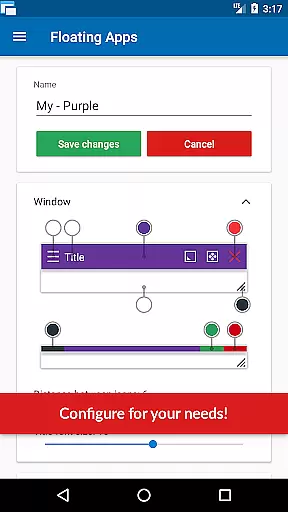
Advanced window management features include drag-to-move functionality, resize options via bottom bars, and transparency controls through context menus. The Quick Launch icon stays always-on-top, enabling instant access to floating apps without disrupting the current workflow. These features collectively enhance productivity by minimizing app-switching interruptions.
Floating Apps revolutionizes the way users handle multiple tasks on their Android devices by enabling real multitasking. This is achieved through its innovative floating window system, which allows users to open more than one app simultaneously without switching contexts.
The application supports over 41 built-in floating mini apps, ranging from a floating browser, document viewer, YouTube player, to even a calculator and note-taking app. Each of these can operate independently in its own resizable and movable window, empowering users to perform several tasks at once with ease.
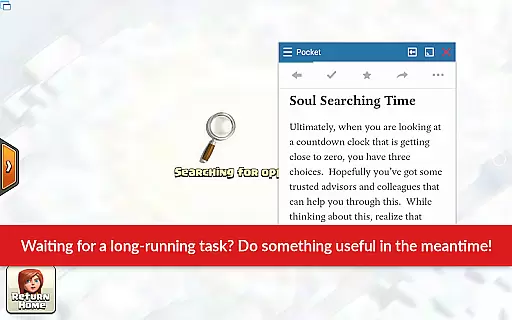
For instance, you can watch instructional videos while writing a report or check emails without closing your current work environment. The ability to minimize, maximize, and close windows provides a desktop-like experience, enhancing productivity and efficiency.
This sophisticated task management solution not only saves time but also streamlines workflows, making it an indispensable tool for anyone looking to boost their device's operational capacity and personal productivity.
While Floating Apps focuses primarily on enhancing multitasking capabilities directly on your Android device, it also offers features that ensure reliable cross-device synchronization. Users can create custom floating apps using home screen widgets and URLs, which means personalized tools are consistently available across different devices.
By leveraging cloud-based services and local storage options, Floating Apps ensures that user preferences, settings, and even custom app configurations are preserved and synchronized. This seamless integration allows users to pick up right where they left off, regardless of the device they're currently using.
Moreover, the appu2019s extensive support for various file formatsu2014including PDFs, DOCX, and multimedia filesu2014ensures that documents and media can be accessed uniformly across devices. Whether you're viewing a presentation on your tablet or editing a document on your phone, the experience remains consistent and uninterrupted.
This level of synchronization reliability underscores Floating Apps' commitment to providing a versatile and robust multitasking environment, adaptable to the diverse needs of modern users who rely on multiple devices throughout their day.
User-friendly interface
Extensive app collection
Customizable floating apps
Global language support
Five-year development history
May drain device battery
Requires learning curve
Premium features locked
Some features overlap
Interface can feel cluttered

A customizable calendar for your Wear OS watch
 4.20
4.20
Auto-shutoff Alarm with Sunrise, Sunset & Fixed Options.
3.50
Absolutely the best CNC machinist speed and feed calculator around. fswizard.com
4.60
CalenGoo is a very flexible and feature-rich calendar app
4.40
To do list widget with a notebook organizer, checklist, simple shopping list
4.60
Experience and share your SolidWorks designs on your Android® phone and tablet.
2.50
This small app MUST BE INSTALLED after purchase, else license won't work
4.40
Daily processing of PDF documents.
4.40
Note taking, handwriting, record audio, PDF annotation, planner & journal
4.20
Android Wallet Password Manager
4.80
QuickBooks Workforce lets teams view pay info and track time in one place.
4.70
Direct Chat without saving contacts & Dual WA Account on Single Device
4.70
Secure, fast, open-source, Remote Desktop Client for Windows and Linux with SSH
4.60
The AI assistant that thinks with you - write, code, and solve complex tasks
4.60
Planet Free VPN - The best Fast Unlimited and Secure VPN Without Logs
4.50
When you Focus, so will your Bean in this cozy focus timer
4.30
Take control of your clipboard with Clipper!
3.90
Simple and reliable communication between inmates, friends and family
3.20
IP Camera Viewer - Android TV : RTSP Surveillance camera viewer for Android TV
4.0


User Reviews