
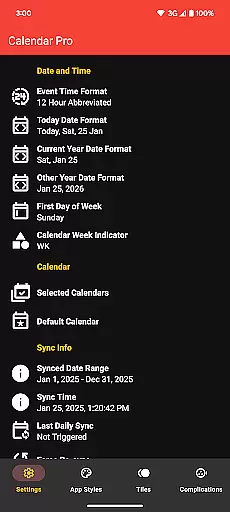
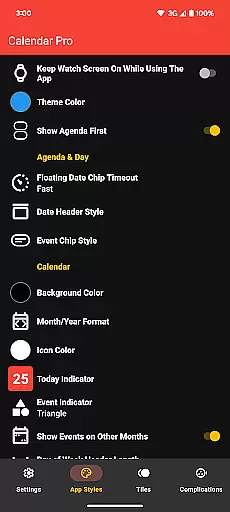
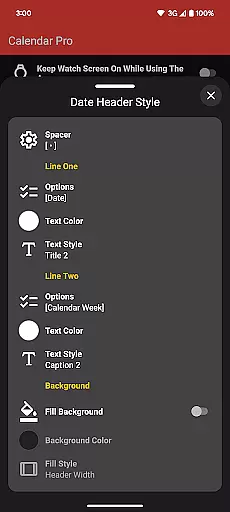
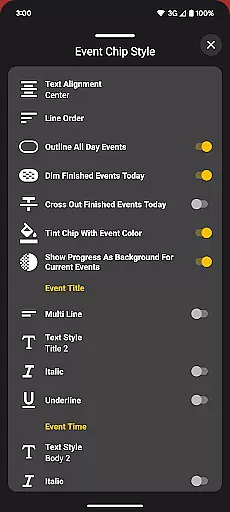
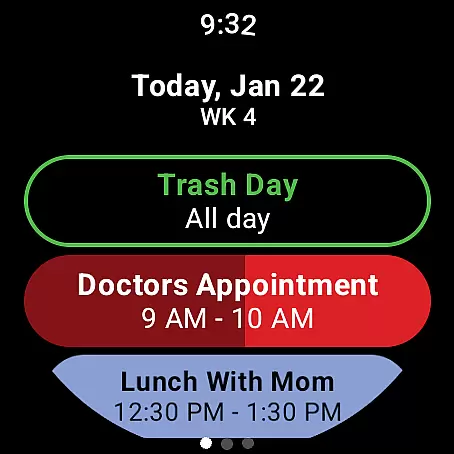
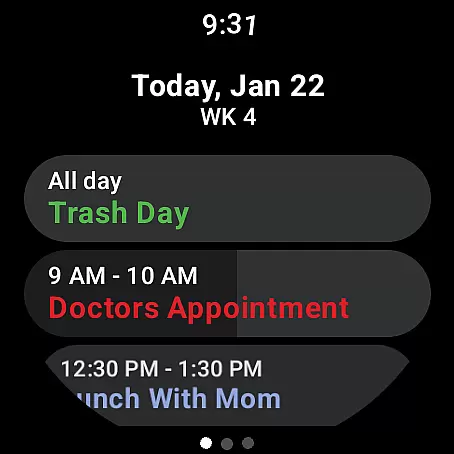
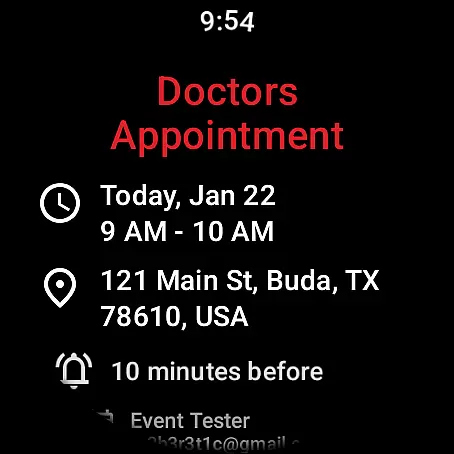
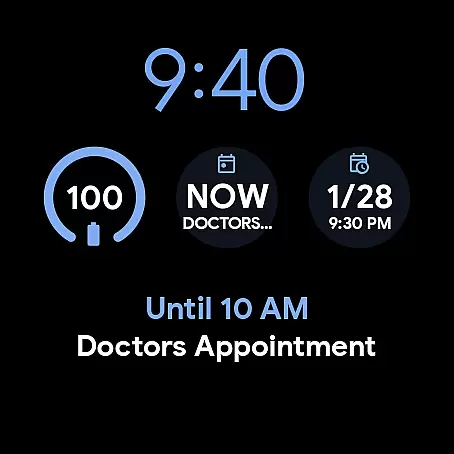
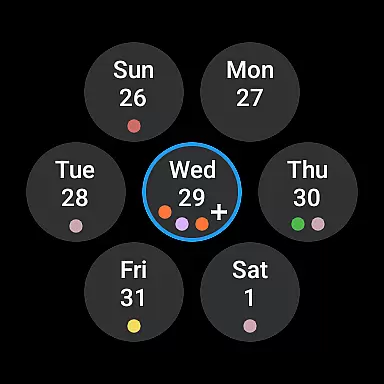
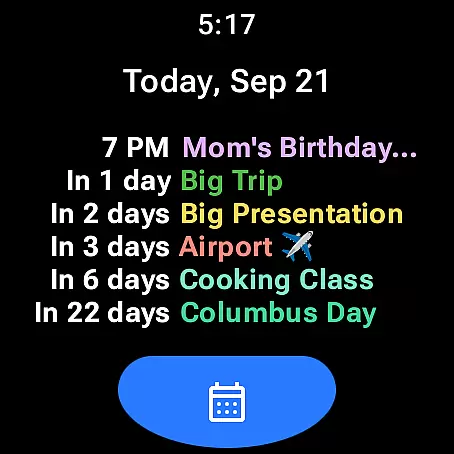
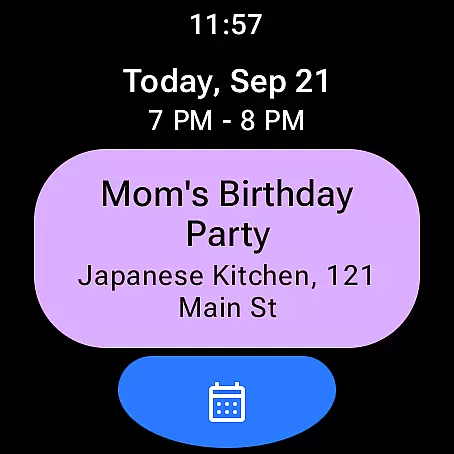
Calendar Pro for Wear OS is a comprehensive productivity tool designed to streamline your scheduling directly from your wrist. This app syncs all your phone calendars to your Wear OS watch, providing seamless access to your events and appointments. With the ability to add, edit, and delete events directly on your smartwatch, it ensures you stay organized on-the-go.
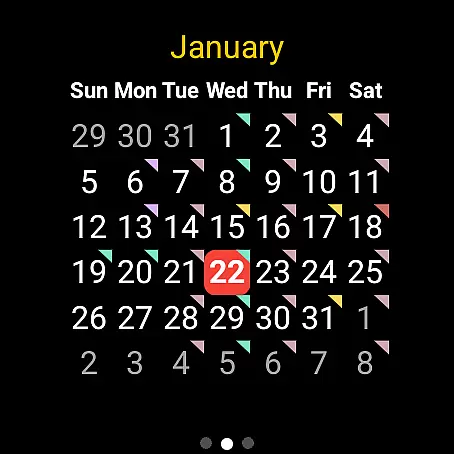
The app offers customizable calendar views including month, agenda, week, and next event tiles, along with complications for quick access. Its extensive customization options allow users to tailor the appearance and functionality to their preferences. Whether you're managing work projects or personal commitments, Calendar Pro enhances efficiency by keeping your schedule accessible at all times.
Calendar Pro stands out with its robust feature set tailored for productivity enthusiasts. The app provides up to 12 months of synced events on your Wear OS device, ensuring you have long-term visibility of your schedule. Users can perform full event management - adding, editing, and deleting entries - directly from their watch interface.
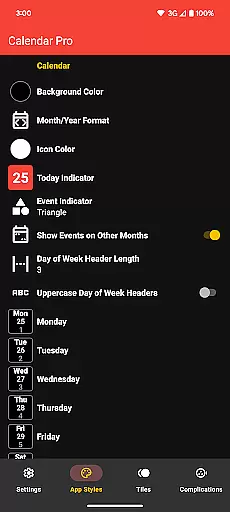
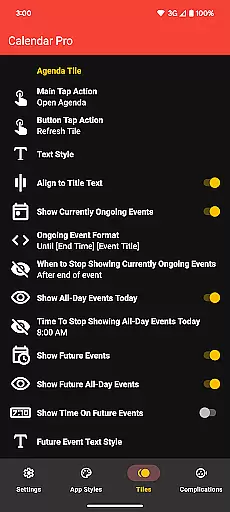
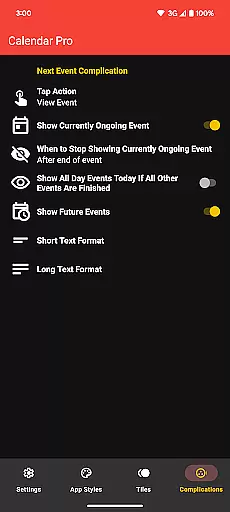
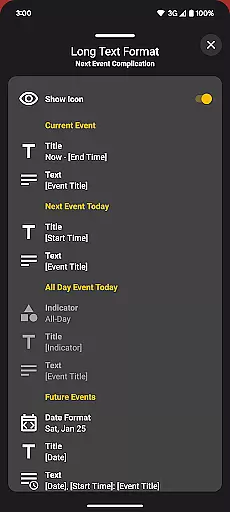
Customization is at the core of Calendar Pro's design. It offers multiple theme colors and detailed adjustments for month calendar, agenda view, and various tiles. These include styling options for backgrounds, date headers, event indicators, and more. Additionally, the Next Event complication and Agenda Tile provide quick insights into upcoming commitments, making this app an indispensable tool for efficient time management.
Calendar Pro for Wear OS excels in core task management by offering users the ability to add, edit, and delete events directly from their Wear OS watch. This seamless interaction ensures that users can manage their schedules on-the-go without needing to reach for their phones.
The app syncs the next 12 months of events to the watch, providing a comprehensive overview of upcoming commitments. With customizable month calendars and agenda views, users can tailor the interface to suit their preferences, ensuring they never miss an important date or meeting.
Additionally, Calendar Pro supports a wide range of calendar services including Google Calendar, Outlook, and Samsung Calendar. This versatility allows users to consolidate all their scheduling tools into one powerful application, streamlining their task management process.
Cross-device synchronization is a cornerstone of Calendar Pro's functionality, ensuring that any changes made on the Wear OS watch are reliably reflected on the paired smartphone. This real-time syncing capability provides users with peace of mind, knowing their schedules are always up-to-date across devices.
With dedicated phone and watch apps required for operation, Calendar Pro guarantees robust data consistency. Users can trust that whether they're viewing their calendar on their wrist or their phone, the information will be identical, thus enhancing productivity and time management.
Furthermore, the app offers various customization options such as multiple theme colors and detailed calendar tile settings. These features not only ensure accurate synchronization but also allow users to personalize their experience while maintaining operational harmony between devices.
User-friendly interface
Extensive customization
Full event management
Multiple calendar support
No subscription model
Requires phone app
Limited Samsung support
Complex setup
Premium price
Battery intensive

Take control of your clipboard with Clipper!
 3.90
3.90
Unlock AutoNotification
4.00
Mega cloud explorer plugin for Solid Explorer
3.80
Professional calendar app for Google Calendar, MS Outlook & Exchange
4.20
Planet Free VPN - The best Fast Unlimited and Secure VPN Without Logs
4.50
Simple and reliable communication between inmates, friends and family
3.20
Ultimate Virtual AI Character for immersive Roleplay Chat. Perfect Companion
3.90
Daily processing of PDF documents.
4.40
Note taking, handwriting, record audio, PDF annotation, planner & journal
4.20
Multilingual translator for text, voice, and image translation!
4.90
Seamlessly integrate data and reports to build your presentation to impress
4.80
Use powerful, industry-leading AI tools to generate visual charts from any data
4.80
Understand anything with a personalized AI research assistant
4.80
Lightweight PDF, Word, Excel reader.
4.60
A Pixel Art watchface inspired by other iconic 90s designs for Wear OS devices!
4.40
Pwnagotchi companion app
4.20
Activate Two Factor Authentication (2FA or Multi OTP), Password manager and more
4.10
Experience real multitasking on your Android!
4.00
AI Video AI Image Private LLM AI Browser Llama Gemma Ollama Connect LLM Studio
4.0


User Reviews