
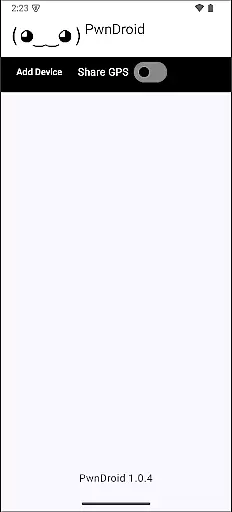
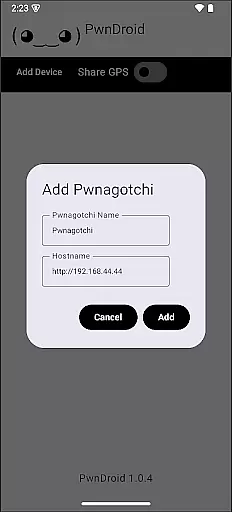
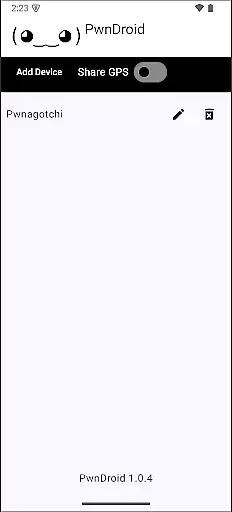
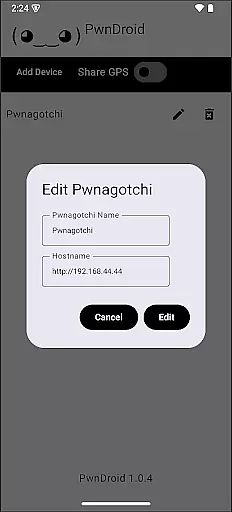
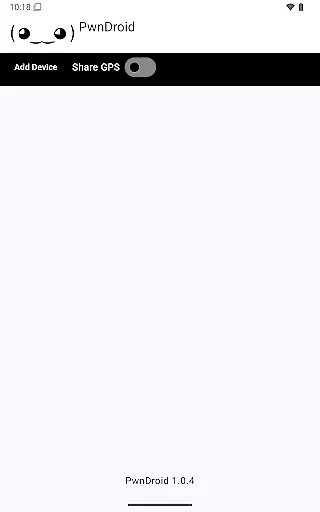
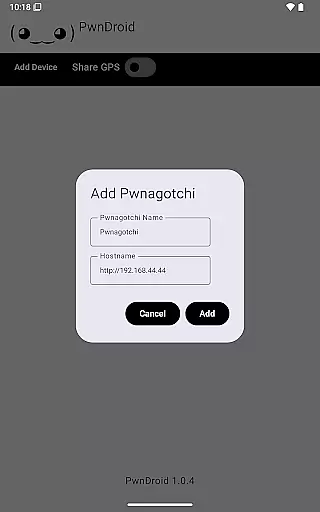
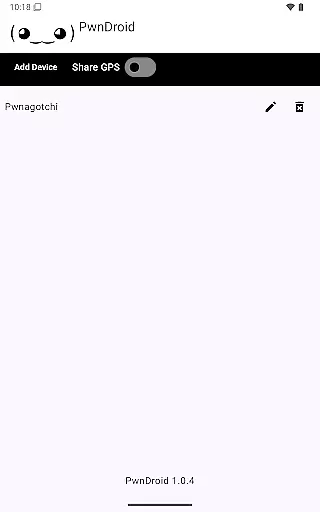
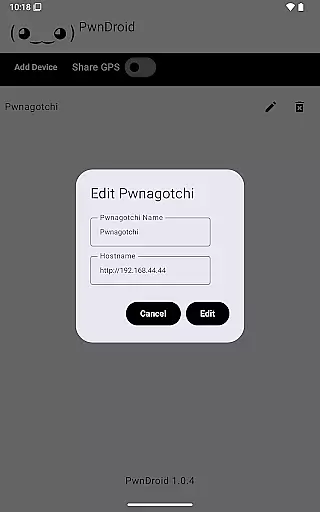
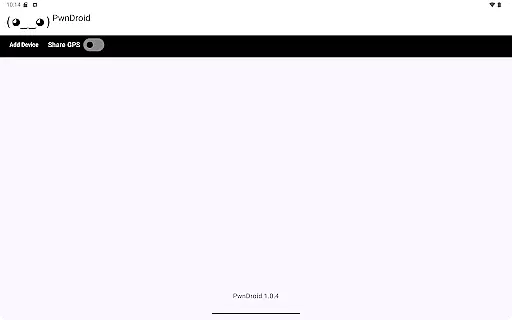
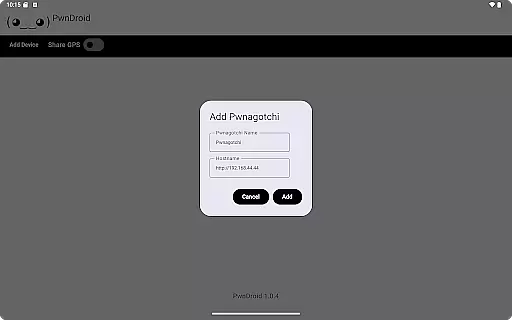
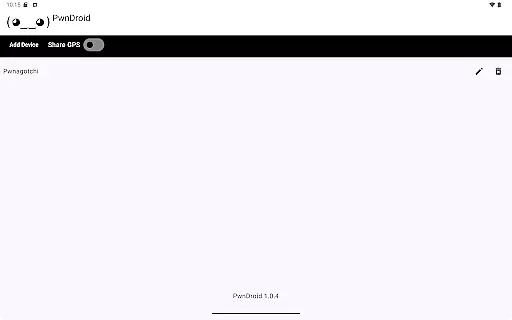
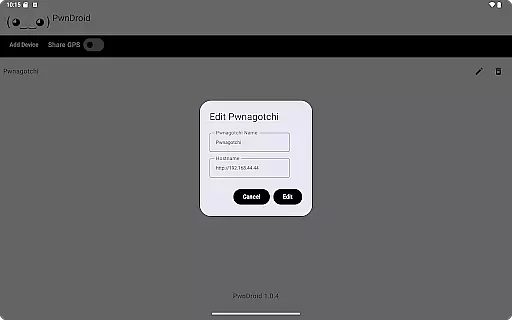
PwnDroid is a productivity-focused application designed to streamline the management of your Pwnagotchi devices. This innovative app allows users to conveniently add their Pwnagotchi units and access the web UI through an integrated in-app web browser. With its user-friendly interface, PwnDroid ensures that managing and monitoring your devices is both efficient and straightforward.
The app's core functionality lies in its ability to consolidate device management within a single platform. Whether you're at home or on the go, PwnDroid provides seamless access to your Pwnagotchi's web interface without the need for external browsers. This makes it an essential tool for tech enthusiasts who require constant connectivity and control over their network devices.
One of the standout features of PwnDroid is its built-in web browser, specifically tailored for accessing the Pwnagotchi web UI. This eliminates the need for switching between multiple apps or using external browsers, thus enhancing workflow efficiency. The app also supports multiple device integration, allowing users to manage several Pwnagotchi units from one place.
Security and accessibility are prioritized with PwnDroid. It offers secure connections to your devices, ensuring that sensitive data remains protected. Additionally, the app provides customizable settings, enabling users to tailor the interface and functionality to suit their preferences. These robust features make PwnDroid a versatile tool for optimizing productivity in network device management.
Task management is a cornerstone of productivity applications, and PwnDroid excels in this area by offering users the ability to efficiently handle their Pwnagotchi tasks. The app provides an intuitive interface that allows users to add and manage multiple Pwnagotchi instances with ease.
PwnDroid's task management system is designed to streamline the user's workflow. By integrating an in-app web browser, it enables direct access to the web UI of each Pwnagotchi, consolidating task management and monitoring into one seamless experience.
The benefit for users is significant; they can maintain an organized collection of their Pwnagotchi projects without switching between different apps or browsers. This focused approach helps users concentrate on their work, enhancing both efficiency and productivity.
Cross-device synchronization is vital for users who operate across multiple devices, ensuring that their data remains consistent and up-to-date wherever they access it. PwnDroid addresses this need by providing reliable synchronization capabilities for Pwnagotchi data.
The app employs robust syncing protocols that guarantee real-time updates across all linked devices. Whether you're at home or on the move, your Pwnagotchi information stays current, allowing for uninterrupted productivity regardless of location.
This feature offers peace of mind to users, knowing that any changes made will be accurately reflected across all platforms. With PwnDroid, managing your Pwnagotchi projects becomes a fluid experience, empowering you to stay productive no matter where you are.
User-friendly interface
Integrated web browser
Multi-device support
Secure connection protocols
Customizable settings
Limited to Pwnagotchi devices
No offline functionality
Requires internet access
Advanced features may overwhelm beginners
Occasional performance lags

Secure, fast, open-source, VNC and SSH Remote Desktop for Windows, Linux and Mac
 4.70
4.70
Seamlessly integrate data and reports to build your presentation to impress
4.80
Mind Map and brainstorm, note taking and idea collection
4.80
PDF scanner & converter for files, photos, lottery, QR codes. One swipe away!
4.50
Create and edit presentations with Google Slides, part of Google Workspace.
4.00
Docker, Kubernetes management over Portainer Mobile
4.40
A comprehensive suite of tools designed specifically for Lactation Consultants
4.5
A simple Whisper AI keyboard for reliable speech transcription and rewording
4.60
Scan paperwork into PDF/JPG, generate your own e-signature and send fax or email
4.70
Native client for Forgejo and Gitea
5.00
Use powerful, industry-leading AI tools to generate visual charts from any data
4.80
aCalendar+ makes your day, week and month
4.70
Functional QR scanner and barcode reader that requires little storage space.
4.60
Send files, sync SMS, notifications & clipboard across devices via local network
4.40
A Pixel Art watchface inspired by other iconic 90s designs for Wear OS devices!
4.40
A customizable calendar for your Wear OS watch
4.20
Device's storage information in a simple and clear graphical form (infographics)
4.10
Make apps & sites with natural language prompts
4.10
Font maker keyboard with your own handwriting
4.10


User Reviews