
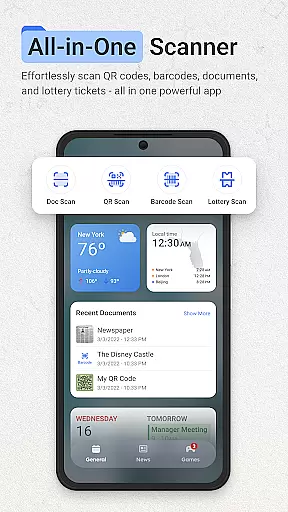
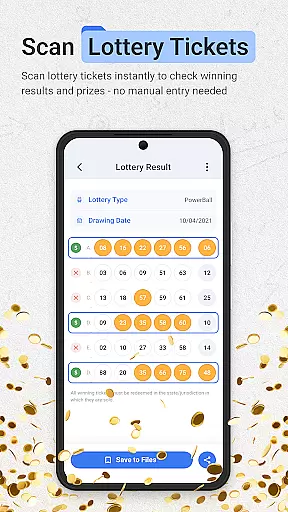
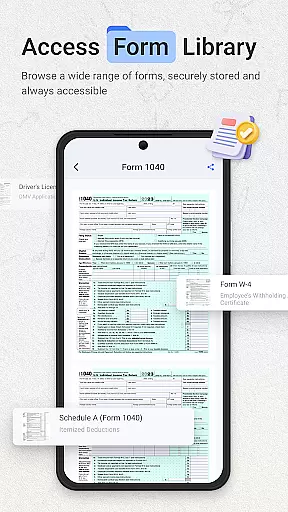
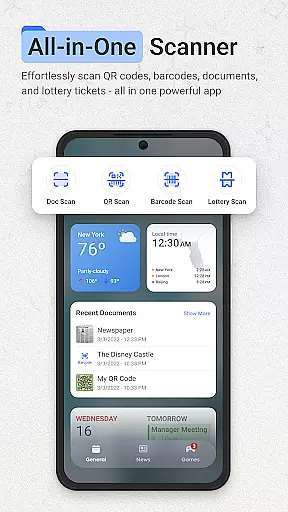
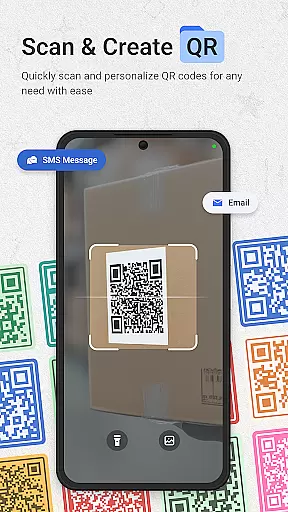
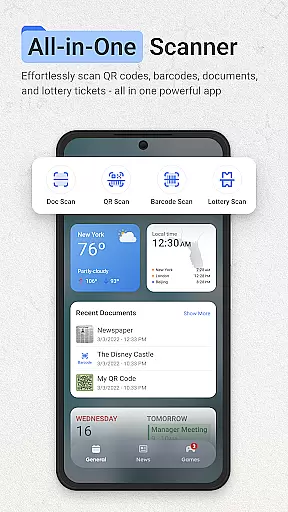
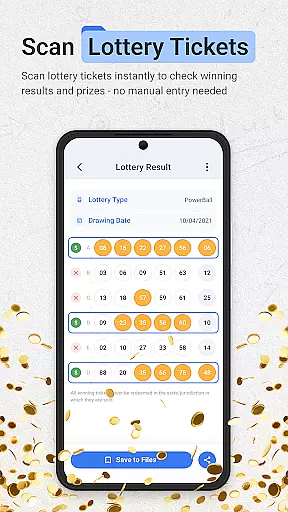
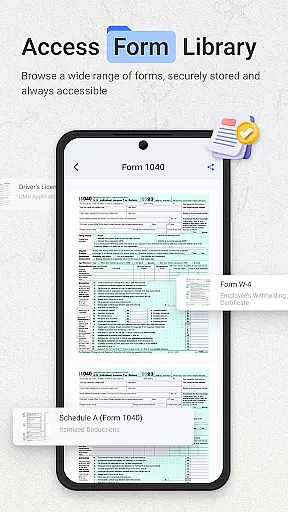
ScanNow Home revolutionizes productivity by integrating advanced scanning tools directly into your home screen experience. This innovative launcher combines essential document, barcode, and lottery ticket scanning with a clean, customizable interface. The app's core functionality allows users to instantly capture documents, scan barcodes for price comparisons, and validate lottery tickets - all without opening separate applications.
The application stands out with its multi-functional approach to productivity. Users can enjoy features like auto-edge detection for documents, batch scanning capabilities, and advanced image enhancement. The integrated Yahoo search functionality provides quick access to web content while the adaptive icon support and dark mode make for a comfortable user experience. These features are particularly valuable for professionals and students who need efficient ways to digitize and organize information.
A key use case is in workplace environments where employees frequently handle paper documents and need to quickly convert them to digital formats. The app's ability to export scans to various formats (PDF, JPG, searchable text) streamlines document management processes. Additionally, the price comparison feature helps users make informed purchasing decisions, while the lottery validation system offers convenience for regular players. This combination of productivity tools creates significant value for users seeking an all-in-one solution for their scanning needs.
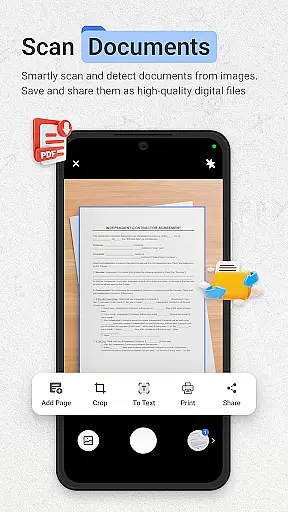
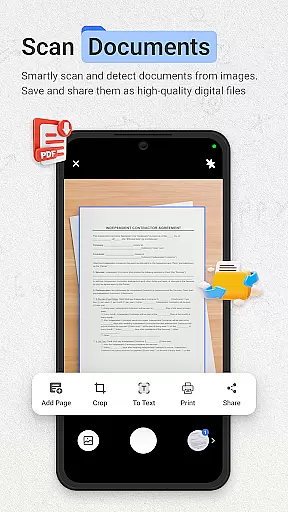
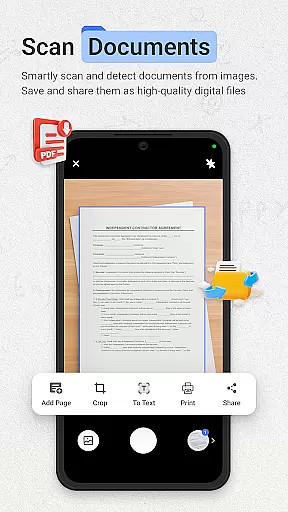
ScanNow Home distinguishes itself through its comprehensive feature set that goes beyond basic scanning capabilities. The document scanner implements sophisticated algorithms for auto-edge detection and perspective correction, ensuring professional-quality scans every time. Its batch processing system supports multi-page documents, while the advanced image enhancement technology automatically adjusts contrast and clarity for optimal results.
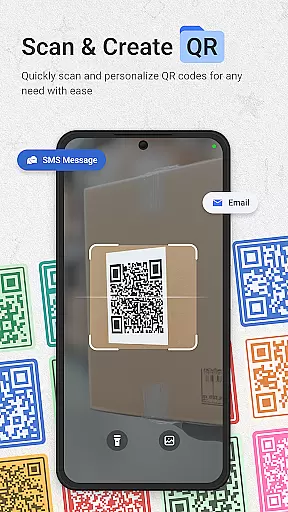
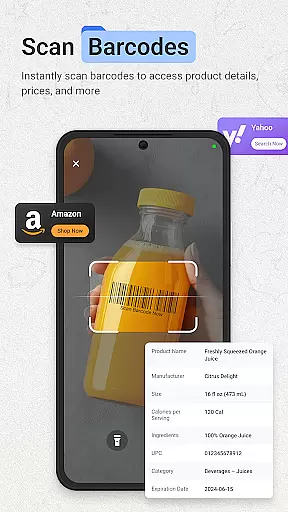
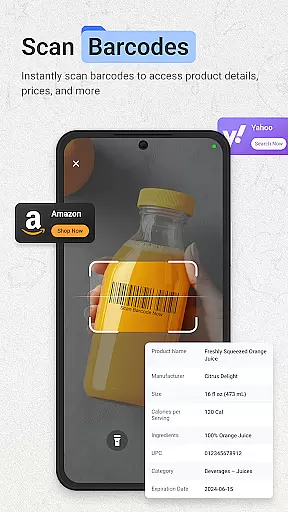
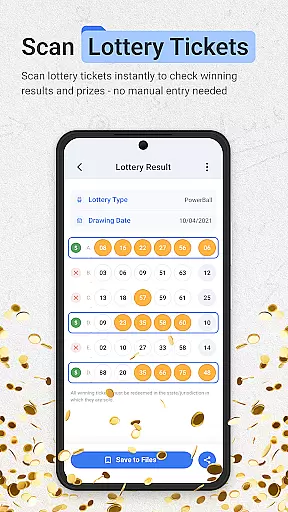
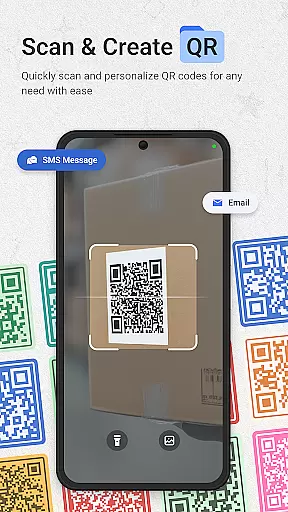
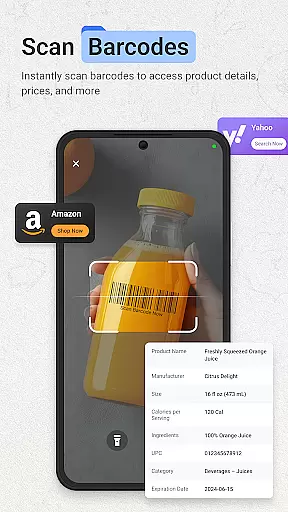
The app's barcode and QR code scanning functionality showcases its versatility. Using computer vision technology, it can rapidly process various barcode formats and provide instant price comparisons from multiple online retailers. The integrated scan history with search capability allows users to easily retrieve past scans, while the sharing feature enables quick distribution of results via messaging apps or email. The lottery ticket validator demonstrates the app's commitment to covering diverse scanning needs.
Additional notable features include the smart app categorization system that organizes applications for efficient access, and the adaptive icon support that maintains visual consistency across different Android versions. The implementation of dark mode not only reduces eye strain but also conserves battery life on OLED displays. These features collectively create a powerful productivity tool that enhances both personal and professional workflows.
ScanNow Home revolutionizes productivity by integrating essential scanning tools directly into your home screen experience, effectively serving as a central hub for task management.
The application's document scanner allows users to instantly capture and digitize important papers, receipts, and notes with features like auto-edge detection, perspective correction, and export options to various formats. This ensures that all necessary documentation is organized and accessible, streamlining the task management process.
In addition to document management, the app offers a barcode and QR scanner for quick product information retrieval and price comparison, aiding in more informed decision-making. The inclusion of a lottery ticket validator adds another layer of utility, helping users manage and track their gaming activities efficiently.
With its clean, customizable launcher interface, smart app categorization, and adaptive icon support, ScanNow Home provides an intuitive environment where users can focus on their core tasks without distraction, making their Android device a more powerful tool for productivity.
One of the standout features of ScanNow Home is its reliable cross-device synchronization, ensuring that all scanned documents, barcodes, and lottery tickets are consistently updated across all user devices.
Through the app's advanced cloud integration, users can seamlessly sync their scanned data, including batch scans with multi-page support, between multiple devices. This means whether you're at home or in the office, your information is always up-to-date and accessible wherever you need it.
Moreover, ScanNow Home's synchronization extends beyond mere document storage. It includes maintaining a detailed scan history with search functionality, which is particularly useful for quickly retrieving past scans of barcodes or QR codes, thus enhancing both personal and professional productivity.
By combining this reliable synchronization with battery optimization and performance improvements, ScanNow Home guarantees that users will have a smooth and efficient experience managing their digital content across different platforms, making multitasking and remote work easier than ever.
Instant access to scanning tools
Multi-functional productivity suite
Advanced document processing
Comprehensive barcode support
Customizable launcher interface
Some features require in-app purchases
Relatively high storage requirements
Occasional scanning inaccuracies
Limited customization options
Battery consumption concerns

Ads Free App! Editor, Hide File, Copy, Move, Delete and Rename.. all facility av
 1.70
1.70
Planet Free VPN - The best Fast Unlimited and Secure VPN Without Logs
4.50
Remotely view listen control and record cameras.
3.70
ID.me Authenticator is a simple and free Two Factor Authentication solution
3.50
The AI assistant that thinks with you - write, code, and solve complex tasks
4.60
* block pre-roll ads, pop-up and forced redirect ads * Samsung certification app
4.00
Best Tool for the professionals Electrician, Electrical contractors, etc.
4.90
A Pixel Art watchface inspired by other iconic 90s designs for Wear OS devices!
4.40
Note taking, handwriting, record audio, PDF annotation, planner & journal
4.20
Mind Map and brainstorm, note taking and idea collection
4.80
App lock - lock apps with fingerprint, password, pin or pattern, protect privacy
4.70
Tally and goal counter for Wear OS & mobile
4.50
CalenGoo is a very flexible and feature-rich calendar app
4.40
Access, manage and transfer files on Android, PC, Mac, NAS and cloud storages.
4.30
Easily read and manage all your PDF files
4.10
Intelligent AI Assistant
4.10
Experience real multitasking on your Android!
4.00
Make your handwriting beautiful, even more than pen on paper.
3.60
Experience and share your SolidWorks designs on your Android® phone and tablet.
2.50


User Reviews