
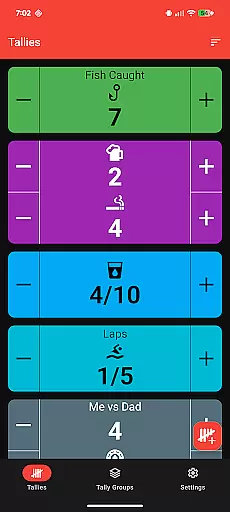
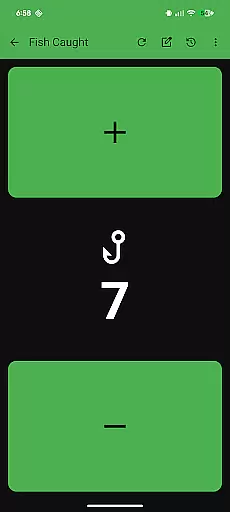
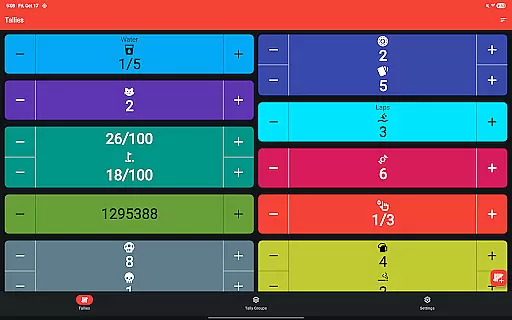
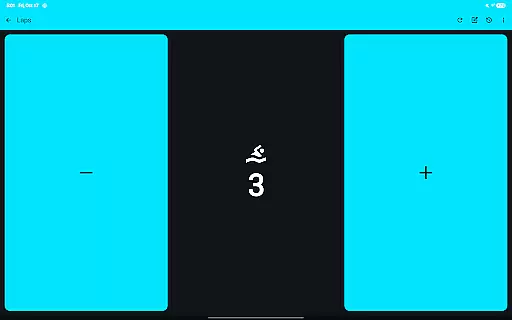
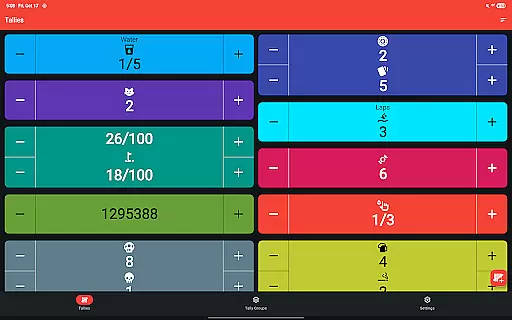
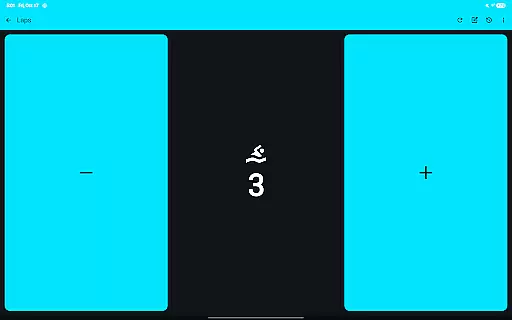
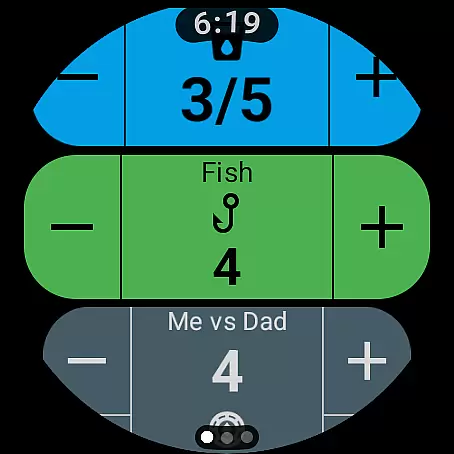
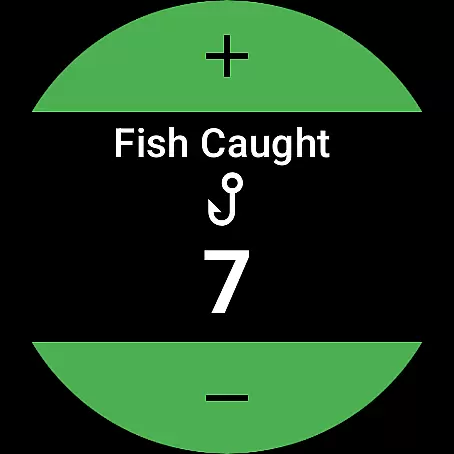
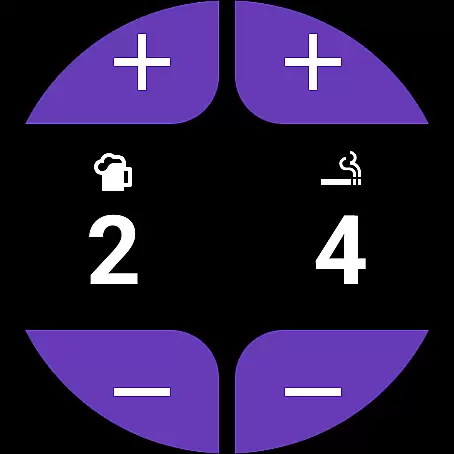
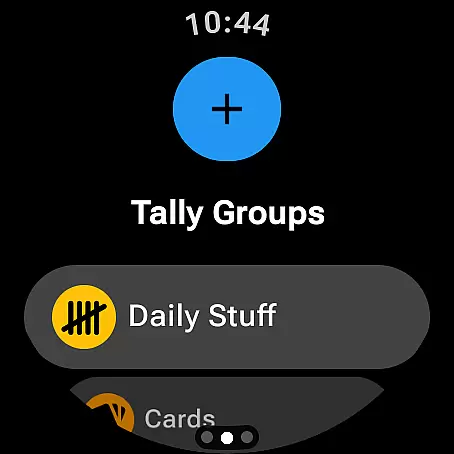
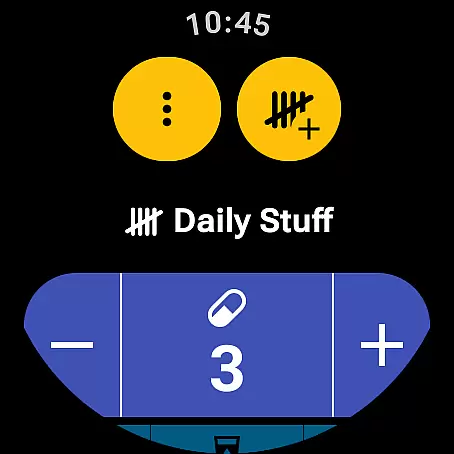
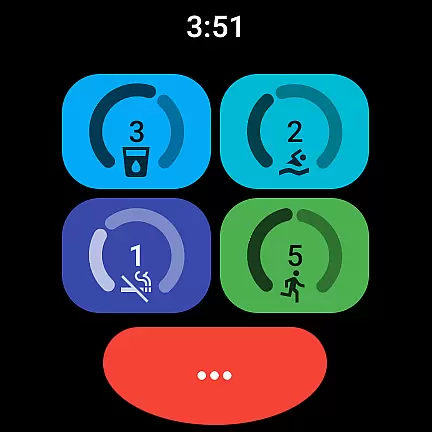
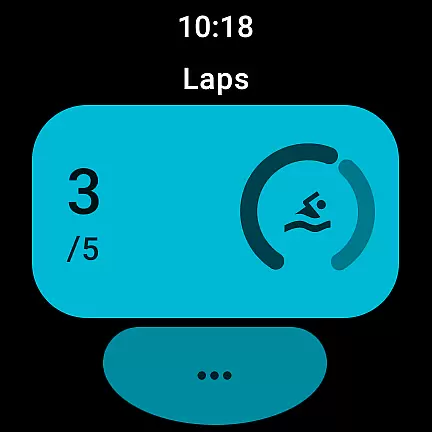
Tallies is a versatile productivity tool designed for both Wear OS and mobile devices, offering users an efficient way to track counts and achieve goals. The app provides double and single tally counters with ongoing counts, goal tallies that can lock or reset upon completion, and automatic reset options across different time intervals. Users can organize tallies into groups, view detailed histories with graphs and stats on their phones, and enjoy seamless synchronization between devices.
With its intuitive interface and robust feature set, Tallies is perfect for anyone needing to monitor progress in various aspects of life, from fitness routines to project milestones. Its ability to export data as CSV files adds another layer of utility, making it easy to analyze trends over time. Whether you're using it on your wrist or phone, Tallies ensures your counting tasks are streamlined and accessible wherever you go.
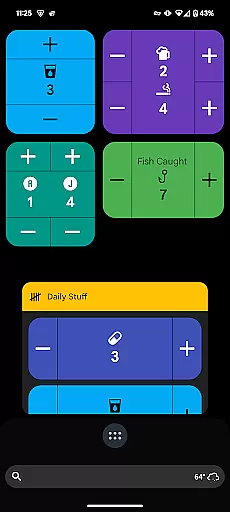
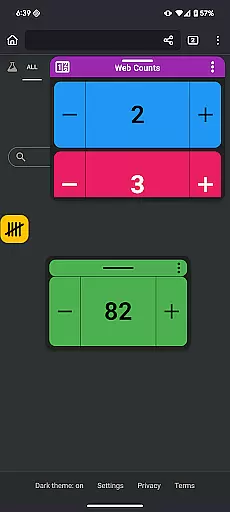
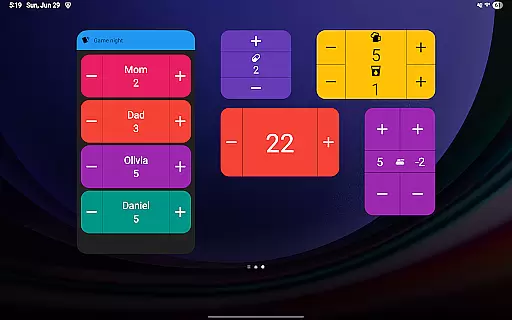
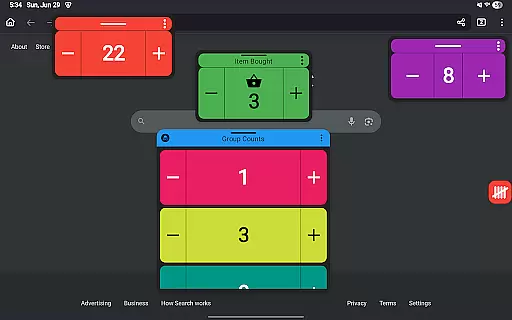
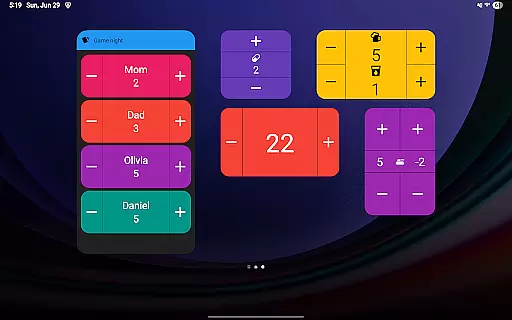
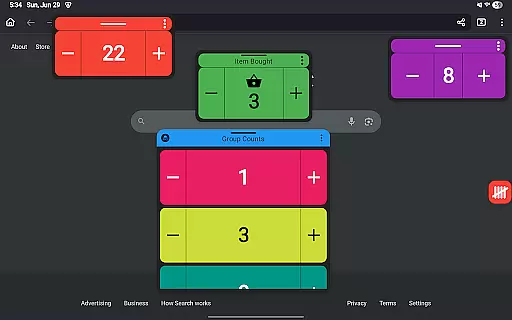
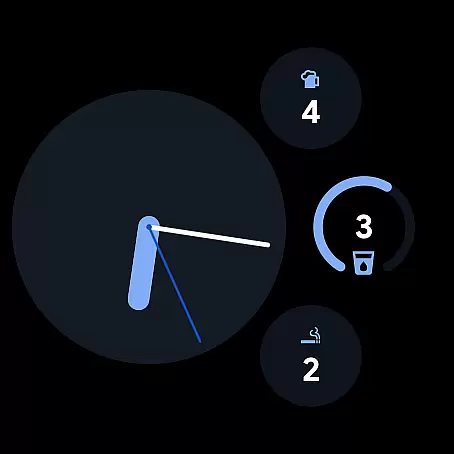
Tallies stands out with its comprehensive suite of features tailored for both Wear OS and mobile platforms. On the watch, users benefit from ongoing tally complications, quick tally tiles, and multiple goal tally options, ensuring they can track their progress effortlessly throughout the day. Phone-specific functionalities include vertical and horizontal tally widgets, floating tally windows for Android 14+, and launcher shortcuts for quick access.
The app also offers customization through over 200 icons and multiple theme colors, allowing users to personalize their experience. Advanced features like vibration feedback, sound alerts, and full-screen mode enhance usability, while automatic saving ensures no data is lost. With no subscription required, Tallies provides exceptional value by unlocking all features at a one-time price, making it an indispensable tool for managing counts efficiently across devices.
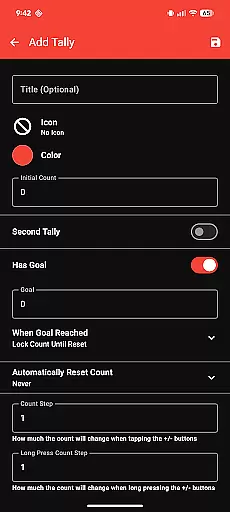
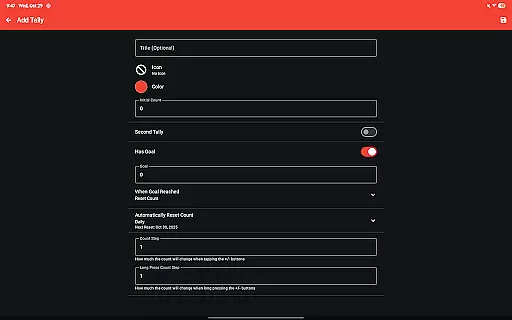
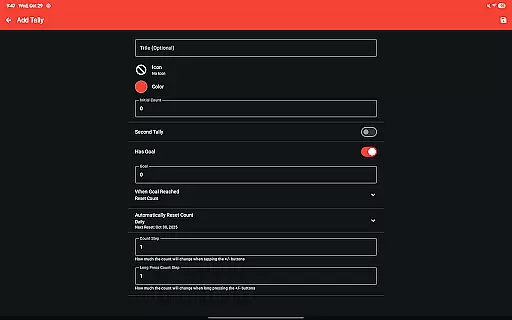
Tallies offers a robust set of features for managing tasks and goals, making it an essential tool for productivity enthusiasts. The app provides double and single tally counters, ongoing counts, and goal tallies with customizable options to lock or reset the count upon reaching a target.
Users can take advantage of automatic tally resets that can be scheduled daily, weekly, monthly, or yearly, ensuring that their objectives are consistently updated and aligned with their timelines. This feature is particularly useful for individuals who have recurring goals or periodic targets to meet.
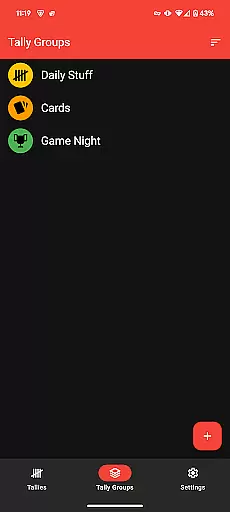
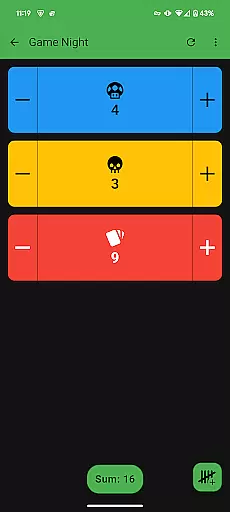
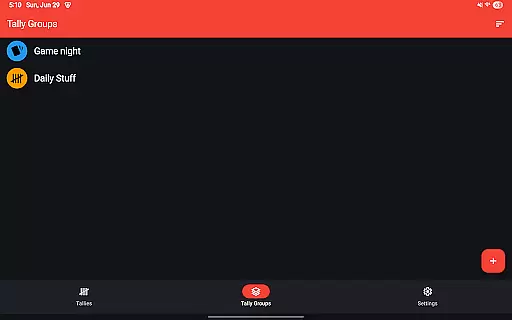
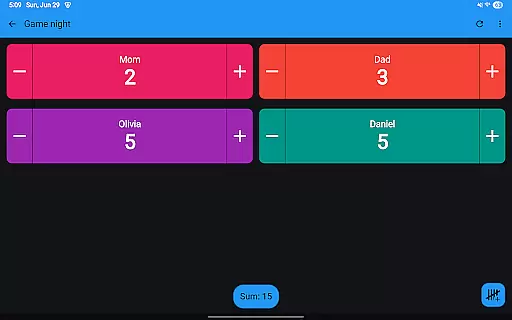
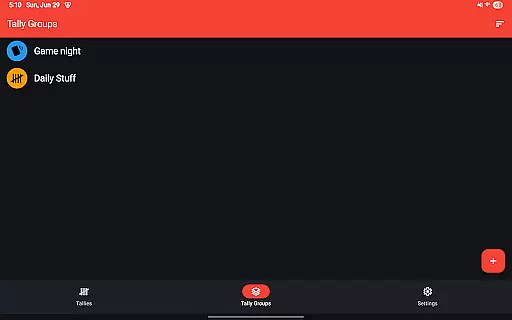
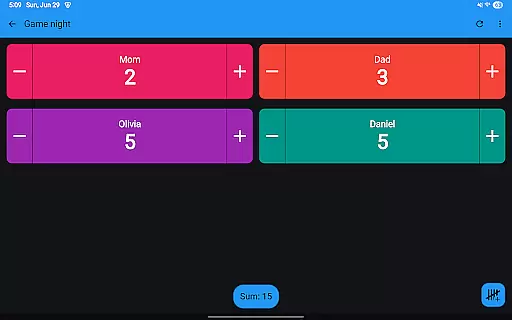
The inclusion of tally groups allows users to organize related tallies under one umbrella, providing a sum view of all tallies within a group. This aggregation simplifies tracking progress across multiple related tasks, offering a comprehensive overview at a glance.
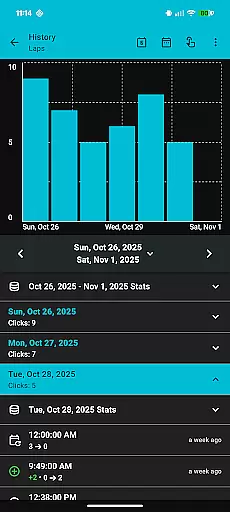
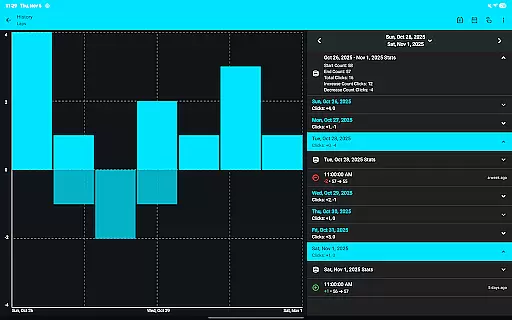
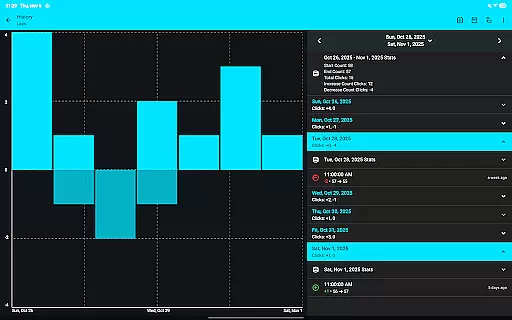
With the ability to view tally history on the phone through various graphs, selectable intervals, and statistics, Tallies empowers users to analyze their progress over time. This historical data syncs automatically from the watch to the phone whenever changes occur, ensuring that users always have access to up-to-date information.
Cross-device synchronization is a cornerstone of Tallies, ensuring that users can seamlessly transition between their Wear OS devices and mobile phones without losing track of their counts. This reliable sync capability keeps all user data consistent and up-to-date across platforms.
To facilitate this synchronization, Tallies requires installation on both the phone and the watch. Once installed, any changes made to tallies on one device are automatically reflected on the other, providing real-time updates and peace of mind for users who switch between devices throughout the day.
In addition to basic sync functionalities, Tallies offers specialized features tailored for each platform. For instance, Wear OS users benefit from ongoing tally complications and quick tally tiles, while mobile users can utilize home screen widgets and floating tally windows on supported Android versions.
This cross-device compatibility enhances the overall user experience by allowing individuals to interact with their tallies in ways that best suit their current context, whether they're on the go with their smartwatch or working on their phone or tablet.
User-friendly interface
Seamless device sync
Customizable themes
Comprehensive tally options
No subscription fees
Limited free features
Requires installation on both devices for sync
Some features need newer Android versions
Occasional syncing delays
Complexity may overwhelm new users

Secure, fast, open-source, VNC and SSH Remote Desktop for Windows, Linux and Mac
 4.70
4.70
AI Video AI Image Private LLM AI Browser Llama Gemma Ollama Connect LLM Studio
4.4
Create study competitions, track your hours, and stay consistent with friends
4.2
Total remote control for your Android device, PC and cloud services (IFTTT)!
4.20
Easily read and manage all your PDF files
4.10
Automates browsing any website and notifies you of important changes or events
4.30
The upgraded version of Name Wheel with AI and the power to add your own wheels.
4.1
The Pro Version of Android's tiniest Notepad app. Just 0.3MB but feature-packed!
4.60
Secure your apps with lock screens, use custom themes and different features.
4.40
Scientific calculator for Android - looks and operates like the real thing!
4.90
aCalendar+ makes your day, week and month
4.70
Lightweight PDF, Word, Excel reader.
4.60
Fill, sign & send docs, forms, agreements & contracts via electronic signature.
4.50
Intelligent AI Assistant
4.10
Unlock AutoNotification
4.00
Wake up & get tasks done! Add alarms & reminders on the Clock Launcher.
4.00
Customizable calendar widget for seamless event sync, planning & scheduling.
4.00
* block pre-roll ads, pop-up and forced redirect ads * Samsung certification app
4.00
Ads Free App! Editor, Hide File, Copy, Move, Delete and Rename.. all facility av
1.70


User Reviews