
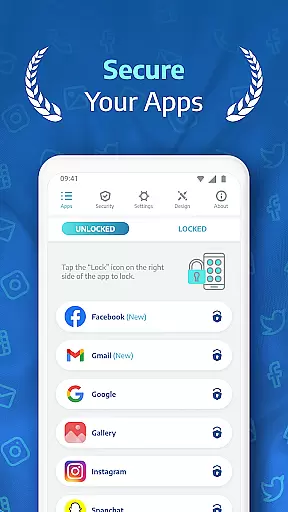
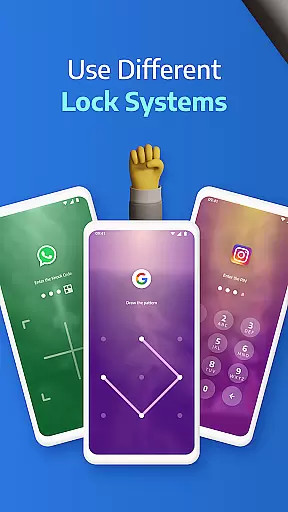
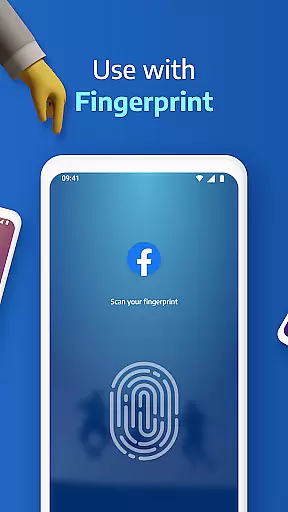
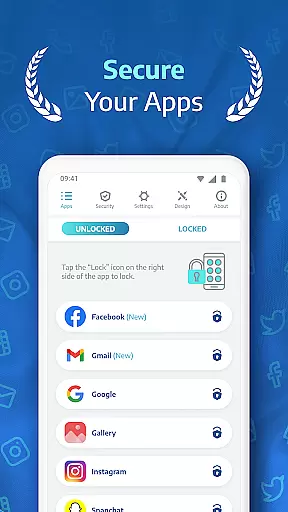
AppLock Pro is a productivity-focused security application designed to safeguard your private apps and sensitive data. This app allows users to lock any application using various methods such as PIN, pattern, fingerprint, or KnockCode. With millions of downloads, it has become a trusted solution for protecting personal information on mobile devices.
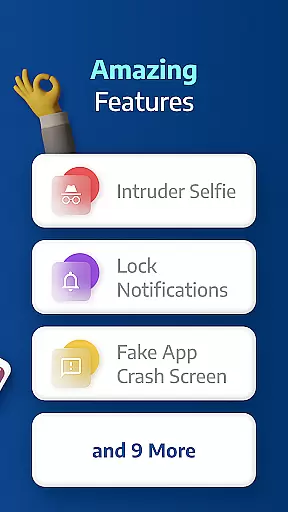
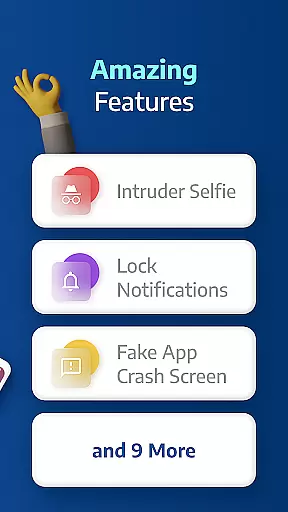
Beyond basic locking features, AppLock Pro offers advanced functionalities like spy camera protection, fake error messages, and customizable lock styles. These features ensure that user privacy is maintained while providing flexibility in how protection is applied. Whether you need to secure social media apps, messaging platforms, or photo galleries, this app provides comprehensive coverage.
The app's intuitive design makes it suitable for both personal and professional use. Users can customize settings to fit their specific needs, from setting auto-lock timers to hiding sensitive notifications. This versatility ensures that AppLock Pro remains a valuable tool for anyone looking to enhance their device's security without compromising usability.
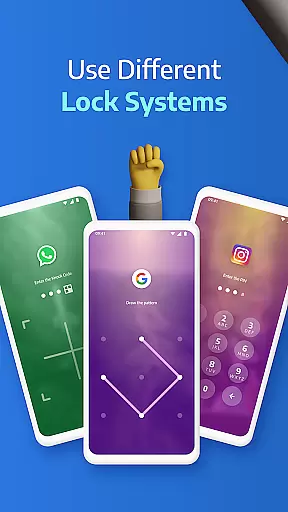
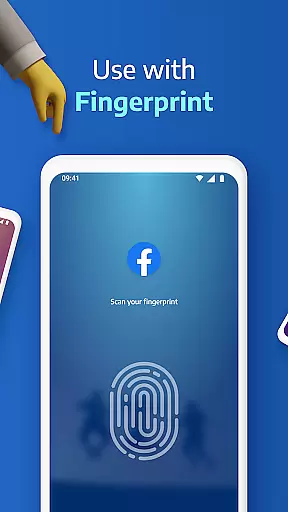
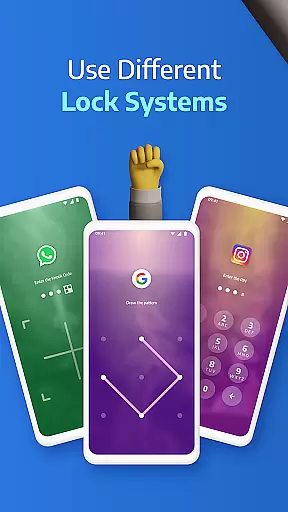
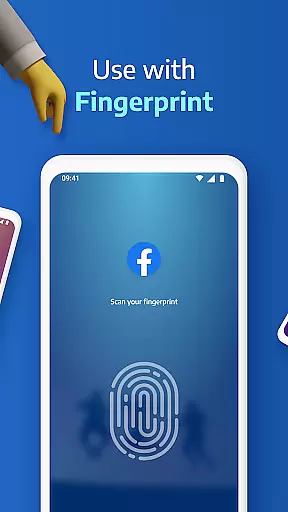
AppLock Pro stands out with its diverse range of security features tailored to meet different user requirements. One of the key highlights is the ability to lock any app using multiple methods including PIN, pattern, fingerprint (if supported), and KnockCode. This flexibility ensures that users can choose the most convenient and secure option for their needs.
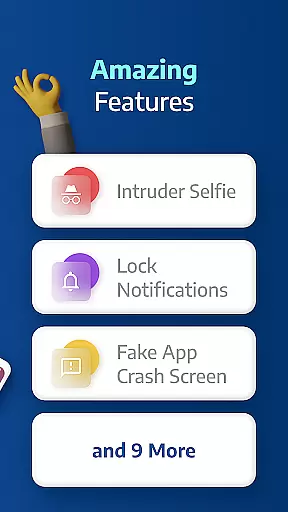
In addition to standard locking mechanisms, the app includes innovative features like spy camera protection. When an incorrect password is entered, the app discreetly captures a photo of the intruder using the front camera. Another notable feature is the fake error message, which displays a deceptive screen to deter potential snoopers. These smart functionalities add an extra layer of security and peace of mind.
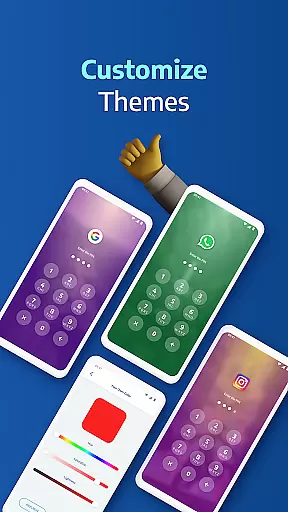
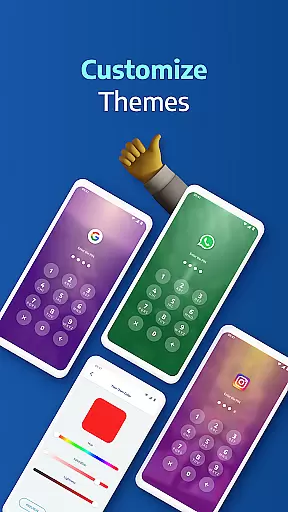
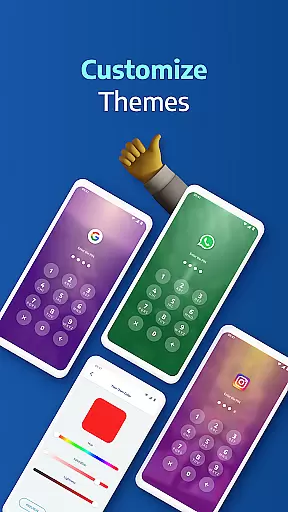
Customization is at the heart of AppLock Pro's design. Users can personalize lock screens with custom themes and backgrounds, making the security process not only effective but also visually appealing. The app also offers practical settings such as vibration feedback, new app alerts, and the ability to lock recent apps. These thoughtful additions demonstrate the app's commitment to providing a comprehensive and user-friendly security solution.
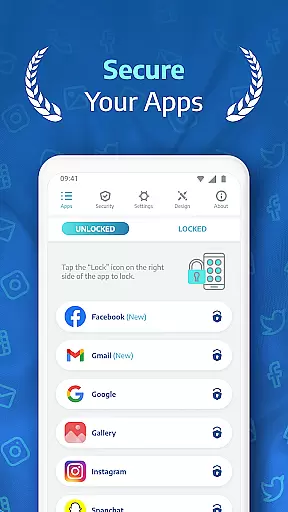
Applock Pro excels in core task management by offering a comprehensive suite of security features designed to protect your digital life. The app allows users to lock any application using various methods such as PIN, pattern, fingerprint, or KnockCode, ensuring that personal data remains private and secure.
The functionality extends beyond just locking apps; it includes smart settings like auto-relock after a set period and the ability to hide notifications from locked applications. This ensures that sensitive information is not inadvertently exposed through notification previews, maintaining privacy even when the device is in use.
With its lightweight design optimized for battery and RAM usage, Applock Pro provides these robust security features without compromising on performance. Users can customize their experience with unique themes and backgrounds, making security both effective and enjoyable.
Cross-device synchronization reliability is another cornerstone of Applock Pro's offering. While primarily focused on individual device security, the app ensures that settings and preferences are reliably maintained across different devices through user accounts. This means you can seamlessly transition between your smartphone and tablet while retaining the same level of protection.
One standout feature is the spy camera protection which captures an image of anyone attempting unauthorized access. These images are securely stored within the app, providing peace of mind that intrusions are documented regardless of the device being used.
Additionally, Applock Pro offers advanced functionalities such as setting up fake error messages and triggering alarms upon multiple incorrect password attempts. These features enhance security measures and deter potential intruders, safeguarding your data consistently across all your devices.
Highly secure
User-friendly interface
Customizable lock options
Advanced spy camera feature
Lightweight and optimized
Limited free features
Requires permissions
Occasional bugs reported
No cloud backup
Fingerprint support varies

 4.20
4.20
Take control of your clipboard with Clipper!
3.90
We're working to become the best machining app on the market! www.cncdirt.com
4.80
Font maker keyboard with your own handwriting
4.10
Functional QR scanner and barcode reader that requires little storage space.
4.60
Docker, Kubernetes management over Portainer Mobile
4.40
Access your phone's notifications, calls, apps, photos & texts on your PC
3.90
Share files & memories safely. Keep your photos and videos secure.
4.40
Set up, print, and get support—in one place
4.20
Great calculator for Android named one of USA TODAY's "25 Essential Apps".
4.90
Scientific calculator for Android - looks and operates like the real thing!
4.90
Use powerful, industry-leading AI tools to generate visual charts from any data
4.80
Scan paperwork into PDF/JPG, generate your own e-signature and send fax or email
4.70
Secure, fast, open-source, Remote Desktop Client for Windows and Linux with SSH
4.60
Enjoy classic gameplay with customizable features and retro-style graphics.
4.30
Access, manage and transfer files on Android, PC, Mac, NAS and cloud storages.
4.30
Activate Two Factor Authentication (2FA or Multi OTP), Password manager and more
4.10
Make your handwriting beautiful, even more than pen on paper.
3.60
Create study competitions, track your hours, and stay consistent with friends
4.4


User Reviews