
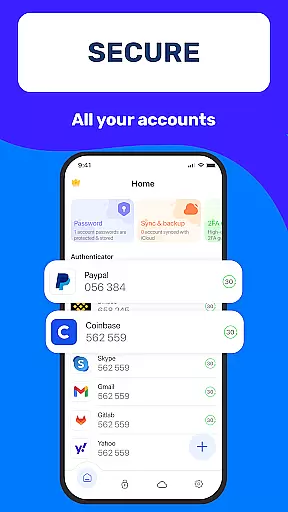
Authenticator App 2FA - Password Manager is a comprehensive productivity tool designed to enhance both security and convenience for users managing multiple accounts. The app's core functionality revolves around two-factor authentication (2FA), password management, and secure data storage.
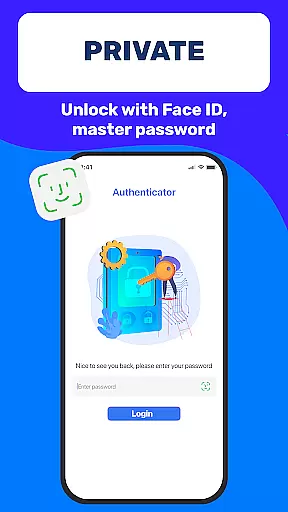
Key features include QR code scanning for 2FA, automatic password filling, and biometric login options through Master Password and Touch ID. These capabilities ensure that users can access their accounts quickly while maintaining high-security standards. Additionally, the app supports secure cloud storage and cross-device data synchronization, making it an ideal solution for professionals who need to manage sensitive information across different platforms.
This application is particularly beneficial in workplace environments where employees handle numerous accounts and confidential data. By streamlining the authentication process and providing robust security measures, Authenticator App 2FA - Password Manager helps businesses improve their operational efficiency while protecting valuable assets.
The Authenticator App 2FA - Password Manager distinguishes itself through several innovative features that address modern security challenges. Its primary characteristic is the multifaceted approach to account protection, combining traditional password management with advanced two-factor authentication methods.
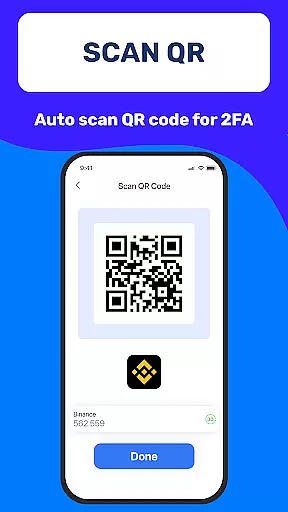
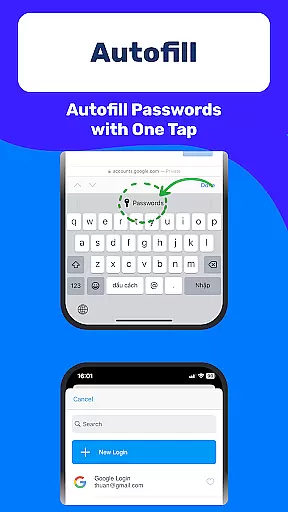
A standout feature is the integrated QR code scanner specifically designed for 2FA implementation. This functionality allows users to quickly set up additional security layers for their accounts. The app also includes sophisticated password management tools with automatic form-filling capabilities, significantly reducing the time spent on repetitive login tasks while minimizing human error during manual entry.
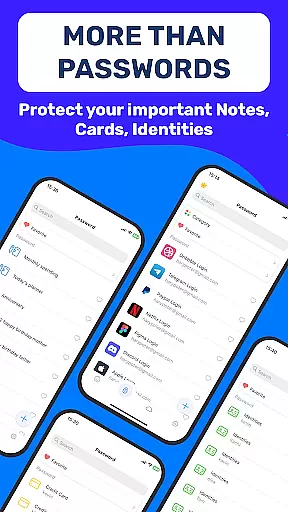
Additional notable features include biometric authentication options (Master Password and Touch ID), secure credit card storage, and vital document management. The inclusion of dark mode demonstrates attention to user comfort during extended usage periods. Furthermore, the app's robust backup and sync system ensures data integrity across devices, while cloud storage provides peace of mind regarding data loss prevention.
Task management is a cornerstone of productivity applications, and Authenticator App 2FA - Password Manager excels in this area by offering a comprehensive suite of features designed to streamline your digital life. At its core, the app provides robust account management through functionalities like Scan QR 2FA, which simplifies the login process while enhancing security.
The application goes beyond simple task tracking by integrating advanced capabilities such as Backup & Sync, ensuring that your data remains intact across device changes or reinstalls. This feature alone can save users countless hours that might otherwise be spent on manual data recovery.
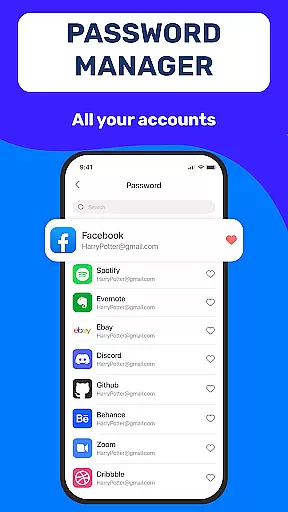
Furthermore, the Password Manager and Autofill functions are engineered to store credentials securely and populate website login fields automatically. This not only expedites the login process but also minimizes human error during data entry, making daily digital interactions smoother and more efficient for the user.
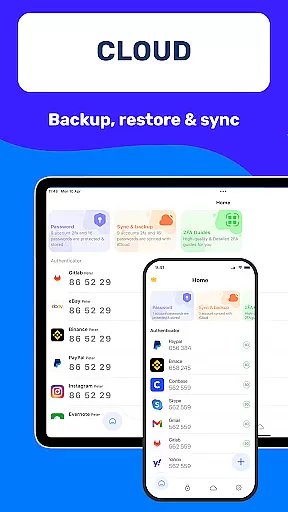
Cross-device synchronization is essential for maintaining workflow continuity, and Authenticator App 2FA - Password Manager addresses this need with reliable and real-time data syncing. The Backup & Sync feature ensures that all your vital information, including 2FA codes and stored passwords, are consistently updated across your devices.
In addition to basic synchronization, the app offers Cloud Data Storage, safeguarding your information against loss even if your physical device is misplaced or damaged. This cloud integration provides peace of mind and an extra layer of data protection that is crucial for modern digital users.
With Authenticator App 2FA - Password Manager, you can switch between your phone, tablet, or computer without missing a beat. The seamless transition is further enhanced by features like Import and Export Data, allowing for flexible data movement and management across different platforms, thus empowering users to take full control of their digital identities.
Enhanced Security
Easy Account Management
Biometric Login Options
Cross-Device Syncing
Cloud Data Storage
Premium Features Locked
Complex Setup Process
Limited Free Usage
Occasional Sync Issues
Resource Intensive

Take control of your clipboard with Clipper!
 3.90
3.90
Native client for Forgejo and Gitea
5.00
A lightweight JSON & XML files creator, editor and viewer (Premium Version)
4.40
⏰ Finally a timer app which can run multiple timers simultaneously on your watch
3.90
aCalendar+ makes your day, week and month
4.70
Translate text/voice/photos in 150+ languages. Offline & fast translator app.
4.50
A beautiful digital clock with autostart and many other functions
4.70
A Pixel Art watchface inspired by other iconic 90s designs for Wear OS devices!
4.40
Daily processing of PDF documents.
4.40
The long-awaited modern gallery app for your Nextcloud server
4.70
Stay on top of your to-dos with Google Tasks, part of Google Workspace.
4.60
Experience Reading - Night Mode for Documents
4.40
Share files & memories safely. Keep your photos and videos secure.
4.40
Total remote control for your Android device, PC and cloud services (IFTTT)!
4.20
Pwnagotchi companion app
4.20
Intelligent AI Assistant
4.10
Wake up & get tasks done! Add alarms & reminders on the Clock Launcher.
4.00
Mega cloud explorer plugin for Solid Explorer
3.80
ID.me Authenticator is a simple and free Two Factor Authentication solution
3.50


User Reviews