
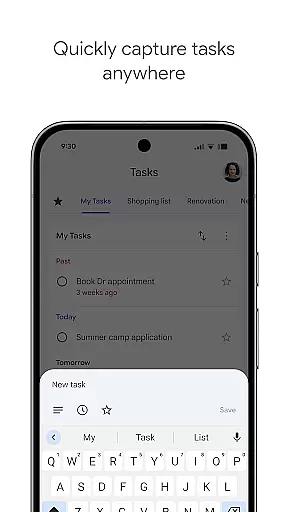
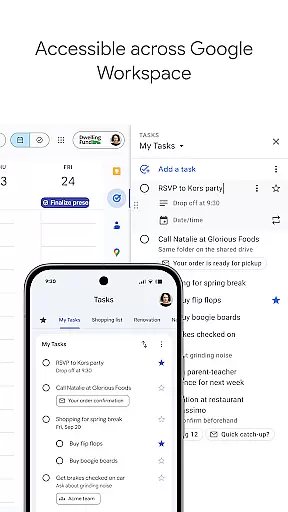
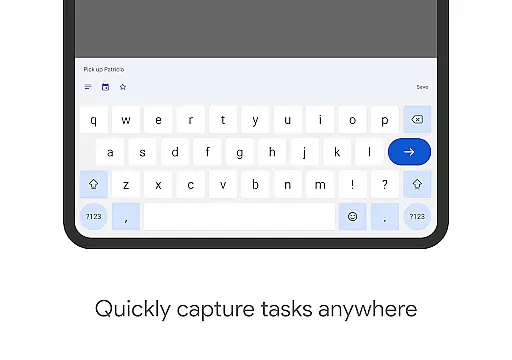
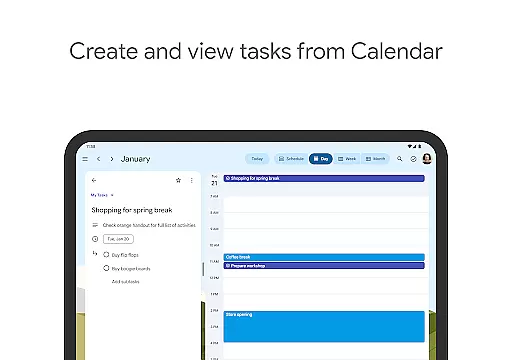
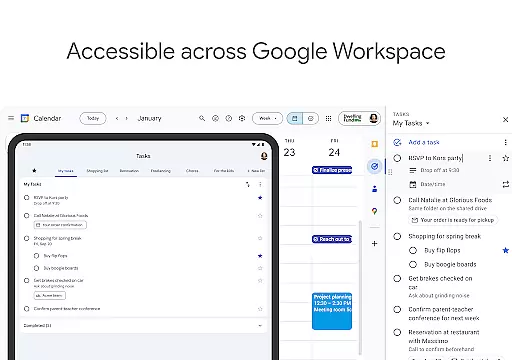
Google Tasks is a productivity app designed to help users manage their daily tasks efficiently. The app allows you to capture, organize, and track your to-dos from any device, ensuring you never miss an important deadline. With seamless integration across Gmail and Google Workspace, it creates a unified task management experience that boosts productivity.
The app's key features include intuitive task creation, priority management through drag-and-drop functionality, and multi-device synchronization. Whether you're handling work projects or personal errands, Google Tasks provides a reliable way to stay organized and focused on what matters most.
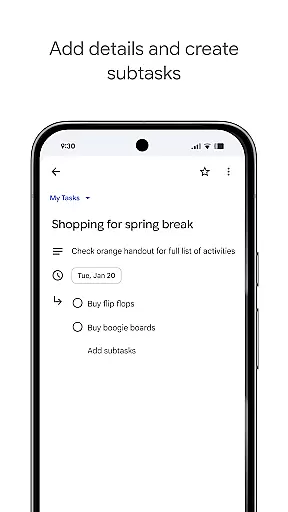
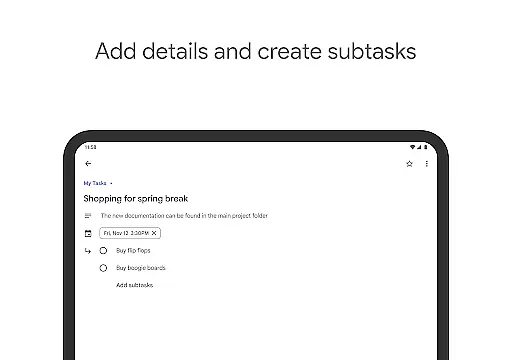
Useful for professionals and students alike, Google Tasks excels in helping users break down complex projects into manageable subtasks. The ability to set reminders and deadlines ensures timely completion of tasks, while Gmail integration allows for effortless task creation from emails.
Google Tasks stands out with its comprehensive feature set tailored for efficient task management. The app enables users to create multiple task lists for better organization, making it easy to separate work, personal, and project-specific to-dos. Its drag-and-drop interface allows for effortless prioritization, while the starring feature helps identify critical tasks at a glance.
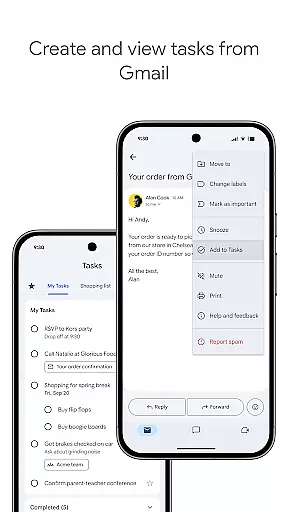
Advanced functionality includes subtask creation, which is particularly useful for breaking down complex projects into smaller, more manageable components. The app also supports deadline setting and push notifications, ensuring users stay on track with their commitments. Integration with Gmail allows direct task creation from emails, maintaining context and reference materials.
All tasks sync automatically across devices, providing a consistent experience whether you're using a phone, tablet, or computer. The app's minimalistic design focuses on usability, while its deep integration with Google Workspace makes it an essential tool for anyone already working within the Google ecosystem.
Google Tasks offers a robust core task management system that helps users stay organized and efficient. The app allows you to view, create, edit, and manage tasks from your mobile device, ensuring that your to-do list is always accessible.
One of the standout features is the ability to organize tasks into different lists based on topics or priorities. This ensures that both personal and professional responsibilities are neatly categorized, making it easier to focus on what matters most at any given time.
The app also supports prioritization through drag-and-drop functionality, enabling users to reorder tasks effortlessly. Additionally, marking important tasks with a star ensures that critical items stand out, helping users manage their time effectively.
With Google Tasks, cross-device synchronization is seamless and reliable, ensuring that your to-do list is always up-to-date across all your devices. Whether you're using a smartphone, tablet, or computer, your tasks sync instantly, providing a consistent experience no matter where you are.
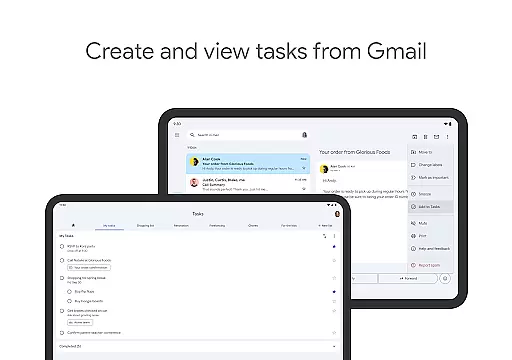
This synchronization extends to integrations with Gmail and Google Workspace, allowing users to create tasks directly from emails in Gmail. Each task includes a convenient link back to the original message, streamlining workflows and ensuring that important information is always at hand.
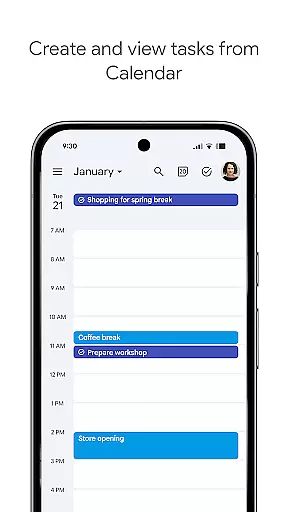
Furthermore, setting dates and receiving notifications for upcoming tasks guarantees that deadlines are met. This feature not only enhances productivity but also provides peace of mind, knowing that you won't miss important deadlines or appointments.
User-friendly interface
Seamless cross-device sync
Effective Gmail integration
Intuitive task prioritization
Reliable notification system
Limited third-party integrations
No advanced collaboration tools
Basic reporting capabilities
Restricted customization options
Offline functionality limitations

Take control of your clipboard with Clipper!
 3.90
3.90
All in one sketching tool. Technical and General drawing. Online Maps support.
3.70
Wake up & get tasks done! Add alarms & reminders on the Clock Launcher.
4.00
Easily read and manage all your PDF files
4.10
Smart PDF reader & editor to view, organize and manage PDF documents easily.
3.70
Easiest event planning, volunteer signups & parent teacher conference scheduling
2.20
App Lock with fingerprint, password: Lock apps & hide photos with lock screens
4.60
Simple notepad & memo. Take notes, to-do list, shopping list with reminders.
4.80
Okta MFA
4.70
Seamlessly integrate data and reports to build your presentation to impress
4.80
QuickBooks Workforce lets teams view pay info and track time in one place.
4.70
Quickly and easily keep track of your work shifts
4.70
All document reader, all in one file viewer read PDF, DOCX, XLS, PPT, TXT files.
4.60
Send files, sync SMS, notifications & clipboard across devices via local network
4.40
A customizable calendar for your Wear OS watch
4.20
Pwnagotchi companion app
4.20
Cloud storage, automatic phone backup, and more.
4.10
⏰ Finally a timer app which can run multiple timers simultaneously on your watch
3.90
A simple, portable logger for POTA, SOTA, Field Day, and more
4.5


User Reviews