
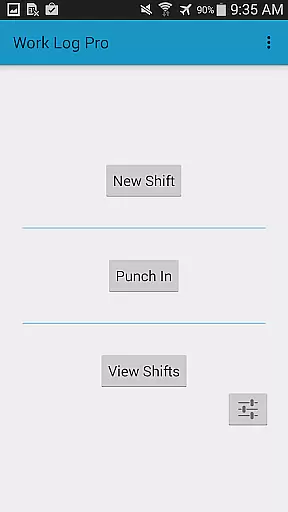
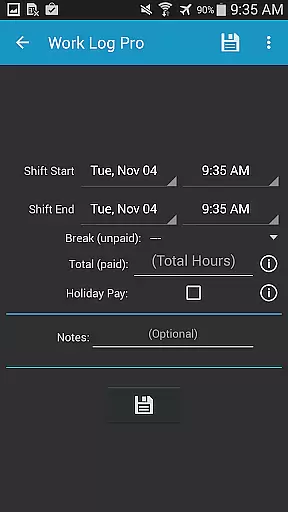
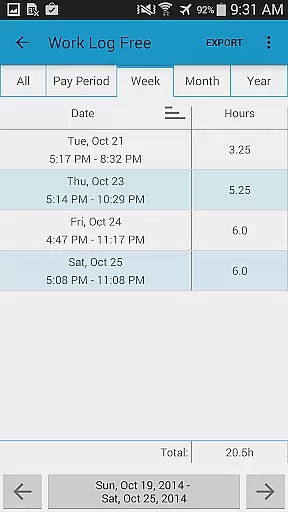
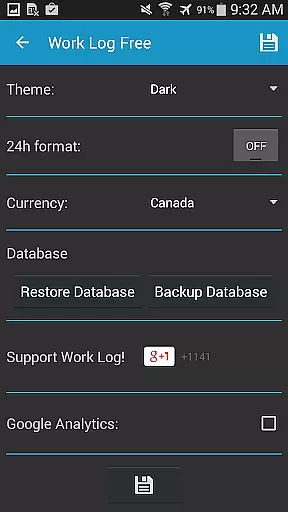
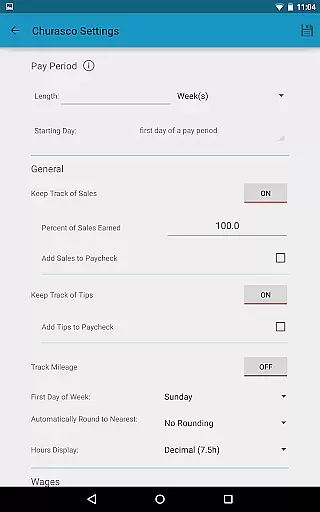
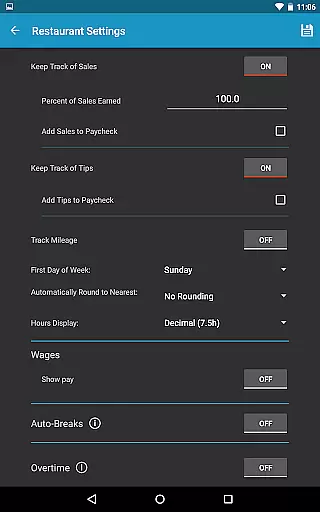
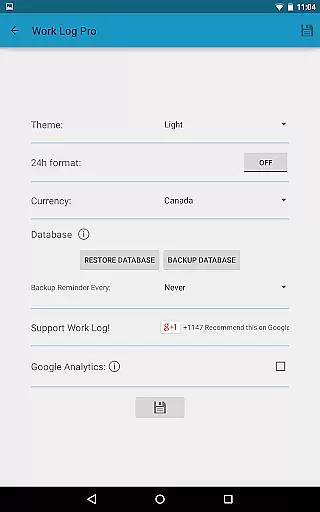
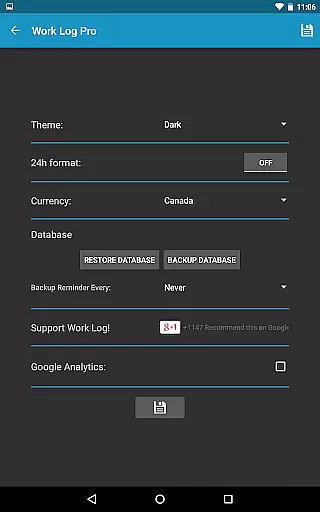
Work Log Pro is a comprehensive productivity tool designed for professionals who need to efficiently track their work hours and manage multiple jobs. The app offers advanced features such as exporting shifts in spreadsheet or PDF formats, importing and exporting backups, and removing ads. It provides users with the ability to customize their experience through various settings like 24-hour formatting and pay period configurations.
This application is particularly useful for individuals working in industries that rely on accurate time tracking, such as servers, salespeople, and contract workers. By offering automatic break deductions, overtime calculations, and customizable pay periods, Work Log Pro ensures precise wage calculations and simplifies payroll management.
The true value of Work Log Pro lies in its ability to save time and reduce errors in work hour documentation. With its user-friendly interface and powerful features, it allows professionals to focus more on their work and less on administrative tasks, ultimately improving overall productivity.
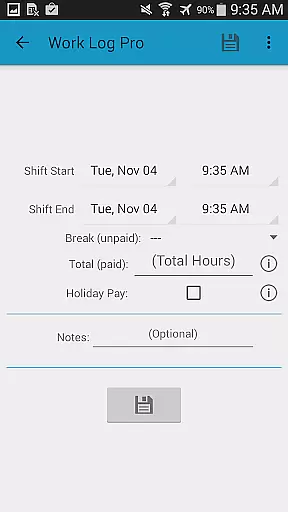
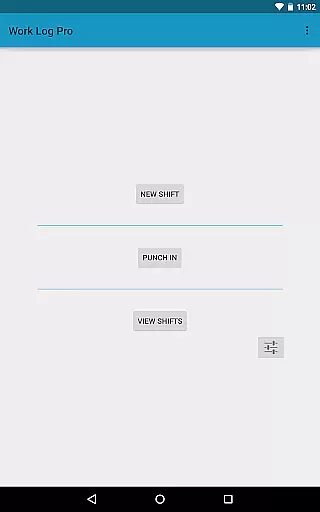
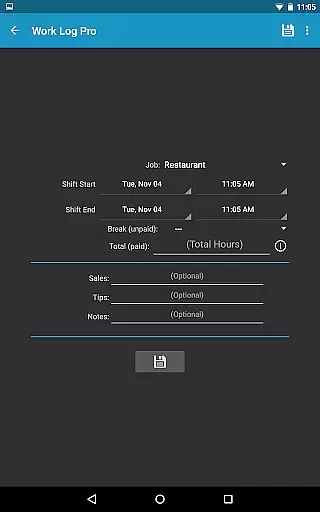
Work Log Pro stands out with its extensive feature set tailored for efficient work hour management. One of its key capabilities is the ability to choose between punching in and out or manually entering shift hours, providing flexibility based on user preference. This feature saves time and ensures accurate tracking of work hours.
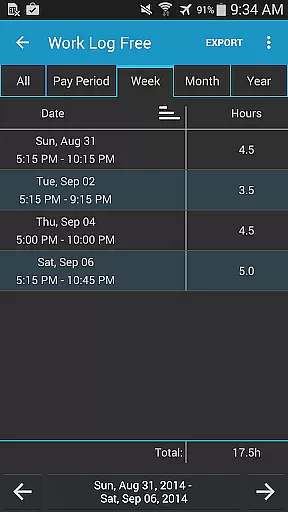
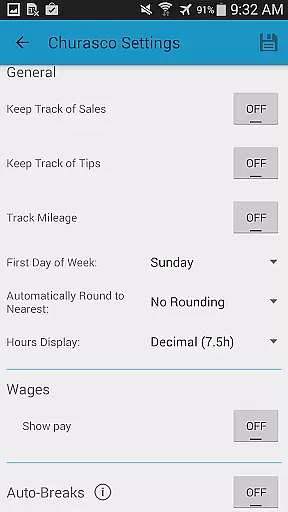
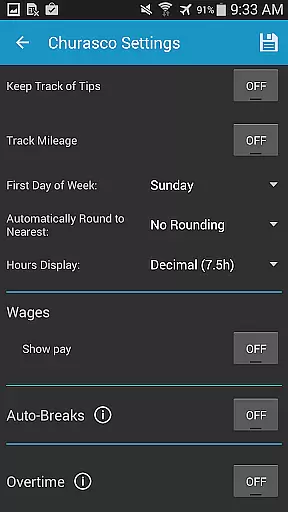
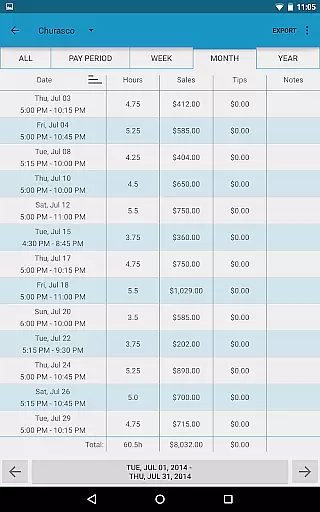
The app also excels in customization options. Users can configure settings such as 24-hour time format, start of the week preferences, and various view options for past shifts. These customization features allow users to tailor the app to their specific needs, making it suitable for different industries and personal preferences.
Another significant advantage is the automatic calculation of wages, including deductions and bonuses. The app supports tracking of up to two overtime rates and can automatically calculate wages based on customizable rules. This feature not only saves time but also reduces errors in payroll calculations, making it an invaluable tool for both employees and employers.
Work Log Pro excels in core task management by offering a comprehensive suite of features designed to track work hours efficiently. The app allows users to punch in and out or manually enter shift hours, ensuring accurate time tracking for various jobs.
With options to automatically deduct breaks and calculate pay periods, the app simplifies wage calculations while accommodating multiple jobs with unique settings. This functionality is crucial for users who need precise control over their work schedules and earnings.
Additionally, Work Log Pro supports overtime tracking and customizable pay period settings, empowering users to manage complex work scenarios effortlessly. These features collectively enhance productivity by streamlining administrative tasks.
By integrating automatic deductions and bonuses into paycheck calculations, the app ensures that users have a clear understanding of their financials, making it an indispensable tool for efficient task management.
Cross-device synchronization is a standout feature of Work Log Pro, enabling users to maintain consistent data across multiple devices. By utilizing backup and restore functionalities, the app ensures that all recorded shifts are safely transitioned between devices without loss of information.
Users can email backups directly from the app's General Settings, allowing easy transfer and restoration on new devices. This reliable synchronization process is vital for individuals who upgrade their hardware frequently or require access to their data from different locations.
The ability to export shifts as spreadsheets or PDFs further enhances data portability and accessibility. Whether transitioning to a new device or sharing records with employers, these export options provide flexibility and peace of mind.
Overall, Work Log Pro's robust cross-device synchronization capabilities ensure that users can depend on having up-to-date and accurate information at their fingertips, regardless of the device they are using.
Accurate time tracking
Customizable settings
Multiple job support
Automatic wage calculations
Export functionality
Requires free version
No cloud sync
Complex setup
Limited design options
Paid features only

 4.20
4.20
Client for Nextcloud Deck
4.60
⏰ Finally a timer app which can run multiple timers simultaneously on your watch
3.90
IP Camera Viewer - Android TV : RTSP Surveillance camera viewer for Android TV
4.2
App lock - lock apps with fingerprint, password, pin or pattern, protect privacy
4.70
Make apps & sites with natural language prompts
4.10
Find and delete junk files & block unwanted notifications & manage files
3.70
Subscribe to Webcal & .ics calendars and keep them up-to-date!
4.50
Ultimate Virtual AI Character for immersive Roleplay Chat. Perfect Companion
3.90
Use powerful, industry-leading AI tools to generate visual charts from any data
4.80
Scan paperwork into PDF/JPG, generate your own e-signature and send fax or email
4.70
The Pro Version of Android's tiniest Notepad app. Just 0.3MB but feature-packed!
4.60
Absolutely the best CNC machinist speed and feed calculator around. fswizard.com
4.60
PDF scanner & converter for files, photos, lottery, QR codes. One swipe away!
4.50
A lightweight JSON & XML files creator, editor and viewer (Premium Version)
4.40
* block pre-roll ads, pop-up and forced redirect ads * Samsung certification app
4.00
Mega cloud explorer plugin for Solid Explorer
3.80
ID.me Authenticator is a simple and free Two Factor Authentication solution
3.50
Simple and reliable communication between inmates, friends and family
3.20


User Reviews