
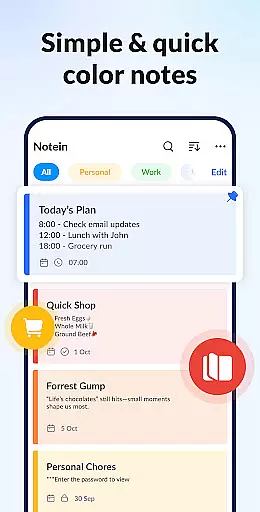

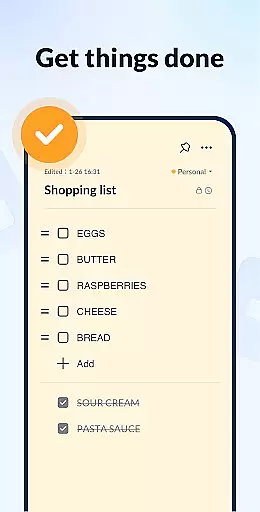
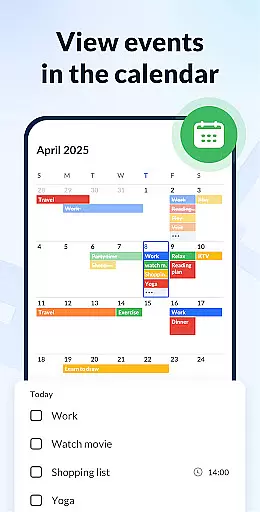
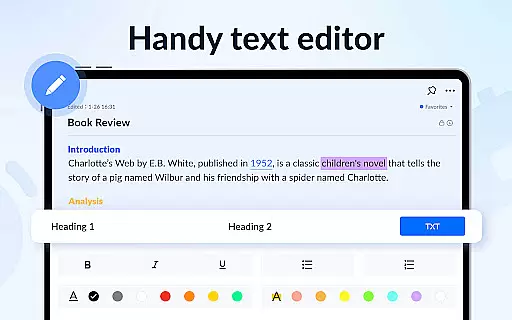
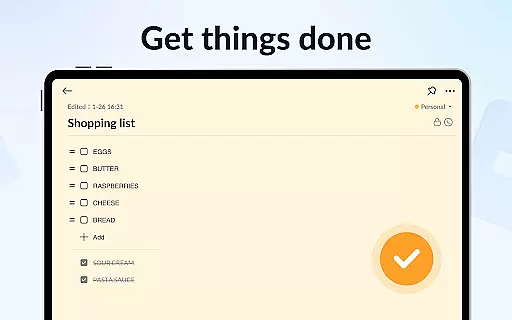
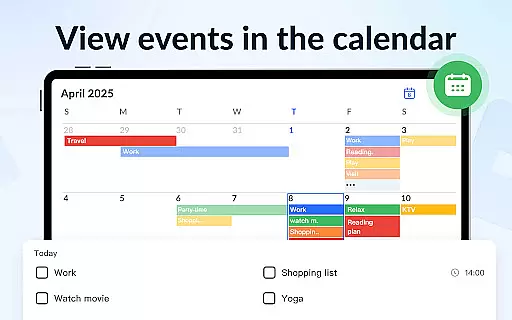
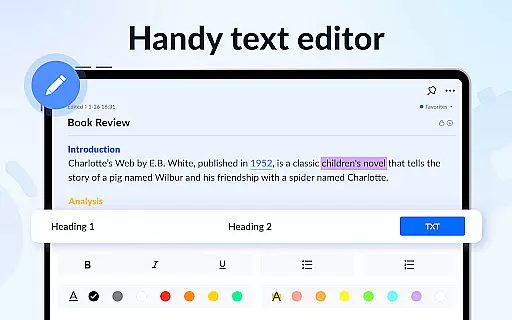
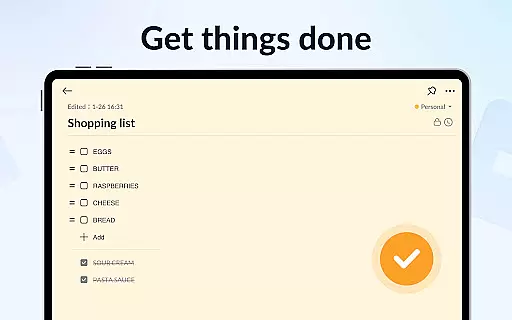
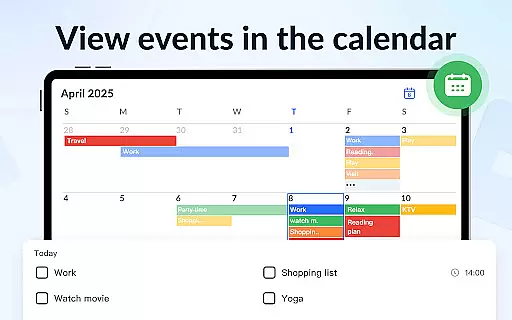
Notein - Notepad, Notes, Lists is a versatile productivity app designed to streamline note-taking and task management. This free notepad app offers multiple note-taking modes including text and checklist formats, automatic saving, and an intuitive interface for creating quick notes, to-do lists, and reminders. Users can organize their notes effectively using color coding, calendar integration, and sorting features.
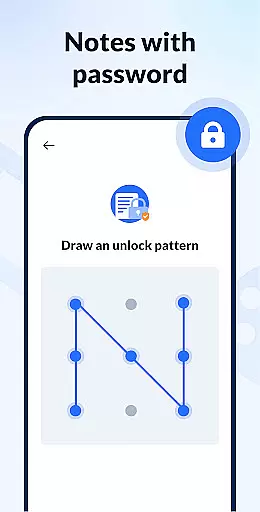
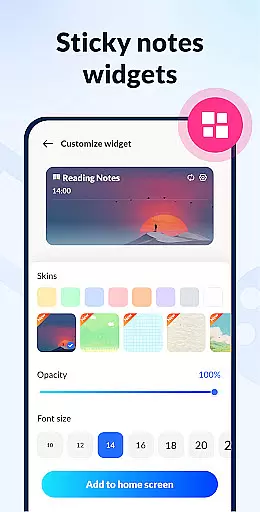
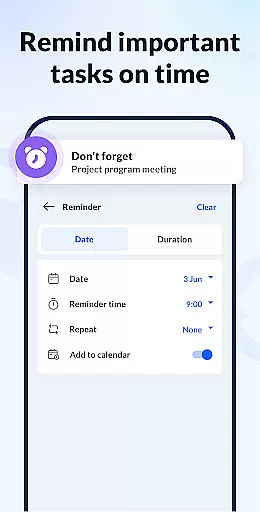
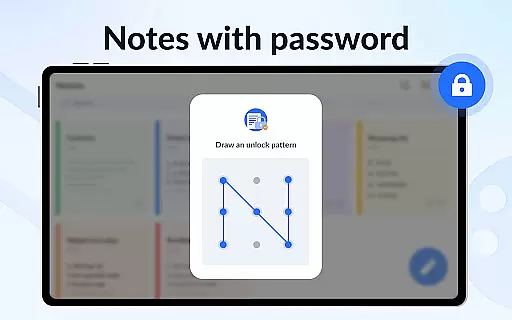
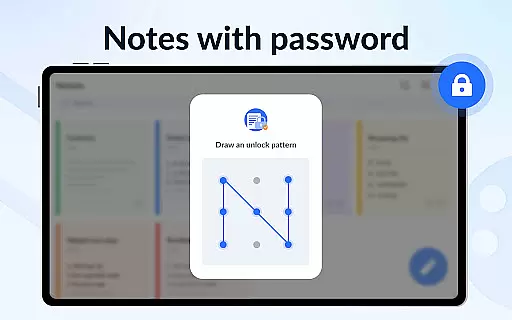
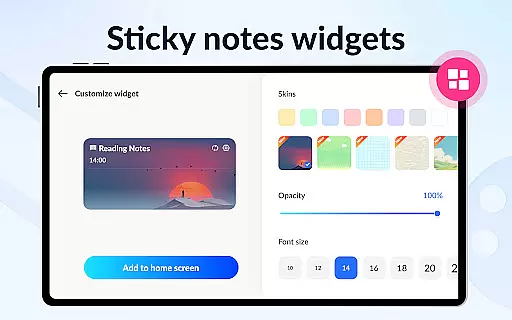
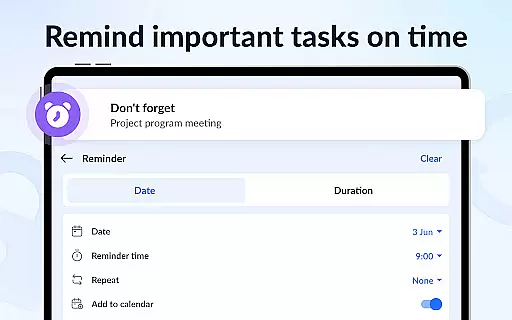
The app's sticky notes widget provides convenient access directly from the home screen, while its reminder functionality ensures no important tasks are overlooked. With additional security through password protection and cloud backup options, Notein delivers a comprehensive solution for managing personal and professional information efficiently on Android devices.
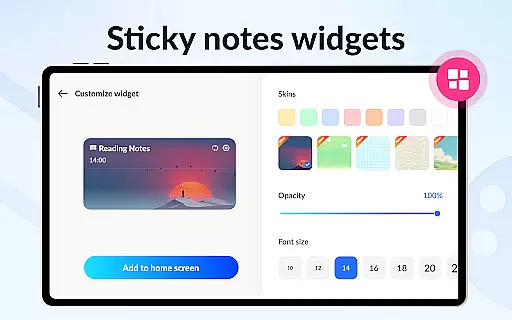
Notein stands out with its rich feature set tailored for productivity enthusiasts. The app provides a robust platform for various types of note-taking including class notes, book summaries, and meeting minutes. Its standout features include colorful sticky notes widgets that can be pinned to the home screen for instant access.
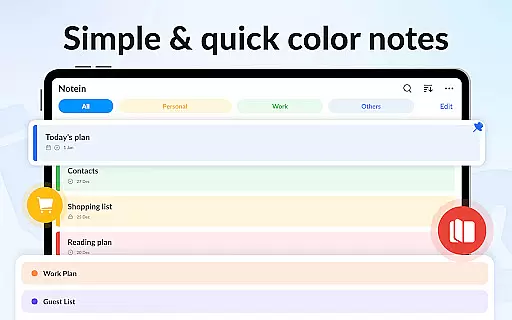
Users can leverage the calendar mode to schedule tasks and manage time effectively. The ability to sort notes by color and time, along with different display modes (list, grid, details), allows for personalized organization. Sharing capabilities via multiple platforms and GTD (Get Things Done) methodology support make this app a powerful tool for staying organized and productive.
Effective task management is essential for productivity apps, serving as the backbone for organizing daily activities and long-term projects. Notein - Notepad, Notes, Lists excels in this area by offering versatile note-taking modes that cater to different user needs.
The app provides both text mode for general notes and checklist mode for task-oriented entries. This dual approach allows users to not only document their thoughts but also systematically break down complex tasks into manageable steps.
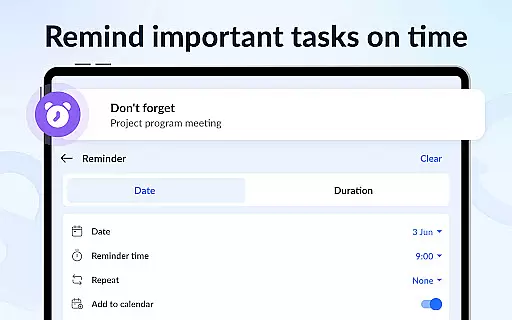
With features like automatic saving, calendar integration, and reminder notifications, users can trust that their important information will be preserved and brought to their attention when needed most. The ability to pin crucial notes ensures that high-priority tasks remain visible.
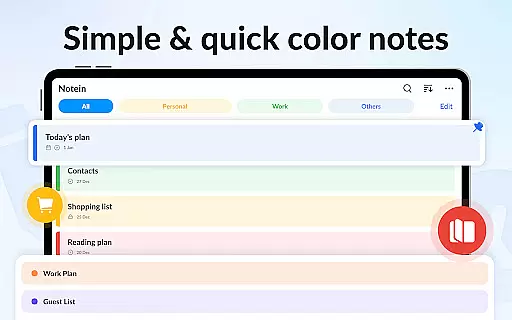
Furthermore, the app's organizational tools such as color-coding, sorting options, and widget accessibility enable users to maintain a structured workflow. These features collectively contribute to an efficient task management experience that helps users stay on top of their responsibilities.
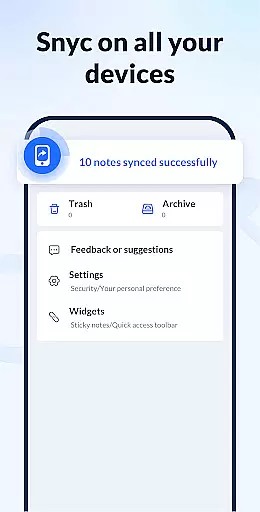
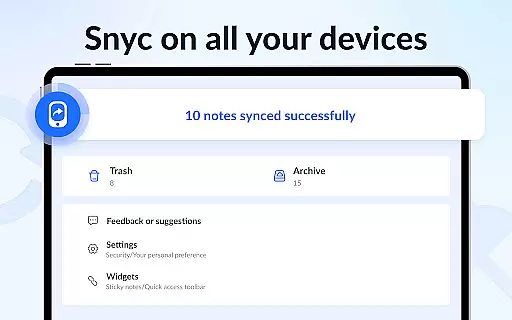
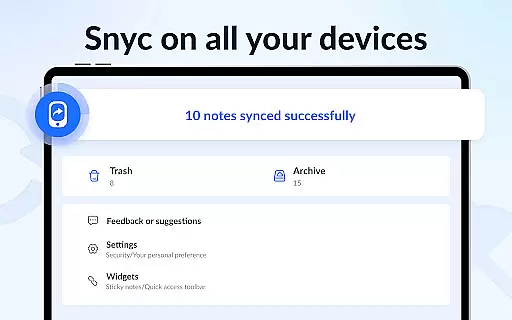
In today's interconnected world, reliable cross-device synchronization is vital for maintaining consistent access to important information. Notein addresses this need by providing cloud backup functionality that ensures users' notes are safely stored and easily retrievable across multiple devices.
The app's backup system works seamlessly in the background, automatically saving notes to the cloud without interrupting the user's workflow. This feature guarantees that whether users switch from their phone to a tablet or any other Android device, their notes remain up-to-date and accessible.
Security is also a top priority during synchronization. With password protection available for individual notes and overall app access, users can confidently sync their data knowing sensitive information remains protected.
Additionally, the small app size and optimized performance ensure that synchronization occurs quickly and efficiently, even on devices with limited resources. This reliability in cross-device operation makes Notein a dependable choice for users who need consistent access to their notes regardless of their current device.
User-friendly interface
Color-coded organization
Automatic note saving
Secure password protection
Cloud backup functionality
Limited collaboration tools
No real-time syncing
Basic drawing tools
Occasional bugs reported
Android-only availability

All in one sketching tool. Technical and General drawing. Online Maps support.
 3.70
3.70
Stay on top of your to-dos with Google Tasks, part of Google Workspace.
4.60
Functional QR scanner and barcode reader that requires little storage space.
4.60
Subscribe to Webcal & .ics calendars and keep them up-to-date!
4.50
Access, manage and transfer files on Android, PC, Mac, NAS and cloud storages.
4.30
A beautiful digital clock with autostart and many other functions
4.70
A Pixel Art watchface inspired by other iconic 90s designs for Wear OS devices!
4.40
Secure your apps with lock screens, use custom themes and different features.
4.40
AI Chatbot and AI writing assistant powered by ChatGPT.
4.60
8 custom complications. Custom Time Fonts. Beautiful color schemes. A++ Design.
5.00
Absolutely the best CNC machinist speed and feed calculator around. fswizard.com
4.60
A simple Whisper AI keyboard for reliable speech transcription and rewording
4.60
Lightweight PDF, Word, Excel reader.
4.60
CalenGoo is a very flexible and feature-rich calendar app
4.40
Pwnagotchi companion app
4.20
Cloud storage, automatic phone backup, and more.
4.10
The ultimate file manager for rooted devices. The original and still the best.
4.00
Simple and reliable communication between inmates, friends and family
3.20
A comprehensive suite of tools designed specifically for Lactation Consultants
4.1


User Reviews