
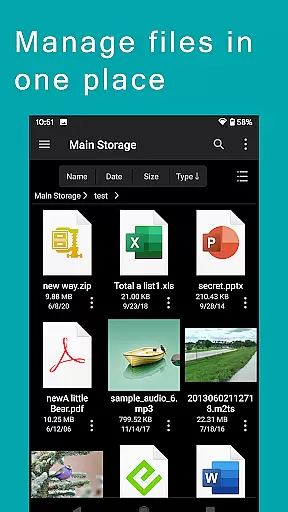
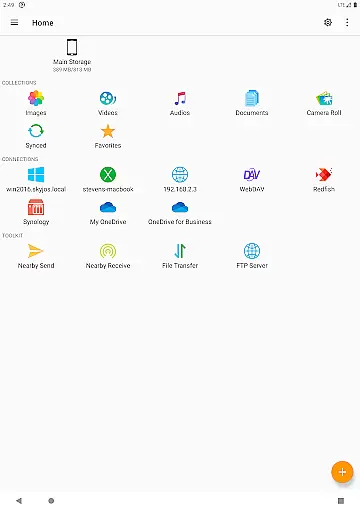
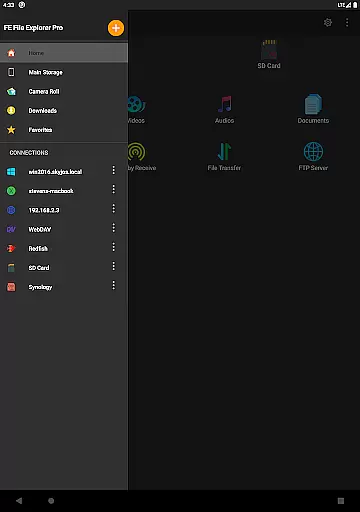
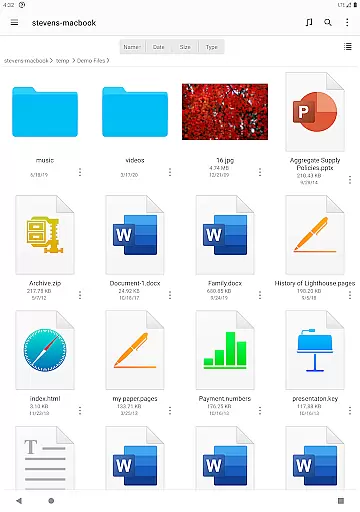

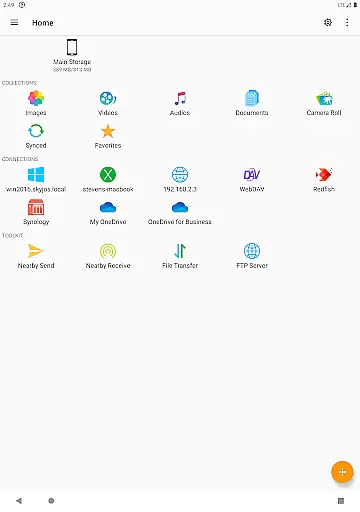
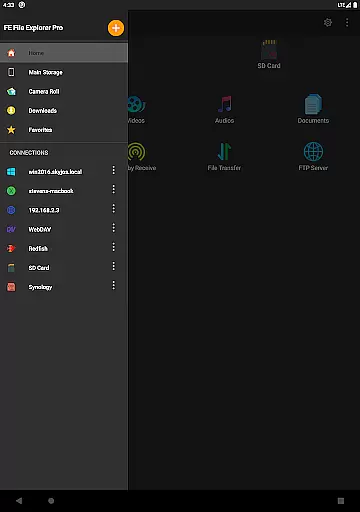
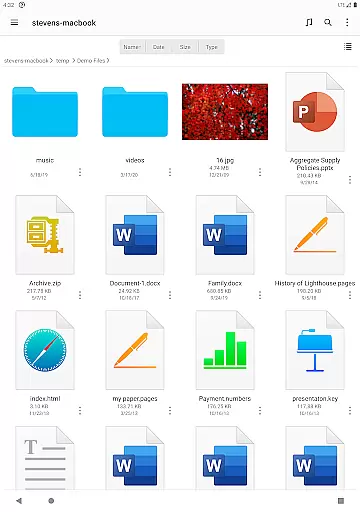
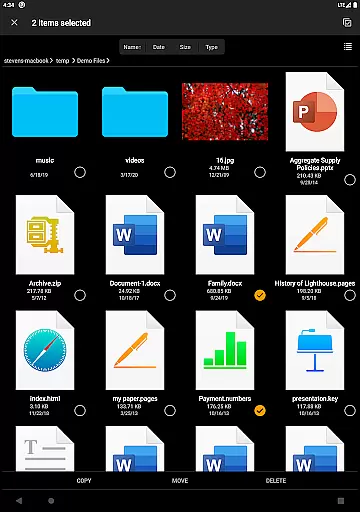
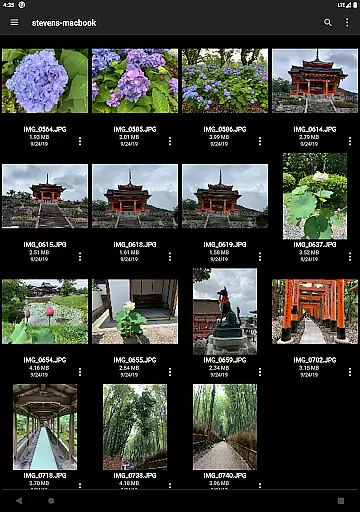

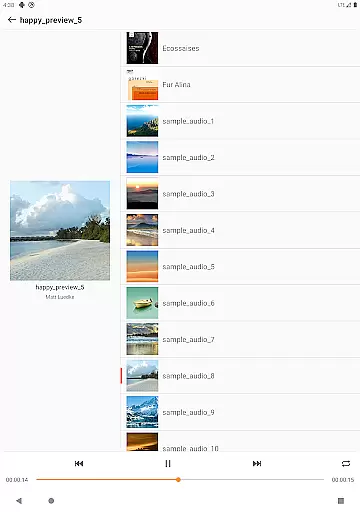
FE File Explorer Pro is a versatile productivity app designed for Android and iOS users, enabling seamless file management across multiple platforms. This powerful tool allows you to access local files on your device as well as remote files stored on computers, NAS systems, and various cloud storage services. With its extensive protocol support, including SMB/CIFS, WebDAV, FTP, and SFTP, the app ensures universal connectivity.
The app's standout feature is its ability to transfer files between any locations without limitations. Whether you need to stream multimedia content, manage documents, or view photos, FE File Explorer Pro handles everything directly without requiring downloads. Its intuitive interface and robust functionality make it an essential tool for anyone seeking efficient file management solutions.
For professionals who work with multiple devices and storage systems, this app provides significant value. Imagine being able to edit remote documents in real-time and having them automatically saved back to the original location. This capability, combined with advanced features like automatic network discovery and Active Directory support, makes FE File Explorer Pro an indispensable tool for enhancing productivity.
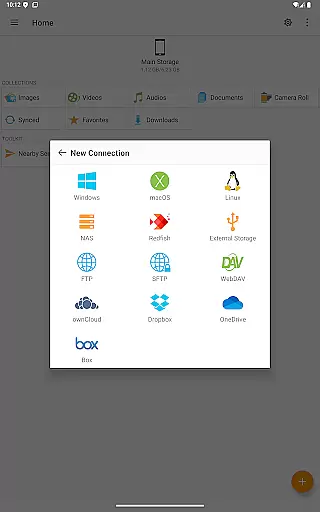
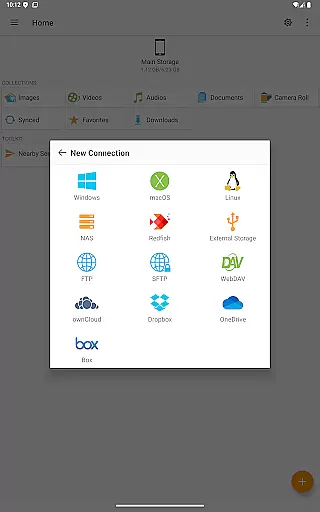
FE File Explorer Pro stands out with its comprehensive feature set tailored for power users. The app supports an impressive range of protocols, allowing you to connect to macOS, Windows, Linux, and NAS systems via SMB/CIFS. It also works seamlessly with WebDAV, FTP, and SFTP servers, providing unparalleled access to remote files.
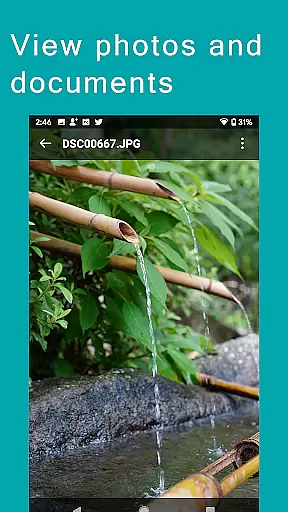
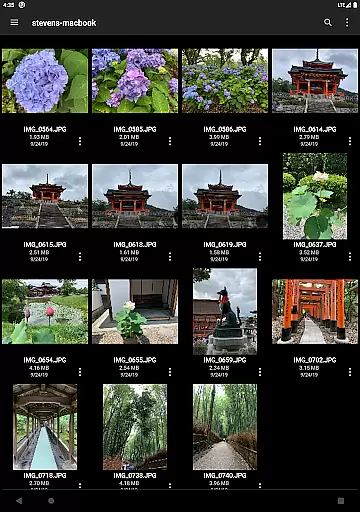
Cloud integration is another key strength of this app. It connects effortlessly with popular services like OwnCloud, Dropbox, OneDrive, and OneDrive for Business. The app enables direct viewing and management of documents, photos, and other files without the need for downloading. Its Edit-in-Place functionality lets you modify remote documents using other apps, with automatic saving back to the original location.
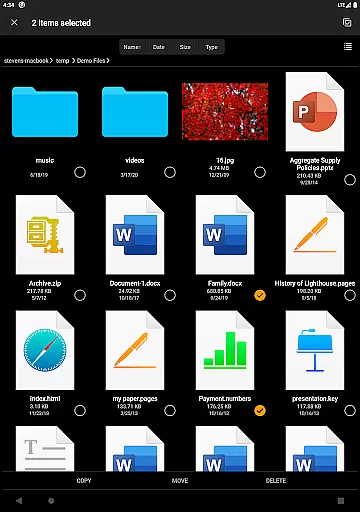
Advanced features include automatic network discovery, Windows Domain and Active Directory support, and comprehensive file management capabilities. You can copy, move, rename, and delete files directly on Android. The app also supports archiving and unarchiving of ZIP, RAR, and 7zip files, making it a complete solution for managing various file types across different platforms.
FE File Explorer Pro excels in core task management by providing users with a comprehensive suite of tools to handle their files across multiple platforms. This powerful file manager app allows seamless access not only to local files but also to those stored on computers, NAS, and cloud storage services.
The app supports various protocols such as SMB/CIFS, WebDAV, FTP, and SFTP, enabling users to manage files on macOS, Windows, Linux, and NAS devices. It also connects to popular cloud services like OwnCloud, Dropbox, and OneDrive, ensuring that all your documents, photos, and files are within reach.
With features like automatic discovery of networked devices, support for Windows Domain and Active Directory, and the ability to copy, move, rename, and delete files directly on Android, FE File Explorer Pro streamlines file management tasks efficiently.
Users benefit from the app's capability to view, edit, and manage documents in place, archive and unarchive ZIP, RAR, and 7zip files, and search for files by name. This makes daily operations smoother and more productive, enhancing both personal and professional workflows.
Cross-device synchronization is a standout feature of FE File Explorer Pro, ensuring reliable and efficient data management across different platforms. The app facilitates the transfer of files from any location to any location, supporting a wide array of storage options including Android internal storage, SD Cards, USB OTG, and remote servers.
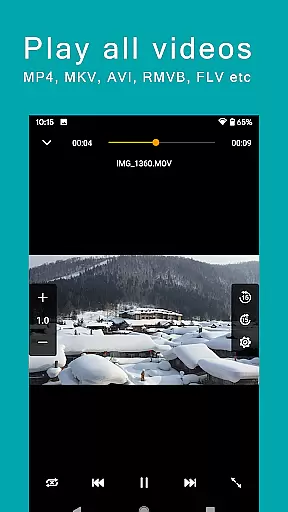
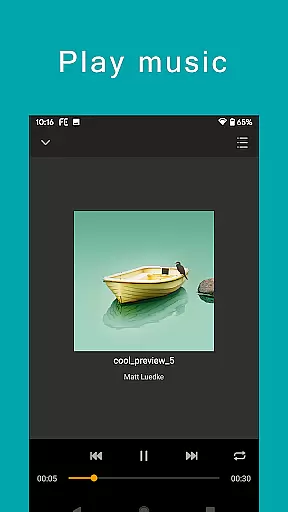
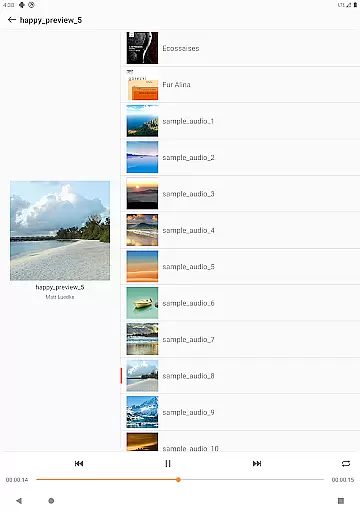
One of the key strengths of this app is its ability to stream movies and music directly to Android devices from remote storages, allowing users to enjoy their media without the need for downloading. Additionally, it offers direct viewing and managing of documents, photos, and files, which significantly enhances user convenience.
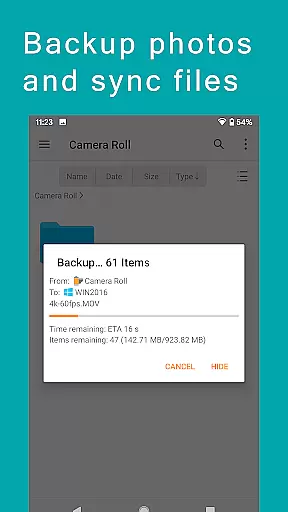
For those who require robust backup solutions, FE File Explorer Pro provides functionalities to sync files between remote storage and Android devices, and even backs up camera photos to remote storage. This ensures that important data is always secure and accessible.
The app also includes a nearby file transfer feature, enabling easy transfer of files between Android and iOS devices. With these capabilities, FE File Explorer Pro delivers a reliable and versatile cross-device synchronization experience, making it an indispensable tool for modern digital lifestyles.
Universal file access
Seamless cloud integration
Real-time document editing
Comprehensive protocol support
Efficient file management
Complex for beginners
Occasional connection issues
Resource-intensive
Limited free features
Requires technical knowledge

Experience Reading - Night Mode for Documents
 4.40
4.40
Device's storage information in a simple and clear graphical form (infographics)
4.10
Todo reminder
4.10
App Lock with fingerprint, password: Lock apps & hide photos with lock screens
4.60
PDF scanner & converter for files, photos, lottery, QR codes. One swipe away!
4.50
Simple and reliable communication between inmates, friends and family
3.20
The ultimate file manager for rooted devices. The original and still the best.
4.00
Lightweight PDF, Word, Excel reader.
4.60
AT&T Internet customers can use this app to personalize their Wi-Fi network.
4.40
Best Tool for the professionals Electrician, Electrical contractors, etc.
4.90
The long-awaited modern gallery app for your Nextcloud server
4.70
aCalendar+ makes your day, week and month
4.70
A beautiful digital clock with autostart and many other functions
4.70
Scan paperwork into PDF/JPG, generate your own e-signature and send fax or email
4.70
Cloud storage, automatic phone backup, and more.
4.10
* block pre-roll ads, pop-up and forced redirect ads * Samsung certification app
4.00
Access your phone's notifications, calls, apps, photos & texts on your PC
3.90
A Revolutionary All-in-One Artificial Intelligence Tools
3.80
All in one sketching tool. Technical and General drawing. Online Maps support.
3.70


User Reviews