
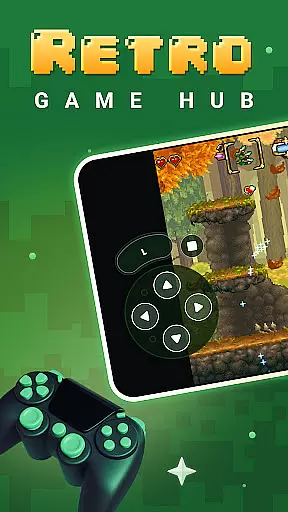
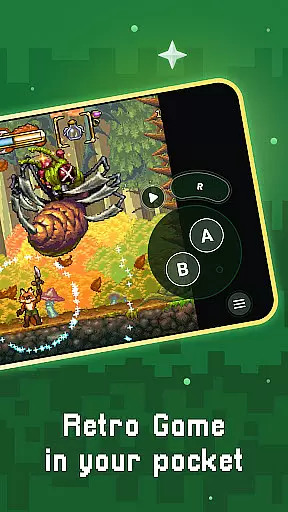
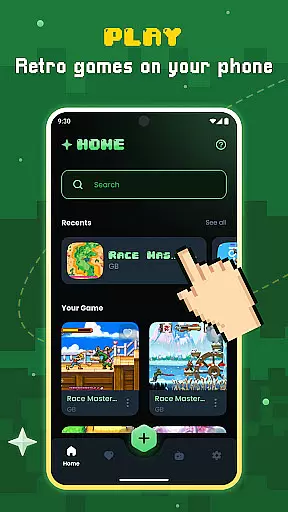
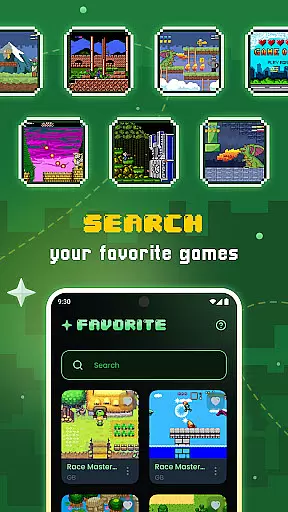
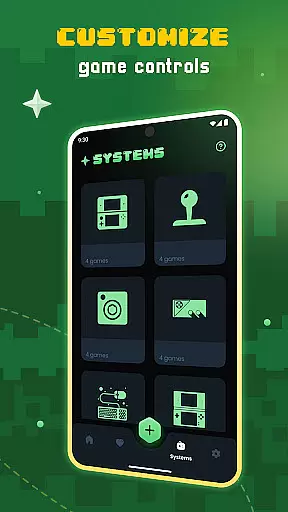
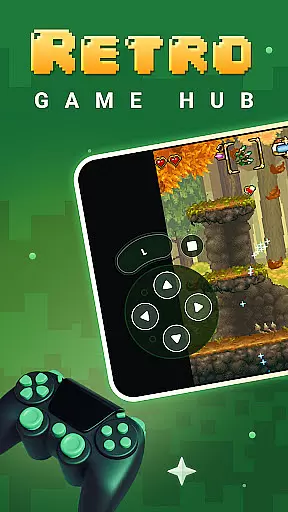
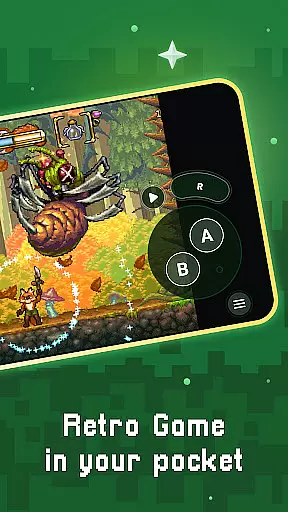
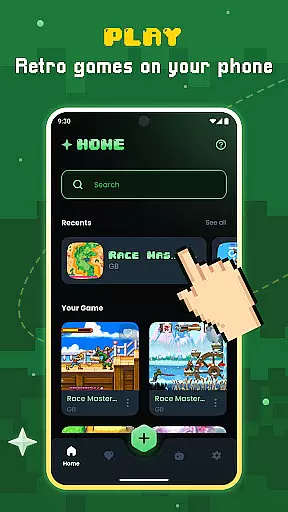
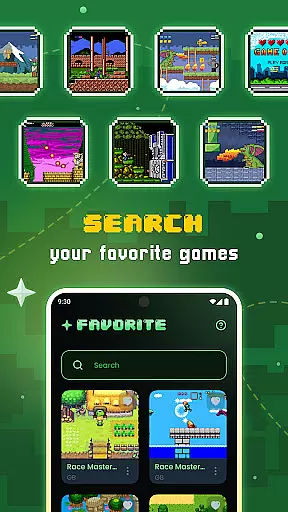
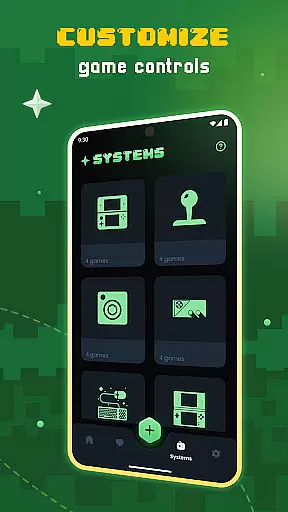
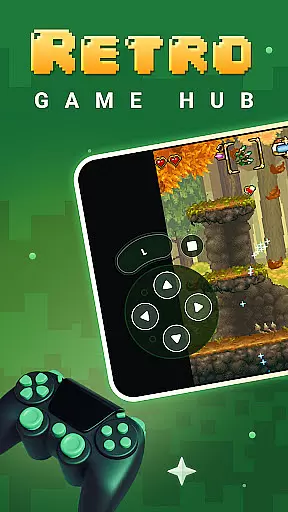
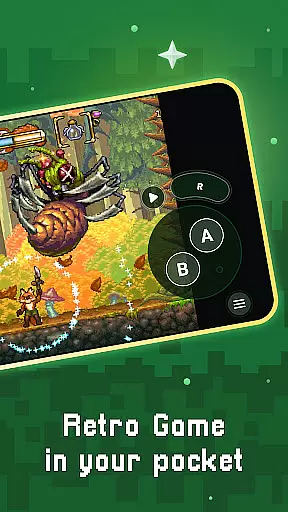
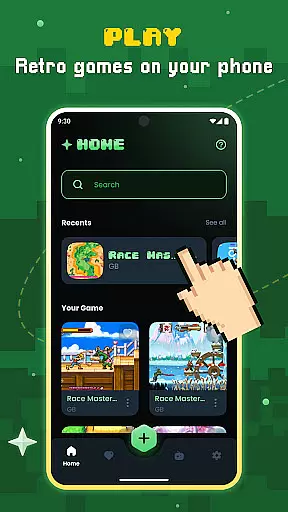
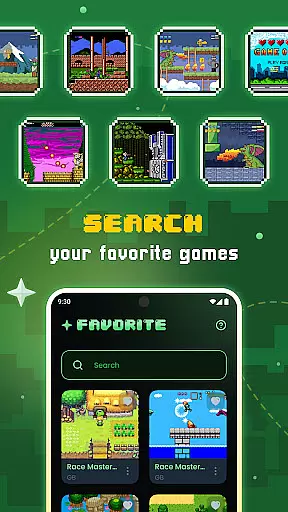
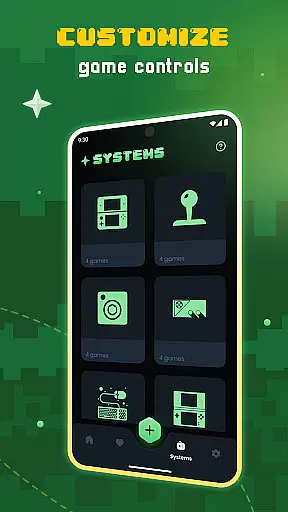
Gamu is a versatile retro gaming platform that allows users to relive classic video game experiences on modern devices. The app supports multiple operating systems including PC, Mac, Linux, Android, and iOS, making it accessible to a wide audience. Gamu's compatibility with external controllers and its built-in library organization system enhances the user experience by providing seamless navigation and gameplay.
One of Gamu's standout features is its use of Libretro, a powerful cross-platform framework that ensures smooth performance across various devices, from smartphones to smart TVs. With regular updates and an open-source model, Gamu continues to evolve, offering users new features while maintaining its commitment to being free and ad-free. This makes Gamu an ideal choice for gamers who want to enjoy their legally acquired retro games without interruptions or additional costs.
Gamu offers a comprehensive suite of features designed to enhance the retro gaming experience. One of its key strengths is the auto-save and resume functionality, which allows players to pick up where they left off without losing progress. The app also includes game file scanning and cataloging, ensuring that users can easily organize and access their game collections.
In addition to these organizational tools, Gamu provides optimized virtual controls and customizable on-screen buttons, allowing for a tailored gaming experience. The inclusion of quick save/load slots, support for compressed game files (.zip), and visual filters that simulate LCD/CRT styles further enriches the gameplay. Gamu also supports motion control (tilt-to-stick) and local multiplayer with multiple controllers, making it a versatile choice for both solo and social gaming sessions.
Task management is at the heart of productivity applications, and Gamu excels in this area by offering a comprehensive suite of tools designed to streamline your gaming experience. The app's auto-save and resume feature ensures that users never lose progress, automatically saving game states and allowing seamless continuation from where they left off.
Gamu goes beyond simple save functions by providing quick save/load slots, giving users the flexibility to manage multiple save points efficiently. This functionality is crucial for organizing tasks within games, enabling players to experiment with different strategies without the fear of losing significant progress.
The app also supports cataloging and scanning of game files, which helps maintain an organized digital library. By categorizing and indexing various game formats, Gamu allows users to quickly locate and launch their desired titles, enhancing overall task efficiency.
Furthermore, Gamuu2019s cloud sync feature for saves ensures that users can access their game progress across multiple devices. This cross-device synchronization guarantees that whether you're on your mobile device or computer, your gaming tasks are always up-to-date and accessible, promoting a fluid and uninterrupted user experience.
Cross-device synchronization is a pivotal feature for modern productivity apps, and Gamu delivers reliable performance in this domain. By leveraging cloud technology, Gamu ensures that game saves and preferences are consistently synced across all linked devices, providing users with a seamless transition between platforms.
This synchronization process is not only limited to save files but extends to customizable settings such as on-screen button layouts and visual filters. Users can personalize their gaming interface on one device, and these preferences will be mirrored on other devices, ensuring a uniform experience regardless of the hardware used.
Gamuu2019s support for external game controllers further enhances its cross-device capabilities. Whether using a mobile device or a desktop computer, users can connect their preferred controllers and enjoy consistent gameplay experiences. The appu2019s compatibility with various controller types underscores its commitment to delivering reliable synchronization.
Moreover, Gamuu2019s regular updates and improvements ensure that synchronization remains robust and efficient. By continuously refining its syncing algorithms and addressing potential issues, Gamu guarantees that users can rely on their data being accurately and swiftly updated across all devices, thus maintaining high productivity standards.
User-friendly interface
Wide system compatibility
Regular feature updates
Free and ad-free
Cloud sync for saves
No included games
Hardware dependent
Limited to retro games
Requires legal game files
Complex setup for beginners

QuickBooks Workforce lets teams view pay info and track time in one place.
 4.70
4.70
Native client for Forgejo and Gitea
5.00
Android Wallet Password Manager
4.80
Mind Map and brainstorm, note taking and idea collection
4.80
PDF scanner & converter for files, photos, lottery, QR codes. One swipe away!
4.50
Secure your apps with lock screens, use custom themes and different features.
4.40
Understand anything with a personalized AI research assistant
4.80
Simple notepad & memo. Take notes, to-do list, shopping list with reminders.
4.80
Seamlessly read, manage, and organize all your PDF files solution in one place
4.40
Great calculator for Android named one of USA TODAY's "25 Essential Apps".
4.90
Functional QR scanner and barcode reader that requires little storage space.
4.60
To do list widget with a notebook organizer, checklist, simple shopping list
4.60
Translate text/voice/photos in 150+ languages. Offline & fast translator app.
4.50
Subscribe to Webcal & .ics calendars and keep them up-to-date!
4.50
Send files, sync SMS, notifications & clipboard across devices via local network
4.40
Font maker keyboard with your own handwriting
4.10
A Revolutionary All-in-One Artificial Intelligence Tools
3.80
Smart PDF reader & editor to view, organize and manage PDF documents easily.
3.70
Create study competitions, track your hours, and stay consistent with friends
4.0


User Reviews