
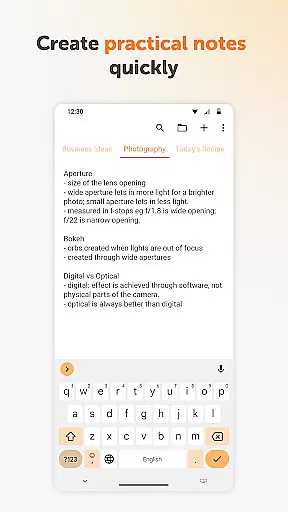
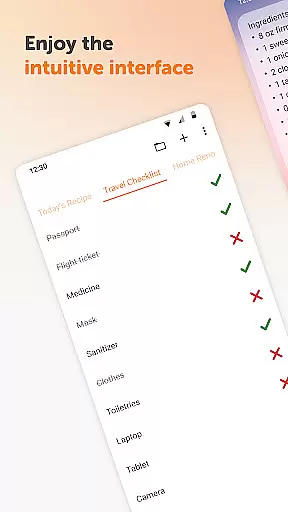
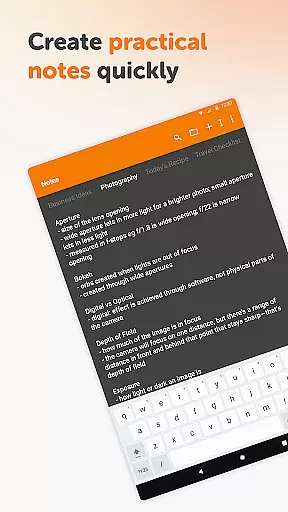
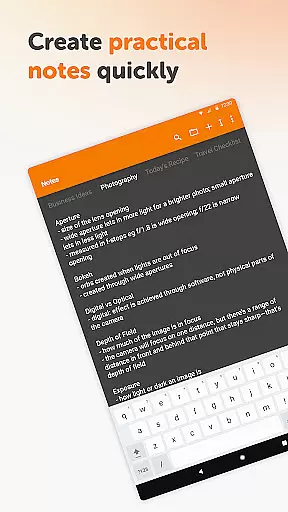
Simple Notes Pro is a productivity-focused note-taking application designed to help users quickly capture ideas, create shopping lists, and manage daily tasks. The app emphasizes simplicity and efficiency, offering an intuitive interface that allows users to start taking notes immediately without any complex setup. Its core functionality revolves around providing a reliable digital notebook for personal and professional use.
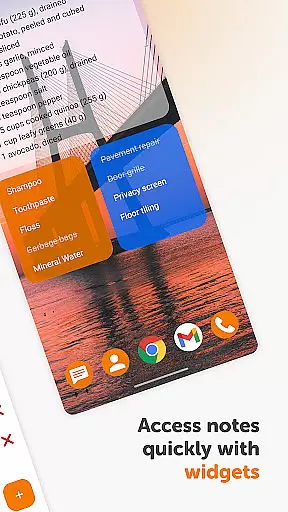
One of the standout features of Simple Notes Pro is its support for multiple independent plain text notes, enabling users to organize their thoughts into separate categories or projects. Additionally, the app includes a customizable and resizable widget that provides quick access to your notes directly from the home screen. Whether you're jotting down a reminder, planning your day, or brainstorming ideas, this app ensures you can do so effortlessly while maintaining a clean and organized workspace.
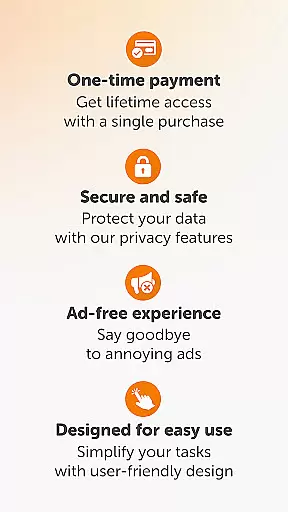
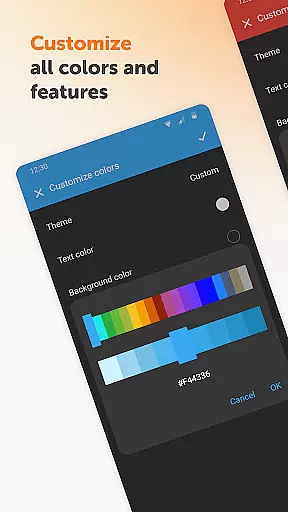
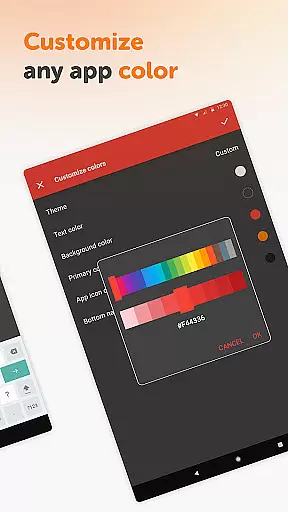
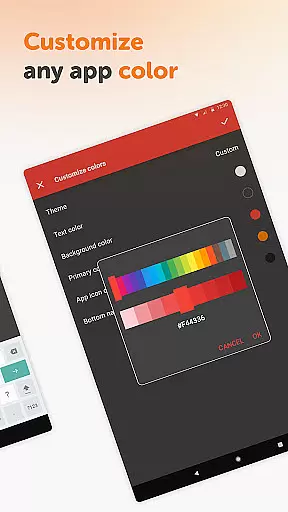
The app is particularly useful for individuals who value privacy and minimalism. With no ads, unnecessary permissions, or internet access required, Simple Notes Pro offers a secure and distraction-free environment for note-taking. Its open-source nature and customizable options, such as color themes and dark mode, make it a versatile tool suitable for various user preferences. For anyone seeking a straightforward yet powerful note-taking solution, Simple Notes Pro delivers both functionality and peace of mind.
Simple Notes Pro stands out with its array of practical features tailored to enhance productivity. One of its key attributes is the autosave functionality, which ensures that users never lose their progress due to accidental exits or device issues. This feature alone makes it a dependable choice for capturing fleeting ideas or critical reminders without worrying about manual saves.
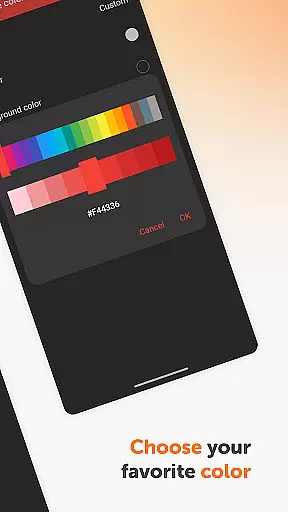
In addition to autosave, the app supports the creation of multiple independent plain text notes, allowing users to compartmentalize their information effectively. Each note can be customized with different colors, making it easier to categorize content visually. The app also includes a resizable widget, which serves as a convenient shortcut for accessing your notes instantly. This widget can be placed on the home screen, ensuring that your most important notes are always within reach.
Another notable aspect of Simple Notes Pro is its commitment to user privacy and simplicity. Unlike many other productivity apps, it operates entirely offline, eliminating concerns about data breaches or intrusive advertisements. Furthermore, the app's open-source nature invites community contributions, fostering continuous improvement. With its combination of essential features, customization options, and a focus on user-centric design, Simple Notes Pro proves itself as a robust tool for managing everyday tasks efficiently.
Task management is at the heart of productivity applications, and Simple Notes Pro excels in this area. This feature allows users to efficiently organize their daily activities, ensuring nothing important slips through the cracks.
The app provides a seamless experience for creating quick lists, checklists, and reminders. Whether it's a shopping list, meeting agenda, or startup idea, users can easily input and categorize their thoughts into actionable items.
What sets Simple Notes Pro apart is its autosave functionality and support for multiple independent plain text notes. This ensures that users never lose their progress and can manage different projects simultaneously without confusion.
With customizable and resizable widgets, accessing and organizing your to-do lists becomes effortless. The widget opens the app directly, providing quick access to your notes and lists, making task management not just efficient but also user-friendly.
In today's interconnected world, reliable cross-device synchronization is crucial for any productivity tool. Simple Notes Pro addresses this need by ensuring that all your notes and lists are consistently updated across your devices.
The app's design emphasizes stability and privacy. By operating without internet access, it offers enhanced security while maintaining reliable synchronization. This approach gives users peace of mind knowing their data remains private and secure.
Simple Notes Pro supports creating multiple independent notes quickly, which are then available on any device you use. This feature is particularly beneficial for users who switch between their phone, tablet, and computer throughout the day.
Moreover, the app's open-source nature and lack of ads or unnecessary permissions reinforce its commitment to providing a trustworthy and streamlined experience. Users can rely on Simple Notes Pro to keep their information synchronized without compromising their privacy or device performance.
User-friendly interface
No ads or unnecessary permissions
Autosave functionality
Customizable color themes
Offline functionality
Limited advanced formatting options
No cloud sync feature
Basic collaboration tools
Plain text only
No voice-to-text support

Experience real multitasking on your Android!
 4.00
4.00
Smart PDF reader & editor to view, organize and manage PDF documents easily.
3.70
IP Camera Viewer - Android TV : RTSP Surveillance camera viewer for Android TV
4.0
Easiest event planning, volunteer signups & parent teacher conference scheduling
2.20
Simple and reliable communication between inmates, friends and family
3.20
Create and edit presentations with Google Slides, part of Google Workspace.
4.00
Secure, open-source, SPICE and SSH Remote Desktop for QEMU KVM virtual machines
4.00
Tally and goal counter for Wear OS & mobile
4.50
Share files & memories safely. Keep your photos and videos secure.
4.40
Best Tool for the professionals Electrician, Electrical contractors, etc.
4.90
Protect and view your important info on your phone and tablet with eWallet®
4.80
Secure, fast, open-source, VNC and SSH Remote Desktop for Windows, Linux and Mac
4.70
QuickBooks Workforce lets teams view pay info and track time in one place.
4.70
The long-awaited modern gallery app for your Nextcloud server
4.70
Functional QR scanner and barcode reader that requires little storage space.
4.60
Subscribe to Webcal & .ics calendars and keep them up-to-date!
4.50
A customizable calendar for your Wear OS watch
4.20
Experience and share your SolidWorks designs on your Android® phone and tablet.
2.50
AI Video AI Image Private LLM AI Browser Llama Gemma Ollama Connect LLM Studio
4.4


User Reviews