
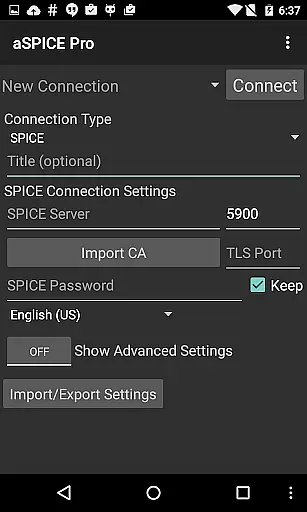
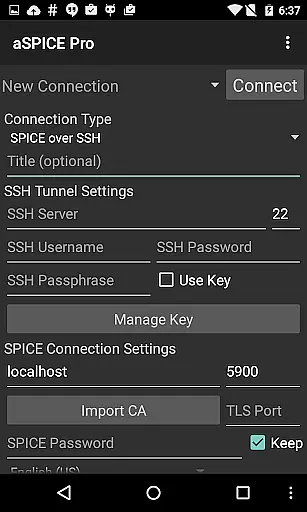
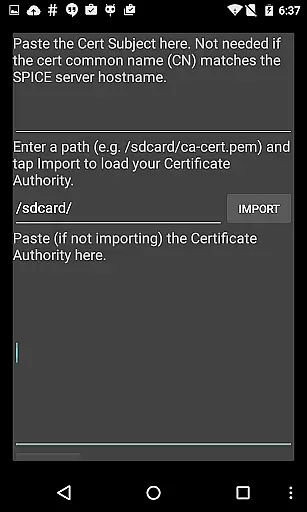
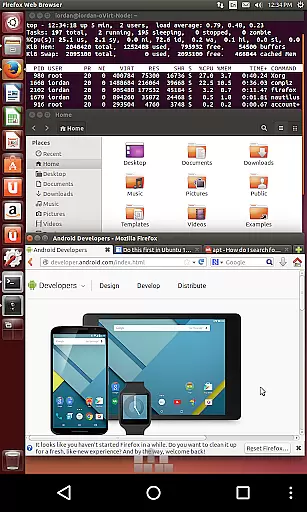
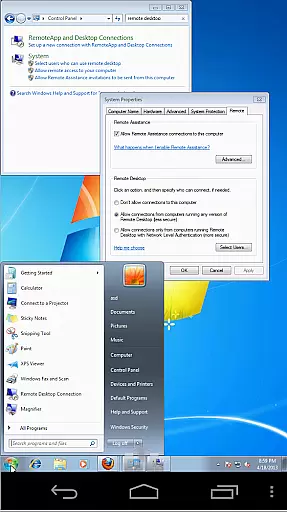
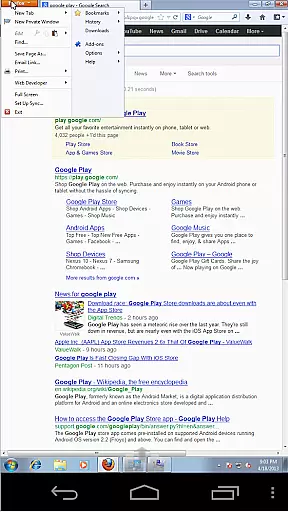
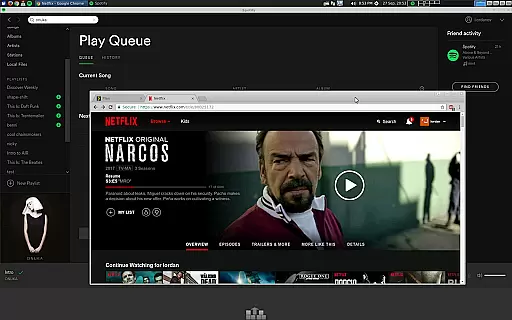
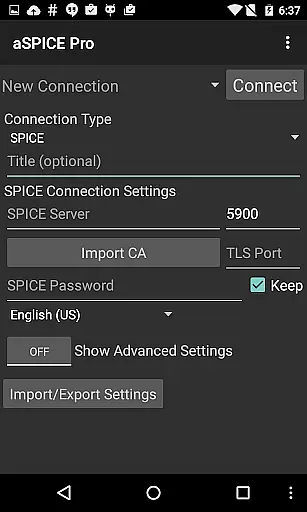
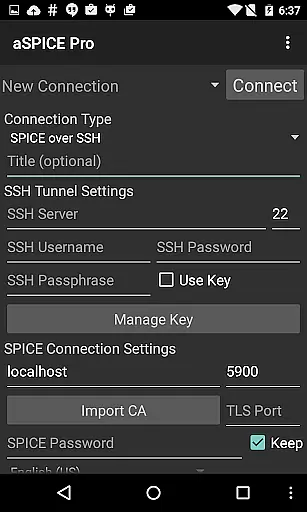
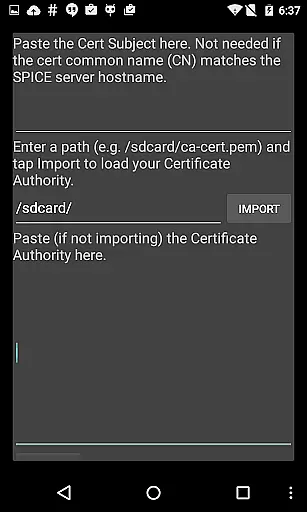
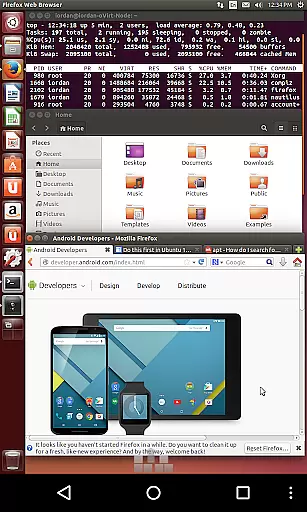
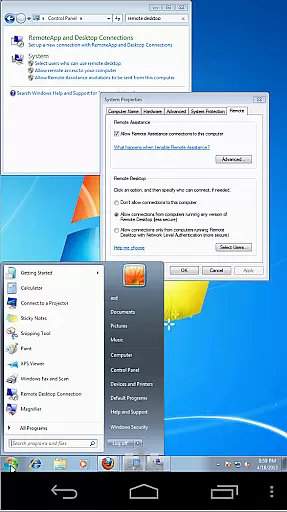
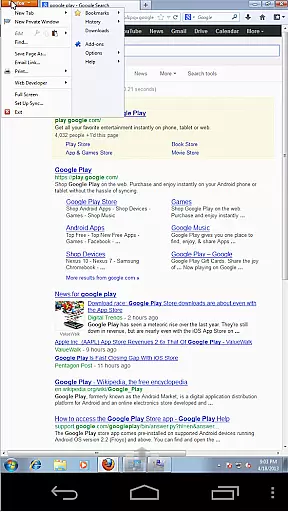
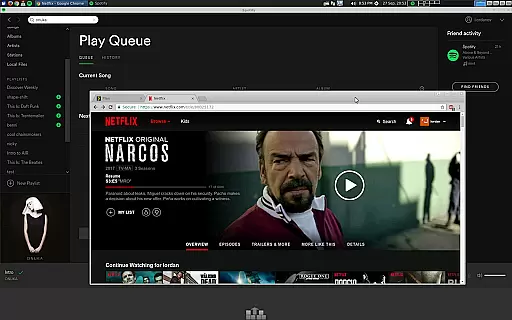
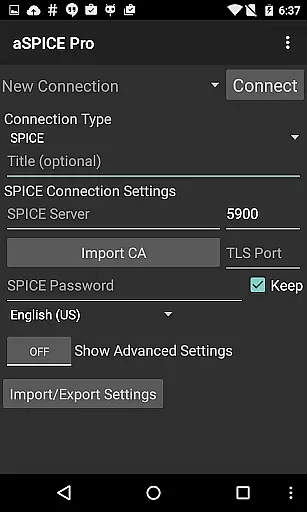
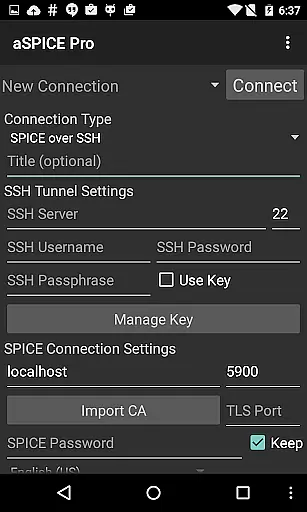
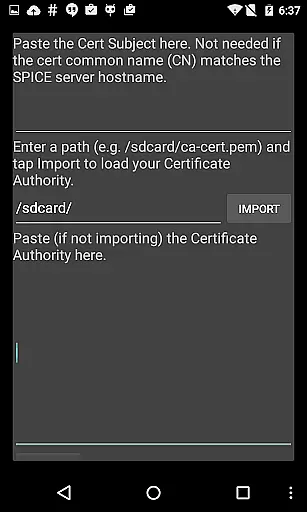
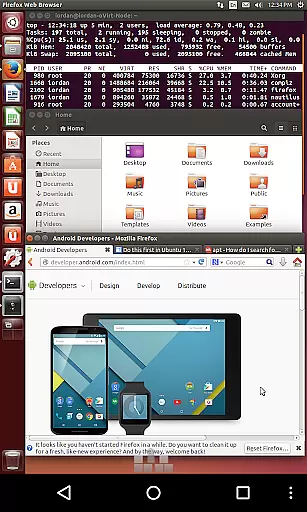
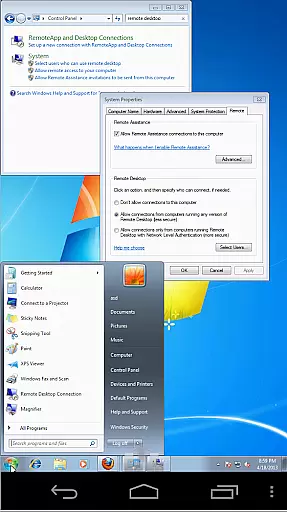
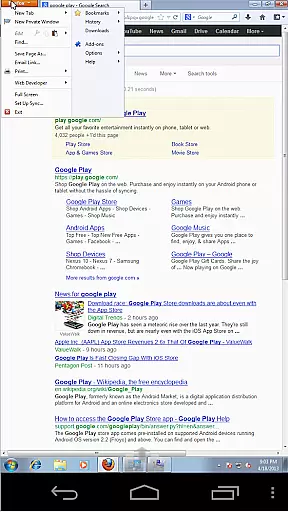
aSPICE Pro Secure SPICE Client is a powerful productivity tool designed for secure remote desktop access. This application enables users to control any SPICE-enabled virtual machine with ease, offering advanced features like Master password support and MFA/2FA SSH authentication. With its robust functionality, the app ensures optimal security through SSH tunneling while providing seamless audio and multi-touch controls.
The app's versatility extends to various use cases, from IT professionals managing servers to developers testing different operating systems. Its dynamic resolution changes and full rotation support make it suitable for both smartphones and tablets, ensuring an uninterrupted workflow across devices. The ability to add hardware like an EvTouch USB Graphics Tablet enhances mouse pointer accuracy, making remote operations more precise and efficient.
aSPICE stands out with its comprehensive feature set tailored for productivity enthusiasts. One of its key strengths is the support for multiple input modes, including Direct, Simulated Touchpad, and Single-handed modes. These options provide flexibility in how users interact with remote desktops, catering to different preferences and use cases. Additionally, the app offers stowable on-screen keys for Ctrl/Alt/Tab/Super and arrow functions, enhancing the user experience.
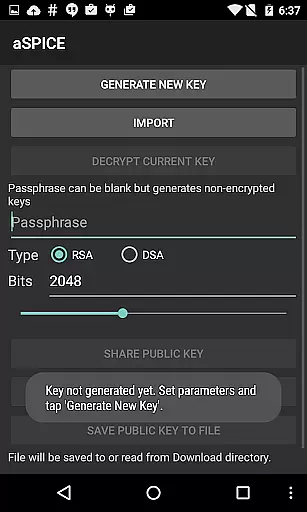
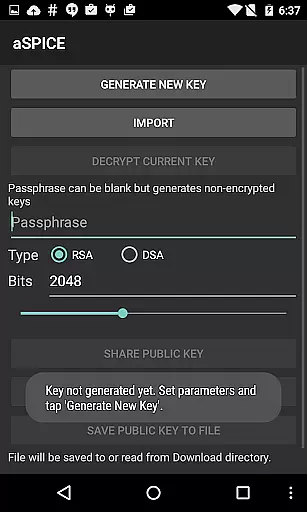
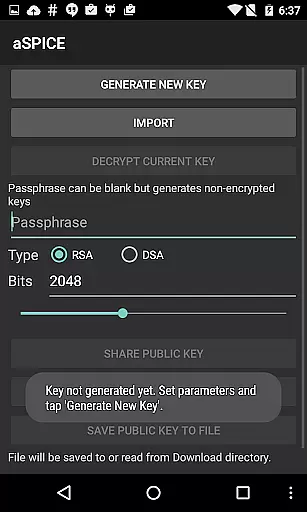
Another notable feature is the app's focus on security and convenience. It supports importing encrypted/unencrypted RSA keys in PEM format and unencrypted DSA keys in PKCS#8 format. Automatic connection session saving ensures that users can quickly reconnect to their sessions without re-entering details. Furthermore, the availability of Samsung multi-window support and UI optimizations for various screen sizes demonstrates the app's commitment to delivering a seamless user experience across different devices.
In the realm of productivity, aSPICE Pro Secure SPICE Client excels in core task management by providing users with an extensive suite of features tailored for remote desktop control. This application allows you to manage any SPICE-enabled virtual machine, regardless of the guest operating system, ensuring that your workflow is not hindered by compatibility issues.
With support for multi-touch controls, sound, and dynamic resolution changes, aSPICE equips users with the tools necessary for an adaptable and efficient remote working experience. The ability to reconfigure your desktop environment on-the-fly while maintaining full control from BIOS to OS level operations epitomizes its robust task management capabilities.
Furthermore, advanced functionalities such as USB redirection, audio support, and SSH tunneling for enhanced security streamline complex tasks. These features collectively contribute to a comprehensive task management solution that empowers users to maintain productivity across different platforms and devices seamlessly.
Cross-device synchronization is a critical component of modern productivity tools, and aSPICE Pro Secure SPICE Client rises to the occasion with its reliable performance across various Android versions and screen sizes. Whether you're using a smartphone or a tablet, aSPICE ensures that your remote desktop experience remains consistent and optimized.
The application supports full mouse functionality on Android 4.0+, which means that users can expect precise control over their virtual machines without being impeded by the device they choose to use. Additionally, UI optimizations for different screen sizes ensure that all controls are easily accessible, whether in portrait or landscape mode.
By incorporating Samsung multi-window support and offering stowable on-screen keys like Ctrl/Alt/Tab/Super, aSPICE facilitates a flexible working environment where efficiency is not compromised by the transition between devices. This cross-device reliability solidifies aSPICE's position as a dependable tool for professionals who require unwavering access to their virtual workspaces.
Secure SSH connections
Multi-touch controls
Dynamic resolution changes
Full rotation support
Automatic session saving
Complex setup process
Limited clipboard integration
No native macOS version
Advanced features require technical knowledge
Some features still in development

Take control of your clipboard with Clipper!
 3.90
3.90
Create study competitions, track your hours, and stay consistent with friends
4.2
All in one sketching tool. Technical and General drawing. Online Maps support.
3.70
Great calculator for Android named one of USA TODAY's "25 Essential Apps".
4.90
A simple Whisper AI keyboard for reliable speech transcription and rewording
4.60
The ultimate file manager for rooted devices. The original and still the best.
4.00
Lightweight PDF, Word, Excel reader.
4.60
Okta MFA
4.70
AI Chatbot and AI writing assistant powered by ChatGPT.
4.60
Secure, fast, open-source, VNC and SSH Remote Desktop for Windows, Linux and Mac
4.70
The long-awaited modern gallery app for your Nextcloud server
4.70
A beautiful digital clock with autostart and many other functions
4.70
The Pro Version of Android's tiniest Notepad app. Just 0.3MB but feature-packed!
4.60
Functional QR scanner and barcode reader that requires little storage space.
4.60
Access, manage and transfer files on Android, PC, Mac, NAS and cloud storages.
4.30
Pwnagotchi companion app
4.20
Wake up & get tasks done! Add alarms & reminders on the Clock Launcher.
4.00
Create and edit presentations with Google Slides, part of Google Workspace.
4.00
Simple and reliable communication between inmates, friends and family
3.20


User Reviews