
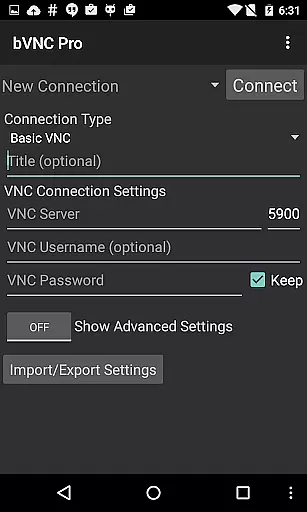
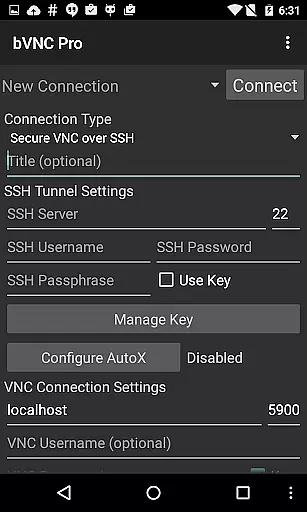
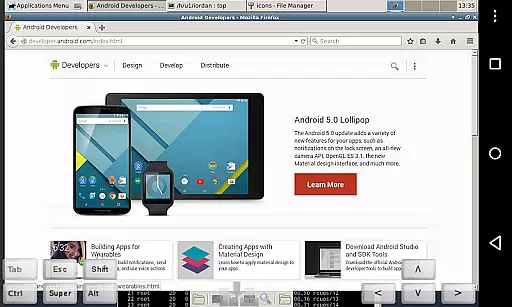
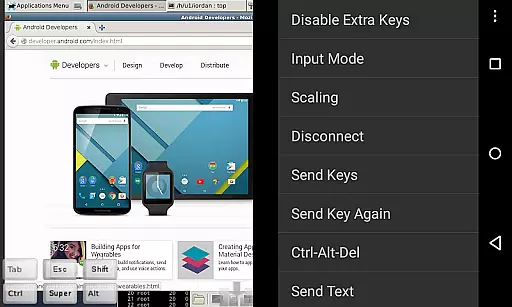
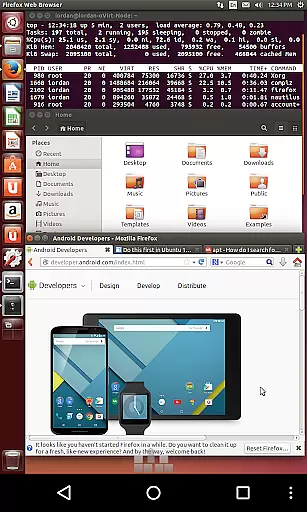
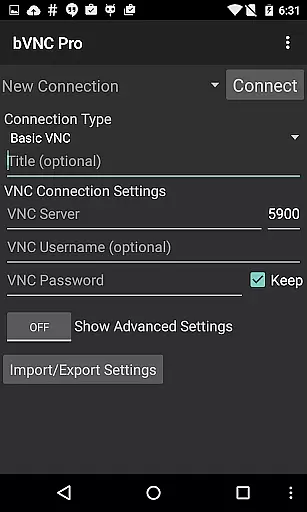
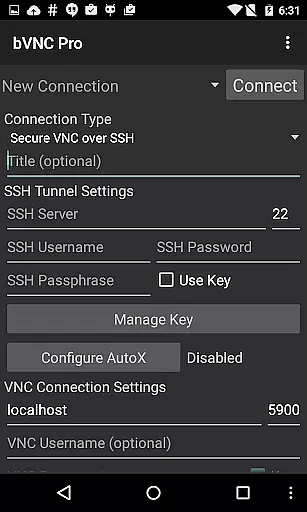
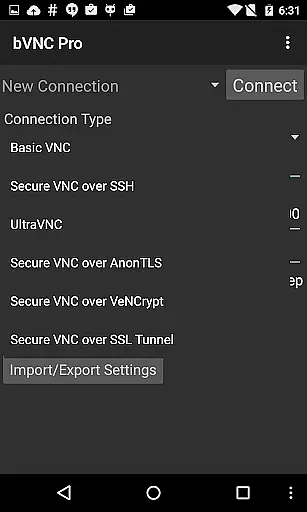
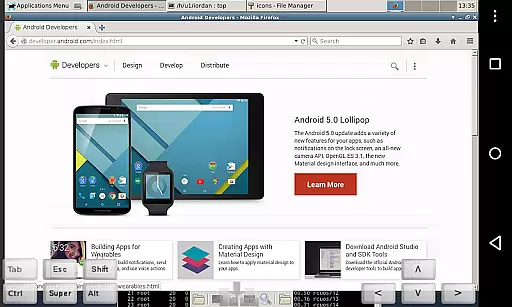
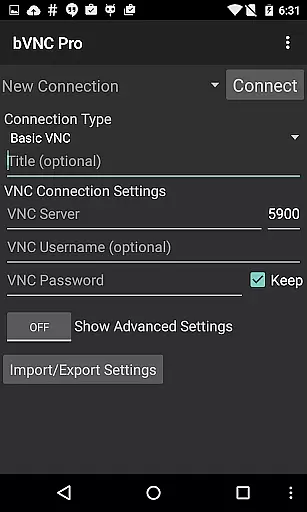
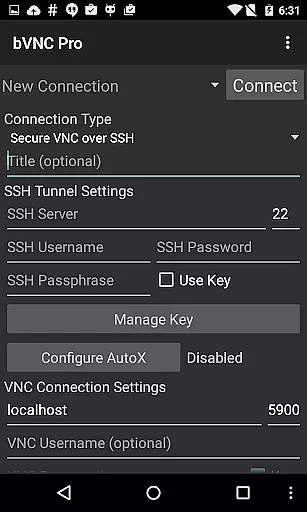
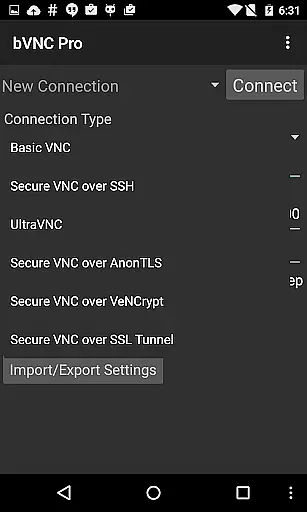
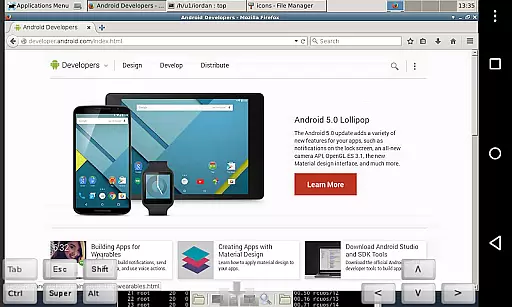
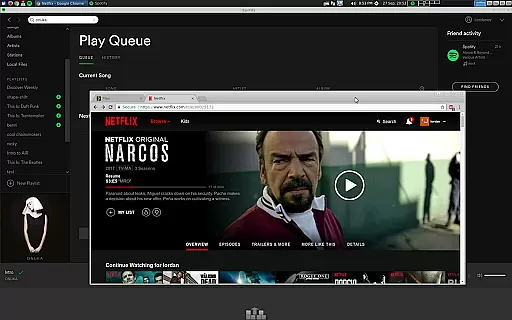
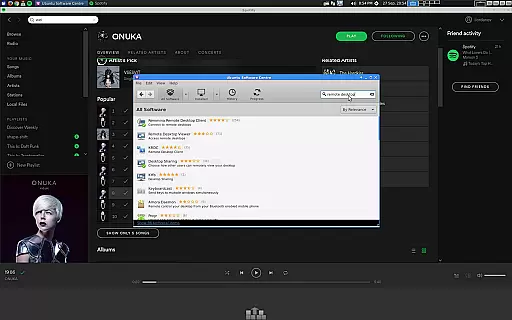
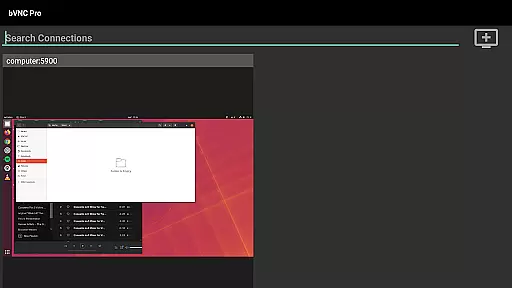
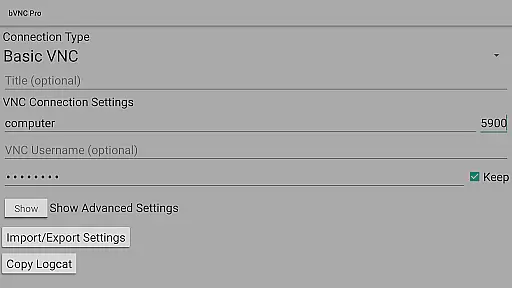
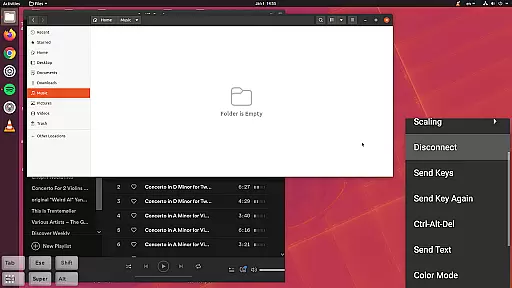
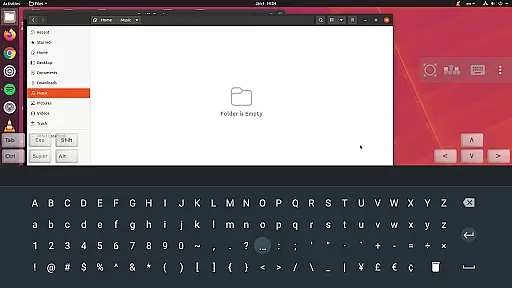
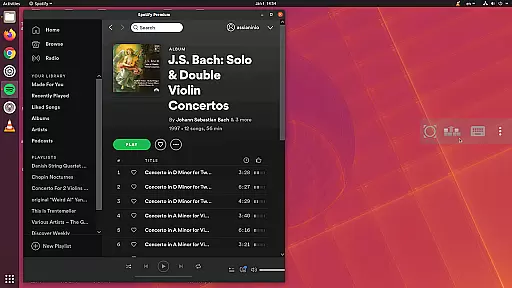
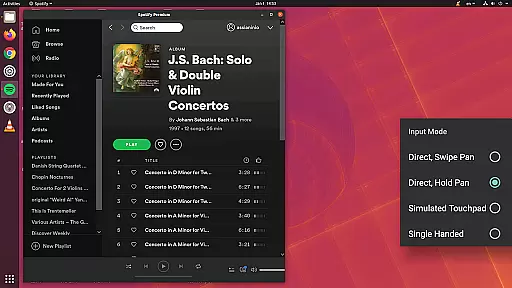
bVNC Pro is a secure, open-source VNC client designed for productivity-focused users who need reliable remote desktop access. The app supports multiple operating systems including Windows, Mac, Linux, and BSD, making it versatile for various professional environments.
Key features include multi-touch control, SSH tunneling for secure connections, dynamic resolution changes, and multi-factor authentication in the Pro version. These capabilities ensure both ease of use and top-level security, which are crucial for managing virtual machines or accessing desktops remotely.
Ideal for IT professionals and system administrators, bVNC Pro allows complete desktop control even over slow network links. Its support for high-grade encryption and compatibility with most VNC servers makes it an essential tool for secure remote work.
bVNC Pro stands out with its comprehensive feature set tailored for secure and efficient remote access. One of its core strengths is the multi-touch control system, enabling intuitive gestures like one-finger tap for left-click and two-finger tap for right-click, which simplifies navigation on touch devices.
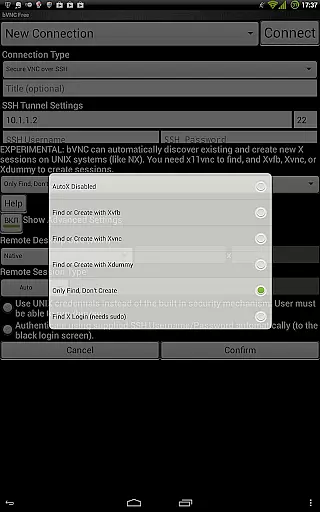
The app provides robust security through SSH tunneling and VeNCrypt protocols, ensuring your connections remain protected from man-in-the-middle attacks. Additionally, the Pro version includes master password support and multi-factor authentication, adding extra layers of security for enterprise users.
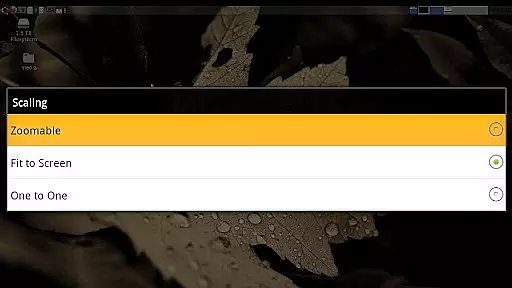
Other notable features include pinch-zoom functionality, auto-rotation, and multiple scaling modes that enhance usability. With compatibility for various VNC servers and unique functions like Samsung DEX support and view-only mode, bVNC Pro delivers a complete remote desktop solution adaptable to different workflows.
bVNC Pro is not just a remote desktop client but also an essential productivity tool for managing tasks across multiple operating systems. The application supports connections to Windows, Mac, Linux, and other OS platforms with installed VNC servers, making it versatile for various work environments.
One of the core strengths of bVNC Pro lies in its ability to handle complex tasks securely and efficiently. With features like SSH tunneling, AnonTLS, and VeNCrypt, users can ensure their connections are safeguarded against unauthorized access. This level of security is crucial when managing sensitive data or performing critical operations remotely.
The app offers dynamic resolution changes, allowing users to adjust their desktop configurations on-the-fly while remaining connected. This feature enhances productivity by providing flexibility in managing virtual machines from BIOS to OS level, ensuring that users can adapt to different workflows without disruptions.
Cross-device synchronization is a vital aspect of modern productivity tools, and bVNC Pro excels in this area. Whether you're switching between your mobile device and desktop or need consistent performance across different platforms, bVNC ensures reliable connectivity and session persistence.
The Pro version includes advanced features such as master password support and multi-factor SSH authentication, which enhance the reliability of cross-device operations. These security measures prevent unauthorized access while maintaining seamless transitions between devices, thus preserving the integrity of your work sessions.
Additionally, bVNC Pro supports high-grade encryption superior to RDP using SSH and VeNCrypt. This ensures that all synchronized data remains protected from potential threats, offering peace of mind for users who rely on consistent and secure access to their remote desktops. With these robust synchronization capabilities, bVNC Pro stands out as a dependable solution for productive remote work.
Secure remote access
Multi-touch controls
High-grade encryption
Versatile OS support
Dynamic resolution
No RealVNC encryption
Complex setup required
Paid Pro features
Limited iOS support
Advanced knowledge needed

QuickBooks Workforce lets teams view pay info and track time in one place.
 4.70
4.70
Ads Free App! Editor, Hide File, Copy, Move, Delete and Rename.. all facility av
1.70
Unlock AutoNotification
4.00
Mega cloud explorer plugin for Solid Explorer
3.80
Android Wallet Password Manager
4.80
A simple, portable logger for POTA, SOTA, Field Day, and more
4.5
IP Camera Viewer - Android TV : RTSP Surveillance camera viewer for Android TV
4.5
Enjoy classic gameplay with customizable features and retro-style graphics.
4.30
Translate text/voice/photos in 150+ languages. Offline & fast translator app.
4.50
Multilingual translator for text, voice, and image translation!
4.90
Protect and view your important info on your phone and tablet with eWallet®
4.80
Quickly and easily keep track of your work shifts
4.70
To do list widget with a notebook organizer, checklist, simple shopping list
4.60
A lightweight JSON & XML files creator, editor and viewer (Premium Version)
4.40
Docker, Kubernetes management over Portainer Mobile
4.40
Pwnagotchi companion app
4.20
All in One PDF Reader: Manage, Read and Edit your Documents
4.20
Cloud storage, automatic phone backup, and more.
4.10
Easiest event planning, volunteer signups & parent teacher conference scheduling
2.20


User Reviews