
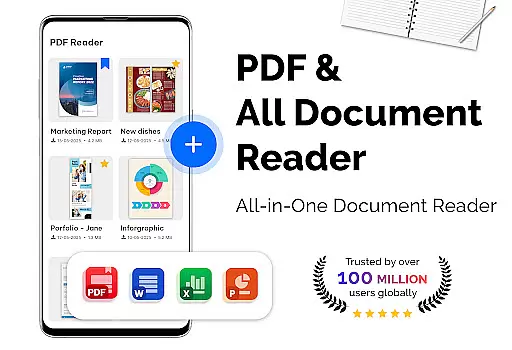
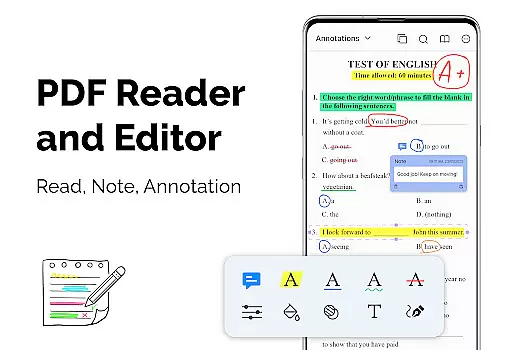
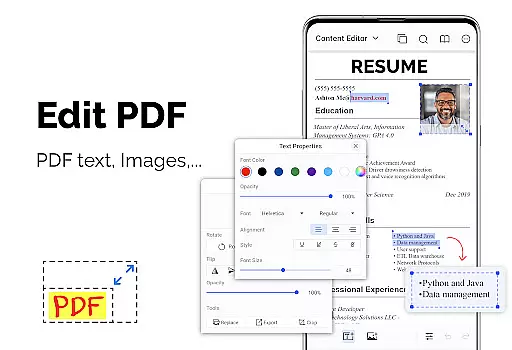
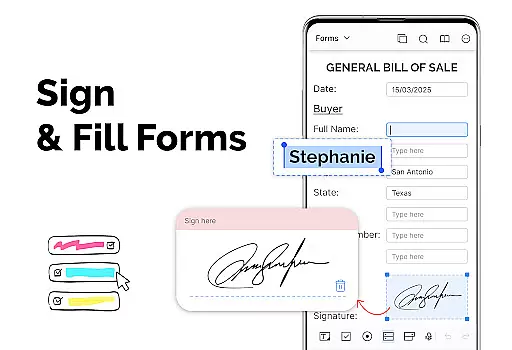
PDF Reader - PDF Viewer is a versatile productivity app designed for efficient document management. The core functionality allows users to read and manage PDF files stored locally on their devices, including password-protected documents. This lightweight office solution supports multiple display modes such as single page, two-page spread, book mode, and full-screen viewing, while offering advanced features like quick page navigation and bookmark creation.
The application stands out with its ability to handle large PDF files of over 300MB with remarkable speed and efficiency. Users can customize their reading experience through various orientation options and theme selections. Additionally, the built-in PDF converter and scanner enable seamless conversion between PDF and image formats, making it an essential tool for both personal and professional document handling.
PDF Reader - PDF Viewer distinguishes itself through several innovative features that enhance document management. The application employs advanced rendering technology that ensures rapid loading of even the largest PDF files. Its sophisticated display system offers multiple viewing options including vertical/horizontal orientations and various page layouts, providing optimal reading comfort.
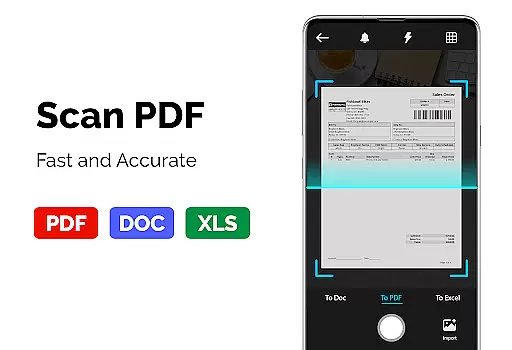
A notable feature set includes comprehensive PDF manipulation tools. Users can create PDFs from multiple image formats, convert PDFs to images with annotations, and transform images into standardized PDF documents. The application's bookmarking system and quick navigation controls enable efficient document management, while its support for password-protected files ensures secure document handling. These features collectively deliver a powerful yet user-friendly PDF management solution.
For a productivity app like PDF Reader - PDF Viewer, core task management is essential for organizing and handling PDF documents efficiently. This app provides various features that streamline the process of managing PDF files.
The app supports advanced display options including single page, two-page, book mode, or full-screen reading, which allows users to customize their reading experience according to their preferences. Quick page moving and bookmarks further enhance navigation through lengthy or complex documents, making it simpler to return to specific sections.
Additionally, the app's ability to handle password-protected files ensures that users can manage sensitive documents with ease and security. The inclusion of theme customization, with options for both dark and light themes, adds another layer of personalization to the user's task management experience.
By integrating these comprehensive tools, PDF Reader - PDF Viewer empowers users to manage their PDF tasks effectively, thus improving workflow and document handling.
Cross-device synchronization is a pivotal feature for users who access their documents on multiple devices. PDF Reader - PDF Viewer offers reliable synchronization that ensures users have a seamless experience across different platforms.
With the capability to open large files exceeding 300MB swiftly, the app provides consistent performance that users can depend on, regardless of the device they are using. This reliability is crucial when dealing with extensive PDFs that require quick access and referencing.
Moreover, the app's support for converting images to PDFs and vice versa means that users can synchronize not just PDF documents but also related content such as images and scanned receipts. This versatility enhances the synchronization experience by catering to diverse user needs.
PDF Reader - PDF Viewer's steadfast cross-device functionality assures that whether you're switching from a desktop to a mobile device or vice versa, your data remains up-to-date and readily accessible, bolstering productivity wherever you go.
User-friendly interface
Fast file loading
Multiple display modes
Advanced security features
Comprehensive file support
Limited cloud integration
No collaboration tools
Basic editing capabilities
Occasional rendering issues
Ads in free version

A customizable calendar for your Wear OS watch
 4.20
4.20
Professional calendar app for Google Calendar, MS Outlook & Exchange
4.20
Planet Free VPN - The best Fast Unlimited and Secure VPN Without Logs
4.50
A lightweight JSON & XML files creator, editor and viewer (Premium Version)
4.40
Mind Map and brainstorm, note taking and idea collection
4.80
Code on-the-go with VScode for Android. Edit,debug and collaborate from mobile!!
3.10
Access, manage and transfer files on Android, PC, Mac, NAS and cloud storages.
4.30
A comprehensive suite of tools designed specifically for Lactation Consultants
4.4
Intelligent AI Assistant
4.10
Scientific calculator for Android - looks and operates like the real thing!
4.90
Simple notepad & memo. Take notes, to-do list, shopping list with reminders.
4.80
The AI assistant that thinks with you - write, code, and solve complex tasks
4.60
All document reader, all in one file viewer read PDF, DOCX, XLS, PPT, TXT files.
4.60
To do list widget with a notebook organizer, checklist, simple shopping list
4.60
Automates browsing any website and notifies you of important changes or events
4.30
Total remote control for your Android device, PC and cloud services (IFTTT)!
4.20
Ultimate Virtual AI Character for immersive Roleplay Chat. Perfect Companion
3.90
Smart PDF reader & editor to view, organize and manage PDF documents easily.
3.70
ID.me Authenticator is a simple and free Two Factor Authentication solution
3.50


User Reviews