
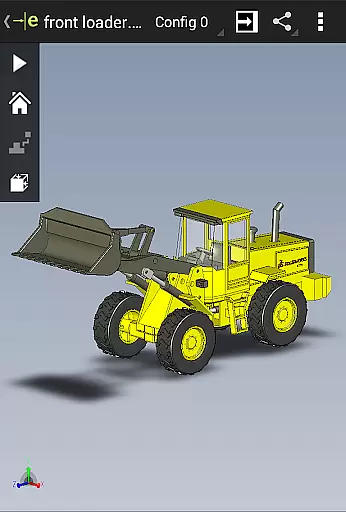
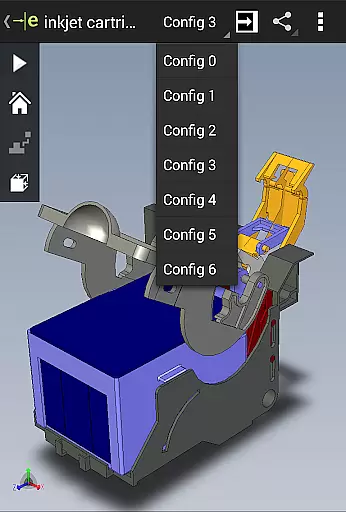
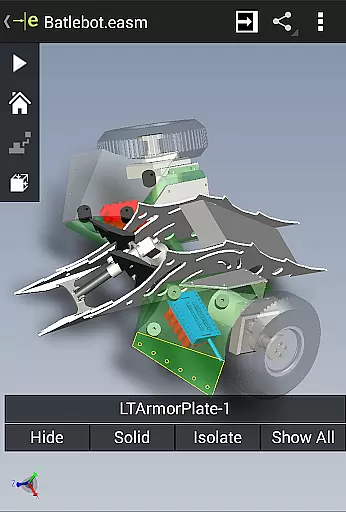
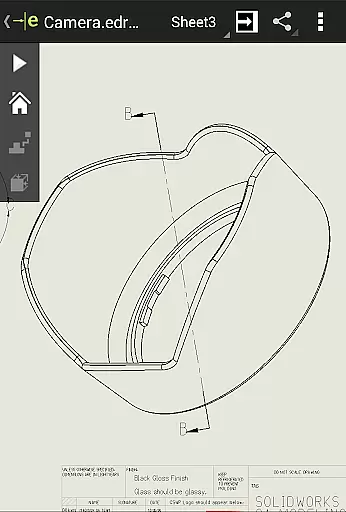
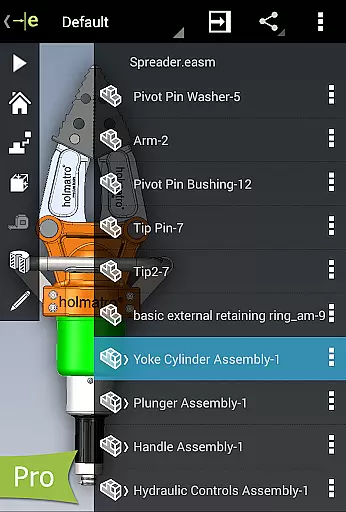
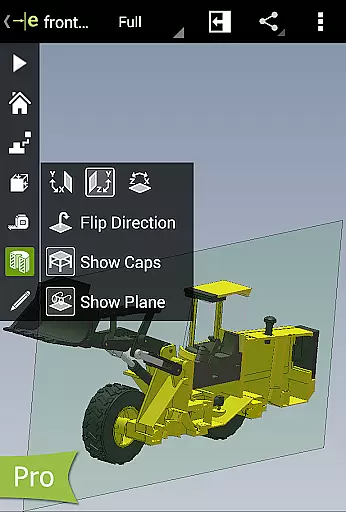
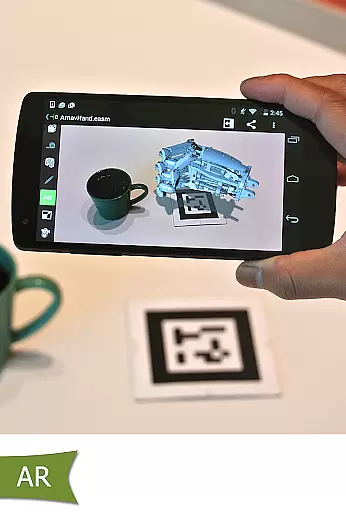
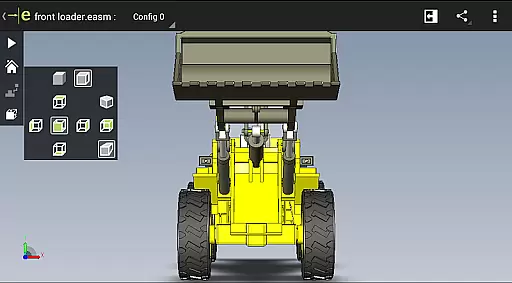
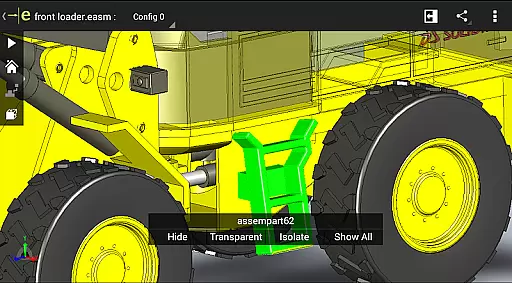
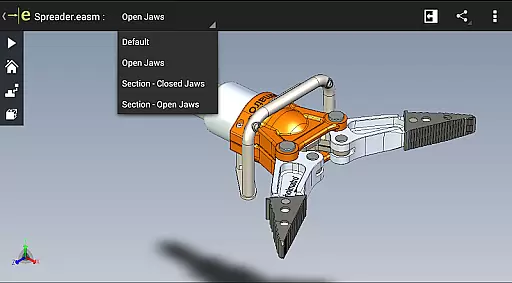
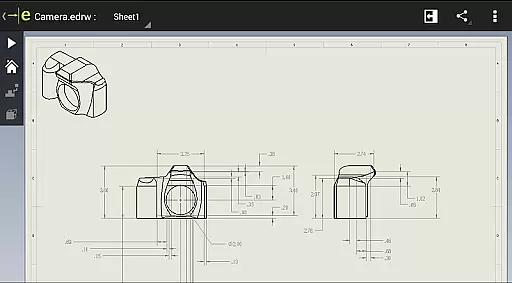
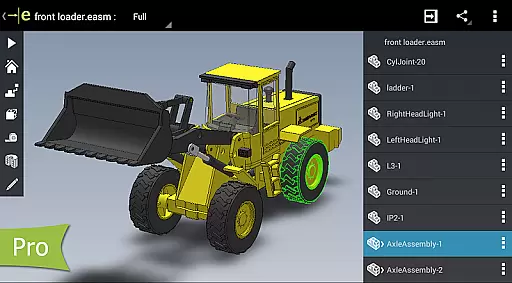
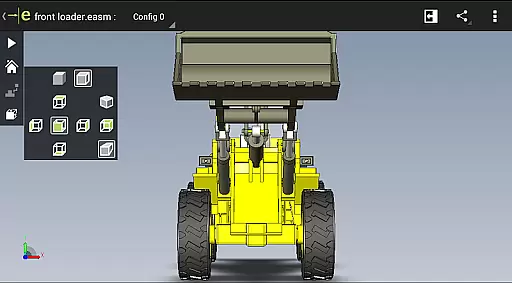
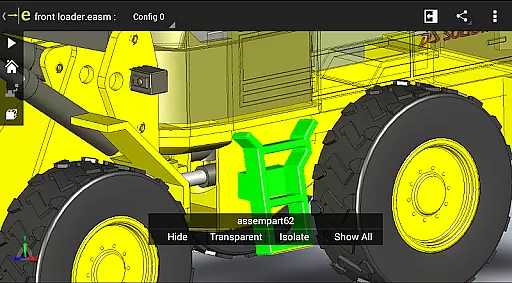
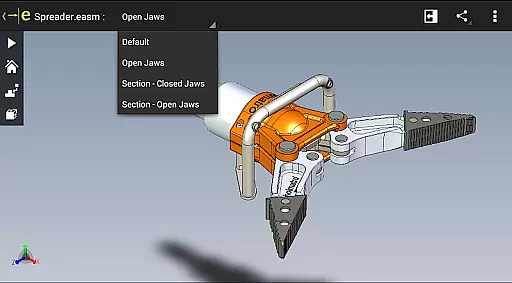
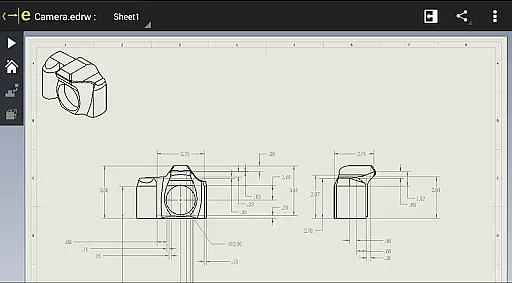
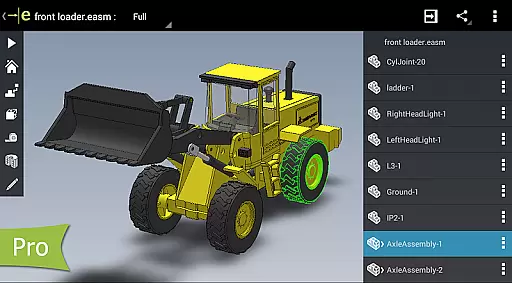
eDrawings is a powerful CAD viewer designed specifically for Android devices, enabling users to view native eDrawings files as well as SolidWorks parts, assemblies, and drawings. This app revolutionizes the way product design information is shared by allowing users to easily load and send CAD files via email, making collaboration seamless even with non-CAD users.
With multi-touch gestures, users can effortlessly pan, zoom, and rotate 2D and 3D models. The app supports drawing sheets and exploded views, providing an intuitive experience for interpreting complex designs. Its ability to open various file formats from multiple sources makes it an essential tool for professionals in engineering, manufacturing, and design fields.
Whether you're working on-site or remotely, eDrawings ensures that all stakeholders have access to accurate design data, enhancing communication and speeding up the product development process.
eDrawings stands out with its comprehensive feature set tailored for productivity. The app's intuitive interface allows users to open both 2D and 3D CAD files, including EASM, EPRT, STEP, DWG, and DXF formats, from diverse sources such as email attachments, cloud storage services, and FTP sites.
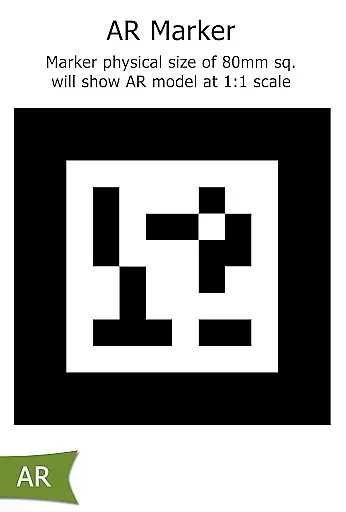
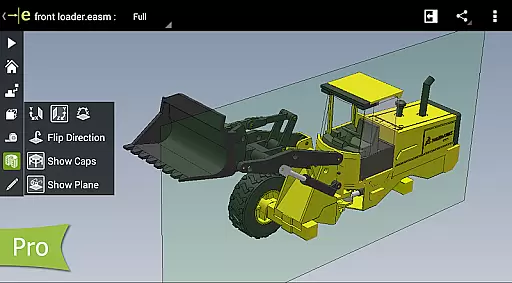
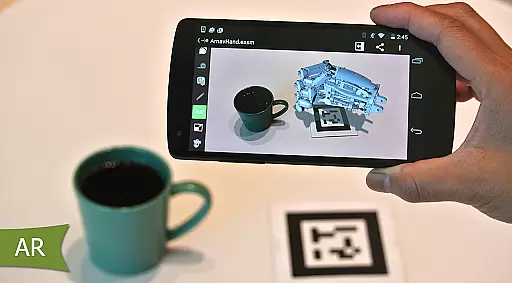
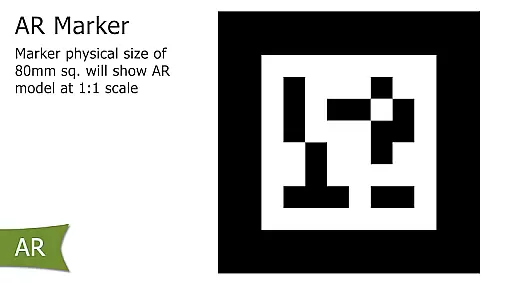
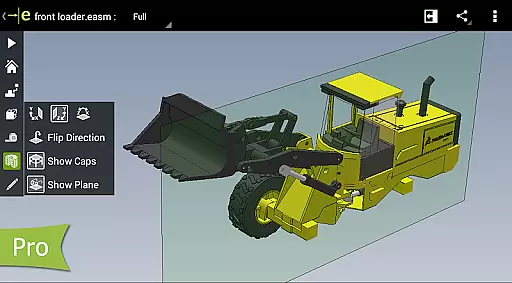
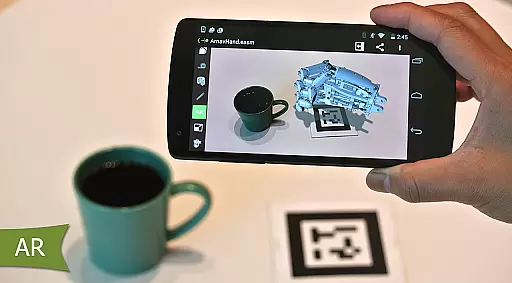
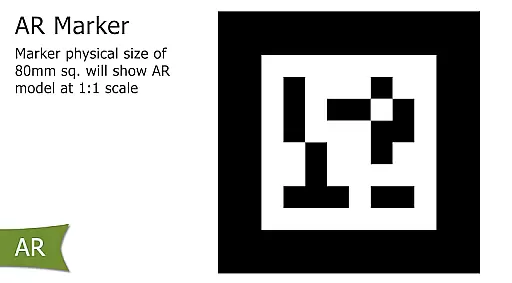
One of the key highlights is the ability to measure designs, create dynamic cross-sections, and add markups through the Pro version available via in-app purchase. These features enable users to analyze models in detail, make precise annotations, and share feedback efficiently. The inclusion of Augmented Reality (AR) functionality further enhances visualization capabilities.
The app also supports animation of standard views, browsing through drawing sheets, and full-screen viewing. With sample files included, new users can quickly familiarize themselves with the app's functionalities, ensuring a smooth onboarding experience.
For a productivity app like eDrawings, core task management revolves around its ability to efficiently handle CAD files and related design data. This feature ensures that users can organize, access, and manipulate their 2D and 3D designs seamlessly.
eDrawings excels in this area by providing an intuitive interface for managing various file types. Users can open, view, and share complex CAD files including SolidWorks parts and assemblies without requiring the original software. The app supports multiple formats such as EASM, EPRT, IGES, STEP, DWG, and DXF, making it versatile for different workflows.
The value of this functionality lies in its capacity to streamline collaboration. By enabling users to load and send files via email, eDrawings facilitates communication among all stakeholders in product development. This includes team members who may not be regular CAD users but need to interpret and understand design information.
Moreover, features like multi-touch gestures for panning, zooming, and rotating models enhance user experience. These capabilities ensure that even those unfamiliar with CAD software can interact with designs effectively, thus improving overall productivity in collaborative environments.
Cross-device synchronization is crucial for productivity apps, ensuring that work done on one device is reliably reflected across all others. For eDrawings, this means maintaining consistency and availability of CAD files whether accessed from a phone or tablet.
eDrawings addresses this need through robust support for cloud storage services. Users can access files stored on platforms like Dropboxu2122, Google Drive, and others, ensuring their designs are always up-to-date regardless of the device used. This seamless integration allows users to switch between devices without losing progress or encountering version control issues.
The benefit to users is significant; they enjoy uninterrupted workflow continuity. Whether working remotely or transitioning between office and field settings, professionals can trust that their latest changes will be available wherever needed. This reliability fosters confidence in using mobile solutions for critical tasks.
Additionally, eDrawings enhances synchronization with capabilities like full-screen viewing and easy navigation through drawing sheets. These features ensure that detailed design reviews remain productive and efficient across devices, further solidifying the app's role as a dependable tool in any professional's arsenal.
User-friendly interface
Wide file format support
Efficient collaboration tools
Augmented reality features
Precise measurement tools
Pro features require purchase
Occasional AR glitches
Limited free functionality
High system requirements
Steep learning curve

A Revolutionary All-in-One Artificial Intelligence Tools
 3.80
3.80
Experience Reading - Night Mode for Documents
4.40
Take control of your clipboard with Clipper!
3.90
Absolutely the best CNC machinist speed and feed calculator around. fswizard.com
4.60
aCalendar+ makes your day, week and month
4.70
Fill, sign & send docs, forms, agreements & contracts via electronic signature.
4.50
Font maker keyboard with your own handwriting
4.10
Best Tool for the professionals Electrician, Electrical contractors, etc.
4.90
Secure your apps with lock screens, use custom themes and different features.
4.40
Native client for Forgejo and Gitea
5.00
Simple notepad & memo. Take notes, to-do list, shopping list with reminders.
4.80
Quickly and easily keep track of your work shifts
4.70
All document reader, all in one file viewer read PDF, DOCX, XLS, PPT, TXT files.
4.60
Docker, Kubernetes management over Portainer Mobile
4.40
Wake up & get tasks done! Add alarms & reminders on the Clock Launcher.
4.00
Mega cloud explorer plugin for Solid Explorer
3.80
Remotely view listen control and record cameras.
3.70
Find and delete junk files & block unwanted notifications & manage files
3.70
A comprehensive suite of tools designed specifically for Lactation Consultants
4.5


User Reviews