
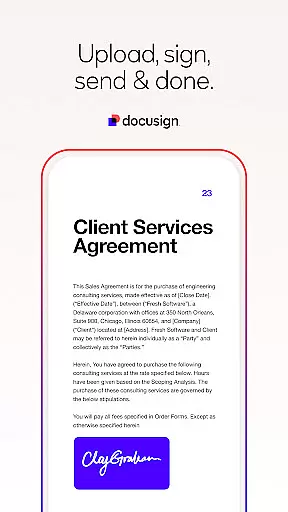
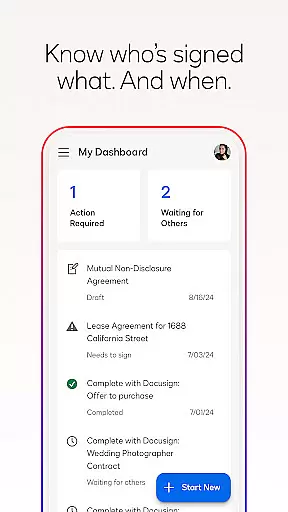


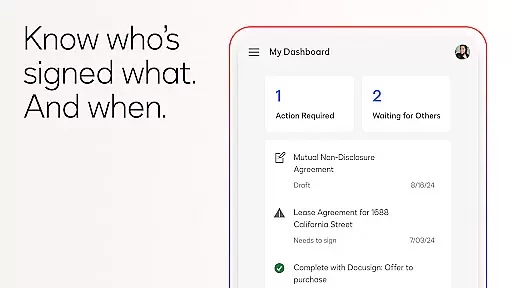
Docusign is the world's leading eSignature solution, enabling businesses and individuals to securely sign and manage agreements from anywhere. The app simplifies the entire agreement process by offering a streamlined experience for creating digital signatures, uploading documents, and managing workflows directly from your mobile device.
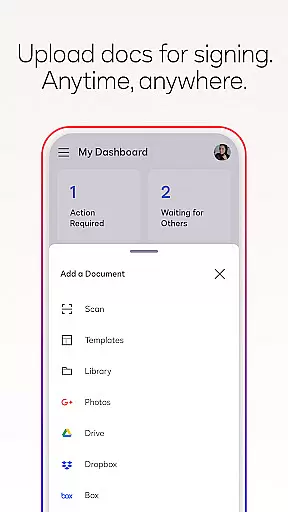
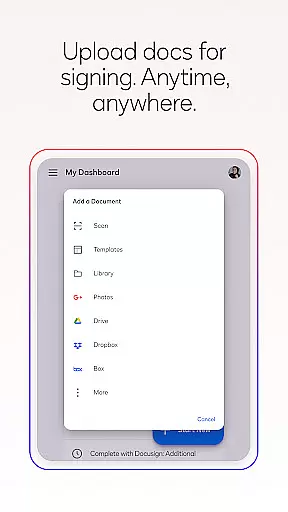
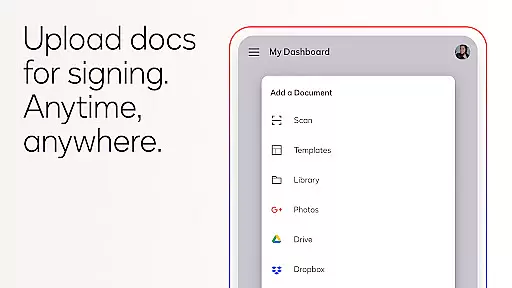
With Docusign, users can upload files via email, cloud storage services like Google Drive or DropBox, or even photo scanning. The app supports multiple document formats including PDFs, Word, Excel, and images. It also provides advanced features such as setting signing orders, real-time push notifications, and responsive signing that adapts to any device. Trusted by millions worldwide, Docusign ensures legal compliance and top-level security through encryption and ISO 27001 SSAE16 compliance.
Docusign offers a comprehensive set of features designed to simplify agreement management. Users can create customized digital signatures directly on their devices and upload documents easily from various sources such as email, Google Drive, DropBox, Box, Evernote, Salesforce, or photo scanning. The app allows free unlimited e-signing with no monthly limits.
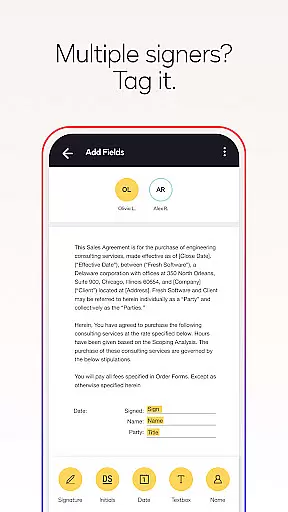
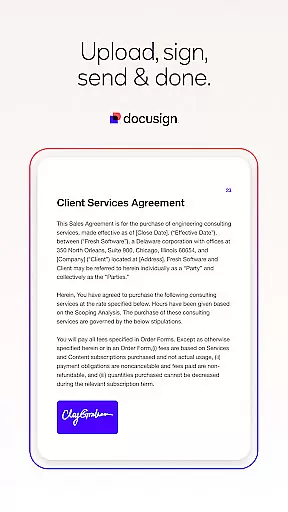
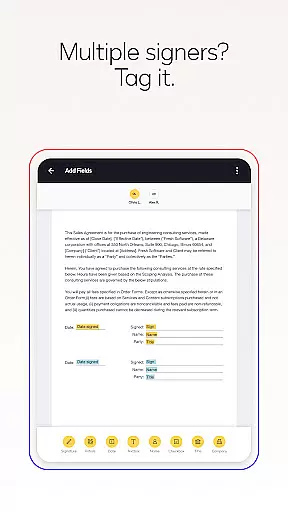
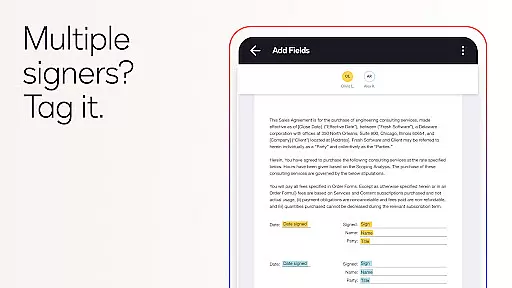
The agreement management process is streamlined with tools to prepare documents using 'Sign Here' tags, set signing orders, and invite multiple signers. Docusign supports both in-person and remote signing, with responsive signing functionality that adapts documents for mobile viewing. Additional features include sending reminders, voiding documents, and receiving real-time push notifications when documents are signed. With support for multiple document types and formats, Docusign is versatile for various use cases such as NDAs, sales contracts, healthcare documents, financial agreements, waivers, permission slips, and lease agreements.
In the realm of productivity, core task management is pivotal for organizing and executing tasks efficiently. DocuSign excels in this area by streamlining the agreement process through its eSignature solution.
DocuSign's task management capabilities allow users to create customized digital signatures, upload documents from various sources, and prepare documents with 'Sign Here' tags. This feature simplifies the workflow for multiple signers, setting a clear path for who needs to sign what and when.
The app also supports both in-person and remote signing, adapting documents for mobile devices to ensure ease of use. Users can send reminders or void documents with a single tap, ensuring that the signing process remains agile and under control.
By integrating these comprehensive task management features, DocuSign empowers businesses and individuals to maintain an organized approach to document handling, enhancing productivity and allowing more time to be spent on core business activities.
Cross-device synchronization is essential for maintaining consistency and reliability across different platforms. DocuSign addresses this need by providing a seamless experience that ensures all actions taken on one device are accurately reflected on others.
With DocuSign, users can upload documents via email, Google Drive, DropBox, and other services, which are then synchronized across all devices. This means whether you're working on your smartphone, tablet, or computer, your documents and their current status are always up-to-date and accessible.
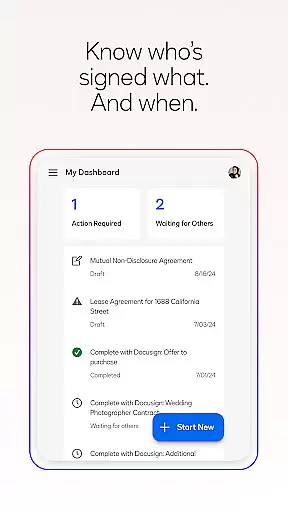
The real-time push notifications further enhance this reliability, alerting users instantly when a document has been signed, regardless of the device they are using. This immediate update ensures that all parties are informed and can proceed with their tasks without delay.
DocuSign's commitment to secure and reliable cross-device synchronization means users can trust that their agreements and workflows will be consistently available, wherever they are, reinforcing the productivity gains achieved through streamlined task management.
User-friendly interface
Secure and legally binding
Unlimited free signing
Supports multiple formats
Real-time notifications
Limited free sending
Premium features costly
Subscription required
No offline access
Complex for beginners

Secure, fast, open-source, VNC and SSH Remote Desktop for Windows, Linux and Mac
 4.70
4.70
A customizable calendar for your Wear OS watch
4.20
The long-awaited modern gallery app for your Nextcloud server
4.70
Take control of your clipboard with Clipper!
3.90
Create study competitions, track your hours, and stay consistent with friends
4.4
Font maker keyboard with your own handwriting
4.10
Ultimate Virtual AI Character for immersive Roleplay Chat. Perfect Companion
3.90
Daily processing of PDF documents.
4.40
Seamlessly read, manage, and organize all your PDF files solution in one place
4.40
Protect and view your important info on your phone and tablet with eWallet®
4.80
Understand anything with a personalized AI research assistant
4.80
A beautiful digital clock with autostart and many other functions
4.70
PDF scanner & converter for files, photos, lottery, QR codes. One swipe away!
4.50
All in One PDF Reader: Manage, Read and Edit your Documents
4.20
Device's storage information in a simple and clear graphical form (infographics)
4.10
Todo reminder
4.10
Wake up & get tasks done! Add alarms & reminders on the Clock Launcher.
4.00
Remotely view listen control and record cameras.
3.70
IP Camera Viewer - Android TV : RTSP Surveillance camera viewer for Android TV
4.3


User Reviews