
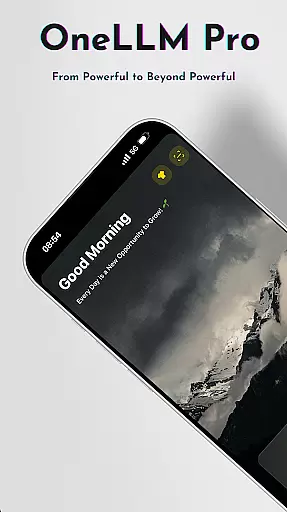
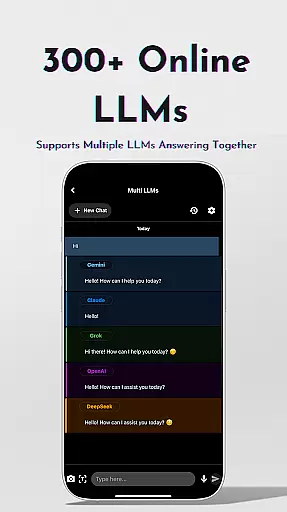
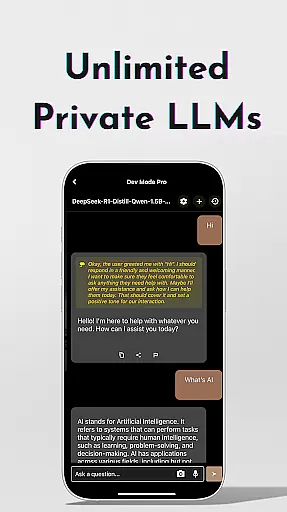
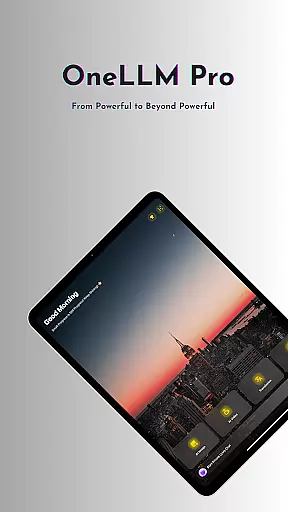
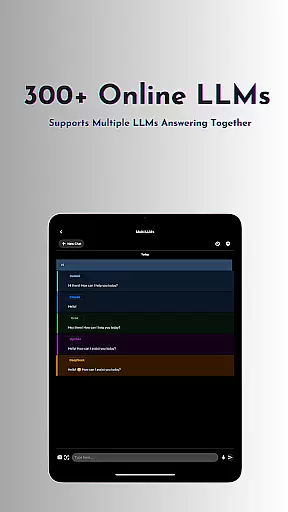
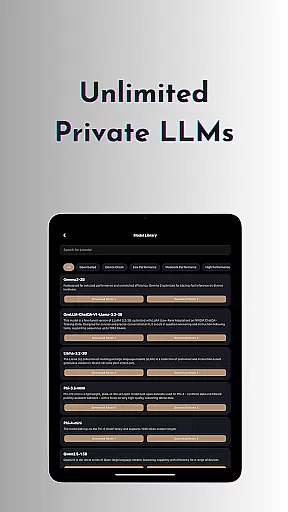
OneLLM Pro is a powerful productivity tool that seamlessly integrates local and cloud AI capabilities, offering users an extensive suite of AI-powered features. Whether offline or online, the app provides access to thousands of fully offline Large Language Models (LLMs) and over 300 online LLMs, including top performers like ChatGPT 4o, Claude, and Llama. Its core strength lies in delivering lightning-fast, secure interactions while ensuring maximum privacy through local processing.
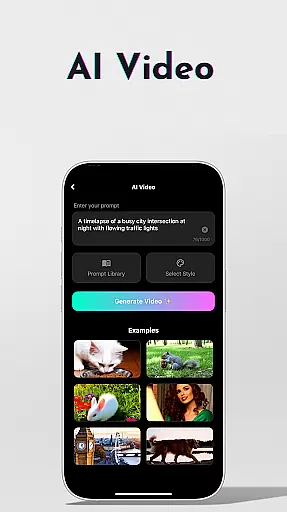
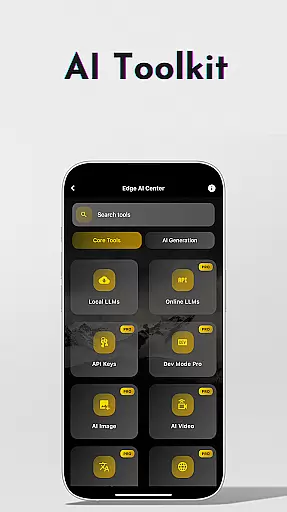
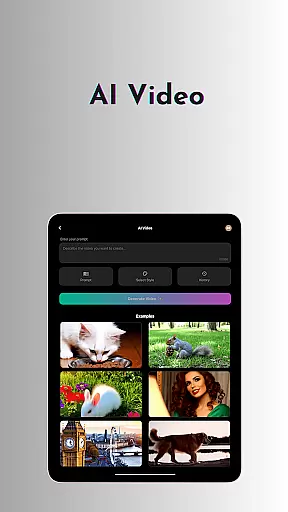
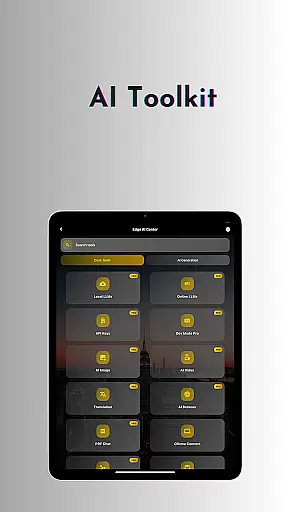
Beyond its robust language models, OneLLM Pro includes specialized AI toolkits for video generation, image creation, document scanning, and more. These tools cater to a wide range of use cases, from professional workflows to creative projects. The app also supports advanced functionalities such as multi-LLM simultaneous response mode, study assistance, and private speech-to-text transcription, making it suitable for both casual users and developers seeking customization options.
Designed for all devices, OneLLM Pro optimizes performance across entry-level to flagship hardware. With features like Smart LLMs Matching, Hugging Face Integration, and an ad-free experience, the app ensures smooth, distraction-free usage. This makes it an ideal solution for individuals looking to maximize their productivity while maintaining complete control over data privacy.
OneLLM Pro stands out with its comprehensive feature set designed to enhance productivity across various tasks. At its core, the app offers unlimited access to private and local LLMs, enabling users to handle daily needs without requiring an internet connection. These offline models can be customized into unique AI characters tailored to specific chat demands, providing smarter, faster, and more private interactions. For those needing additional power, the app grants access to over 300 online LLMs, including industry leaders like o1, DeepSeek, and Grok, allowing seamless switching between models with a single tap.
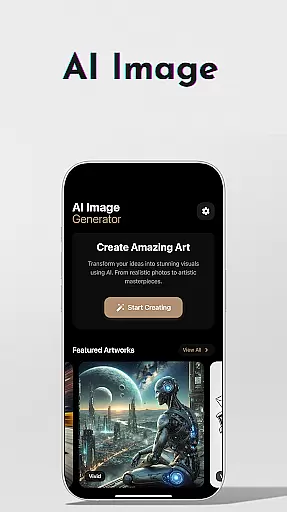
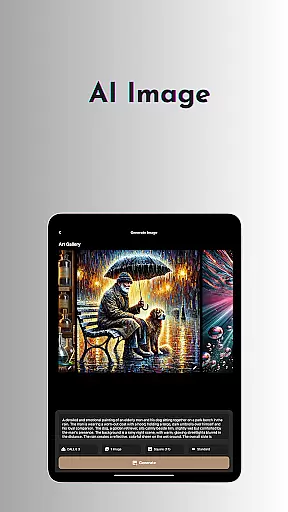
The AI toolkits further expand the app's utility by covering diverse use cases. Users can generate cinematic videos, create stunning visuals using Stable Diffusion or DALL·E 3, and scan documents offline with OCR technology. Additional tools include Ollama Connect for linking mobile devices to PCs running large LLMs, an AI browser for summarizing complex articles, and a study assistant supporting text input, photo capture, or image uploads. Developers benefit from the LLM Dev Mode, which allows fine-tuning parameters and managing per-model histories for precise optimization.
Other notable features include Smart LLMs Matching, which intelligently recommends models optimized for device specifications, and Hugging Face Integration for easy model downloads. Privacy-conscious users will appreciate the app's focus on local processing and no external data sharing. With an ad-free interface and compatibility across different devices, OneLLM Pro delivers exceptional performance and versatility for all user types.
Effective task management is essential for productivity applications, and OneLLM Pro excels in this area by offering a comprehensive suite of AI-powered tools. The app provides users with the ability to seamlessly organize, prioritize, and execute tasks through its intelligent system that adapts to various work styles.
OneLLM Pro's core task management feature includes an advanced Study Assistant, which supports text input, photo capture, or image uploads, making learning more interactive and efficient. Additionally, the Multi-LLM Simultaneous Response Mode allows users to get instant answers from leading LLMs without switching between different apps, streamlining workflows significantly.
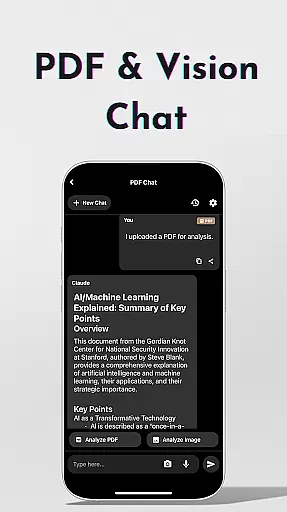
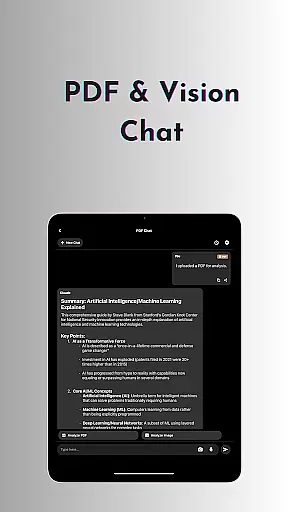
Users benefit from enhanced productivity as they can manage their projects and daily tasks with features like Chat with PDF & Image, enabling them to analyze documents quickly and focus on key content. This ensures that whether you are handling complex projects or simple day-to-day activities, OneLLM Pro equips you with the necessary tools for optimal performance.
Cross-device synchronization is crucial for maintaining workflow continuity across multiple devices, and OneLLM Pro ensures reliable data syncing so users can transition smoothly between their gadgets. With cloud capabilities integrated into its framework, it guarantees up-to-date information availability wherever you go.
The application leverages both local processing for privacy-focused tasks and powerful cloud performance when needed, ensuring that your data remains consistent and accessible. Smart LLMs Matching further enhances this experience by intelligently recommending models optimized for each deviceu2019s specifications, thus providing peak performance while conserving resources.
By choosing OneLLM Pro, users enjoy peace of mind knowing their work is securely synchronized and always at their fingertips, regardless of the device they use. This reliability not only boosts efficiency but also empowers individuals to work flexibly and confidently in diverse environments.
Comprehensive AI toolkit
Strong focus on privacy
Versatile offline capabilities
Wide range of LLMs
Developer-friendly options
Requires API key setup
High system requirements
Complex for beginners
Limited free features
Cloud costs may apply

 4.20
4.20
A customizable calendar for your Wear OS watch
4.20
All in one sketching tool. Technical and General drawing. Online Maps support.
3.70
Direct Chat without saving contacts & Dual WA Account on Single Device
4.70
IP Camera Viewer - Android TV : RTSP Surveillance camera viewer for Android TV
4.5
Best Tool for the professionals Electrician, Electrical contractors, etc.
4.90
To do list widget with a notebook organizer, checklist, simple shopping list
4.60
Quickly and easily keep track of your work shifts
4.70
Okta MFA
4.70
Android Wallet Password Manager
4.80
We're working to become the best machining app on the market! www.cncdirt.com
4.80
App lock - lock apps with fingerprint, password, pin or pattern, protect privacy
4.70
Absolutely the best CNC machinist speed and feed calculator around. fswizard.com
4.60
Lightweight PDF, Word, Excel reader.
4.60
Secure your apps with lock screens, use custom themes and different features.
4.40
Automates browsing any website and notifies you of important changes or events
4.30
Customizable calendar widget for seamless event sync, planning & scheduling.
4.00
Take control of your clipboard with Clipper!
3.90
Find and delete junk files & block unwanted notifications & manage files
3.70


User Reviews