
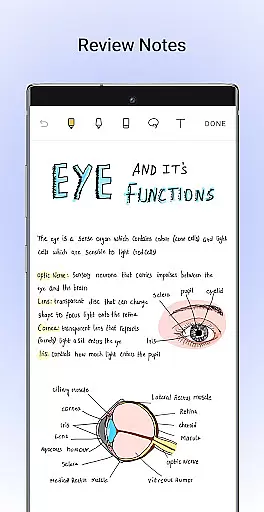
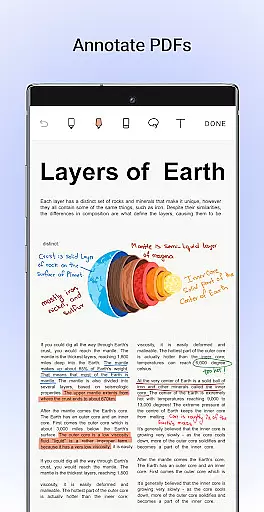
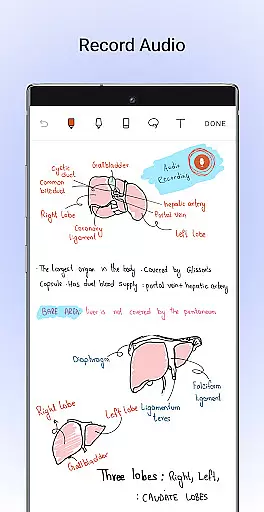
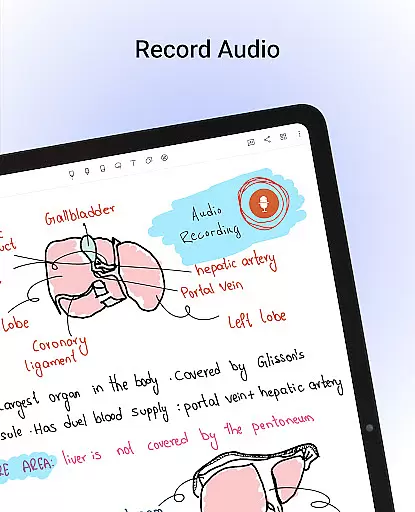
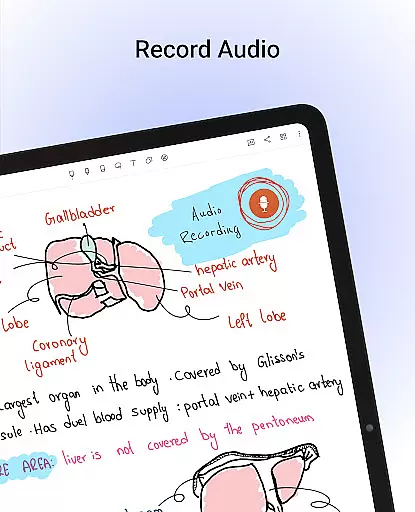
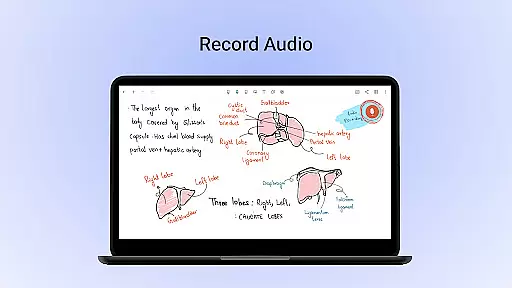
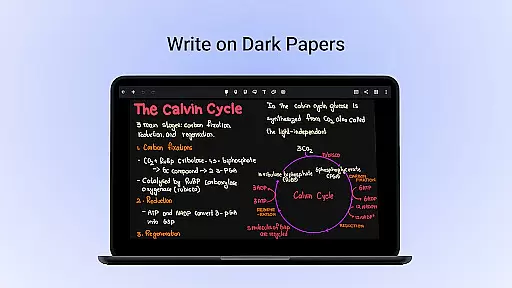
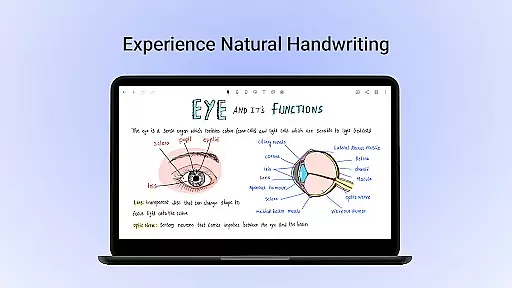
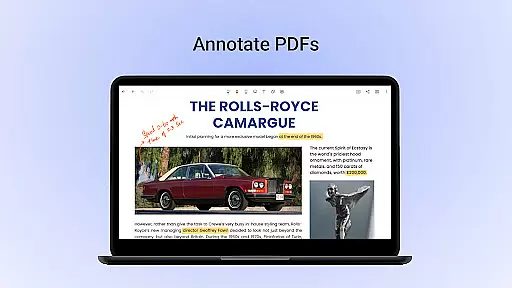
Noteshelf is a feature-rich note-taking app designed for students, teachers, and professionals. It allows users to take beautiful handwritten notes, annotate PDFs, record audio notes, and more. The app offers realistic pens and highlighters that make handwriting feel natural. With support for various stylus devices and handwriting recognition in 65 languages, Noteshelf makes digital note-taking both intuitive and versatile.
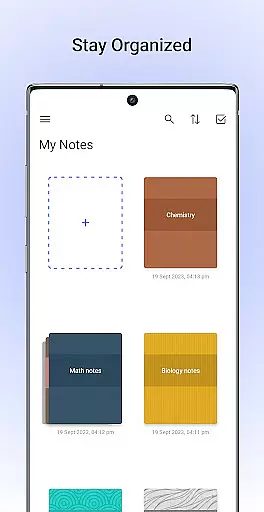
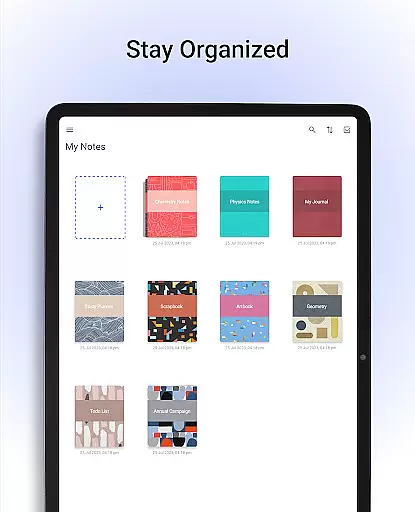
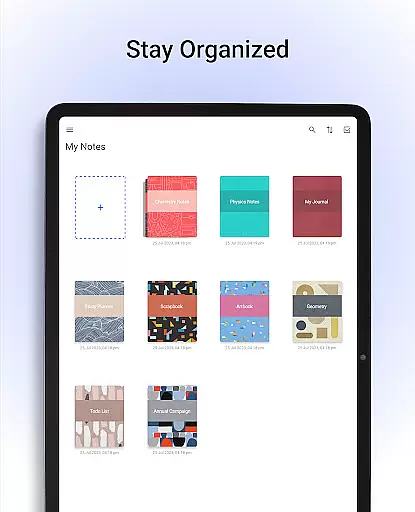
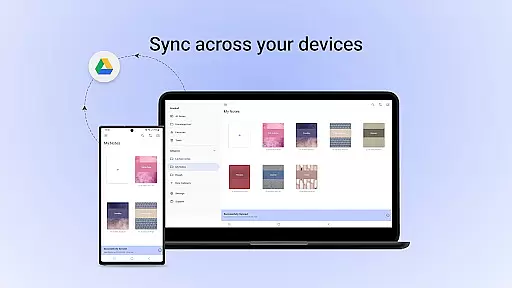
The app also provides advanced organizational features such as notebook grouping, bookmarking important pages, and syncing notes via Google Drive. Users can personalize their experience with customizable papers, covers, and formatting options. Noteshelf AI adds an intelligent layer, helping users generate notes, summarize content, and translate text. Whether you're managing school notes or professional documents, Noteshelf ensures your digital workspace is efficient and well-organized.
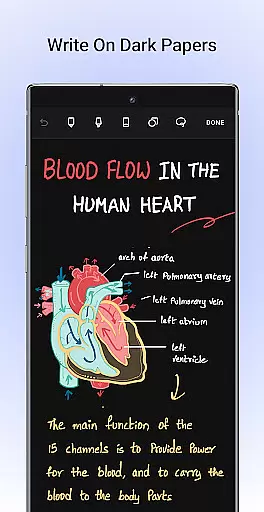
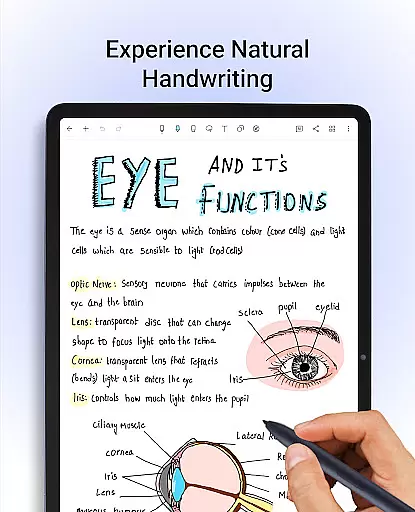
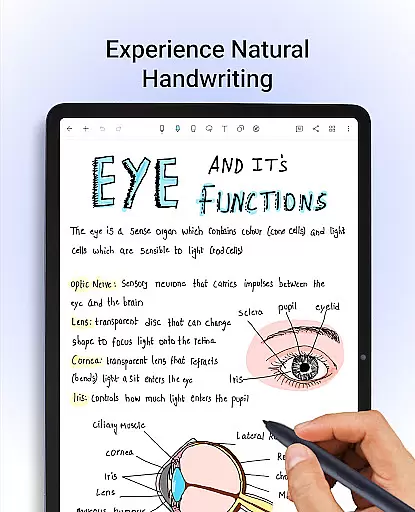
Noteshelf stands out with its comprehensive set of productivity tools tailored for diverse note-taking needs. One of the key highlights is the realistic handwriting experience, offering a range of pens, highlighters, and support for multiple stylus devices. This makes it easy to transition from traditional pen-and-paper methods to a digital format without losing the natural feel of writing.
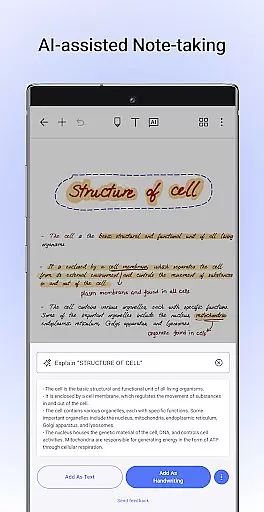
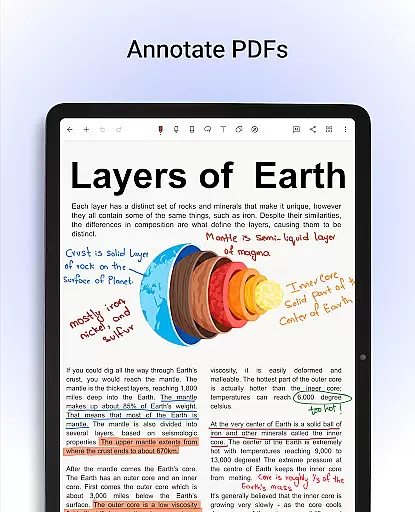
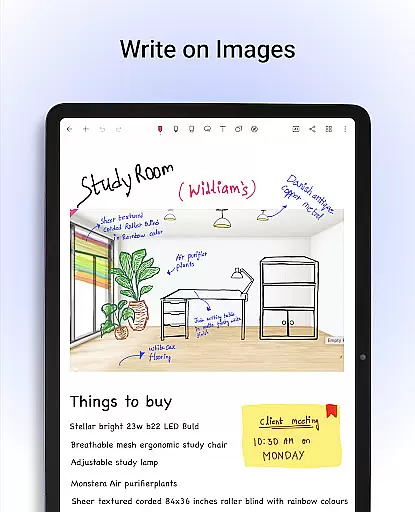
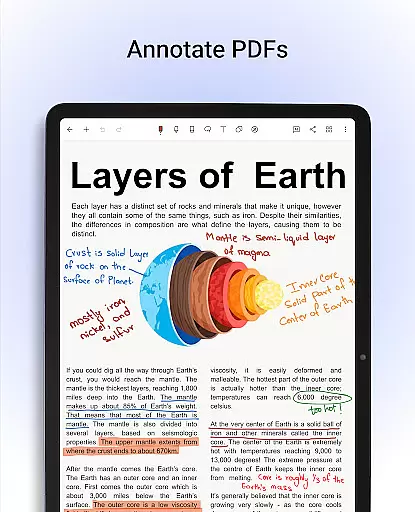
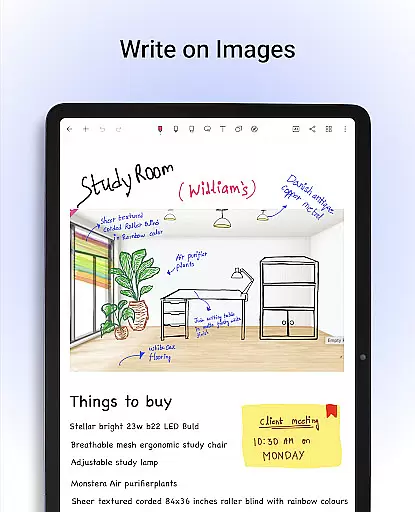
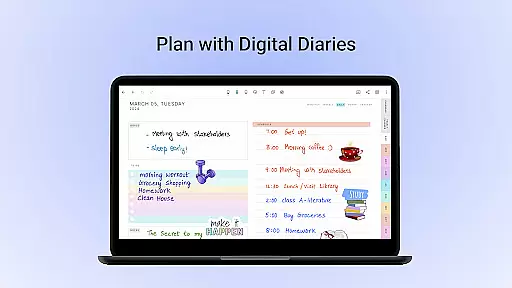
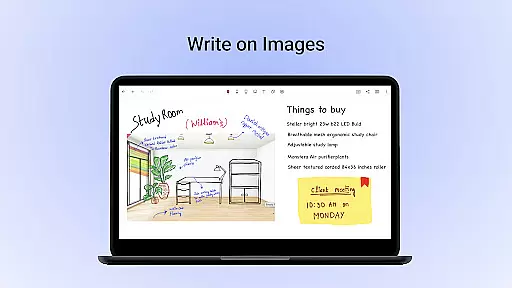
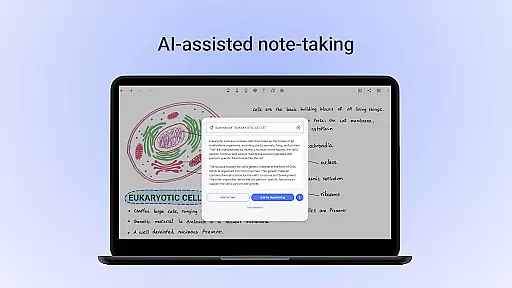
Beyond handwriting, Noteshelf enables users to annotate PDFs, write on images, and convert handwritten notes to typed text using OCR technology. The app includes Noteshelf AI, which can understand handwriting, create study notes, and even summarize entire pages of notes. With over 200 customizable templates, users can find layouts for lesson plans, to-do lists, journals, and more. Advanced organizational features like notebook grouping, auto-backup to cloud services, and Evernote integration ensure that your notes are always safe, accessible, and neatly arranged.
Noteshelf excels in core task management by offering a comprehensive suite of tools designed to enhance productivity. The app allows users to take beautiful handwritten notes, annotate PDFs, and record audio notes, making it an all-in-one solution for students, teachers, and professionals.
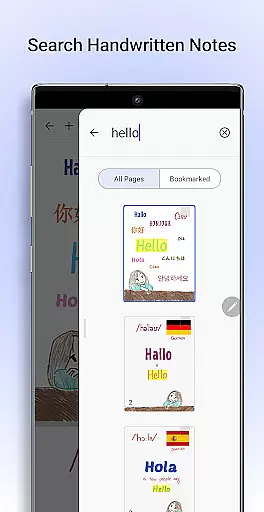
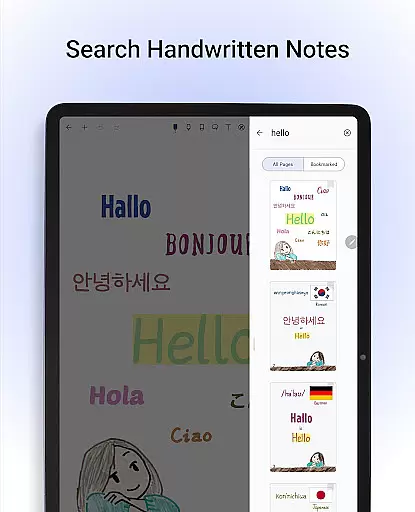
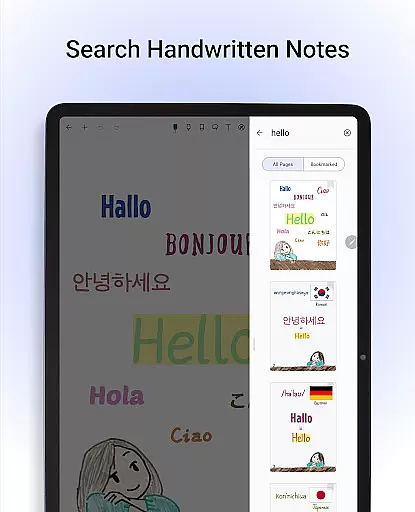
The natural handwriting feature provides a realistic pen experience with a variety of colors and styles, ensuring that note-taking is both efficient and enjoyable. Additionally, the ability to search and convert handwritten notes into text across 65 languages adds a layer of convenience and accessibility not found in many other productivity apps.
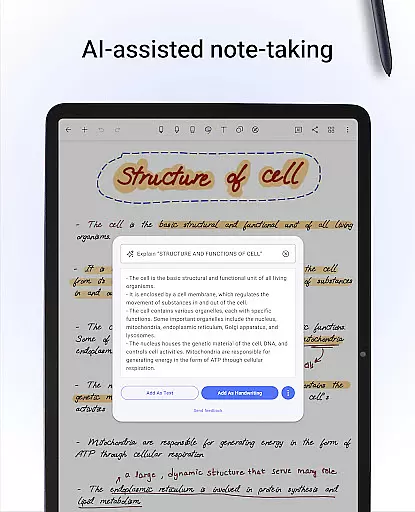
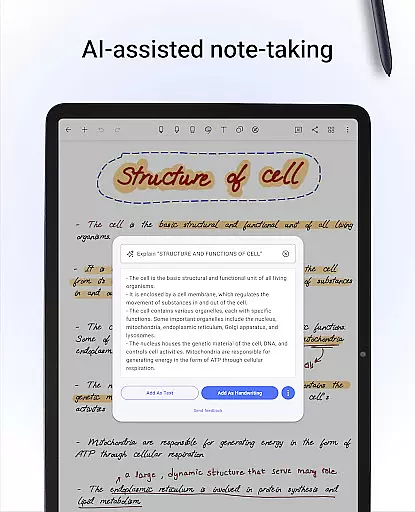
With Noteshelf AI, users can generate and summarize notes, translate text, and even explain complex terms, streamlining the task management process. This intelligent assistant ensures that users can focus on their work without being bogged down by manual tasks.
Moreover, the app's organizational features, such as grouping notebooks and bookmarking important pages, help users keep their notes structured and easily accessible. This functionality is crucial for anyone looking to manage their personal and professional tasks effectively.
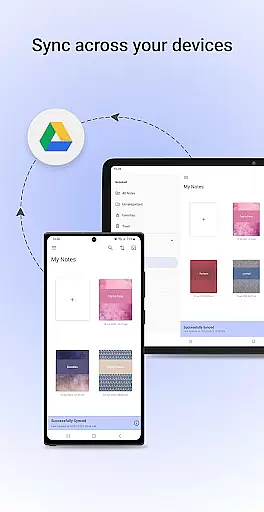
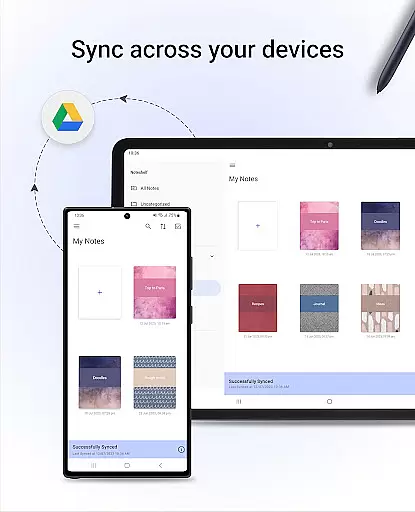
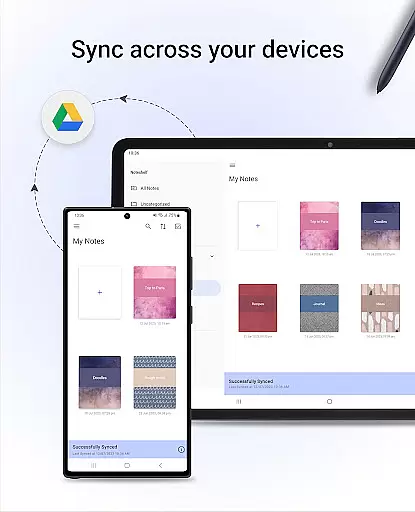
Cross-device synchronization is a standout feature of Noteshelf, ensuring that users can access their notes from any Android device without hassle. By syncing notes via Google Drive, the app guarantees that all your important information is up-to-date and available wherever you go.
In addition to Google Drive, Noteshelf supports auto-backup to various cloud services like OneDrive, Dropbox, and WebDAV. This multi-cloud support enhances the reliability of data backup and recovery, providing peace of mind that your notes are safe and secure.
Users can also automatically publish their notes to Evernote, extending the app's functionality and ensuring seamless integration with other productivity tools. This feature is particularly beneficial for those who rely on multiple applications to manage their workflow.
Overall, Noteshelf's robust synchronization capabilities ensure that users can stay productive and organized, regardless of the device they are using. This reliability is essential for maintaining a consistent and efficient note-taking experience across different platforms.
User-friendly interface
Realistic handwriting tools
Versatile annotation options
Advanced AI capabilities
Extensive template library
Free version has limitations
Occasional sync issues
Learning curve for new users
Some features require premium
Heavy on storage

AI Video AI Image Private LLM AI Browser Llama Gemma Ollama Connect LLM Studio
 4.4
4.4
Take control of your clipboard with Clipper!
3.90
Planet Free VPN - The best Fast Unlimited and Secure VPN Without Logs
4.50
Make your handwriting beautiful, even more than pen on paper.
3.60
Cloud storage, automatic phone backup, and more.
4.10
Activate Two Factor Authentication (2FA or Multi OTP), Password manager and more
4.10
Experience and share your SolidWorks designs on your Android® phone and tablet.
2.50
Lightweight PDF, Word, Excel reader.
4.60
Understand anything with a personalized AI research assistant
4.80
Native client for Forgejo and Gitea
5.00
aCalendar+ makes your day, week and month
4.70
Fill, sign & send docs, forms, agreements & contracts via electronic signature.
4.50
Enjoy classic gameplay with customizable features and retro-style graphics.
4.30
Pwnagotchi companion app
4.20
Intelligent AI Assistant
4.10
Find and delete junk files & block unwanted notifications & manage files
3.70
Easiest event planning, volunteer signups & parent teacher conference scheduling
2.20
Ads Free App! Editor, Hide File, Copy, Move, Delete and Rename.. all facility av
1.70
A simple, portable logger for POTA, SOTA, Field Day, and more
4.0


User Reviews